
Podcasting
Podcasting
Podcasting
Podcasting

Planning A Podcast: A Step-By-Step Guide
Planning A Podcast: A Step-By-Step Guide
Read the video transcript
↓
So you want to start a podcast? In this video, Bridget discusses how to turn your podcast idea into a reality. From creating a podcast name with Riverside's free podcast name generator to creating eye-catching podcast cover art, she’ll cover the essential steps needed to get your podcast up and running. Bridget also provides tips on writing a podcast description that appeals to both potential listeners and search engines, selecting the right podcast intro music, and planning podcast episodes for success. Plus, Bridget will share podcast equipment recommendations and show you how to create a podcast trailer. If you're ready to launch your podcast, this video is a must-watch!
Read the video transcript
↓
Recommended Videos

Create Your Podcast for ZERO Editing
Dive into this straightforward approach to video podcasting where planning and Riverside's features like Magic Audio and Set Pace, eliminate the need for post-recording edits. Learn how to plan, record, and publish with minimal fuss, ensuring your content is YouTube-ready in no time.
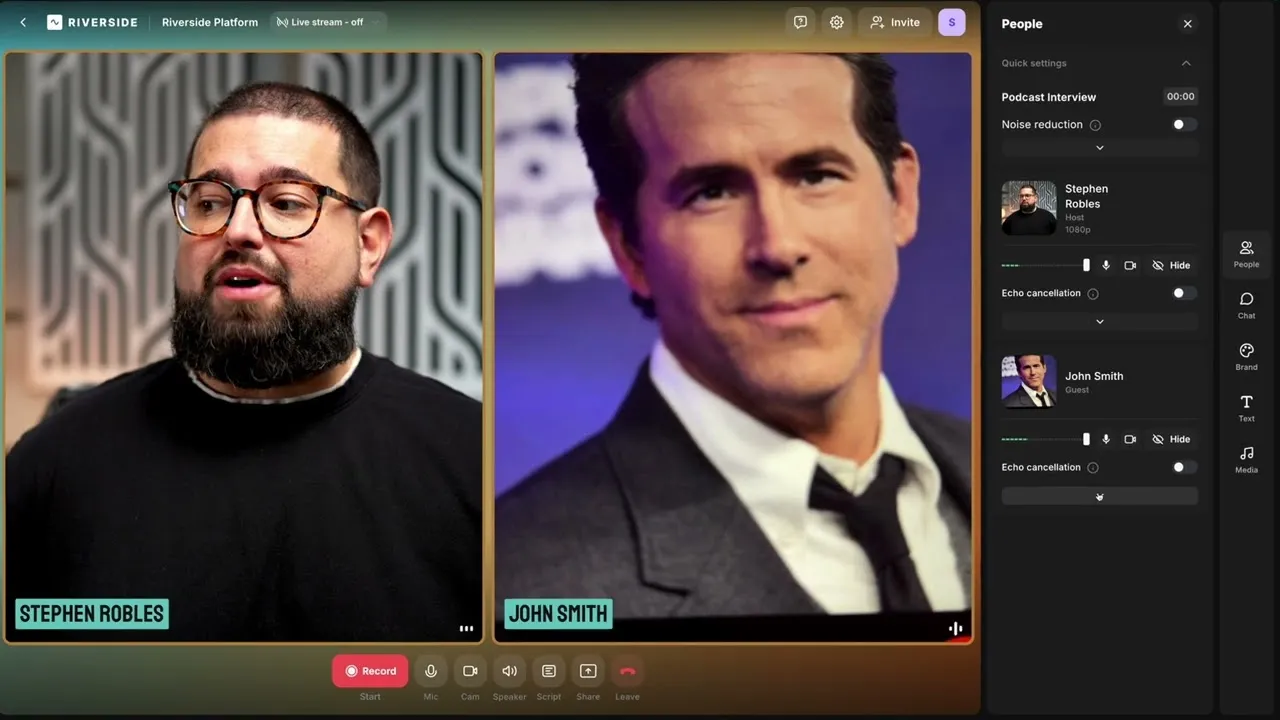
Guest Experience Explained
Learn how to effectively prepare your remote guests for high-quality video and audio recordings using Riverside. From sending the initial invite to optimizing studio settings, this step-by-step guide ensures a smooth experience for both you and your guests.
5 Easy Ways to Repurpose Your Video Content with Riverside
Learn how to repurpose your video content effortlessly with Riverside's editor! We share 5 ways to repurpose video recordings, such as creating suitable content for social media, blog posts, and audio-only platforms. We'll even show you how you can repurpose videos with Ai tools and transcriptions.
Start creating with Riverside

Features


English


