Instagram Reel Maker
From first take to polished videos, create your Instagram Reels in one platform. Record in studio quality, edit in minutes with AI, and add scroll-stopping effects in minutes.


.webp)


How to make Instagram reels on Riverside
Step 1: Record in studio quality
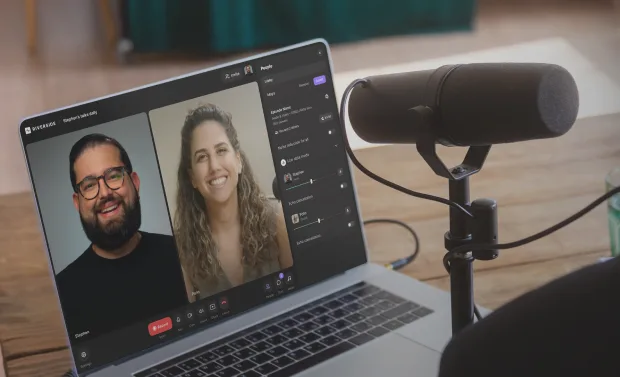
Capture your reel in 4K and 48kHz audio. Or upload your own video directly to the editor.
Step 2: Cut your Instagram reels
Use th AI reel generator to turn your recording into multiple clips. Or, ask your AI assistant to create you a single clean reel. You can also create one yourself with text-based editing.
Step 3: Clean up and customize
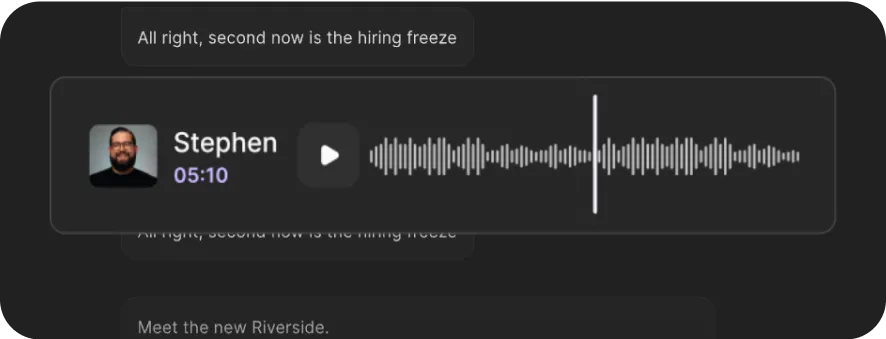
Cut filler words, clean up audio, adjust layouts, add captions, overlays and effects, all in a few minutes in the AI editor.
Step 4: Export your reel
Export your Instagram ready reel to share. Or repurpose it for TikTok, YouTube and other platforms.

Warum Riverside:
The Instagram Reel maker for higher-quality content in less time

Generate reels instantly with AI
Turn hours of editing into minutes. Auto-generate multiple clips from a recording or ask co-creator, your new AI editing assistant to create one polished reel, all from a single prompt.

Create reels from scratch
Do it yourself with the Instagram Reel editor. Use text-based editing to trim your recording just by editing the transcript. Or, jump into the timeline for quick splices and fine-tuned cuts.

99% Accurate captions, zero effort
Add captions compatible with up to 100+ languages. You can even translate your reel to reach global audiences. Style your captions with animations, fonts, colors, and highlights.

Clean up your reels in minutes
With layout templates and AI-powered tools, create higher-quality reels in less time. Enhance your audio, cut background noise, and clean up your edit in just a few clicks.
Make reels impossible to scroll past
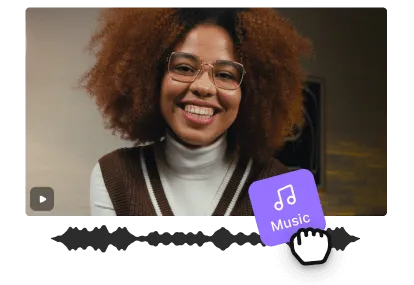
Level up your reel with branded graphics, overlays, music, and effects. Need more? Let AI generate custom b-roll completely from scratch.

Animated Instagram Reel generator
Be yourself… or be a panda. Add a fun twist to your Instagram reels by turning yourself into a panda, anime character, statue, puppet, baby, and more with one click.
Turn your best content into your most viral Reels with Riverside.
How to choose the best Reel maker for Instagram
Easy to use
A good Instagram Reel maker should be simple and intuitive. You shouldn’t need professional editing skills to create results that look great.
Quality
Your reels should always look crisp and professional, even when your connection isn’t reliable. Look for tools that record locally in 4K video and 48kHz audio quality.
Speed
Making an Instagram Reel should take minutes, not hours. AI and preset layouts can save you lots of time and effort trimming video, cleaning up audio, and adding captions.


Seamless workflow
Stop switching between apps for every step. Recording, editing, and repurposing should all happen in one place, even when you change devices.
Control
Stay in charge of your content. Switch between AI-generated clips or full manual editing: record and refine exactly the way you want.
Customizability
Your Reels should look unmistakably yours. Add styled captions, overlays, effects, and b-roll, then make it your own with branded presets.
An Instagram Reel maker for:
Creators who want quality reels in less time
With an all-in-one workflow, creators have al they need to make Instagram reels. Record in 4K, generate reels with AI, or edit in minutes with automated tools to speed everything up.
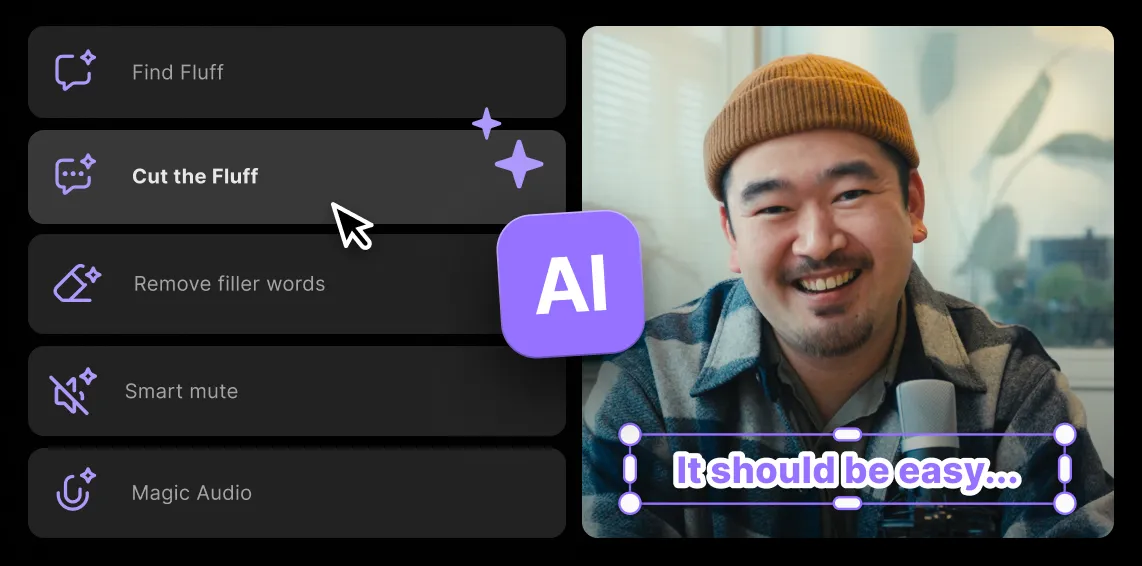
Repurposing content into fresh Instagram Reels
Turn your podcasts, livestreams and webinars into quick, short-form content ready for Instagram or any other social media. Just one take, no need to re-record or re-edit from scratch.
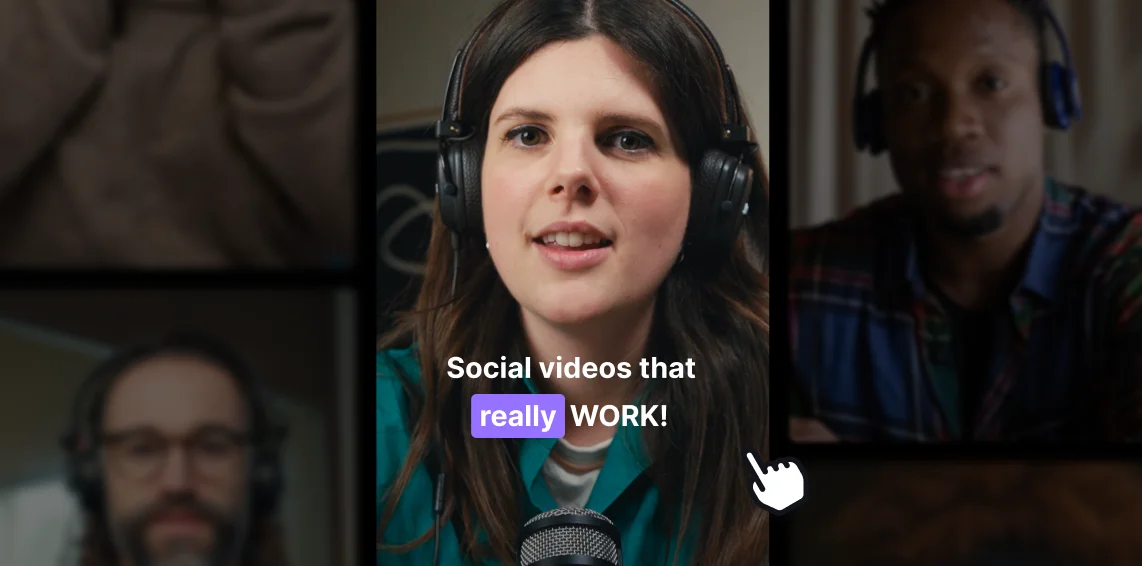
Effortless promotion for podcasters
Ready to roll out a new podcast episode or launch a product? Tease it with a polished reel. Let AI pick your best moments and turn episodes or videos into scroll-stopping reels. No re-recording, no complex editing.
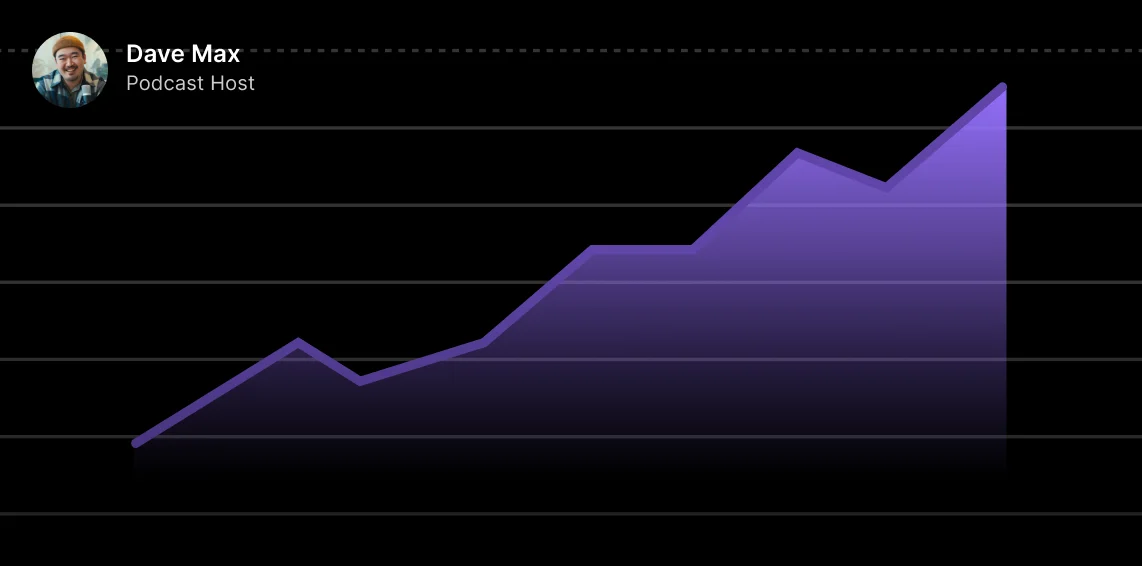
Beginners who want to look pro the easy way
Make reels that look polished without the steep learning curve. With AI-enhanced audio, text-based editing, and ready-to-use layouts, you’ll get pro results in minutes—no editing skills required.


Pricing
From recording to publishing, all on one platform. Studio-quality results with AI that does the heavy lifting.
Pro
Create polished, high-quality content
/mo (yearly plan)
High-quality video & audio recording in separate tracks
Unlimited text-based editing
Unlimited multi-track editing
AI tools (Magic Audio, Smart Scenes for automatic multi-cam edits, eye contact, unlimited transcriptions, show notes, remove silences & filler words)
AI content repurposing tools
Publish to YouTube, Spotify, Apple, Instagram, LinkedIn & more
Business
Produce at scale with control
Full remote control over recording and post-production
Custom branding
Webinar solution
Podcast hosting for as many shows as you want
Async recording
Team collaboration
24/7 priority support
Dedicated Customer Success Manager
Enterprise-grade security

Häufig gestellte Fragen
Your reels should fit Instagram’s guidelines which are a 9:16 aspect ratio for vertical clips.
You can record in 4K, but upload your video in 1080px1920 resolution for the best results. It’s also best to keep all text in the center, away from borders so it doesn’t get cut by Instagrams interface.
The best app for creating reels depends on your needs.
If you want an all-in-one app that lets you record, edit and generate clips then Riverside is your best choice. You can record in 4K, automatically generate clips, or edit your own from scratch in the AI editor. It’s built for creators who want higher-quality reels in less time, without juggling multiple apps.
For other options, check our full guide to the best Instagram reels editing apps.
You can make a reel for free directly in Instagram’s built in editor, or using their Edits app. If you want more editing flexibility, then try our free plan.
On Riverside’s free plan, you can record in up to 720p, let AI highlight the best moments with Magic Clips, then edit with text-based editing. All without paying a cent, no strings attached.
Here’s how to create a reel for free using our free plan:
Step 1: Go to the sign up and page and log in with a free account.
Step 2: In the dashboard, you can upload your own existing recordings or create a new studio to start a recording.
If you create new studio, click the “Record” button to start your own HD recording. You can also download the app to record directly from your phone. All recordings will sync directly to your desktop.
Step 3: Go to your recording and click the “Magic clips” button to generate your own clips from a longer recording. Or click on “Ask co-creator” to ask your new editing assistant to create a reel for you.
You can also go to the editor to create your reel yourself.
Read more: How to make instagram reels
Right now, the Instagram Reel length limit is 3 minutes. Technically, you can create a reel up to 20 minutes long, but it won’t be shown to new audiences.
This is a lot longer than the original limit which was first 60 seconds and then 90 seconds. It appears there’s a trend of longer content. That said, if you create something longer, you need to make sure it’s engaging enough for people to watch till the end. The more people watch all the way through, the more the algorithm could boost your video.
Influencers usually have a whole creation workflow. For example, here’s what could go into it:
- Planning: This could include writing a script, choosing a hook to grab attention or deciding what audio to use.
- Filming: Next, it’s time to film talking head video or any b-roll shots. You can also film a longer recording and cut it up into segments or reels after.
- Editing: Cut filler words, fix up audio, trim your recordings and perfect them with captions, text, image or b-roll overlays.
- Music: Select an audio. It’s best if you choose something that’s already trending to boost discoverability.
- Publish: Add a caption, then, schedule or share your reel when your audience is most active.
Most influencers use dedicated apps for their workflow. And if you want to save yourself using multiple apps, then you can try an all-in-one Instagram reel maker like Riverside. You can do all the above and more.
Andere Riverside-Werkzeuge
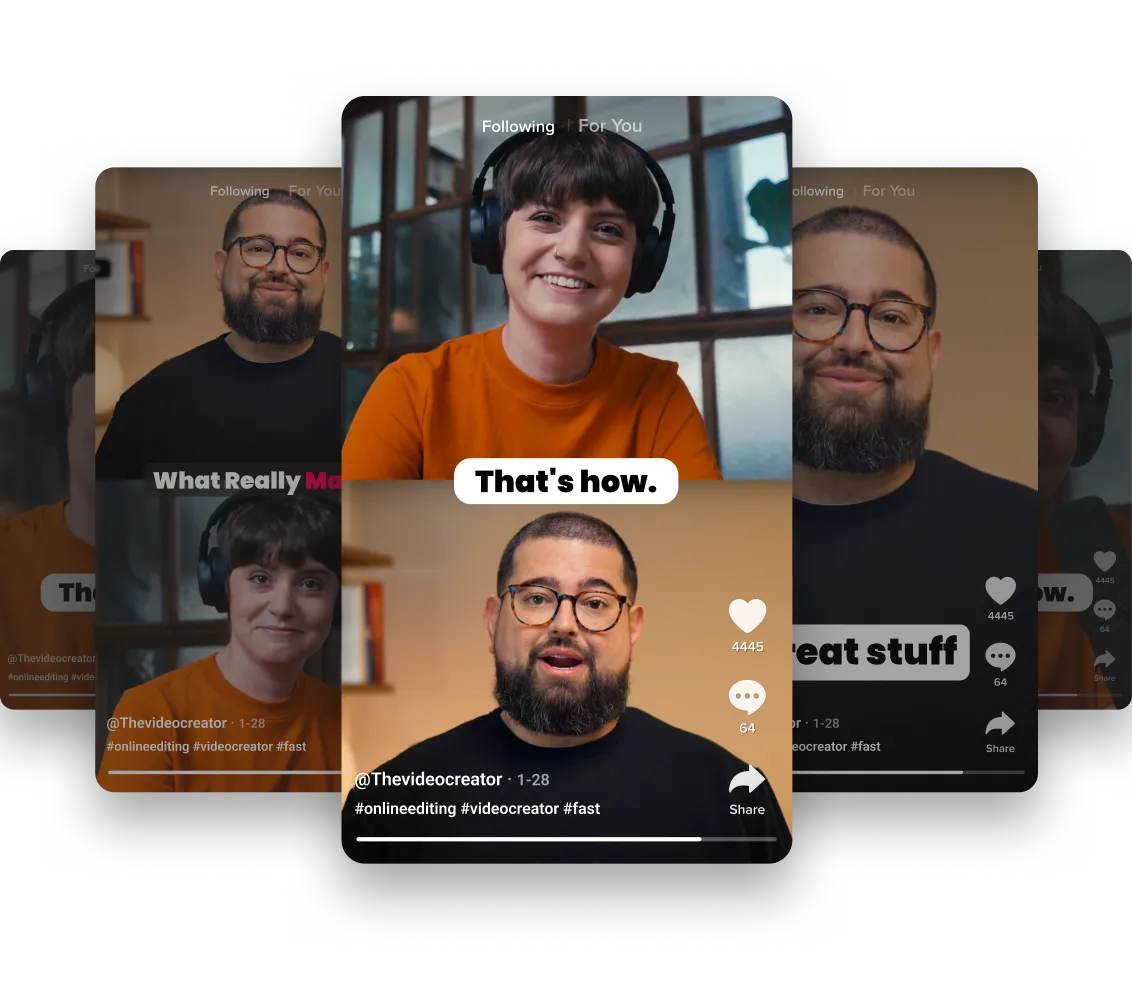

-p-800.webp)
Entdecke kostenlose und kostenpflichtige Werkzeuge auf Riverside.
Mehr von Riverside