“Riverside has a text-based editor that makes editing a podcast really easy.”

The video editor built for conversations.
Every podcast, webinar, and interview is a conversation. Riverside is built to understand those conversations, and help you turn them into professional content, fast.
Made with Riverside


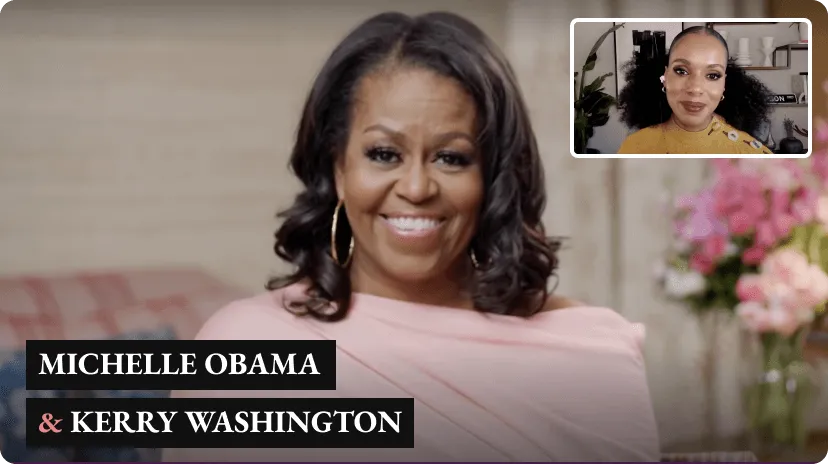

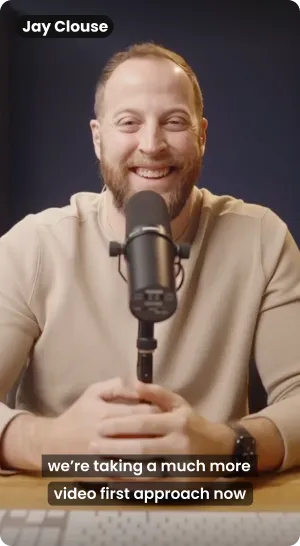

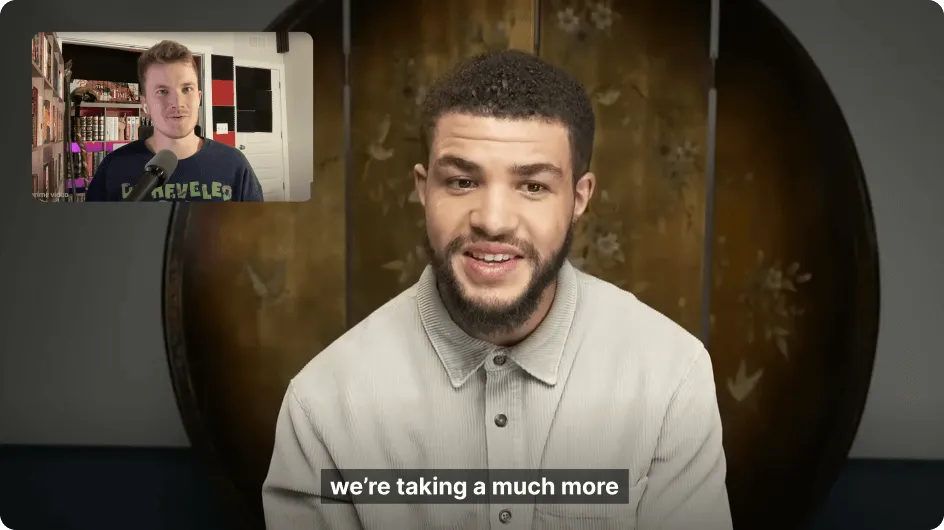
So, what is a video editor built for conversations?
Edit video by editing the transcript
With text-based editing, just delete a line or correct a word, and it’s instantly applied to your video. No learning curve. Totally beginner-friendly.
.webp)
Separate tracks per speaker
Whether you record on Riverside or upload a file, each speaker gets their own track, so you can easily remove crosstalk, change layouts, and more.
.avif)
AI that makes you look professional
Switch layouts by speaker, fix eye contact, enhance audio, generate B-roll, and more, with one-click tools.
.avif)
AI that improves your conversation’s flow
Instantly remove pauses, filler words, and fluff so that your video flows better, at a pace you choose.
.webp)
When you have the right tool, editing gets a whole lot easier.
One platform for all your conversations.
.avif)
Edit your way. From instant AI edits to granular control.
Let AI handle it
Get a full episode edit, clips, and hooks made from your recording instantly. Edit further or share as is.
.avif)
Edit just by chatting
Ask your AI agent for anything from ‘just make it look better’ to ‘cut out the part about tacos.’
.avif)
Full timeline control
Cut, split, trim, drag tracks around, and add overlays, music, b-roll, and more. Right in the timeline.
.avif)
Pro-level tools to perfect every detail.
Sound amazing
Fine-tune volume, frequency, gain, and width for each speaker to get clean, balanced audio. Want it faster? Enhance your audio with AI in just one click.
.avif)
Look professional
Adjust brightness, temperature, saturation, and contrast per speaker for a polished, consistent look.
.webp)
.avif)
Make it engaging
Add your branding, overlays, b-roll, music, and audio tracks to enhance your video. Finish it off with animations and transitions that bring it all to life.
.avif)
Get granular control without giving up on simplicity.
Big creators and brands edit on Riverside. Here’s why.
.avif)

CEO, Contrarian Thinking
“Riverside makes it stupidly easy to produce high-quality content that’s ready to be marketed with no editing skills needed.”
“It’s going to make the process of you editing your content super quick and super efficient”

“If I didn't have Riverside in our production process, I would be worried about our ability to produce content quickly.”
.avif)
“Riverside has a text-based editor that makes editing a podcast really easy.”

.avif)
“Riverside makes it stupidly easy to produce high-quality content that’s ready to be marketed with no editing skills needed.”

.avif)
“it’s going to make the process of you editing your content super quick and super efficient”
.avif)
“If I didn't have Riverside in our production process, I would be worried about our ability to produce content quickly.”
Your all-in-one content creation platform.
Record your conversation in studio-quality, live stream, edit with ease, create promotional assets, and publish instantly, all without ever leaving Riverside.
.avif)
How Riverside’s video editor works.
01
Record on Riverside, upload content, or both.
02
Trim, cut, and delete from the timeline or transcript, or tell your AI agent what to do.
03
Use AI to enhance audio, remove filler words and silences,
and more.
04
Add music, overlays, b-roll, captions, and more to make it
more engaging.
05
Caption it, adjust size, add a logo, and make it 100% on-brand.
.avif)
Editing features
Edit conversations with ease.
.svg)
.svg)
Multi-track editing
Separate tracks per speaker let you easily remove crosstalk, change layouts, and more.
.svg)


Magic episode
AI automatically turns your recording into a polished cut, ready to edit further or publish as is.

Magic Clips
AI automatically creates short clips from your recording’s best moments. Edit or share as is.

Track separation for uploads
Upload a recording and we’ll separate audio and video tracks per speaker for easier editing.


Search & find
Search the transcript to easily find the section you are looking to edit in your recording.

Sound great.
.svg)
Remove silences & filler words
Let AI instantly remove silences and filler words while you control the pace and sensitivity.
.svg)
.svg)
.svg)
.svg)
Audio equalizer (EQ)
Control volume, frequency, gain, and width for each speaker to get clean, balanced audio.
.svg)

Look professional & engaging.


Video enhancement
COMING SOON
AI can improve the look of a speaker’s video quality in just a click.

Custom branding
Add your logo, color palette, and text styles once, and from then on apply it all in just a click.

Eye contact correction
AI adjusts your gaze so you look directly at the camera, even when reading or glancing away.


Get ready to share.


AI translation
AI can translate your video into 30+ languages in your own voice, synced lips and all.

One-click video formatting
Switch up aspect ratios in just a click to create content for any platform.
Hate editing? Let AI handle it. Love editing? Take full control.
Frequently Asked Questions
Why should I use Riverside to edit my videos?
Riverside makes video editing fast and easy, without sacrificing control or quality. You can reduce editing time with AI-powered tools that help enhance and polish your content, or dive into more granular edits when you want full creative control. If you’d rather skip editing altogether, Riverside can instantly generate clips and episode edits for you. As an all-in-one creation platform, Riverside lets you record, livestream, edit, and publish your content in one place. That means fewer tools to manage, lower costs, and a smoother, more efficient workflow from start to finish.
Is Riverside a good fit for beginners?
Yes. Riverside is designed to be easy for beginners while still powerful enough for professionals. You can edit video and audio simply by editing the transcript, making it user-friendly for beginners with no prior editing experience.
Is the Riverside editor a good fit for businesses?
Yes. Riverside for Business gives teams everything they need to create high-quality video content, fast. Collaborate and share files with teammates or external partners, organize teams by workspace, assign roles, and control project access. Work together directly in the editor by making changes, leaving comments, and giving feedback in one place. Keep every video on brand by locking your team’s brand kit, and fit Riverside seamlessly into your existing workflows by exporting non-destructive timelines to Premiere Pro or Final Cut Pro as XML files.
Can I edit on mobile?
Yes, Riverside allows you to edit your content on your mobile phone, so you can edit from anywhere! Just download the Riverside app.
Can I edit a video for free with Riverside’s video editor?
Yes. Editing on Riverside is free. Just sign up, then upload a video or record directly on Riverside to get started. Both the recorder and editor are included in all plans, from free to Enterprise. If you need access to more advanced tools and features, you can upgrade to a paid plan at any time.
Can Riverside make my video look and sound better, even without fancy equipment?
Yes. Riverside is an AI video editor and audio editor that includes built-in tools that help enhance both audio and video quality, even if you’re recording with basic equipment. Reduce background noise, and make your video look more polished with color correction, and more, all directly in the editor.
Can I use Riverside to create short clips?
Yes. Riverside makes it easy to create short, shareable clips for platforms like Instagram, YouTube, and TikTok. You can edit clips yourself or let AI instantly generate highlights from your recording’s best moments. Share them right away or fine-tune them further in the editor.
How do I export and share my content after editing it?
Once you’re done editing, you can export and download your videos in up to 4K resolution, so they’re ready to share anywhere. You can also publish your content directly to platforms like YouTube, Apple Podcasts, and Spotify—right from Riverside.
Can I record high quality content on Riverside?
Yes, Riverside is great for recording high-quality audio and video remotely. Each participant is recorded locally, ensuring 4K video and 48kHz audio, regardless of internet connection. You can also upload a script and use Riverside’s built-in teleprompter to stay on track while recording. Once you’re done, all recordings are automatically uploaded to the cloud, so your content is safely stored and never lost.
Can I record on Riverside with multiple cameras?
Riverside supports multi-cam recording, allowing you to use your phone as a second camera.
What types of content can I create with Riverside?
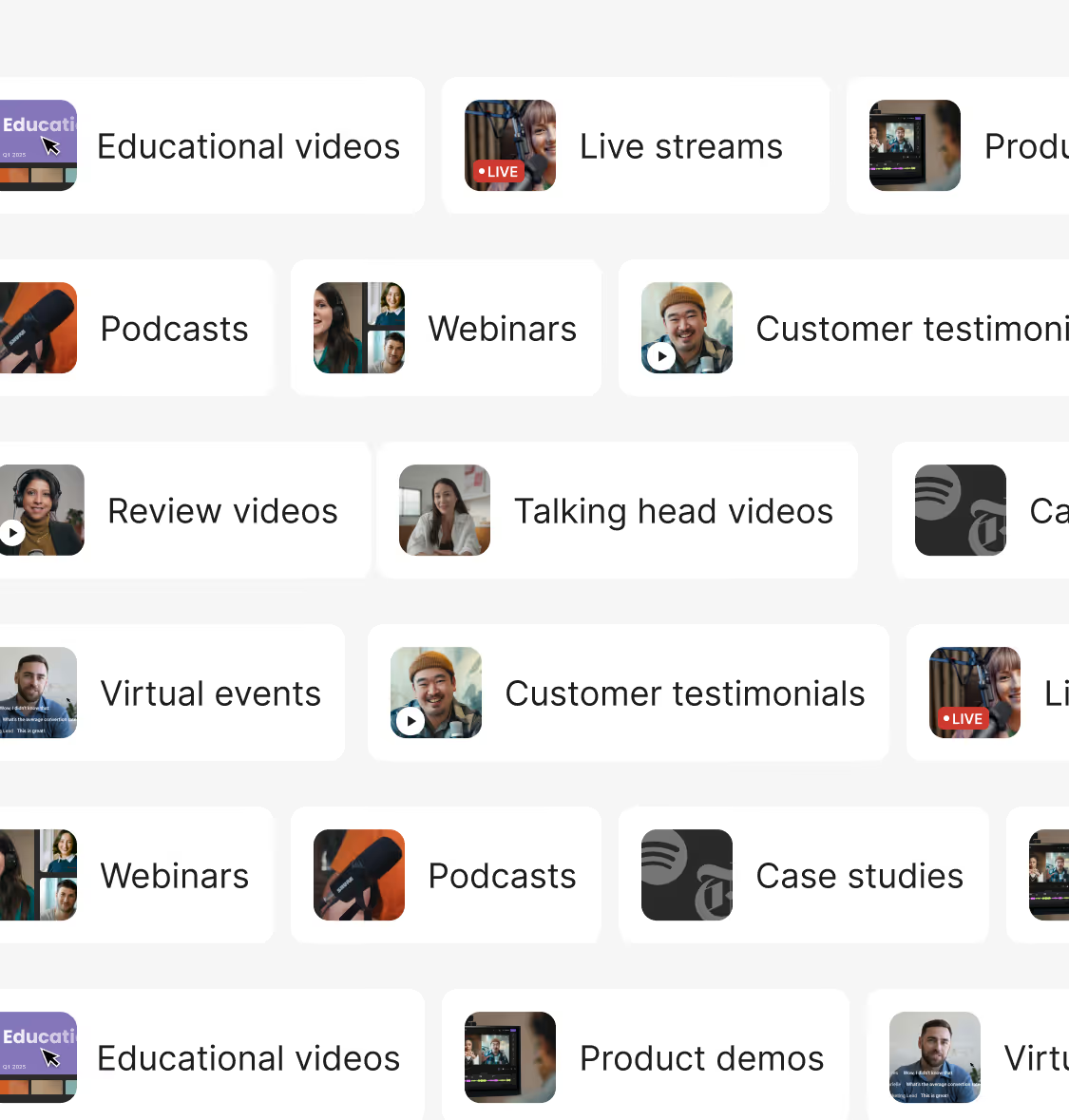
Riverside lets you create all kinds of video and audio content, including podcasts, interviews, social media clips, live streams, webinars, tutorials, product demos, testimonial videos, educational content, and more.
What kind of customer support does Riverside offer?
Riverside offers 24-hour assistance over live chat or email.
Learn more about editing.

Riverside walkthrough
Editing with AI on Riverside
.avif)


.avif)
.avif)
.avif)


Deutsch


