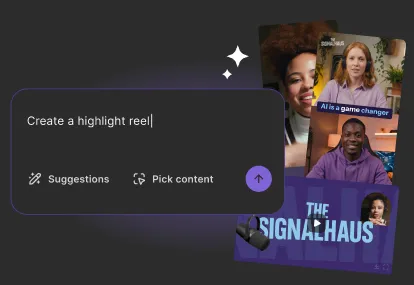
Riverside vs. OpenReel
OpenReel is for high-overhead, managed productions with complex workflows and approvals. Riverside is the end-to-end solution for modern content teams. Record in 4K, edit in minutes with AI, and repurpose into endless assets, in one place.





Why Riverside over OpenReel
Studio-quality content,
without studio complexity
4K recording quality,
every time
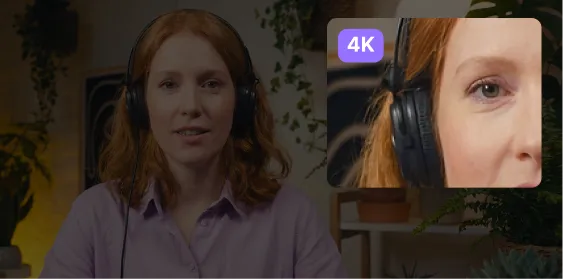
Record 4K video and uncompressed 48kHz audio, even on faulty internet. Files are instantly available in the cloud straight after recording.
AI-powered editing and repurposing
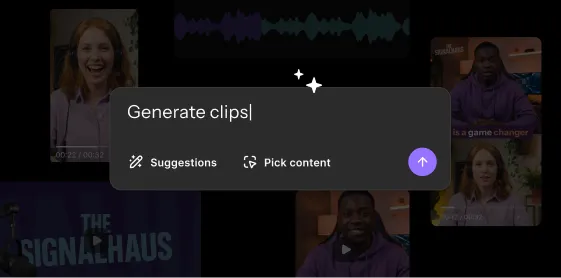
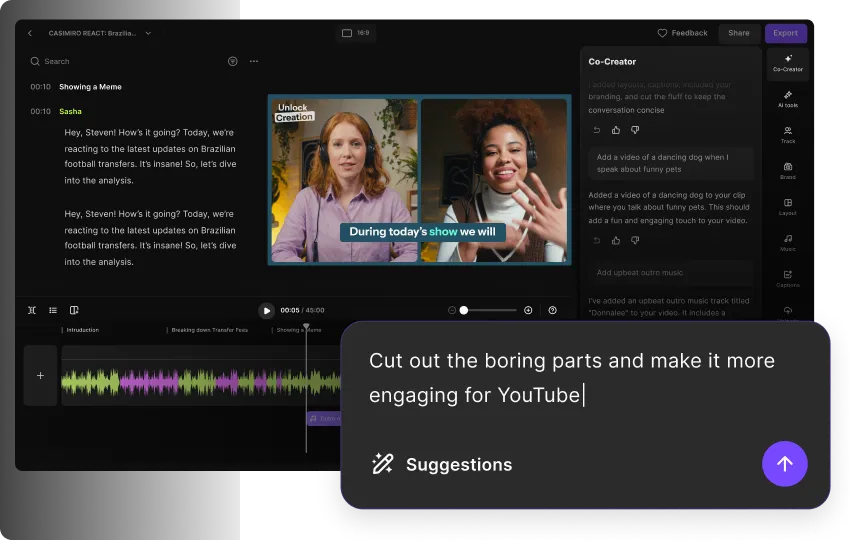
Polish and edit recordings quick via transcript or chat with the AI editor.
Get clips, summaries, and all assets in the same place you record.
One place for all your content
Record solo videos, podcasts, webinars, live shows, and interviews with minimal setup. Just one platform for all your teams’ content.
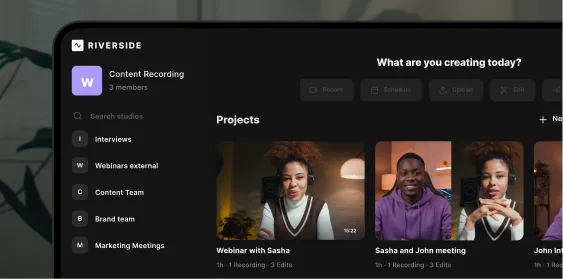
Turn your live sessions into a content powerhouse.
From raw to ready in one end-to-end platform
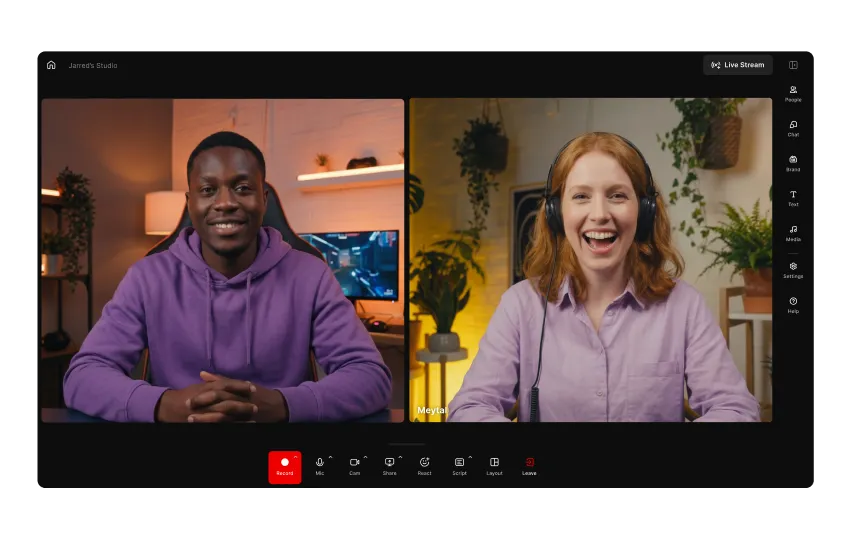
Record in studio-quality from anywhere, anytime
Capture studio-quality audio and video online from desktop or use our app on any iOS and Android mobile device.
Local recording keeps quality crisp and delivers separate tracks for full editing control.
Edit content in less time with AI
Clean audio, remove filler words, add captions, or create full edits in minutes with the chat-based editor. For more control, edit via transcript or the traditional timeline. Edit where you record, no post-production delays or extra costs.
Repurpose recordings into
content for every channel
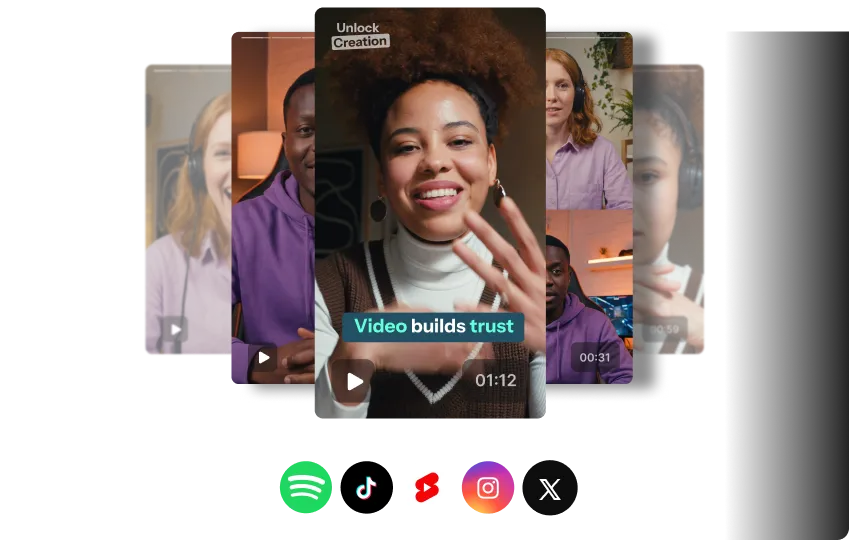
Turn recordings into clips, thumbnails, blog posts, and
social-ready assets instantly after your session.
Prompt the AI repurposing agent or use automated tools
to get more from every recording to publish more often.
Live stream and host webinars
in real-time
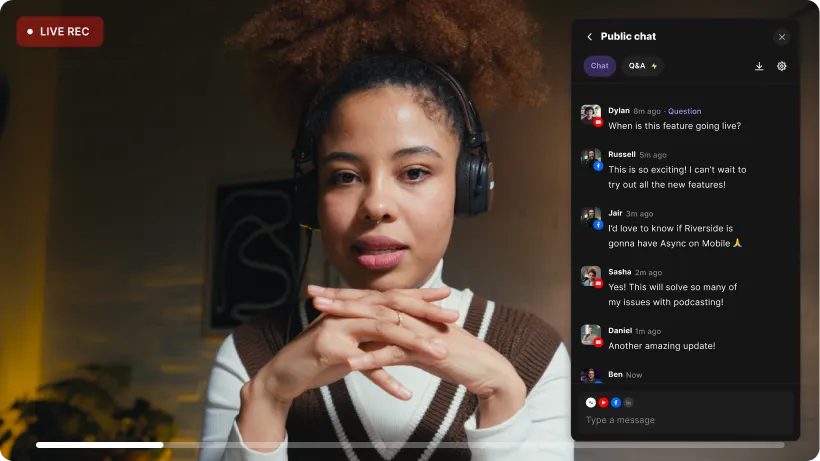
Run live sessions and webinars across multiple channels. Engage your audience in real time with omnichat and live call-ins. Every session records in high quality so you’re ready for editing and repurposing as soon as it ends.
Riverside vs. OpenReel: Full feature breakdown
Explore each platform’s features side-by-side.


4K local recording
Record in up to 4K. With local recording, you get clear quality no matter your internet connection.
Record locally in up to 4K.
Studio-quality audio
Uncompressed 48kHz WAV audio.
Also captures uncompressed 48kHz audio.
Separate tracks
Unlimited separate audio and video tracks for every participant.
Unlimited separate audio and video tracks for participants.
Remote guests
Host up to 10 on-screen participants.
Up to 8 on-screen participants at a time.
Invite link
Invite guests with a simple reusable link. Guests can easily join on desktop or mobile.
One click invites are only available in Lite mode.
Presentation recorder
Record your screen and presentations you upload in PowerPoint, Keynote, or PDF format. Assign playback controls to any participant.
Record your screen or presentations. You can only upload slides in PDF format, and only the uploader controls playback.
Text-based editing
Edit video by adjusting text in the transcript. Can also use text-based editing to re-dub.
Recently added. Fully functional but less integrated into workflow.
Chat-based editing
Chat-based editor to add b-roll, clean up audio, and even create full edits.
No chat-based editor.
AI repurposing agent
Repurpose videos into clips, blogs, newsletters, thumbnails, and more with the AI agent.
No repurposing agent.
Non-destructive timeline export
Export editing timeline as a synchronized XML file to Premiere Pro, Final Cut or any AAF-supported editor.
XML timeline exports are not supported.
Full-suite editor
Full editing suite with tools for trimming, audio clean up, effects, styling, captions, and more.
Basic trim/split functions, text-based editing, templates, and overlays.
Automatic clean up
Background noise removal and automatic tools to remove filler words and adjust silences for pacing.
No background noise cancellation. Can remove pauses and silences, but pacing can’t be adjusted.
Branding kits
Save presets of fonts, logos, formats, backgrounds, and more.
Supports branded kits.
Custom fonts
Upload as many custom fonts as you like. Each text style can use different fonts.
Select a single Google-supported brand font per Brand Kit.
AI audio enhancer
Enhance audio with balanced EQ and volume levels in one click.
No AI audio enhancement available.
AI eye contact
Automatically corrects eye contact.
No eye gaze correction.
Smart layouts
Let AI dynamically switch scenes to keep the focus on speakers and key moments.
Not available. Must adjust all layouts manually.
Social clips
Set controls and let the clip creator turn your recordings’ key moments into short videos.
No built-in automatic clip generator.
AI translation
AI translation and dubbing with natural voice preservation and video lip syncing.
No native AI dubbing feature.
Streaming resolution
Livestream in up to 1080p.
Livestream only at up to 480p.
Multistreaming
Multistream to unlimited platforms including YouTube, LinkedIn, Twitch, and custom RTMPs.
No multistreaming. Can only stream to one channel at a time.
Studio branding
Switch layouts, add overlays, your logo, and lower thirds during any live event.
No live studio branding.
Audience engagement
Engage with your audience using Q&As, polls, live call-ins, and the omnichat.
Q&As, polls, and breakout rooms.
Live analytics
Live analytics includes audience registration, watch-time, and engagement.
Offers live analytics and integration with Google analytics.
Webinar solution
Host and livestream webinars with high-quality recording and instant editing.
Supports webinar events.
Pre-recorded webinars
Record, edit, and host pre-recorded webinars. Upload up to 10 media files.
Supports pre-recorded webinars, but only with one media file.
CRM integration
All registration data syncs to Hubspot and Salesforce for easy lead tracking.
No CRM integration.
Embedded registration form
Create custom registration forms and embed them on your site.
Registration forms are only in the event landing page.
No. of studios or rooms
Unlimited studios.
OpenReel doesn’t publicly specify limits on recording sessions or rooms.
Team collaboration
Shared workspaces and internal & external file sharing.
Internal comments on video drafts and a shared media library.
Roles and permissions
Control access with roles including account owners, admins, directors, and editors.
Advanced permissions, approvals, and roles including director, collaborator, and subjects.
Guest experience
Frictionless guest experience with little prep required.
More structured experience with setup and coordination needed.
Collaborative editing
Edit, add comments and give feedback in the collaborative editor.
No collaborative editing.
Backstage producer
Invite a producer to control audio and video behind-the-scenes. You can also opt for a Riverside on demand Producer add on.
Director, Collaborator, and Watcher roles for behind-the-camera control.
Unlimited storage
Unlimited cloud storage.
Unlimited storage.
Content management API
API to access recordings and data automatically, helping you manage content at scale and improve security.
Not available.
Instant publishing
Schedule and publish content to social media and podcasting platforms.
Unavailable.
Podcast hosting
Unlimited podcast hosting storage. One-click publishing to major directories.
Unavailable.
Hosting analytics
Analytics for audience demographics, listens, and which episode performance.
Unavailable.
Priority support
24/7 priority support and in-session producer on demand.
Technical directors and in session live support.
Onboarding and customer success
Customized onboarding with a dedicated customer success manager.
Onboarding and training with account manager.
SSO
SSO compliant (Okta, Azure, more).
SSO compliant.
Data security
SOC2 type II & ISO27001 certified and MSA.
ISO 27001 certified.
Master service agreement
Enterprise MSA available for legal and procurement review.
Enterprise MSA and custom legal agreements available.
There’s a Riverside plan for every need.
From first-timers to full-time creators, find a plan that’s right for you.
Compare plansJoin thousands of creators and businesses who switch to Riverside and never look back.

Anders Larsen
Product Marketing Manager
Spotify

"Riverside made post-production simple. We had the high-quality recorded livestream and could cut clips, repurpose it into a podcast, and create show notes to extend its reach."

Nolan McCoy
Head of Video
Chilli Piper
“If I didn't have Riverside in our production process, I would be worried about our ability to produce content quickly.”

Harry Stebbings
Founder
20VC
“Riverside is the one tool I cannot live without. I record all my podcast interviews with Riverside and use it to create social clips.”

Miles Ewell
Senior Director of production technology
Vox Media
“Riverside enables the speed of production, and it’s just so much easier”

Jamie Bentien
Senior Producer
TED
“It's a few clicks where other programs will usually make you go through step by steps, tech by tech.”
Made with Riverside


Stream once. Rule the replay.
Multistream, record in 4K, and repurpose your live show to grow your audience.
Frequently Asked Questions
FAQ
What is OpenReel’s pricing versus Riverside?
Riverside has transparent, plan-based pricing that includes a Free plan, while OpenReel’s pricing is split between a free trial and an undisclosed enterprise contract.
Riverside offers the following plans:
- Pro for video creation at $24/month.
- Live, which adds streaming features at $34/month
- Webinar, which adds webinar features at $79.
- Business, which includes collaborative workflows, specialized onboarding, and features for larger teams. (Price is on request)
There is also a completely free plan with the core features.
OpenReel only offers a limited 14-days free trial or an enterprise “One” edition that requires you to speak with a sales team.
Does Riverside integrate with editing platforms?
Yes, Riverside integrates smoothly with external editing platforms if you need advanced video or audio editing.
You can speed up editing with our automated features in the video editor. Then export your edited timeline as a synchronized XML file to import it in Adobe Premiere Pro, Final Cut Pro, or DaVinci Resolve. This way you can first use Riverside’s editor to trim, caption, and polish your recording, and still keep your separate tracks and edit points intact.
Is Riverside the best for podcasts?
Riverside is one of the best podcast software, offering an end-to-end workflow to stream record, edit, repurpose, and host podcasts.
With Riverside, you can:
- Record up to 4K video and 48kHz audio without relying on your internet connection.
- Invite up to 9 remote guests to record with.
- Capture and edit separate video and audio tracks for each speaker to cut the crossover.
- Edit podcasts in minutes with automated features and a chat-based editor.
- Host podcasts and share them with one-click publishing to all major directories.
And more.
Is OpenReel good for corporate communications?
Yes, OpenReel is good for corporate communications, especially for high-budget shoots where a producer needs total control over all settings.
But, for training videos and workshops, Riverside is far more efficient. Your team can record, edit, and share high-quality video updates in minutes, rather than days. Plus, Riverside has the advantage on livestreaming comms, like all-hands meetings and multistreaming broadcasts.
Which is better: OpenReel or Riverside?
Riverside is better for end-to-end video creation for teams who want to create high-quality recordings without complex workflows. OpenReel is suited to high-overhead, managed enterprise productions.
This is how the two compare:
- All-in-one workflow: Riverside offers recording, editing, repurposing, and publishing in one platform. OpenReel is more focused on recording and has fewer editing features.
- Recording: Both platforms offer up to 4K video recordings. Both also support local recording.
- AI editing: Riverside offers better AI features, including a chat-based editor and automated tools for eye-gaze correction, translation, clip removal, and filler-word removal. OpenReel has fewer AI editing features, such as clip and filler-word removal.
- Overhead management: OpenReel is built for enterprise products with advanced controls and director or producer-focused shoots. Riverside has roles, permissions and shared workspaces, but it’s a smoother workflow.
- Pricing: Riverside offers clear pricing tiers and custom Business plans. OpenReel only offers custom plans for Enterprise teams.
More ways to perfect content
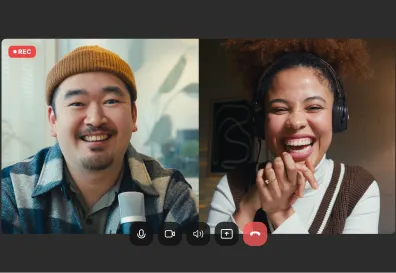
Recording
Record audio and video at the highest quality possible,as easily as possible.
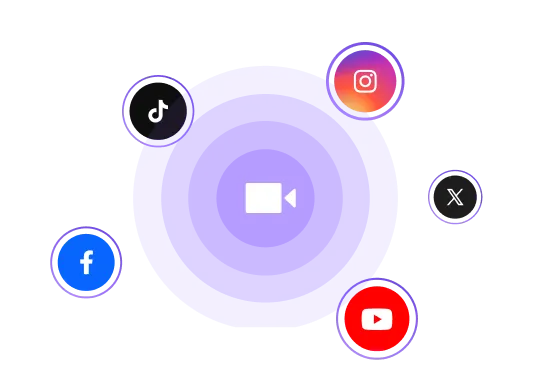
Livestream
Stream in HD from your browser simultaneously to YouTube, Facebook, LinkedIn, and TikTok.
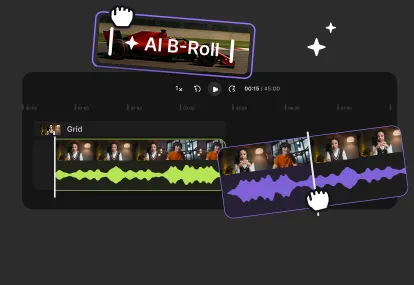
Editor
Edit recordings in minutes with AI-powered editing. Trim, remove filler, add b-roll, and polish your video in one place.
Co-creator
Edit and repurpose your content, just by chatting. Edit full videos, generate social clips, thumbnails, and more.