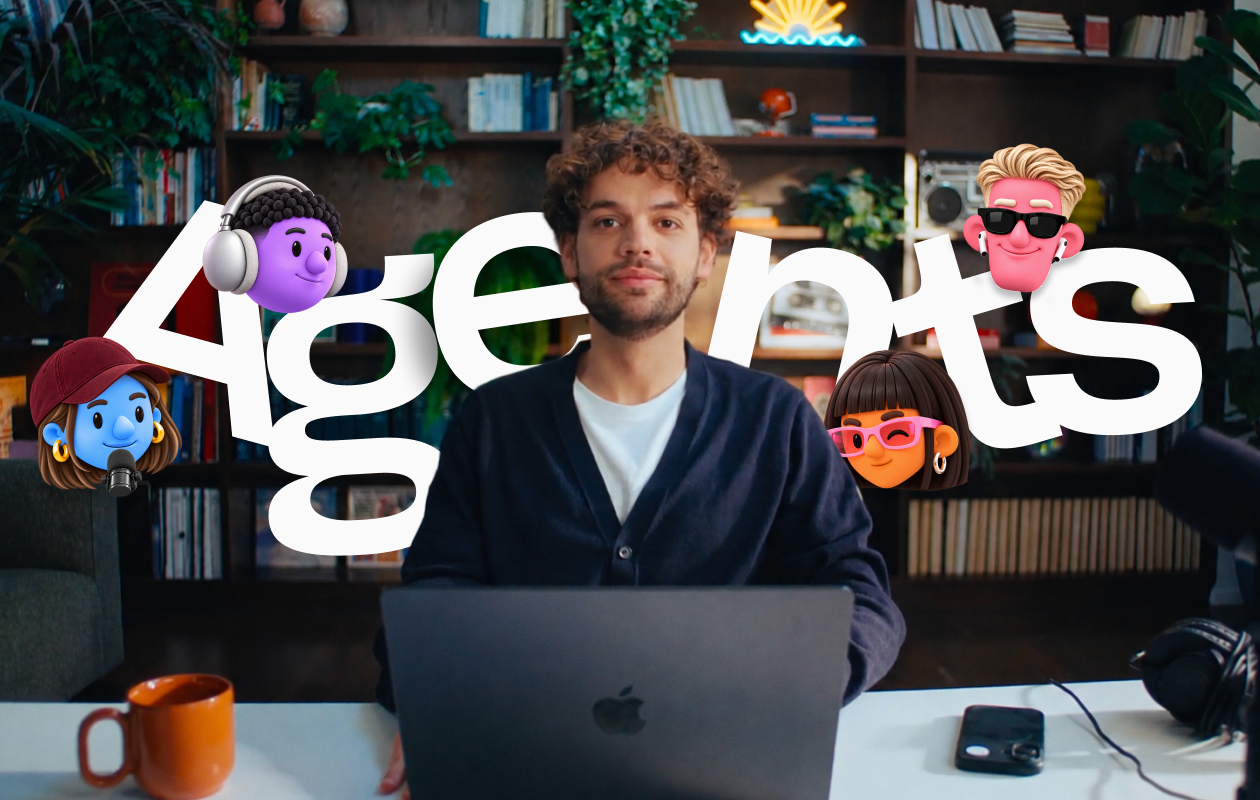


Today we're launching Riverside Agents, the first AI production team built only for video. A Producer, an Editor, a Clipper and a Marketer, each one a specialist in its part of the job, working together from the prep before you hit record until your content is out in the world. They're rolling out today, on web and iOS.
Meet the team:
- The Producer preps your session and supports you while you record.
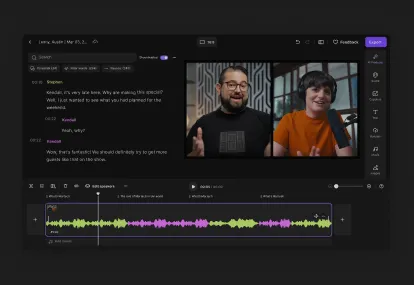
- The Editor builds an editing plan for the full episode and works through it with you.
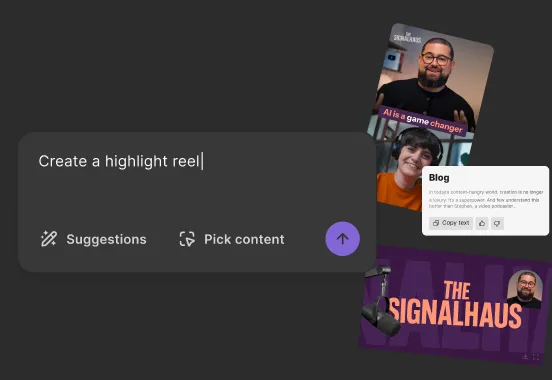
- The Clipper finds the moments worth sharing and preps them for social.
- The Marketer writes your captions and show notes, then publishes or schedules your episodes and clips.
Why we built this
Over the past year, we kept hearing the same thing from creators. AI was helping with pieces of the work: a caption here, a cut there. But producing the show still sat on them. They were still the ones deciding what to do next, doing it in the right order, and carrying everything from one step to the next.
What they needed was a production team. Specialists who know video, who know what comes next, and who get started without being asked. So that's what we built. Each agent is made for one job in video production and works natively inside Riverside, with the same tools you already use to record, edit and publish.
There's a bigger reason this matters. The things that make a show worth watching are the things only you can do: the questions you ask, the guests you bring on, the way you think out loud. That's what your audience comes back for. The agents take on the production around it, so more of your week goes into the part that's yours.
How the team works
They know video. Each agent runs on proprietary AI tuned for its part of production. It knows what great video looks like, so every cut, clip and caption starts from what works.
They don't wait to be asked. You finish recording, and your team's already on it. Before you've watched it back, the Clipper has flagged the moments worth sharing and the Editor has a plan for the cut. When a clip is done, it moves to the Marketer with a recommendation for where it should go. You never manage the handoff.
They go where you go. Everything the agents do on web, they do on your iPhone. Finish a recording, close your laptop, and get a notification when your clips are ready. Review them, approve the posts, tweak an edit between meetings.
They work your way. The agents build a memory of how you like things done, and it grows the more you work with them. Nothing goes out without your sign-off. Your team does the work. You make the calls.
They keep up. Because each agent is built for one task, it moves at the speed you work. Edit, clip and publish full episodes without hitting your AI usage limit halfway through.
What you'll make now
You probably have a list. The second show you keep putting off. The clips you meant to post every week. Years of recordings with moments nobody's seen since the day you recorded them.
That list has been waiting on time you didn't have. Your agents just gave it back to you.
— Nadav


.webp)

.webp)