

New to Riverside? This video walks through everything you need to know to get started, from your first recording to publishing your episode everywhere.
We'll start in the studio: setting up your recording, inviting guests with a link that never changes, and using tools like the teleprompter and marker key to flag great moments while you record.
Then we'll show you what you get once you stop recording, including your high-quality separated tracks and your AI generated assets.From there, we'll head into the editor to build a clip together.
Finally, we'll cover what happens after you export: hosting your podcast on Spotify, YouTube, and Apple Podcasts right form Riverside, building your podcast website, creating a newsletter, and scheduling social posts.This is just the start of what's possible in Riverside. New features roll out all the time, so keep an eye on our Help Center and this channel.


%201.svg)
%201.svg)
%201.svg)


Our speakers
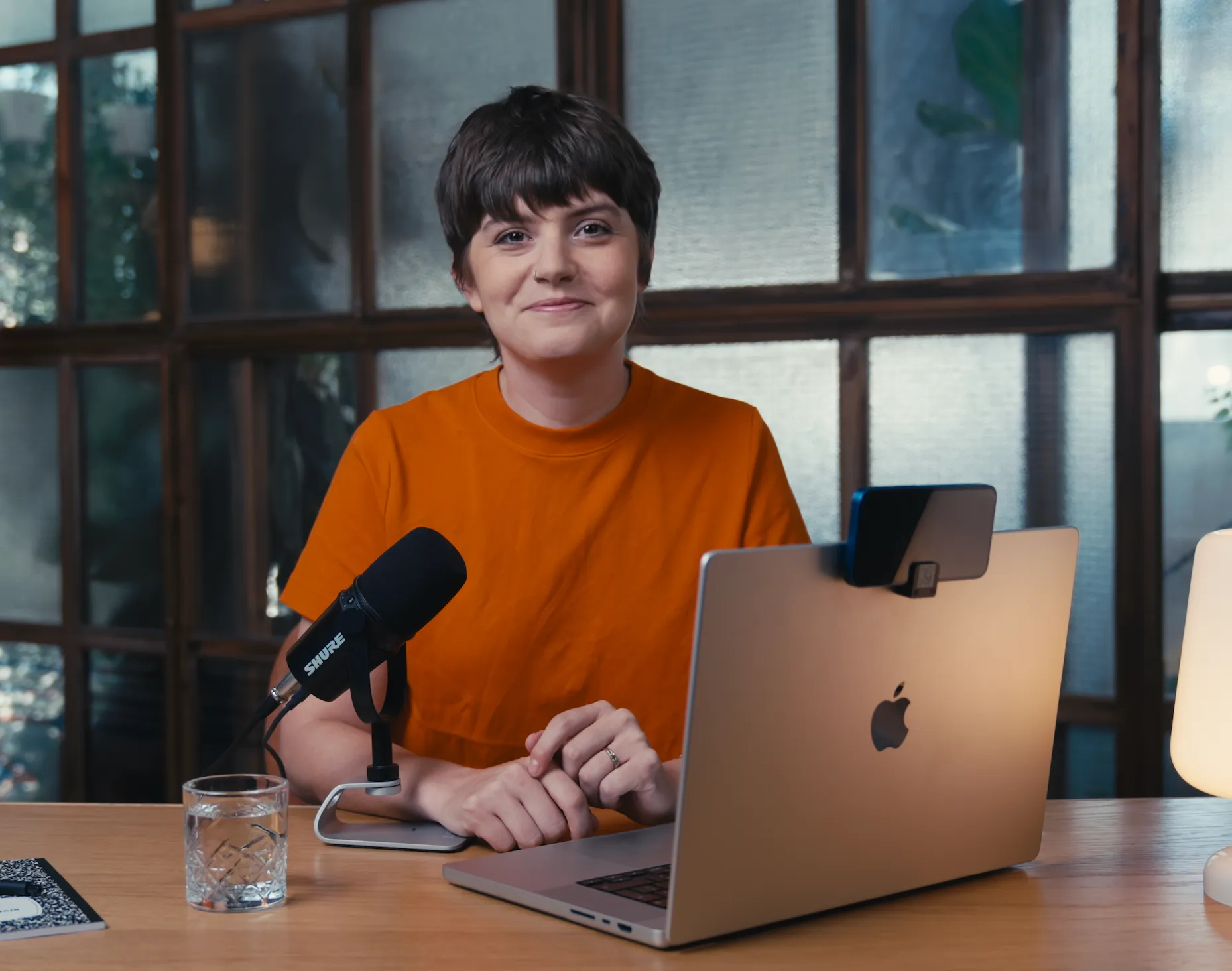
Kendall Breitman
Kendall Breitman leads Riverside's community of creators, supporting the thousands of creators in the Riverside community, helping them hone their skills, create new connections, and reach their goals. A people person to her core, Kendall's passion is connecting with creators and hearing their stories. Before joining Riverside, Kendall worked as a political reporter and television producer for news outlets like NBC and Bloomberg.


Stephen Robles
Stephen is a member of the Riverside team and produces video content and tutorials on remote recording and podcasting. He has experience producing podcasts and video content for over 12 years.
Start creating with Riverside
.svg)

Riverside Demo: Get a tour of your studio
New to Riverside? This video walks through everything you need to know to get started, from your first recording to publishing your episode everywhere.
We'll start in the studio: setting up your recording, inviting guests with a link that never changes, and using tools like the teleprompter and marker key to flag great moments while you record.
Then we'll show you what you get once you stop recording, including your high-quality separated tracks and your AI generated assets.From there, we'll head into the editor to build a clip together.
Finally, we'll cover what happens after you export: hosting your podcast on Spotify, YouTube, and Apple Podcasts right form Riverside, building your podcast website, creating a newsletter, and scheduling social posts.This is just the start of what's possible in Riverside. New features roll out all the time, so keep an eye on our Help Center and this channel.
New to Riverside? Get a full tour of how to go from recording, editing, publishing, clipping and posting (and more!), all in one place.
Our speakers
Kendall Breitman
Kendall Breitman leads Riverside's community of creators, supporting the thousands of creators in the Riverside community, helping them hone their skills, create new connections, and reach their goals. A people person to her core, Kendall's passion is connecting with creators and hearing their stories. Before joining Riverside, Kendall worked as a political reporter and television producer for news outlets like NBC and Bloomberg.


Stephen Robles
Stephen is a member of the Riverside team and produces video content and tutorials on remote recording and podcasting. He has experience producing podcasts and video content for over 12 years.
More webinars


.webp)


.webp)
Start creating with Riverside

Features


