Meeting Transcription
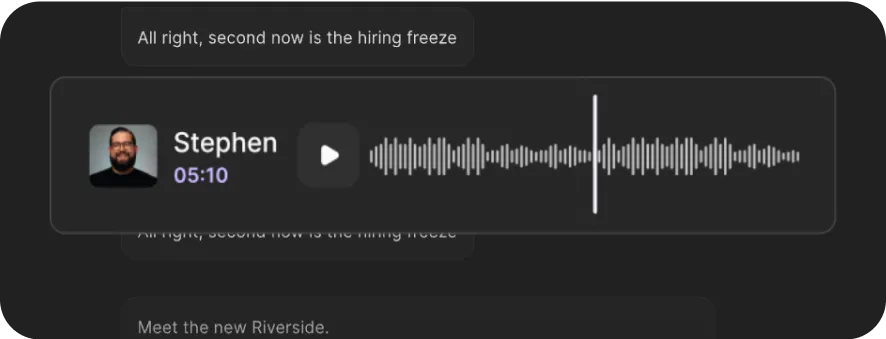
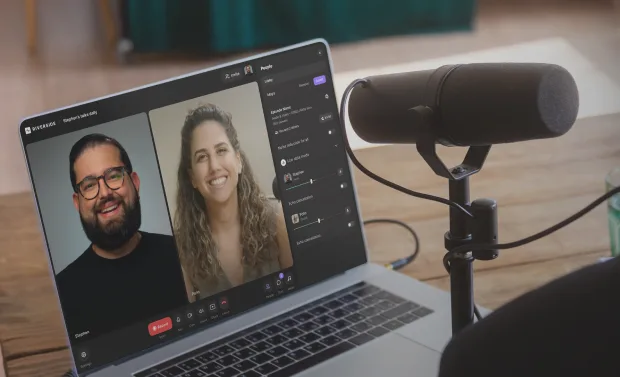
Transcribe meetings in minutes with 99% accuracy. Use the full Riverside platform to host, record, transcribe, and turn every conversation into instant summaries and repurposed content.


or drag MP3, WAV, MP4 or MOV files


How to create a meeting transcription with Riverside
Step 1
Record or upload your meeting
Start a new recording in Riverside and capture your meeting locally in 4K high-quality video. Or, upload your own existing file.
Step 2
Transcribe your meeting recording
Sit back as our meeting transcription software automatically generates text and subtitle file transcripts.
Step 3
Download meeting transcripts
Preview and export your transcript files. Download a text transcript for quick summaries, or a subtitle file for meeting captions.
Step 4
Repurpose your transcript
Turn your meeting transcription into a summary, set of show notes, or blog post with our chat-based editor.

Why Riverside:
Why use Riverside: Meeting transcription software built for your content workflow

Meeting transcripts with 99% accuracy
Our advanced AI meeting transcription software captures every word verbatim. Get an accurate transcript ready to share or repurpose the moment your meeting ends.

Export text or subtitle transcripts
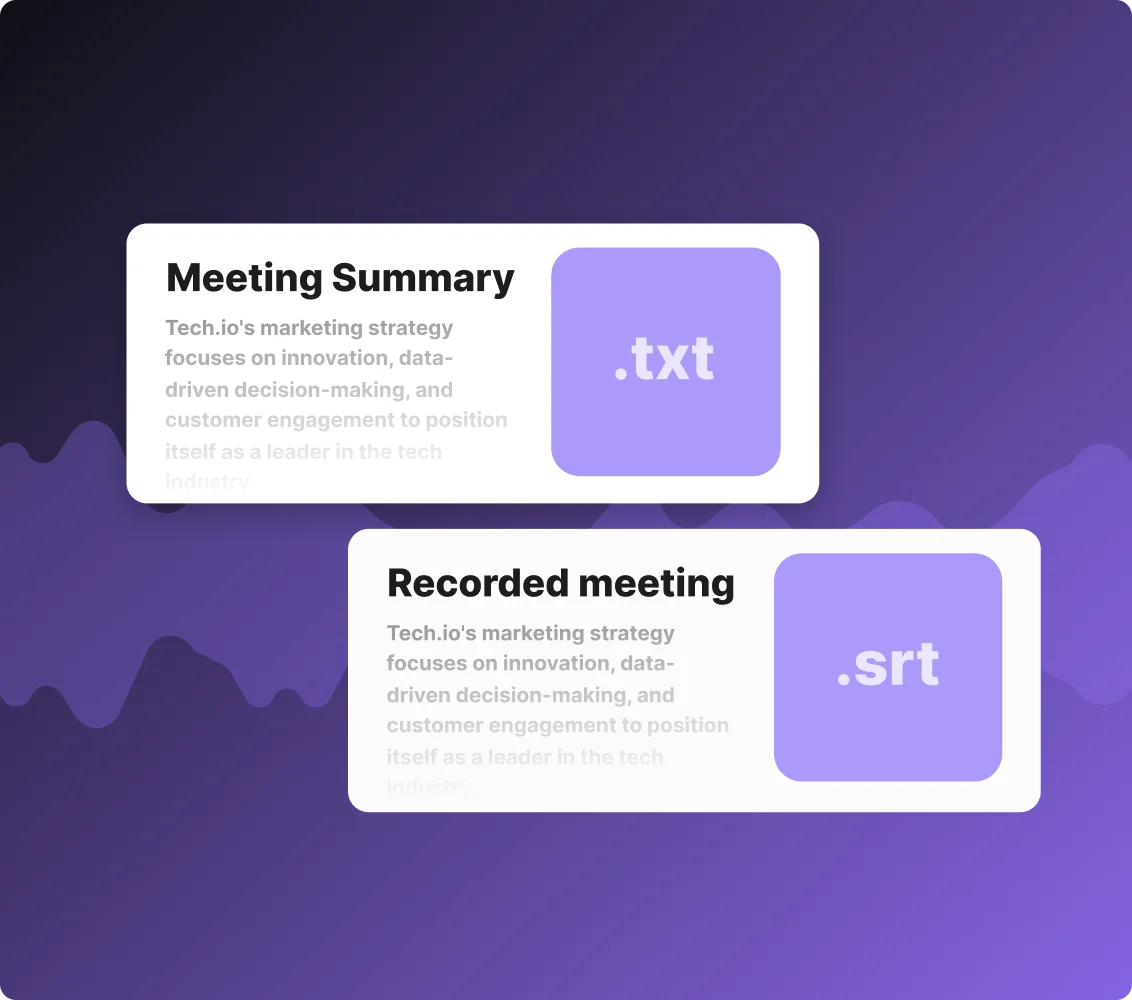
Download TXT files for notes and summaries. Or export SRT subtitle files to add captions and make your meeting recordings more accessible to any audience.

Multilingual meeting transcriber
Transcribe meetings and interviews in over 100 languages. If you’re recording directly on Riverside, you can even translate transcripts and videos in 30+ languages.
Crisp recordings for clean meeting transcripts
Cleaner audio means more accurate transcripts. Record your meetings directly on Riverside for crisp 48kHz audio and 4K video, all recorded locally on your device for maximum quality.

Repurpose meetings into marketing content
Turn your meetings into blog posts, thumbnails, promotional clips, and more just by prompting the chat-based editor.
Edit your meeting by editing your transcript
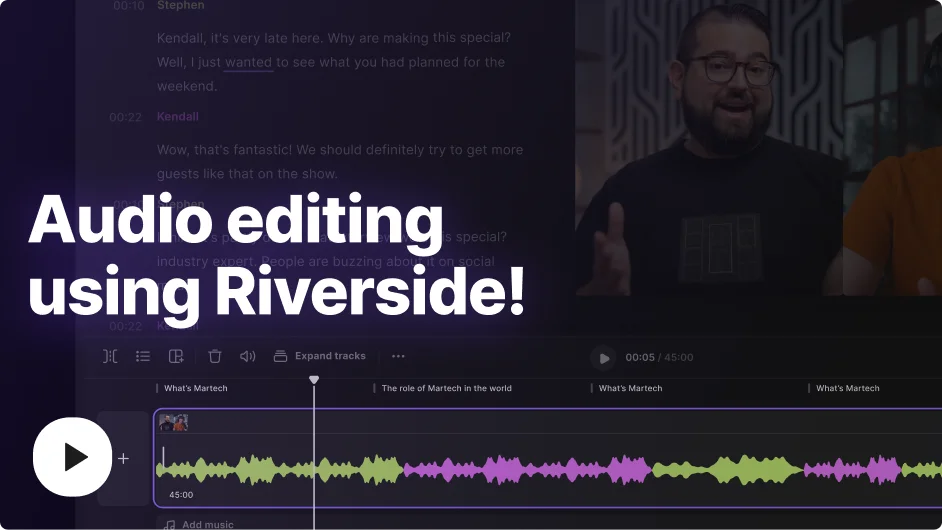
Polish your meeting recordings faster with our text-based editor. Any text you adjust in your meeting transcript automatically syncs to your video recording, no timeline editing needed.
More than meeting transcription
Where one meeting becomes endless content. Record, transcribe, edit, and repurpose your meetings in one platform.
How to transcribe your meeting: 5 Tips
Record in high-quality audio
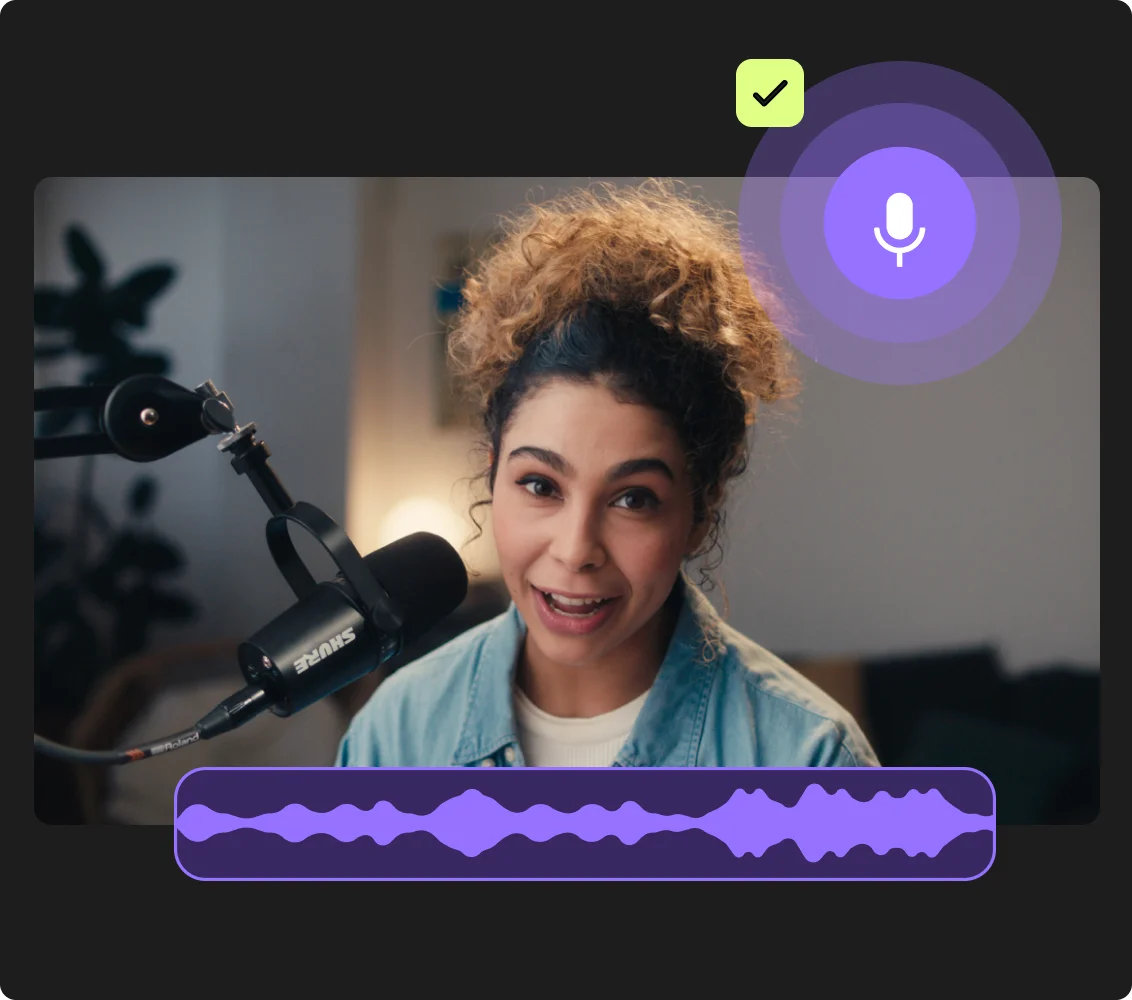
Transcription quality depends heavily on audio quality. Use a good mic, reduce background noise, and record locally to avoid audio compression.
Reduce overlap between speakers
People talking over each other is one of the biggest causes of messy meeting transcripts. Take turns speaking or, use separate track recording to get clean speaker labels.
Check names and important terms
AI often struggles with names, acronyms, and internal jargon. Review key details before sharing the transcript, especially for client calls, team updates, or research interviews.
Turn transcripts into useful outputs
Repurpose your transcript to create documentation, action items, blog posts, or internal updates people can actually use.
Keep transcription inside your workflow
An end-to-end setup where recording, transcription, editing, and sharing work together saves time and makes it easier to turn meetings into polished content.
Use meeting transcription app to:
Transcribe client calls for an accurate paper trail
Keep a reliable record of every client conversation with automatic transcripts delivered the moment your call ends. No note-taking, no follow-up cleanup.
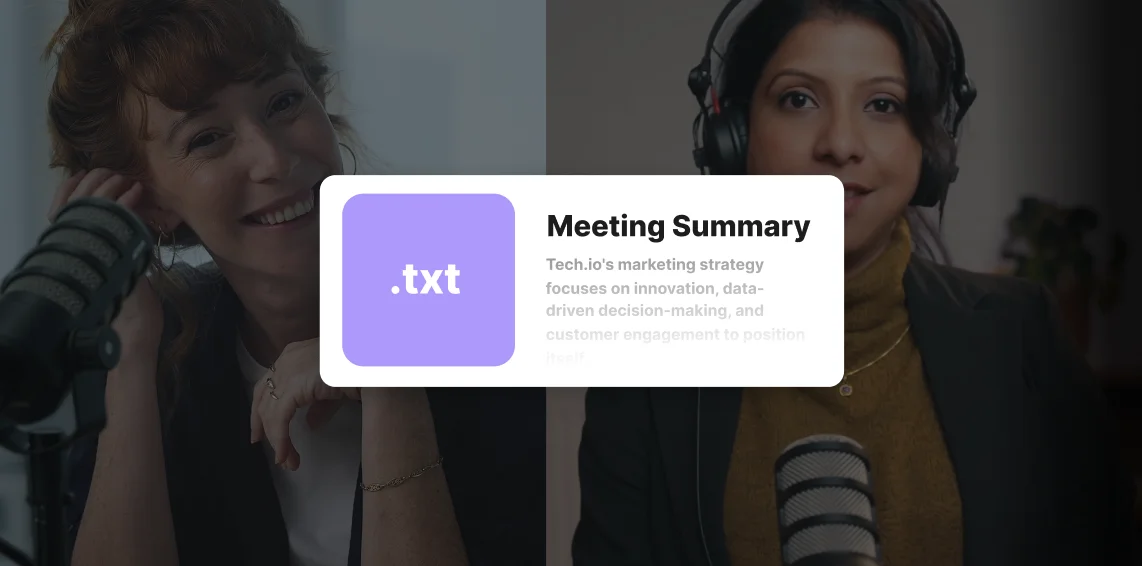
Get instant recaps after every meeting
Turn any meeting transcript into a clear summary with key points and action items. Get the insights you need without reading the full transcript.
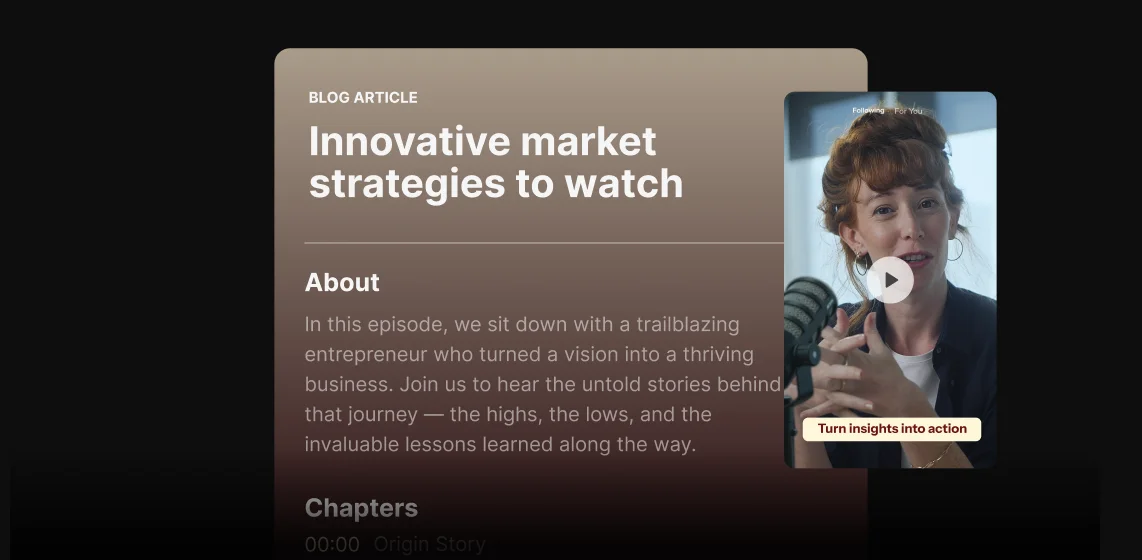
Search past meetings for exact quotes and decisions
Need to refer back to a past meeting? Skip rewatching the recording and search your transcript for the exact quote, decision, or moment you need.
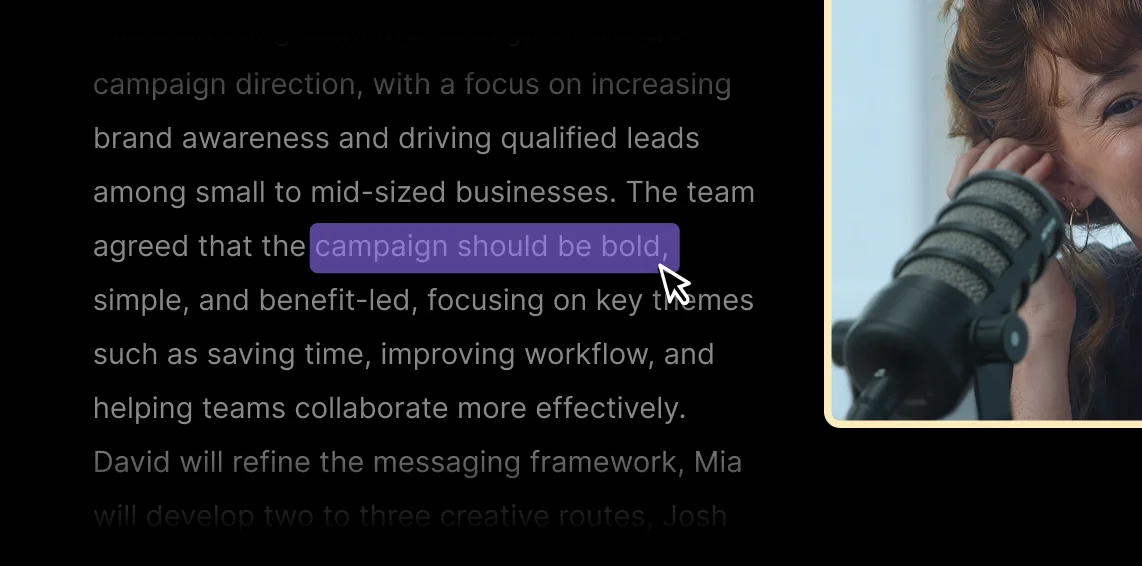
Turn meetings into marketing content
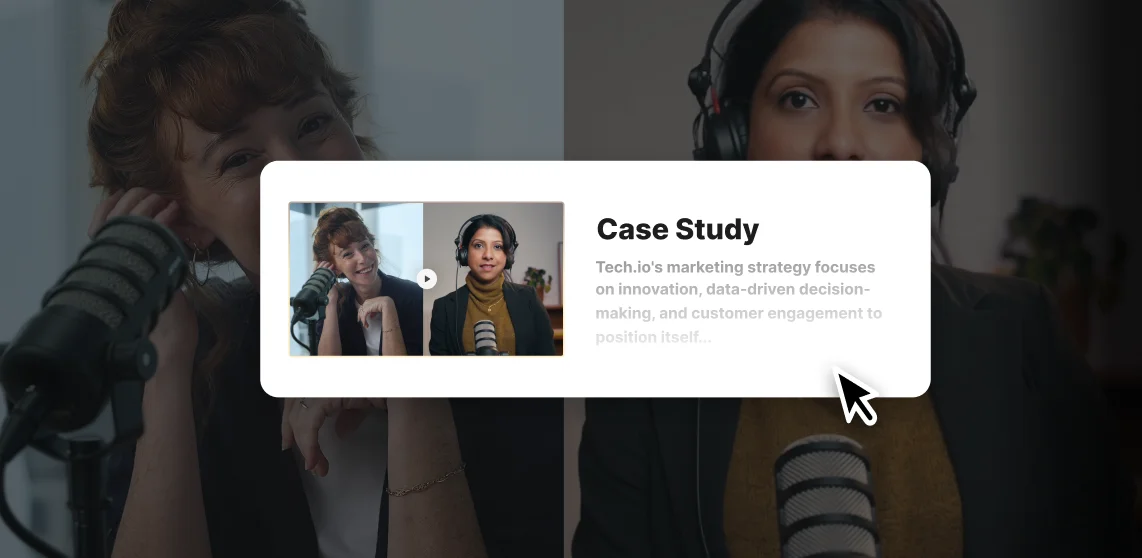
Repurpose thought leadership interviews, panels, or customer testimonials into blogs, newsletters, social clips, and more.
.webp)
Pricing
From recording to publishing, all on one platform. Studio-quality results with AI that does the heavy lifting.
Pro
Create polished, high-quality content
/mo (yearly plan)
High-quality video & audio recording in separate tracks
Unlimited text-based editing
Unlimited multi-track editing
AI tools (Magic Audio, Smart Scenes for automatic multi-cam edits, eye contact, unlimited transcriptions, show notes, remove silences & filler words)
AI content repurposing tools
Publish to YouTube, Spotify, Apple, Instagram, LinkedIn & more
Business
Produce at scale with control
Full remote control over recording and post-production
Custom branding
Webinar solution
Podcast hosting for as many shows as you want
Async recording
Team collaboration
24/7 priority support
Dedicated Customer Success Manager
Enterprise-grade security

Frequently Asked Questions
Yes, you can record and transcribe meeting minutes for free with free transcription software including:
- Riverside’s: Use the free transcription tool, or get free unlimited transcripts built into your recording software on any of the paid plans.
- Otter: The free plan offers 300 monthly transcription minutes.
- Fireflies.ai: The free plan offers unlimited transcription but caps storage at 800 minutes per seat.
A meeting transcription app is software that automatically converts your spoken meeting audio into written text.
Most apps connect directly to platforms like Zoom or Google Meet to transcribe in real time. Others, like Riverside, let you record and transcribe in one place.
Meeting transcription apps typically offer:
- Automatic transcription in text, subtitle or other various formats.
- Quick summaries to easily get meeting takeaways.
- A search option so you can find key points in your meetings.
- Speaker labels so you can see who said what in the meeting.
With Riverside you can transcribe meetings in 100+ languages. Our AI transcription includes widely spoken languages as well as regional variants like American, British, and Canadian English.
This makes it easier to transcribe global meetings accurately and create content for international teams or audiences. Check out our full list of transcription languages.
Riverside’s meeting transcriptions are better built for content creation, whereas Zoom’s transcriptions are for live meetings or quick summaries.
This is how Riverside compares to Zoom’s meeting transcriptions:
- Accuracy: Riverside records locally at high quality, giving the AI cleaner audio to work with and resulting in more accurate transcripts than Zoom's cloud-based recording.
- Live transcriptions: Zoom offers live transcription during calls. Riverside transcribes after recording, prioritizing accuracy and repurposing over real-time output.
- Formats: Riverside exports TXT and SRT files, compatible with most platforms and editing tools. Zoom only exports VTT files.
- Repurposing tools: Riverside’s repurposing focuses more on turing your meeting transcript into content like blogs, newsletters, and clips. Zoom’s AI agent is more focus on meeting documents and internal insights.
Your all-in-one meeting platform
Host meetings live, record, edit and transcribe from a single platform.



.webp)
More from Riverside


.webp)

Features