Pre-recorded Webinar
Your all-in-one platform for pre-recorded webinars. Record in 4K, edit in minutes, then stream with real-time chat, polls, and Q&As so it feels live.


How to host a pre-recorded webinar with Riverside
Step 1
Record and edit your webinar
Capture 4K video and uncompressed audio. Record up to 9 guests, screen shares, and presentations. Then, edit your webinar in minutes with AI.
Step 2
Schedule your event
Build a custom registration page to capture leads and sync them with HubSpot and Salesforce. Invite up to 10,000 attendees and send them automated reminder emails.
Step 3
Host your pre-recorded webinar
Interact with attendees via live chat and call-ins while your simulated live webinar streams.
Step 4
Improve and repurpose your webinar
Track engagement to improve future webinars and epurpose your webinar into clips, blogs, and more.

Why Riverside:
Pre-recorded webinar software to go from recording to live in one place

Customized webinar registration
Schedule your webinar and share custom registration forms for quick sign-ups. Add your own fields and style the form with your own logo, background, and colors.

Automatic email reminders
Send reminder emails automatically before your event so more registrants show up. Follow up after to nurture leads, send a replay and keep the conversation going.

Pre-recorded webinars that feel live
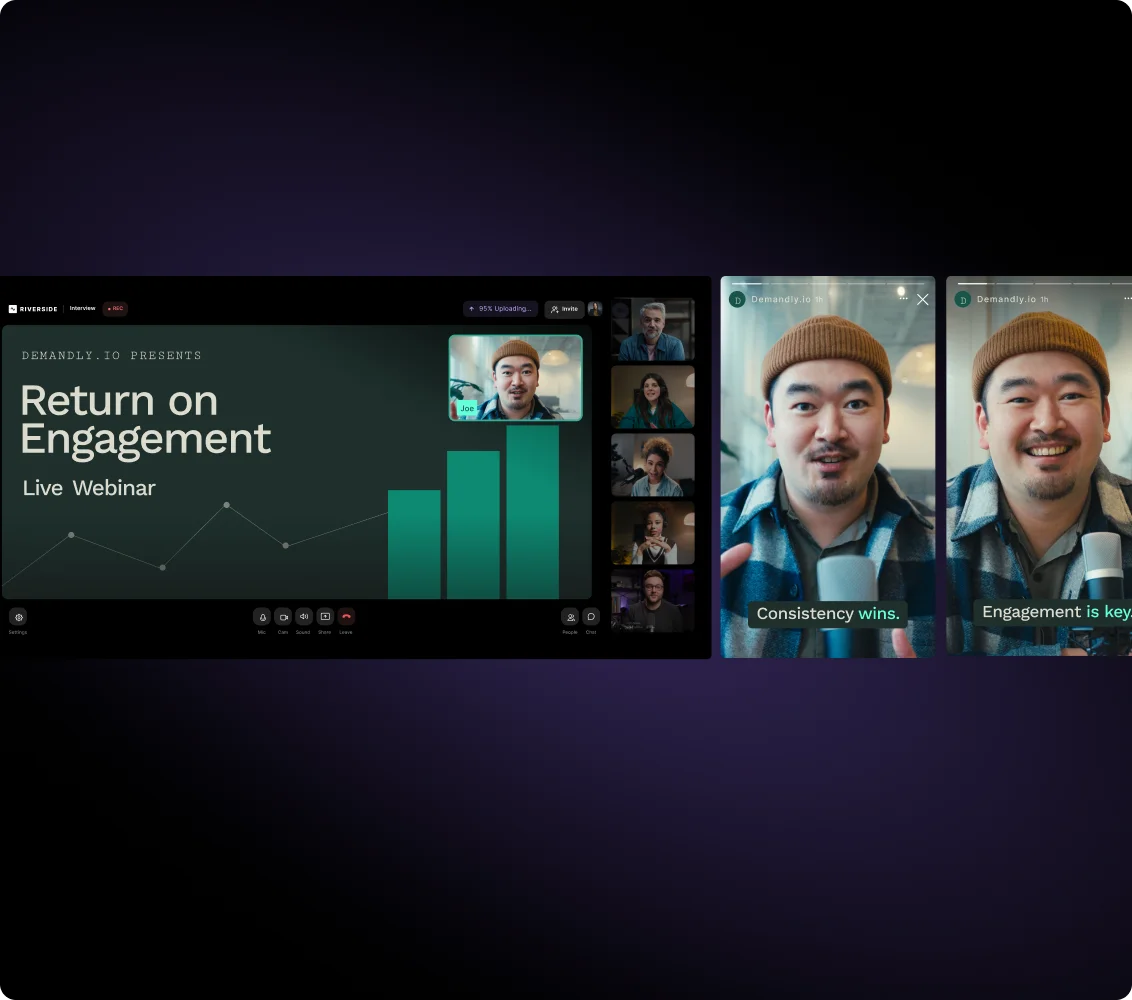
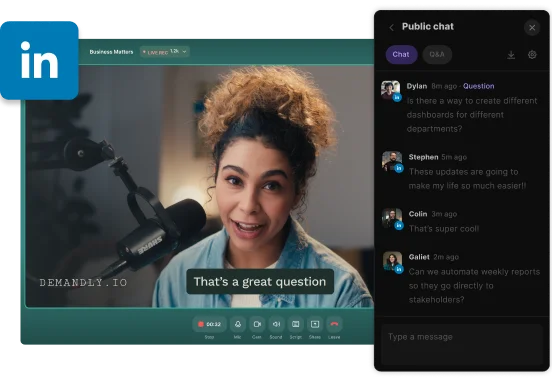
Host pre-recorded webinars as engaging as live sessions, all without the stress of presenting in real time. Interact with your audience using live call-ins, Q&As, and polls.

One webinar, live on all platforms
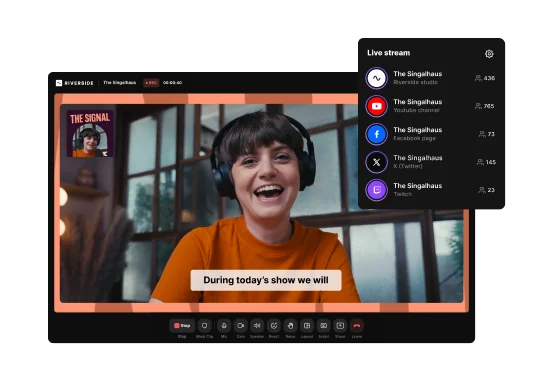
Multistream your pre-recorded webinar to YouTube, LinkedIn, and unlimited destinations. Manage comments from all platforms in one Omnichat.

Capture and sync webinar leads
Download registrant and attendee info as a CSV file. Or sync it directly to HubSpot or Salesforce for faster lead follow-ups.

Track webinar performance
With webinar analytics see exactly who watched and where they dropped off. Track analytics to improve conversion rates for future sessions.

Keep recorded webinars on-brand
Brand your pre-recorded webinars to reflect your business. Style your look with customizable screen layouts, overlays, backgrounds, text, and lower-thirds.

Record and edit right where you host
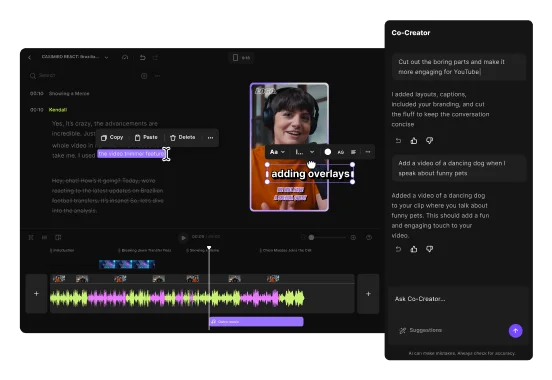
Pre-record webinars in up to 4K, then edit them in minutes with AI. Prompt the chat-based editor or use the full editing suite for trimming, audio cleanup, captions, branding, and more.

Repurpose webinars into content
Don’t let your webinar collect dust. Chat with the AI repurposing agent to instantly turn your content into short clips, social posts, articles, and newsletters to keep growing forever.
One platform for your entire webinar workflow.
Host, record, edit, and repurpose webinars in one place with Riverside.
How to choose the best recorded webinar software
Built-in live engagement
A pre-recorded webinar should feel more live than simulated. Pick software that enables real-time engagement with features like polls and call-ins.
Seamless registration and reminders
Look for tools with branded registration pages and automated reminder emails to keep high attendance rates.
CRM syncing and analytics
Pre-recorded webinars are built for conversions. Pick a platform that integrates with your CRM tools and provides detailed analytics to improve your entire lead funnel.

Easy all-in-one workflows
You shouldn’t be juggling multiple disconnected tools. Choose a pre-recorded webinar platform that handles recording, editing, hosting, and repurposing all at once.
Uncompromising recording quality
To be good, a pre-recorded webinar must look and sound good. The ideal tool records in up to 4K locally, so slow internet doesn’t affect your or your guests’ quality.
Easy editing, smart repurposing
Look for software that lets you wrap up post-production in minutes. The best AI editing tools also make content repurposing effortless.
Pre-recorded webinar software for:
Evergreen marketing webinars
Schedule your webinars to run repeatedly. Polish to perfection with AI tools, then chat with the AI agent to repurpose your best content into endless assets.

Product demos and walkthroughs
Record professional product demos in flawless 4K. Share your screen to highlight every feature clearly, then answer live questions in chat.
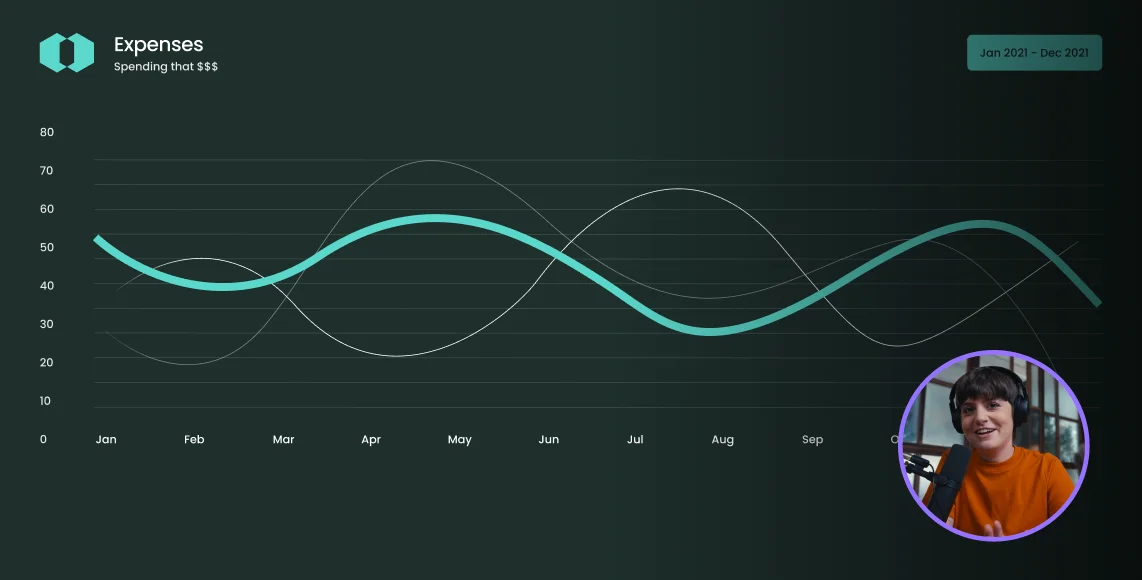
Training workshops and onboarding
Streamline internal training with live pre-recorded webinars. Track attendance and monitor engagement without burning out your onboarding specialists with repeated sessions.
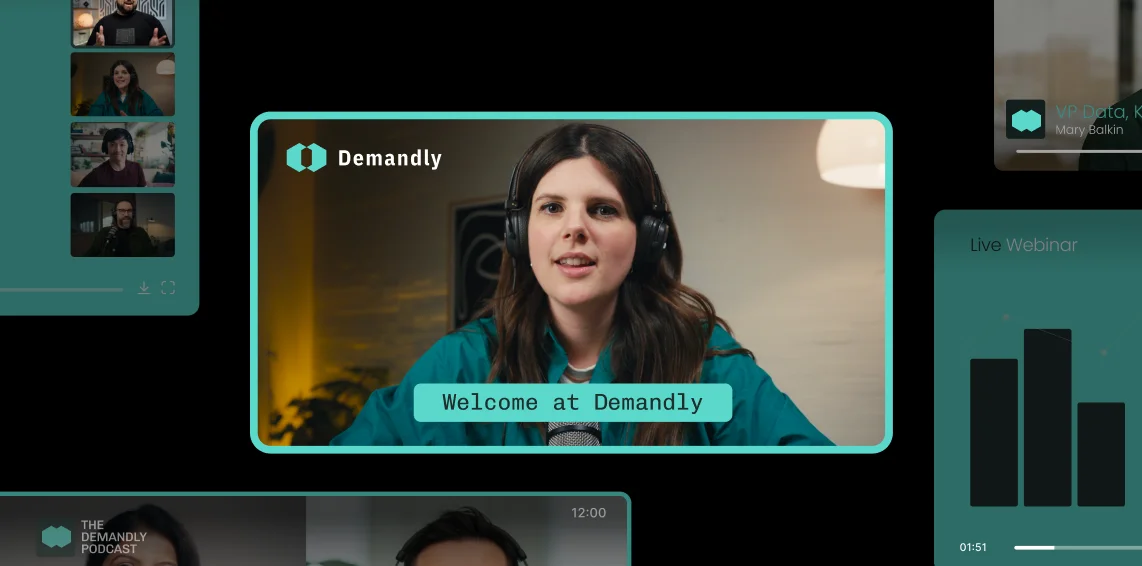
Lead magnets for sales funnels
Launch offers as simulated live events to drive urgency. Sync your attendee data directly to your CRM and convert your viewers into qualified leads 24/7.


Frequently Asked Questions
A recorded webinar should typically be 30 to 60 minutes long to maximize engagement without losing the audience's attention. Training sessions or product demos usually fall in the longer range, while lead gen funnels should be shorter.
If the content requires more time, consider breaking it into a multi-part series. Engagement tools like chat or polls can be used halfway through the session to maintain retention.
Yes, you can go live with a pre-recorded video using a simulated live webinar.
You’ll need pre-recorded webinar software that streams a recorded session at a scheduled time while you interact with attendees through live chat, Q&A, and call-ins.
This approach combines the polish of pre-recorded content with the engagement of a live session.
A recorded webinar is often called a pre-recorded webinar, on-demand webinar, or simulated live webinar, depending on how it’s delivered.
- Pre-recorded webinar: Recorded in advance and streamed at a scheduled time.
- On-demand webinar: Available anytime for viewers.
- Simulated live webinar: Pre-recorded but presented with live engagement features.
The format determines the name.
Yes, a webinar can be pre-recorded to increase its production value and remove the stress of live presenting. Many companies use pre-recorded webinars to edit out mistakes and improve audio and video quality before the broadcast reaches their audience.
The different types of webinars include live, pre-recorded, simulated live, automated, on-demand, and evergreen webinars.
- Live webinars: Hosted in real time in front of a live audience.
- Pre-recorded webinars: Recorded in advance.
- Simulated live webinars: Pre-recorded but streamed at a scheduled time.
- Automated webinars: Like simulated live, but engagement features are automated instead of live.
- On-demand webinars: Available to watch anytime.
- Evergreen webinars: A pre-recorded or on-demand webinar that keeps remaining relevant for a long time after it was recorded.
Each format supports different marketing, training, or educational goals.
From recording to live, your all-in-one pre-recorded webinar software.
.webp)


More from Riverside

%20(1).webp)


Features