Promo video maker
Create promo videos in minutes with AI that keeps you in control. Record in 4K, then prompt your new AI-agent to edit it into a shareable video, styled your way.


.webp)


How to make a promo video with Riverside
Step 1
Record or upload a video
Start from scratch and record your video in up to 4K resolution. Or, upload your own recording in the editor.
Step 2
Edit your promo video
Prompt AI to edit your promo video how you like. For eg, keep the best parts, or turn this into a reel for Instagram. Or take full control and edit using an array of automated tools.
Step 3
Customize with branded presets
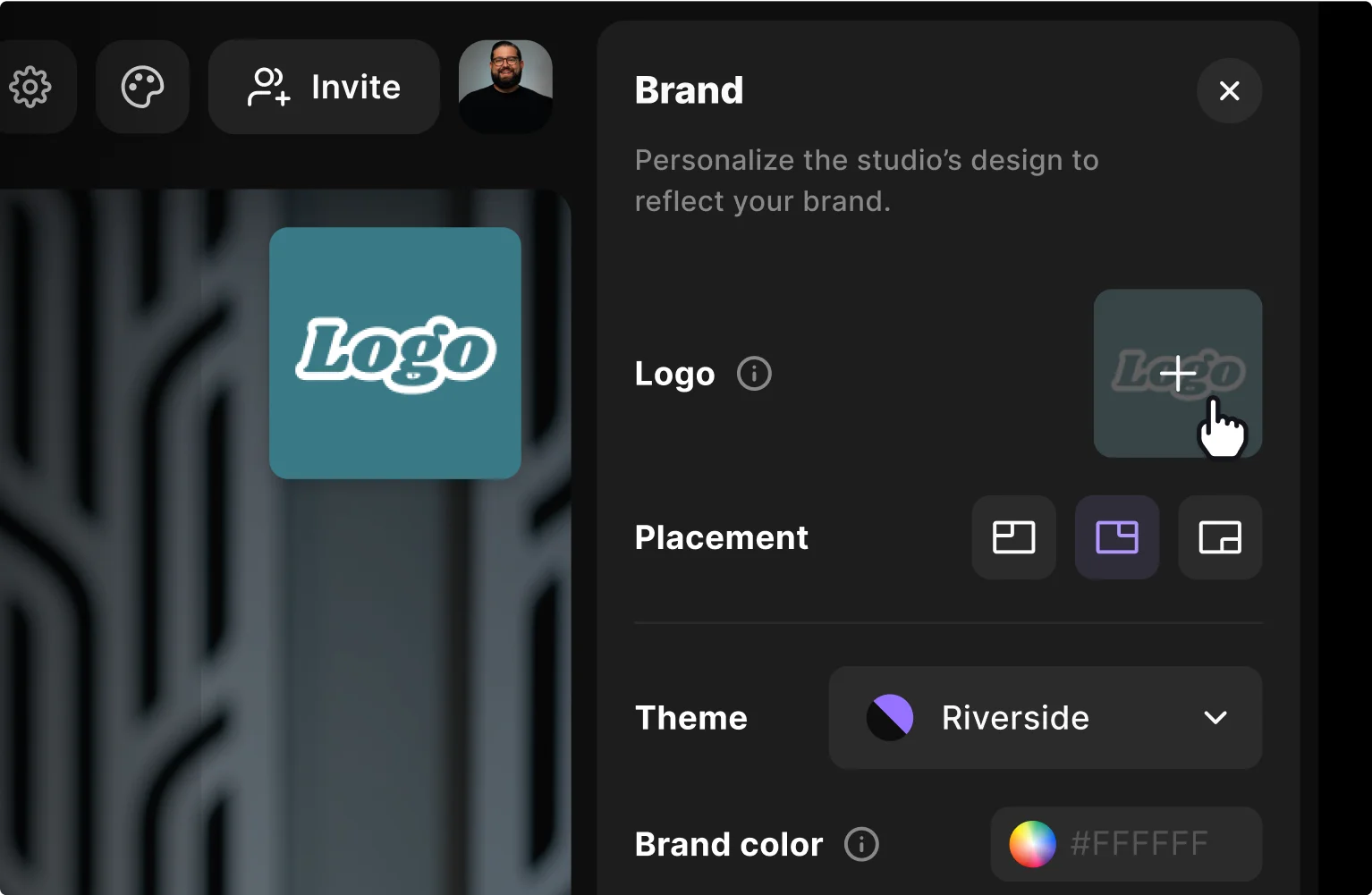
Add the finishing touches. Upload your logo, add b-roll, music, and other overlays to keep your promo video on brand.
Step 4
Export & share
Download your finished promo video in high resolution or export platform-specific versions for social media, ads, and your website, all from the same recording session.

Why Riverside:
Why Riverside: The AI promo video maker that turns ideas into content that converts
Studio-quality from your first take to your final promo
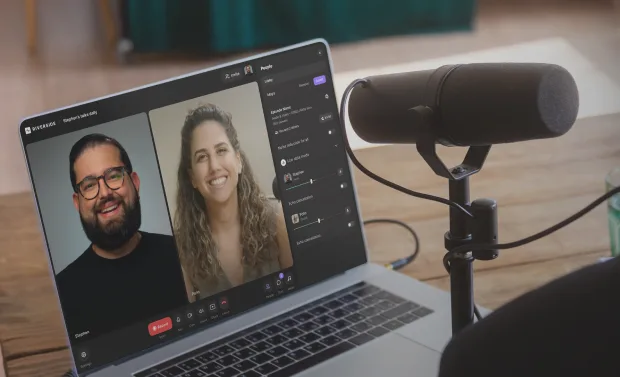
Record in up to 4K video and 48kHz audio resolution, no matter your internet connection. Or, upload a high-quality recording straight to the editor.
Edit in a prompt, with AI
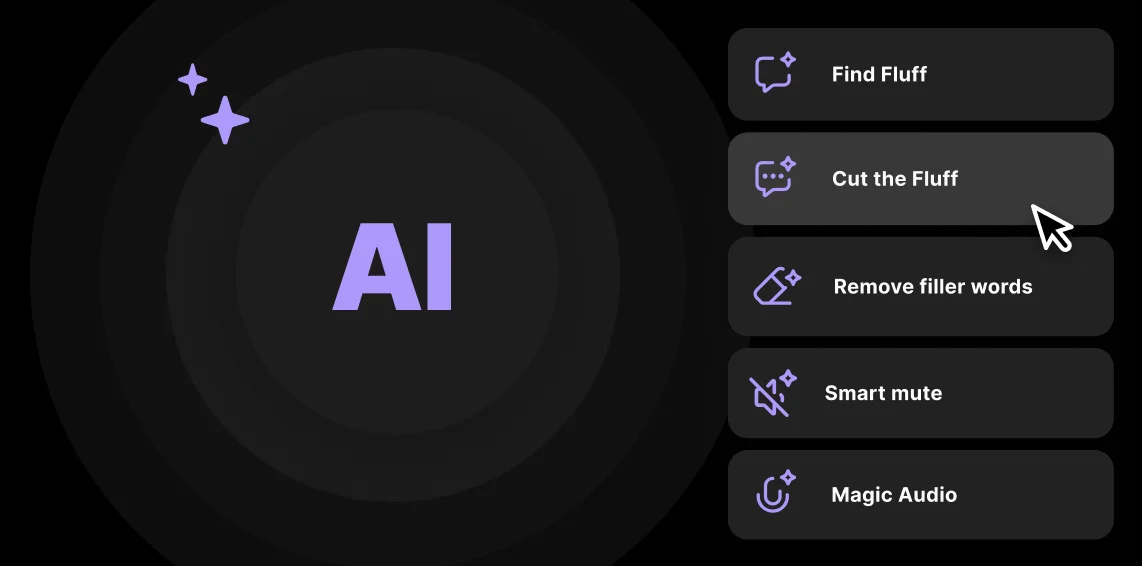
Meet Co-creator, your AI editing partner. Tell it what you want: cut to the action, clean up audio, add branding, and your promo takes shape in seconds. Prefer to edit yourself? Use AI tools to cut filler words, fix eye-gazes, and more.

Stay on brand with every promo video
Customize your promo videos with text, dynamic captions, backgrounds, and your own logo. Set your brand style once and create a preset to keep consistent across every promotional

Stocked asset library with room to create your own
Short on footage? Pull from our royalty-free library of music, images, and video clips, with smart suggestions tailored to your project. Need unique visuals? Let AI generate custom b-roll that matches your script and context.

Repurpose your video into more promos
Record once, and create multiple promotional assets. Prompt your AI agent to create clips, promotional trailers, blog posts, thumbnails, and more.

Promotional videos that fit every platform
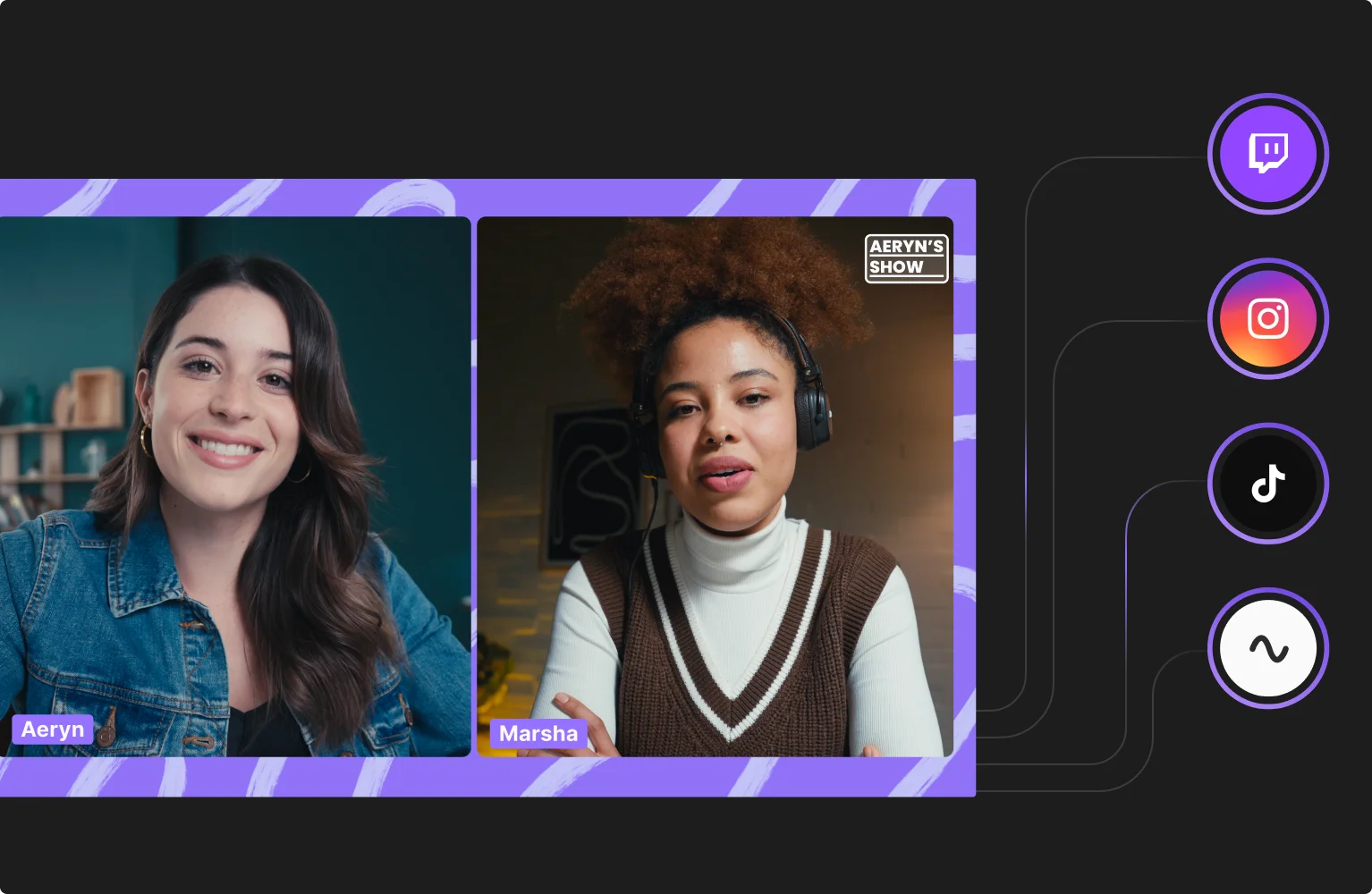
Export your promo videos in any aspect ratio. Choose between presets including: 16:9 for YouTube, 9:16 for Reels, or 1:1 for square ads.
Your all-in-one promo video maker online
Record in 4K, edit with AI, and repurpose your content into videos that drive results.
How to choose a promo video maker
High-quality recording
Promos are built to sell an idea, a product, or an event. Make sure your tool records in 4K with clear, lossless audio by default so your message lands with authority.
AI editing
Speed up editing and look for tools that automate the long steps for you. Choose AI features for audio enhancement, clip creation, prompt-based editing, and more.
Branding
Choose a platform that lets you apply logos, colors, and fonts once, then reuse them across every project.

Easy to use
Go for software that isn’t loaded with complex menus. Choose software that’s let’s you create good-quality videos even as a beginner.
Compatibility
If you’re downloading software make sure it’s compatible with your device. Alternatively, use an online promo video maker.
All in one
Skip juggling platforms. From, recording to editing and publishing, go for software that includes everything you need.
Use a promo video creator for
Team launches and campaigns
From product rollouts to seasonal pushes, create high-quality on-brand promo videos. Record in 4K, then trim, clean up audio, and add your branding and style, all in just a few clicks.
Podcasters promoting their show
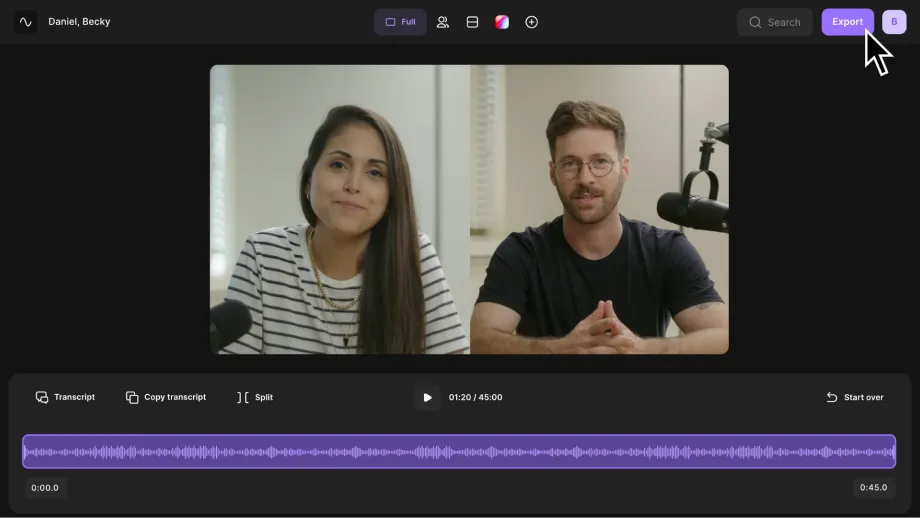
Draw in your audience, with quick promotional video trailers of your show. Record and edit your podcast, then turn it into shareable highlight clips in seconds with AI.
Small businesses promoting their brand
Show up like a big brand, without the big budget. Showcase your products, announce offers, or share customer stories. Record, then let AI help you create shareable promo videos, without needing a professional editor.
Creators promoting their content or brand
Create short promo videos that tease your next video, collab, or course launch. Record in 4K, let AI cut and format your clips, and post platform-ready promos that build hype fast.
Pricing
From recording to publishing, all on one platform. Studio-quality results with AI that does the heavy lifting.
Pro
Create polished, high-quality content
/mo (yearly plan)
High-quality video & audio recording in separate tracks
Unlimited text-based editing
Unlimited multi-track editing
AI tools (Magic Audio, Smart Scenes for automatic multi-cam edits, eye contact, unlimited transcriptions, show notes, remove silences & filler words)
AI content repurposing tools
Publish to YouTube, Spotify, Apple, Instagram, LinkedIn & more
Business
Produce at scale with control
Full remote control over recording and post-production
Custom branding
Webinar solution
Podcast hosting for as many shows as you want
Async recording
Team collaboration
24/7 priority support
Dedicated Customer Success Manager
Enterprise-grade security

Frequently Asked Questions
Follow these steps to create a promo video with Riverside:
Plan your video: Define your audience, goals, and create an outline for your video.
Record your video: In Riverside, open or create a studio and click Record. You’ll enter the lobby to test your mic and camera before joining the studio.
Click Join studio, hit Record, and start capturing in up to 4K video and 48kHz audio. When you’re done, click Stop.
Edit your promo video: Open your recording in the editor.
Here you can:
- Edit your video by prompting co-creator to perform tasks for you.
- Adjust your video by editing the recording transcript.
- Add branding with captions, b-roll, music, text and visual overlays.
- Clean up audio in a few clicks with audio enhancement and filters.
Share your video: Export your video in the aspect ratio suitable to the platform your posting on. Then hit share. With Riverside you can share directly to popular platforms like Instagram and YouTube.
Check out our full guide on corporate videos to learn more.
Short and focused promo videos work best. On social media, 15–30 seconds is the sweet spot. For websites or campaigns, keep it under 2 minutes.
Yes. AI can create promo videos. Some AI video makers can create content just based off a script or description. But to keep that human touch, we suggest you go for an AI video tool that turns your actual recordings into polished videos.
For example, Riverside’s AI video editor doesn’t just generate avatars for your videos. You can record your own 4K content directly on the platform, then prompt the AI agent, co-creator to make edits for you.
There’s also AI tools to:
- Fix eye contact
- Cut filler words and content
- Silence background noise
- Remove long silences and set the pace
And, more.
A promo video is a short piece of content designed to promote something. For example, you can promote a podcast, product, service, event, or even a personal brand. Its job is to grab attention fast and drive viewers to act, whether that’s clicking, subscribing, or buying.
Not necessarily. With the right tool, you can get studio-quality results on your own.
Riverside gives you pro-grade recording, AI-powered editing, and stock media libraries—so your promos look professional without hiring an editor or agency. That said, bigger campaigns might still benefit from professional strategy or copywriting.
Turn your ideas into promos that perform.
Record once, edit with AI, and publish everywhere, all in Riverside.
Other Riverside tools
Video Editor

Magic Clips

.webp)
-p-800.webp)

Discover free and paid tools on Riverside.
More from Riverside


Features