TikTok Transcript Maker
Pro-level TikTok transcription generator built for creators who reuse content. Turn your TikTok video into transcripts, captions, scripts, blogs, and more in seconds.


or drag MP3, WAV, MP4 or MOV files


How to make TikTok transcripts with Riverside
Step 1
Record
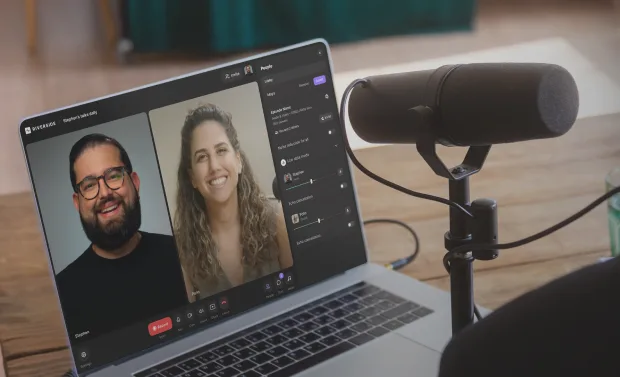
Record your TikTok video directly in Riverside or upload an existing clip. Riverside works instantly with TikTok video files—no additional setup required.
Step 2
Transcribe
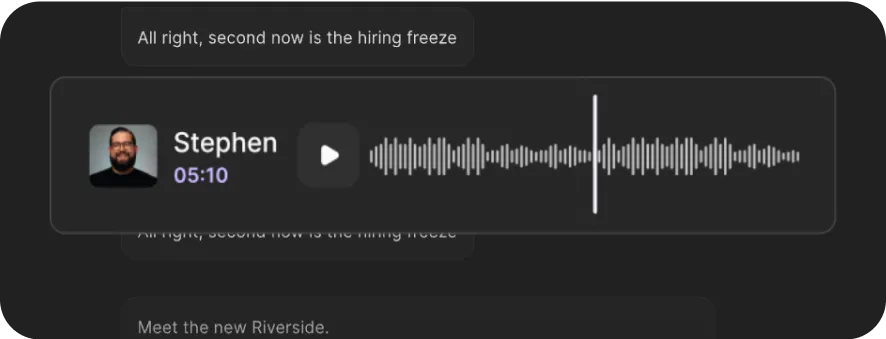
Automatically generate a clean, accurate TikTok transcript in seconds. Riverside’s AI handles fast speech, slang, and background noise.
Step 3
Edit
Edit your transcript to fix errors, remove filler words, or cut sections. Text-based editing lets you refine your video without scrubbing timelines.
Step 4
Repurpose
Transform your transcript into captions, scripts, blog posts, and more using our built-in AI tools. Export content ready to publish anywhere.


Why Riverside:
Our TikTok transcription does the work for you

Studio-quality TikTok transcription
Get highly accurate AI-powered transcription that handles fast speech, slang, and background noise. Your TikTok videos are transcribed into clean, readable text you can actually publish and reuse.
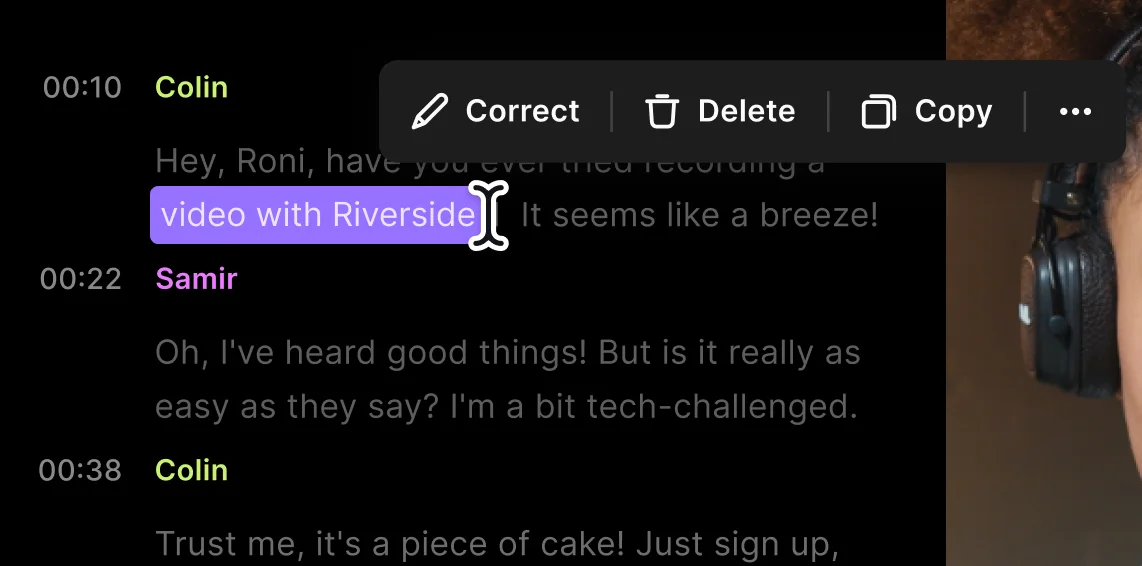
Easy text-based editing
Correct mistakes, trim sections, or cut clips simply by editing the transcript. Text-based editing lets you refine your TikTok content without scrubbing through timelines.

Create multilingual TikTok transcripts
Transcribe TikTok videos in multiple languages or translate transcripts for global audiences. Perfect for creators and brands reaching viewers across regions.

Automatically remove filler words
Clean up your transcript instantly by removing filler words like “um,” “uh,” and “ah.” Get polished, professional text without manual cleanup.

Export transcript-ready content
Download clean transcripts with no clutter or unnecessary timestamps. Export as TXT, SRT, or copy-ready text for captions, subtitles, or publishing.
Repurpose TikTok content with AI
Turn transcripts into captions, scripts, summaries, blog posts, and more using built-in AI tools. Riverside helps you transform TikTok clips into full marketing assets in minutes.
Squeeze more content out of every TikTok video.
Record, repurpose everywhere, and look wildly productive while you’re at it.
How to choose the best TikTok transcript maker
Accuracy you can actually trust
Choose a tool that handles fast speech, slang, and background noise without sacrificing transcript quality.
Fast, flexible editing tools
Look for text-based editing that lets you fix errors, trim content, and refine transcripts quickly.
Create more content, faster
The best tools help convert TikTok videos to text and then into captions, scripts, blog posts, and marketing content.


Go global with transcription
If you need to reach global audiences, choose a tool that supports over 100+ languages for easy translation.
Flexible, clutter-free exports
Make sure you can export transcripts as TXT, SRT, or copy-ready text without clutter or timestamps.
All-in-one creator workflow
The best TikTok transcript generator fits into a full workflow—from recording and editing to publishing.
Use Riverside’s TikTok transcript generator to:
Turn TikTok videos into blog posts or scripts
Convert TikTok transcripts into structured blog posts or scripts you can edit, expand, and publish across channels.
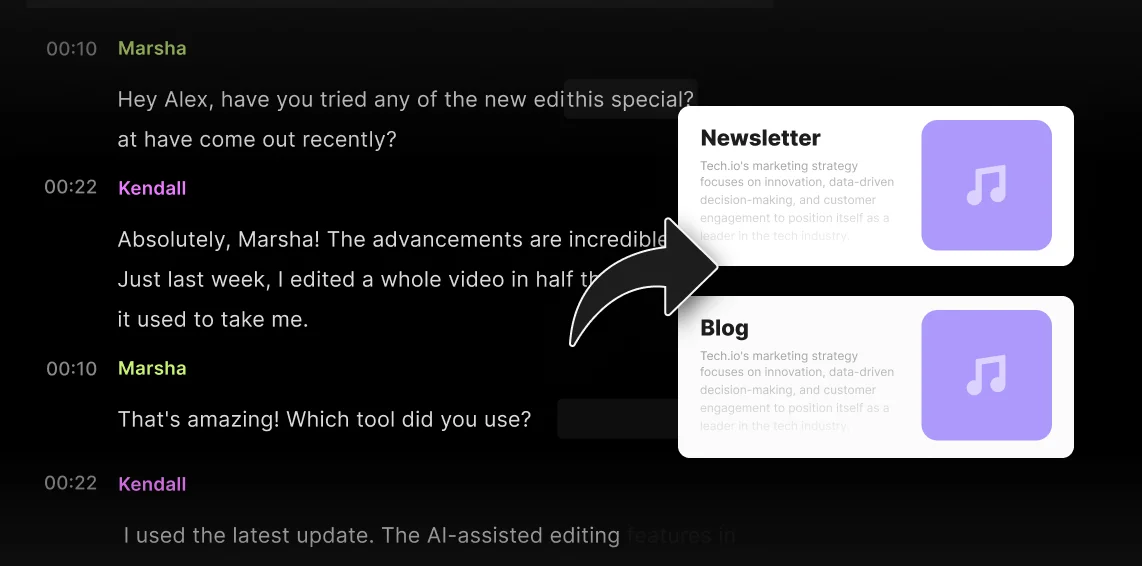
Transform videos into podcast segments
Turn TikTok clips into clean transcripts you can reuse as podcast segments or talking points.
Manage TikTok accounts at scale
Transcribe, edit, and repurpose TikTok videos efficiently across multiple accounts, campaigns, or clients.

Analyze TikTok content for trends
Review clean transcripts to identify patterns, keywords, and trends across TikTok content faster.

Frequently Asked Questions
To get a transcript from a TikTok video, you can use Riverside’s AI audio transcription tool.
- First, upload your TikTok video file or record it directly in Riverside.
- Then run it through Riverside’s transcription feature to generate a clean, accurate transcript
- If needed, edit, repurpose, and export to formats such as TXT or SRT.
While other tools offer automatic transcription services, Riverside delivers studio-level accuracy and a complete workflow for editing and repurposing content.
Yes, you can convert a TikTok video to text using Riverside’s audio transcriber. Upload your TikTok video or audio file to Riverside, and the tool will automatically generate an accurate transcript you can edit, reuse, or export.
Yes! Simply upload a TikTok video or audio file, and Riverside’s TikTok transcript generator will create a transcript without any manual typing.
Riverside delivers accurate transcripts you can edit, clean up, and repurpose into captions, scripts, blog posts, or subtitles in just a few clicks. Your TikTok videos can be transcribed in 100+ languages with up to 99% accuracy, including punctuation and speaker differentiation.
Riverside is the best TikTok transcript generator because it goes far beyond basic text extraction. Unlike simple tools that only pull words from a video, Riverside delivers up to 99% transcription accuracy that handles slang, fast speech, and background noise. You can edit transcripts directly, remove filler words instantly, and repurpose content into captions, scripts, blog posts, or subtitles—with multilingual support and clean export options.
Riverside provides the most complete suite of TikTok creation and editing workflow tools. You can edit clips using the TikTok Video Editor, enhance your videos with smarter cuts using Magic Clips, and refine your content faster with the AI Video Editor. Instead of juggling multiple tools, Riverside lets you transcribe, edit, repurpose, and publish TikTok content all in one place.
You can repurpose TikTok videos into longer content by turning short clips into structured, reusable assets like blog posts, scripts, podcasts, or long-form videos. Start by transcribing your TikTok video, then expand on the main ideas, and add context or commentary to build longer content as needed.
You can also combine multiple TikTok videos on the same topic to create longer articles, podcast segments, or cohesive, streamlined videos.
To get SRT captions for TikTok using Riverside, follow these simple steps:
- Upload or record your TikTok video in Riverside.
- Generate a transcript using Riverside’s AI transcription.
- Review and edit the transcript. Fix errors, remove filler words, or adjust timing as needed before exporting.
- Export as SRT captions.
Upload the SRT captions back into TikTok or other platforms as desired.
Let TikTok transcripts fuel your marketing machine.
Transform TikTok clips to ready-to-publish content across all of your marketing channels.
Other Riverside tools



-p-800.webp)
Discover free and paid tools on Riverside.
More from Riverside

.webp)
.webp)

Features