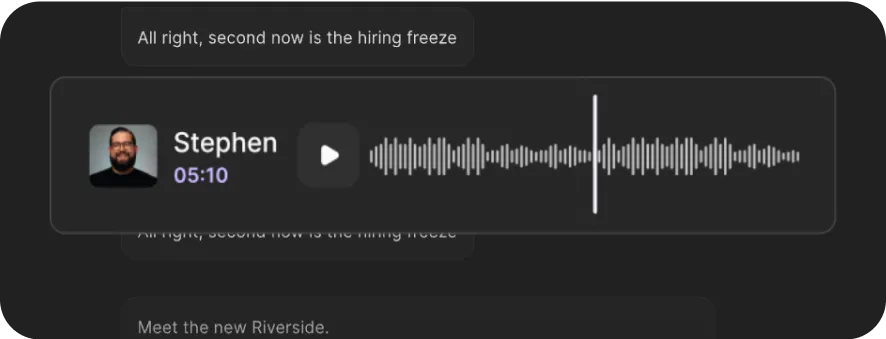
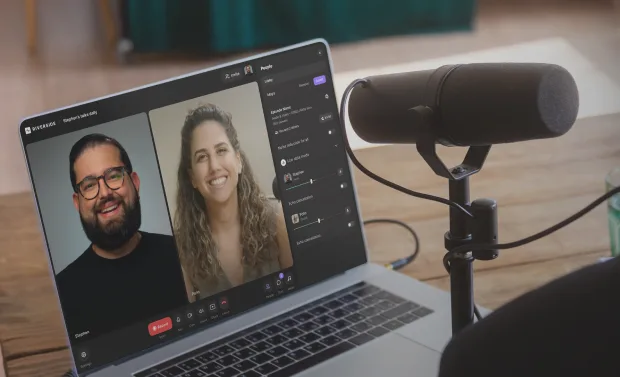
Transcribe Voice Memo
Transcribe voice memos instantly online with up to 99% accuracy. Available in 100+ languages.


or drag MP3, WAV, MP4 or MOV files


How to transcribe a voice memo with Riverside
Step 1
Upload your voice memo file
Drag and drop your voice memo, or browse your device to upload a file. Riverside supports MP3, WAV, M4A, MPEG, and OGG files.
Step 2
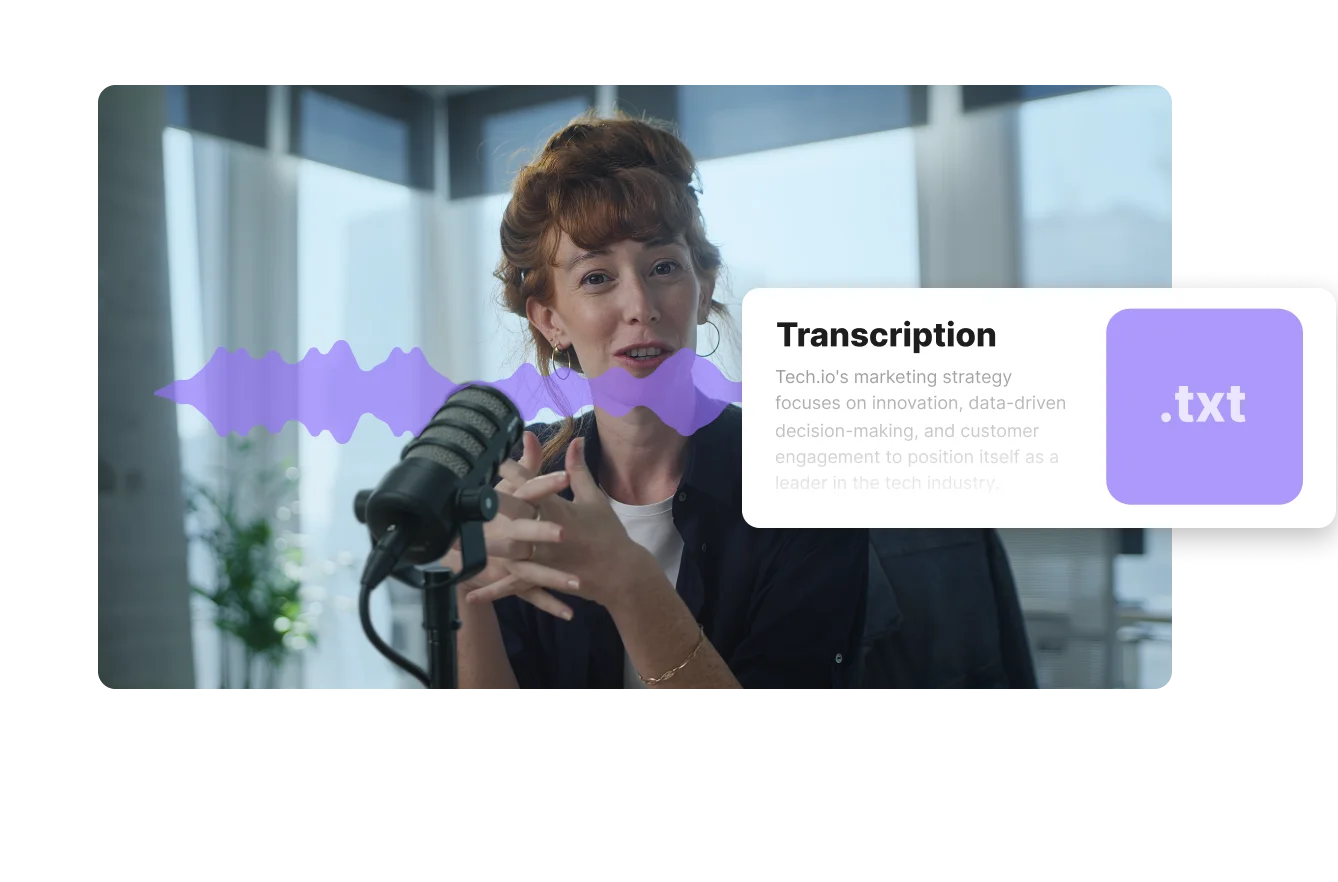
Let AI transcribe your memo
Sit back and let our AI voice turn your voice memo into accurate text automatically.
Step 3
Review your transcript
Skim through the generated voice memo text to find the moments you need.
Step 4
Copy or download your transcript
Export your transcript as a TXT file to turn it into a summary or key points, or as an SRT file for timestamped files. You can also copy it directly to your notes app or CMS.

Why Riverside:
Clean, accurate transcripts from your notes in minutes

Up to 99% accurate AI transcriptions
Convert voice memos to text word-for-word. With up to 99% accuracy, you get reliable transcripts ready to use, without the cleanup.

Multilingual voice memo transcription
Transcribe voice memos in 100+ languages, including English, Spanish, Chinese, and German. Riverside even supports specific dialects for more accurate results.

Voice memo transcripts in minutes
Upload your file and let Riverside transcribe it instantly. No manual typing. Turn any voice memo into a transcript in just a few clicks.
Support for major audio formats
Don’t need to worry about file types. Our transcription is compatible with MP3, WAV, M4A, MPEG, and OGG formats.

High-res voice memos, more accurate transcripts
Record voice memos directly on the Riverside mobile app for clean 48kHz resolution. You’ll get automatic transcripts straight after, no uploads needed.

Turn voice memos into ready-to-use assets
Record and transcribe inside the Riverside dashboard to access Riverside's AI. Turn your voice memo into a summary, key takeaways, or a full script in just a prompt.
Transcribe voice memos for free in one click.
Convert your audio to text with up to 99% accuracy.
4 Tips to transcribe voice memos accurately
Record your voice in high-quality
Save your voice memos in the highest quality possible. Compressed audio or low-quality recordings lead to inaccurate transcriptions.
Remove background noise first
Noisy audio gives AI a hard time transcribing. Remove background noise and echo before transcribing to improve accuracy.
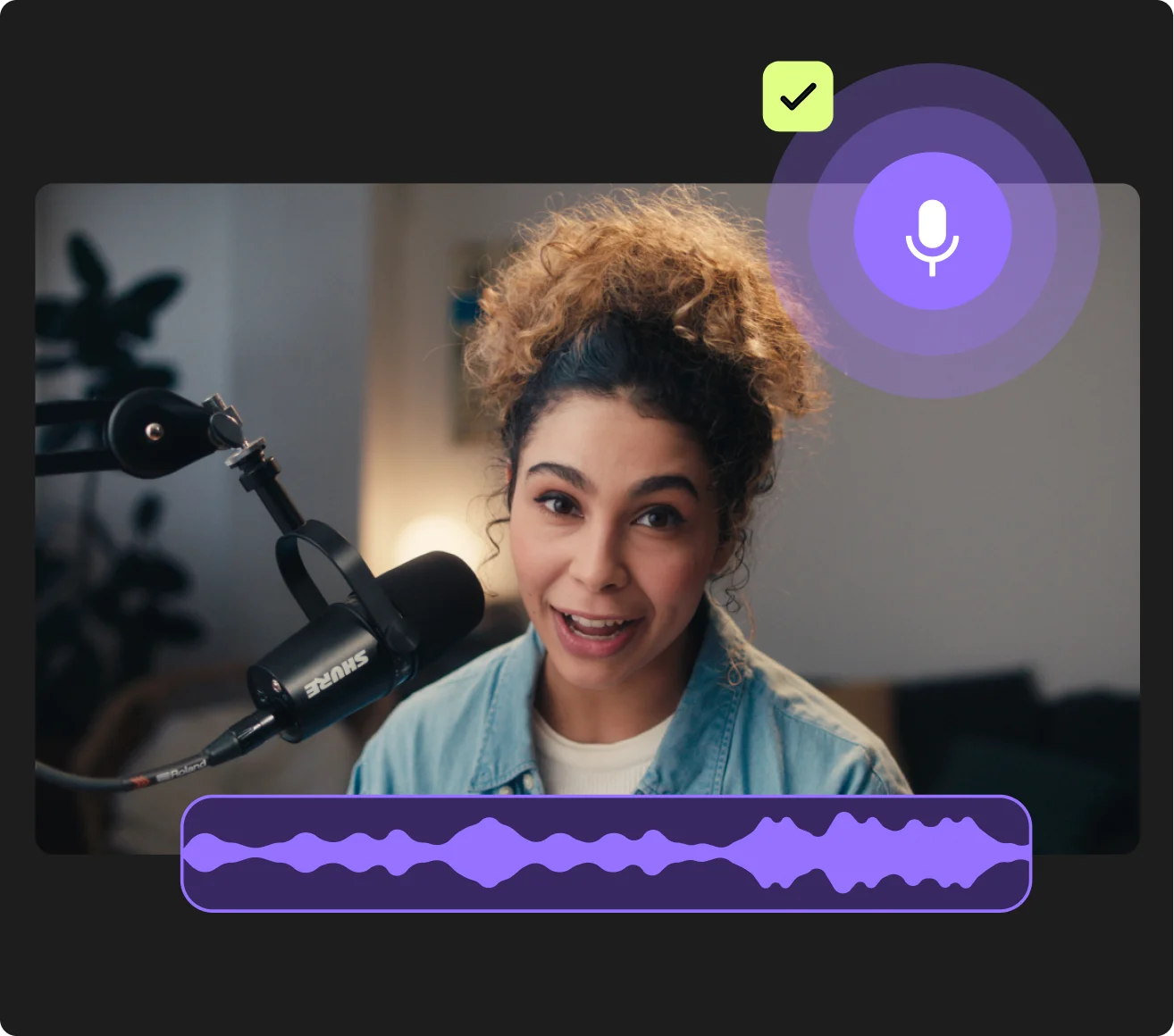

Speak clearly and naturally
Pronounce your words carefully and maintain a steady pace while speaking. Avoid strong regional accents or overly niche technical jargon.
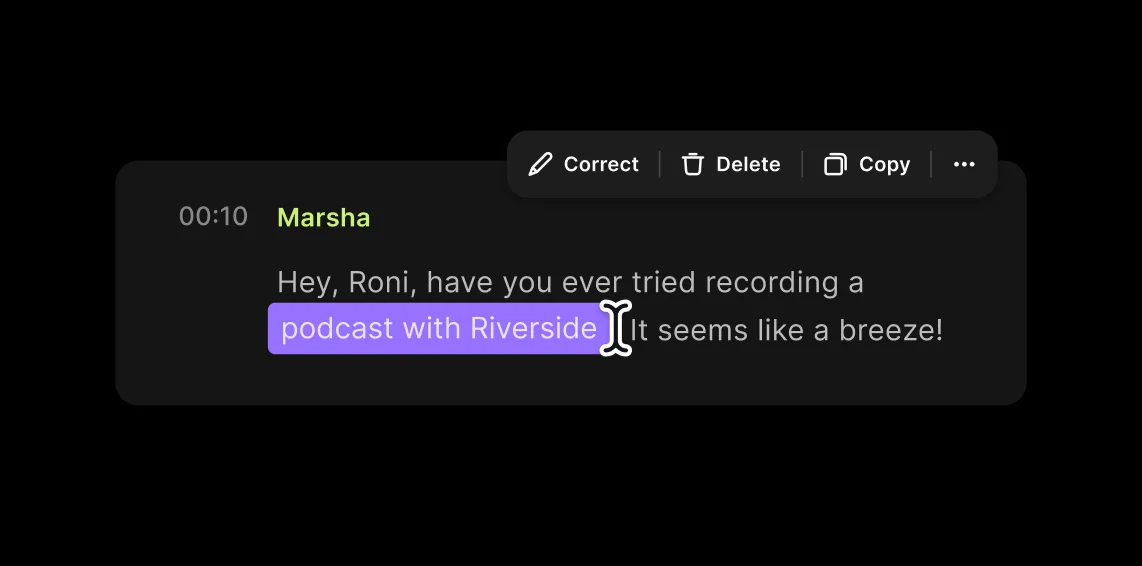
Review names and terms
Even the best AI can struggle with brand names, people’s names, and niche terms. Skim your final text transcript to ensure consistency.
Transcribe voice notes to:
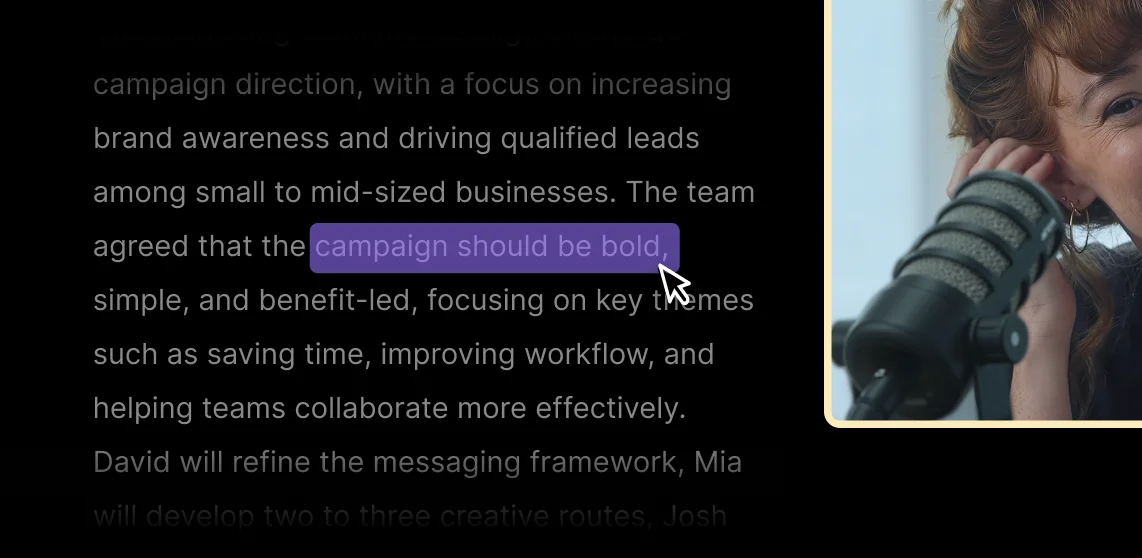
Extract quotes to publish content faster
Turn your interviews into publishable quotes instantly. Find the perfect soundbite in seconds without re-listening to the full file or hunting through timestamps manually.
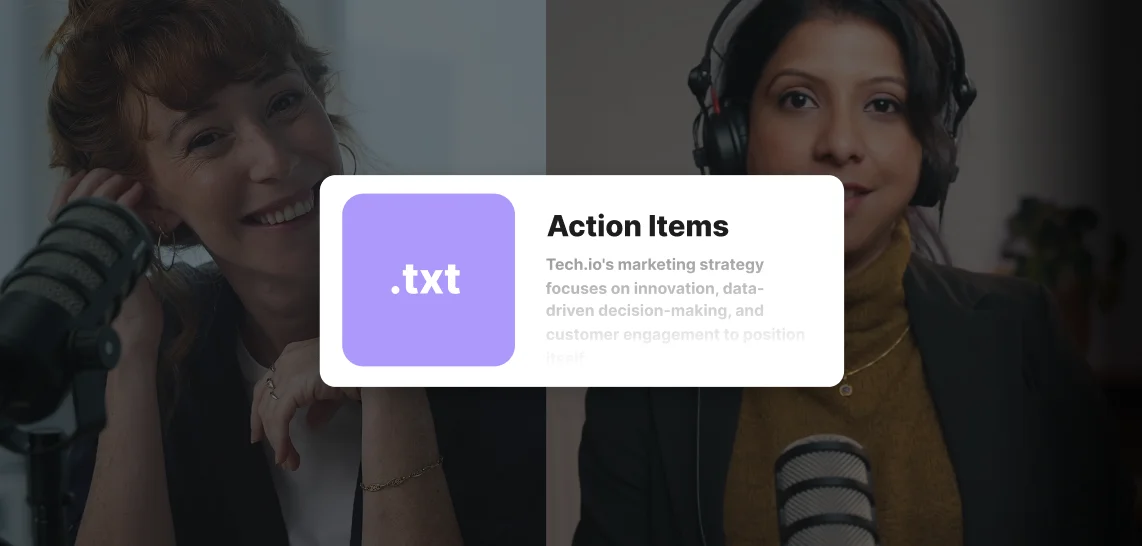
Convert meeting memos into action items lists
Turn meeting voice notes into clear next steps you can share with your team and clients immediately after your call or meeting.
Transcribe voice notes into drafts
Stop staring at a blank page. Build a writing habit by speaking your ideas first, then turning those raw thoughts into editable text.
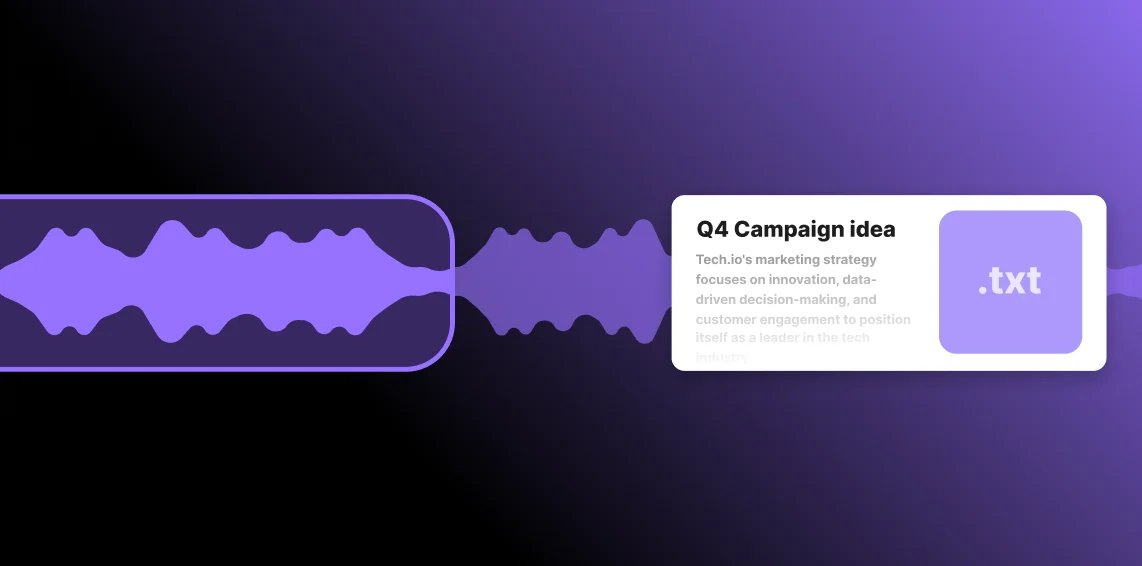
Get clean notes from lectures and research
Capture ideas, interviews, or class recordings as voice memos and turn them into searchable, organized text you can reference any time.

Pricing
From recording to publishing, all on one platform. Studio-quality results with AI that does the heavy lifting.
Pro
Create polished, high-quality content
/mo (yearly plan)
High-quality video & audio recording in separate tracks
Unlimited text-based editing
Unlimited multi-track editing
AI tools (Magic Audio, Smart Scenes for automatic multi-cam edits, eye contact, unlimited transcriptions, show notes, remove silences & filler words)
AI content repurposing tools
Publish to YouTube, Spotify, Apple, Instagram, LinkedIn & more
Business
Produce at scale with control
Full remote control over recording and post-production
Custom branding
Webinar solution
Podcast hosting for as many shows as you want
Async recording
Team collaboration
24/7 priority support
Dedicated Customer Success Manager
Enterprise-grade security

Frequently Asked Questions
You can transcribe a voice note on your iPhone using Riverside’s free transcription software in your mobile browser, or using Apple’s built-in Voice Memos. Simply upload your saved audio file to the tool, and Riverside will automatically generate a highly accurate text transcript. Otherwise, Apple Voice Memos has a built-in transcription feature that lets you view and copy your transcriptions.
Yes, it is generally legal to transcribe audio recordings if you have the proper consent from the people speaking. For interviews and meetings, the safest approach is to tell everyone you’re recording and ask for consent before you start. You should also verify your local recording laws before you capture and transcribe conversations with other individuals.
You can transcribe voice to text for free using Riverside’s instant online transcription tool. It’s really easy and you don’t need to create an account:
- Upload your voice memo directly to our web page.
- Pick the language of your audio. Our speech-to-text software supports over 100 languages and dialects.
- Start transcribing.
- Copy or download the final text.
Riverside’s transcription service is 99% accurate, which is even more accurate than other top transcription software platforms.
Our platform uses OpenAI’s Whisper model, an advanced speech-recognition technology. This is trained on 680,000 hours of multilingual data to decipher different accents with near-human precision.
If you’re recording on Riverside, you’re also getting higher-quality and uncompressed audio files. This leaves less room for mistakes.
From voice memo to text in seconds.
Turn voice recordings into scripts, summaries, key takeaways, and more.


More from Riverside
.webp)
%20(1)%20(1).webp)
.webp)

Features