Voice Recorder With Transcription
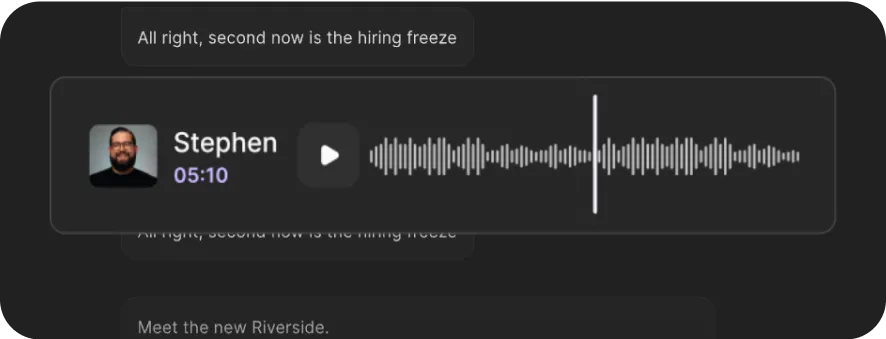
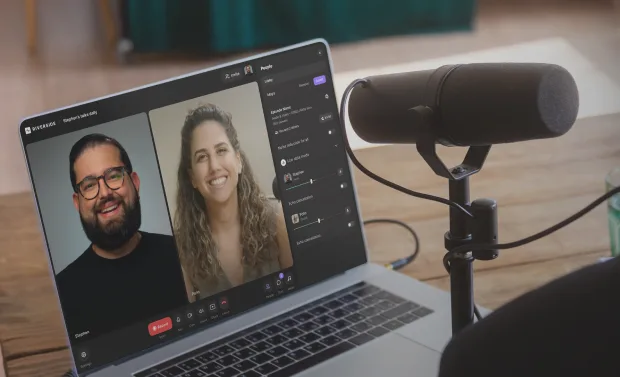
Go from voice recording to transcript the minute you stop recording. Capture high-quality uncompressed audio and get word-for-word transcripts with 99% accuracy.


or drag MP3, WAV, MP4 or MOV files


How to record and transcribe with Riverside
Step 1
Record audio
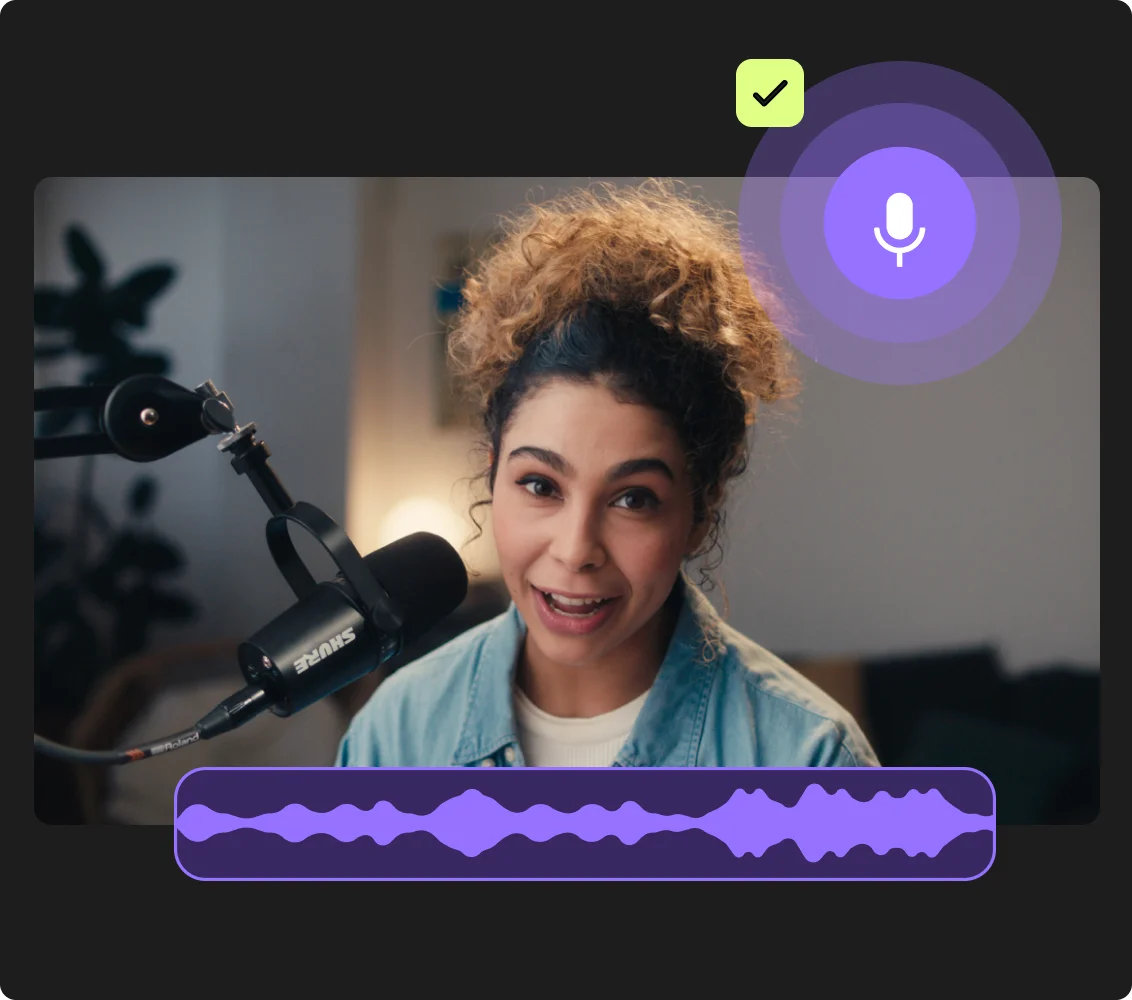
Record on Riverside in high-quality 48kHz audio for clearer transcripts. Already have a file? Upload it to start transcription instantly.
Step 2
Get your transcript automatically
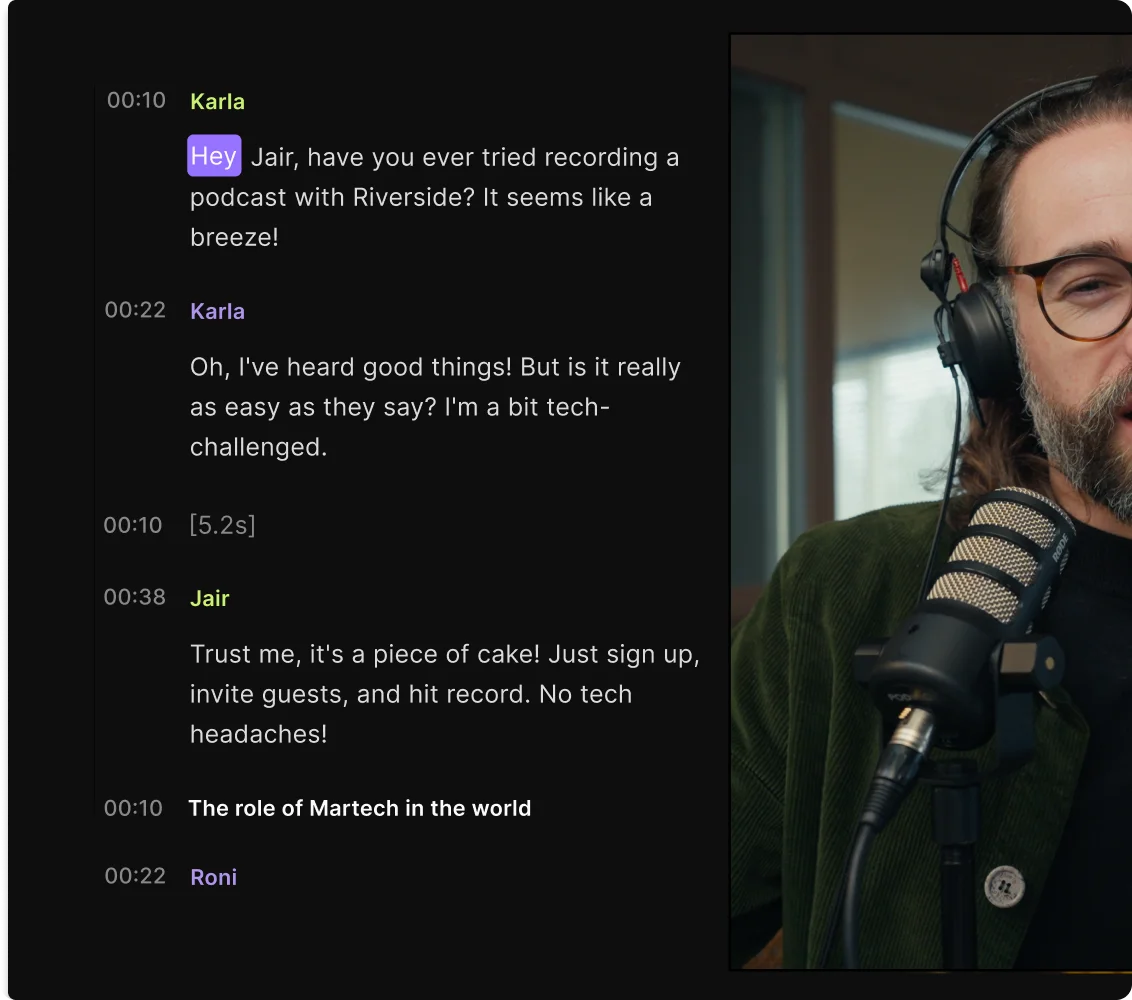
As soon as you stop recording, your transcript begins processing. No extra steps, it’s all handled for you.
Step 3
Download your transcript
Download your transcript as a text file for quick summaries or notes. Or, download a subtitle file if you’re transcribing audio for a video.
Step 4:
Repurpose your transcript
Turn your transcript into scripts, newsletters, and more. Or, use the transcript to edit your actual recording in our full suite editor.

Why Riverside:
A voice recorder with transcription that never misses a word

Studio-quality voice recordings, anywhere
Record in a quiet room, a café, or on the go. Capture local, uncompressed audio, so your recording stays clear even if your Wi-Fi doesn’t.

Instant AI transcription with 99% accuracy
Our voice recording transcription uses advanced speech-to-text technology with 99% accuracy. Pair this with uncompressed, crystal clear recordings, and you get highly accurate transcripts.

Transcribe voice recordings in multiple languages
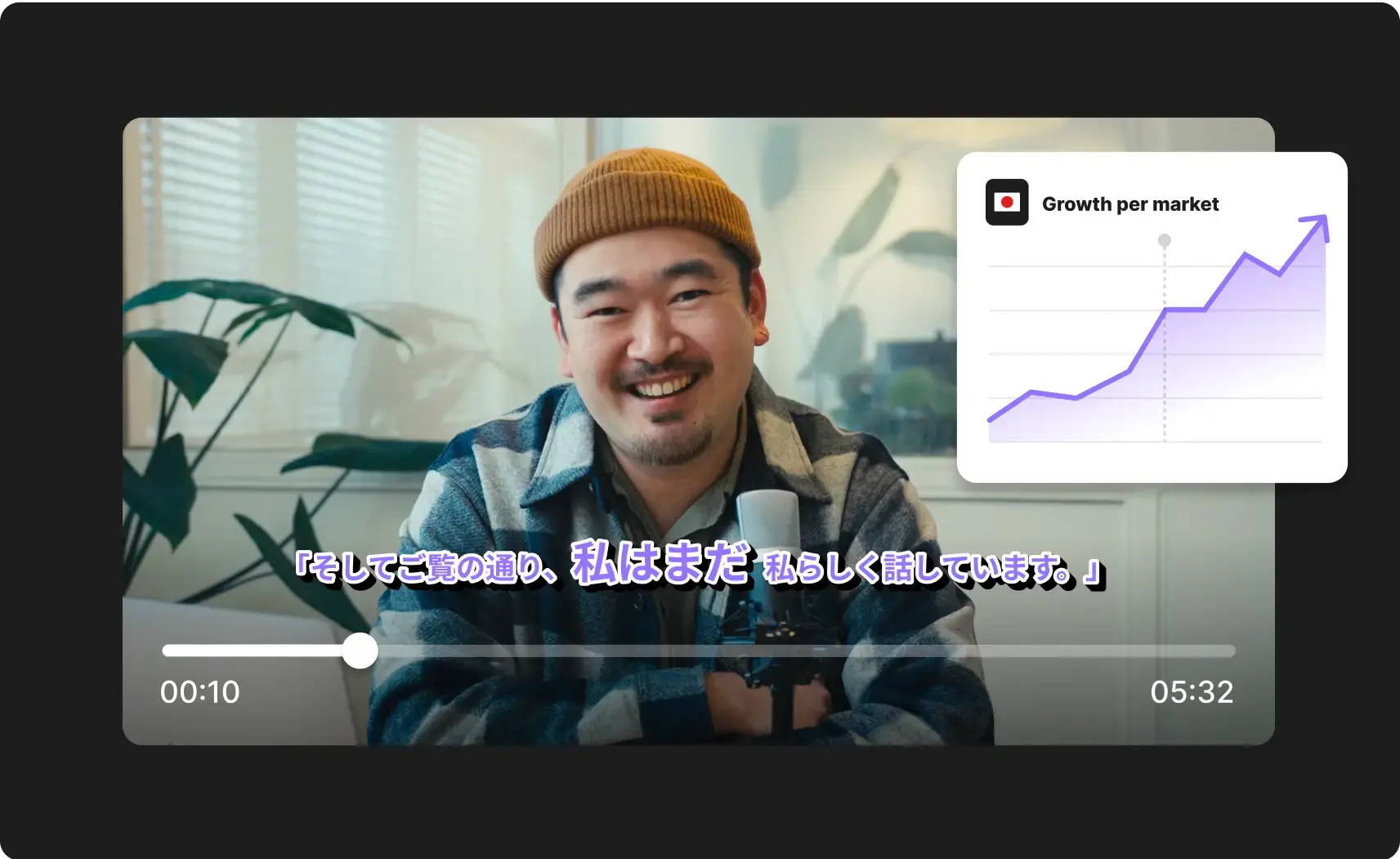
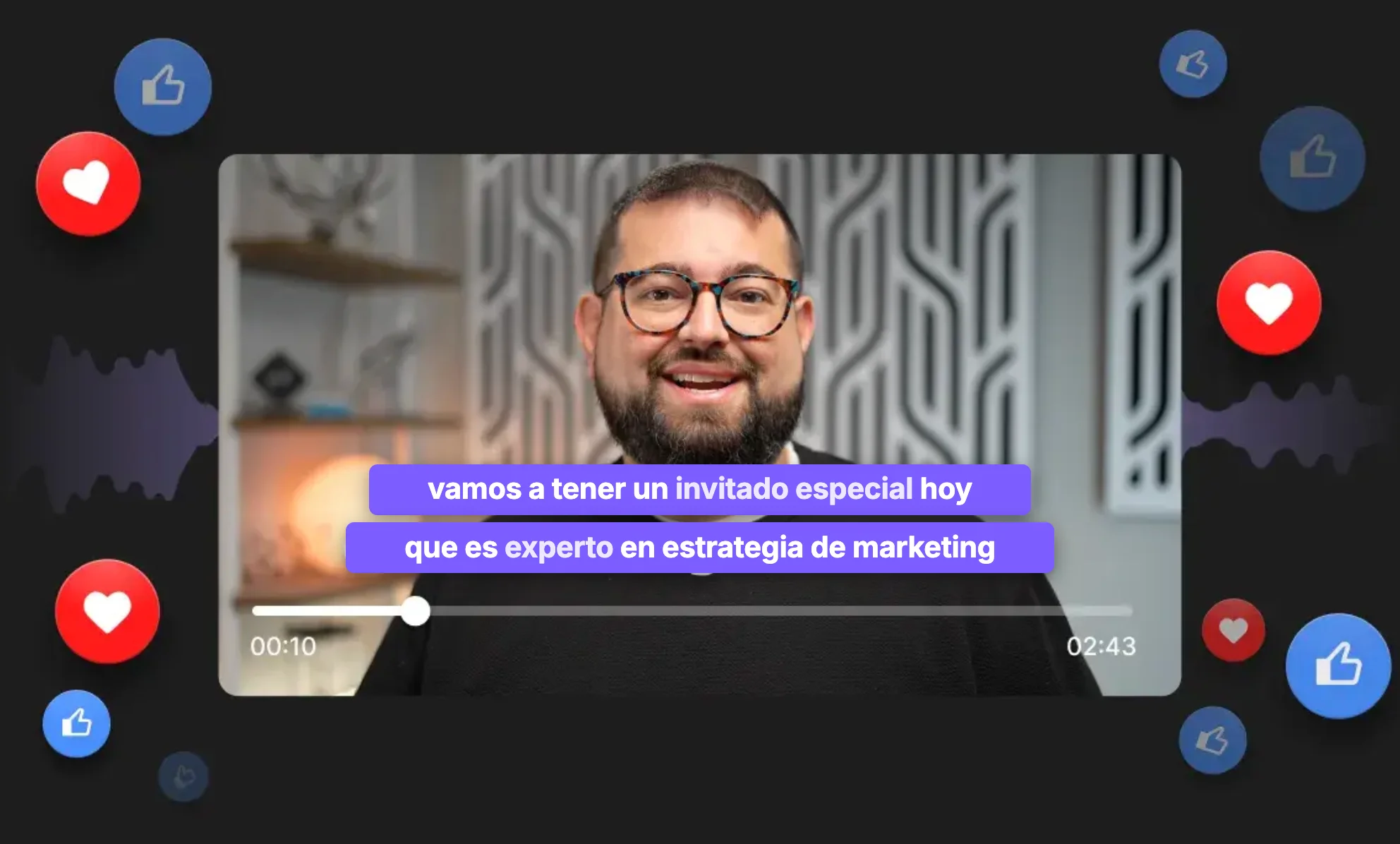
Convert voice to text in 100+ supported languages, including Spanish, French, German, Italian, Portuguese, and more.

Speaker labels for every voice
Record solo or with up to 9 guests, and our voice transcription software identifies and labels each person separately so the transcript stays organized and easy to follow.

Edit voice recordings with your transcript
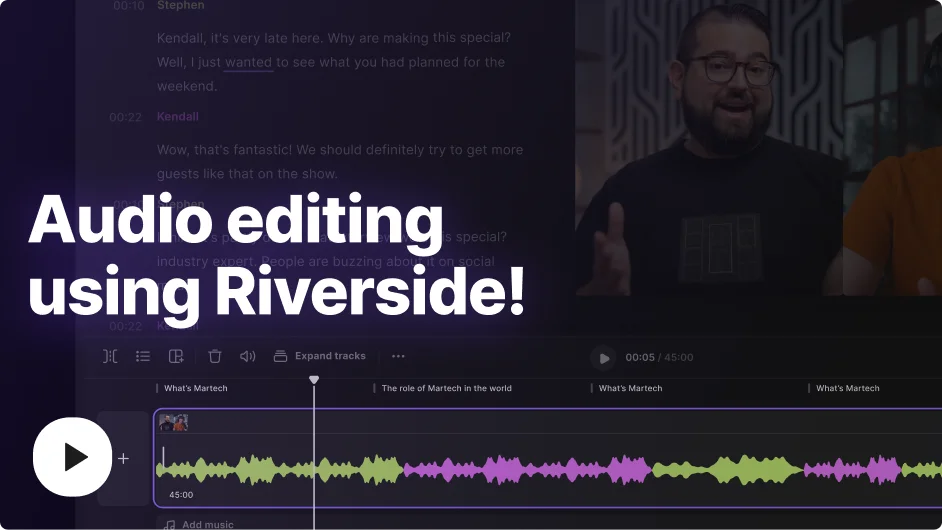
Any text you adjust in your transcript automatically syncs to your actual recording. Save time and skip editing audio on a complex timeline.

Turn recordings into content
Repurpose your recording and transcript into blog posts, social clips, audiograms, and more. One session becomes multiple formats without starting from scratch.
From raw voice recording to clean transcripts in one workflow.
How to get accurate voice recording transcripts: 5 Tips
Minimize background noise
Background noise makes it harder for transcription software to identify words. Record in a quiet environment, or use noise-canceling for a clear voice recording.
Speak clearly
Don’t slur your words. Pronounce your words as clearly as possible to make it easier for your transcription software to transcribe your voice recording.
Use a microphone
Your computer mic doesn’t isolate your voice well when recording. Rather, use a dedicated microphone that records your voice clearly for more accurate transcription.
Choose reliable transcription software
Not all automatic transcription is accurate. Make sure you choose software that offers quick transcriptions while still being accurate.
Transcribe in the right language
Most transcription software defaults to English. If you're recording in another language, make sure your settings match.
Transcribe voice recordings into transcripts to:
Improve your podcast’s discoverability
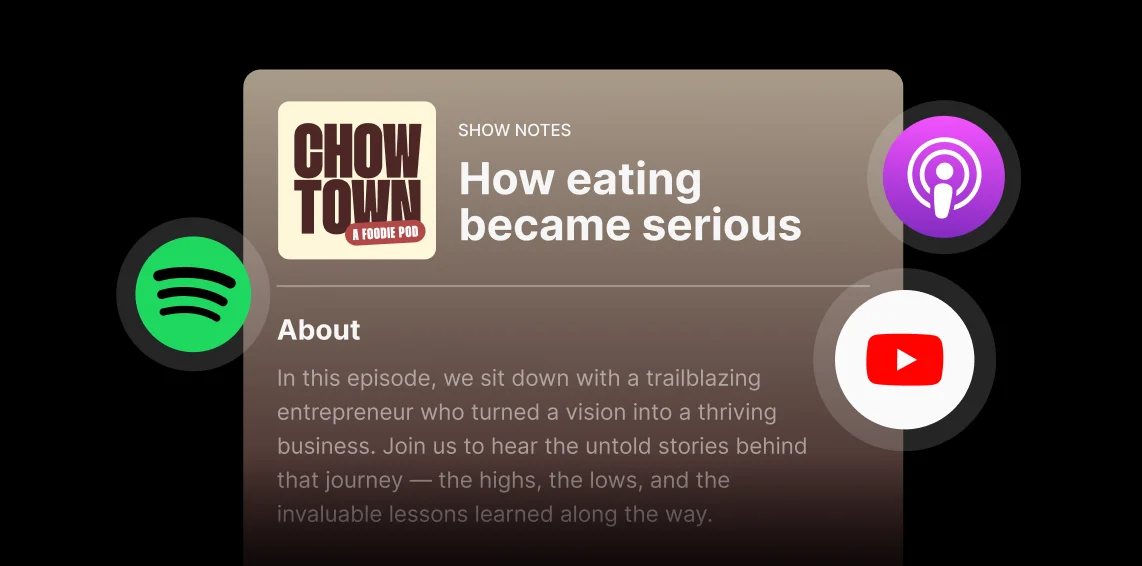
Add keyword-rich transcripts and show notes to podcast episodes so listeners discover you on Spotify, Apple Podcasts, and YouTube search.
Create quick meeting summaries
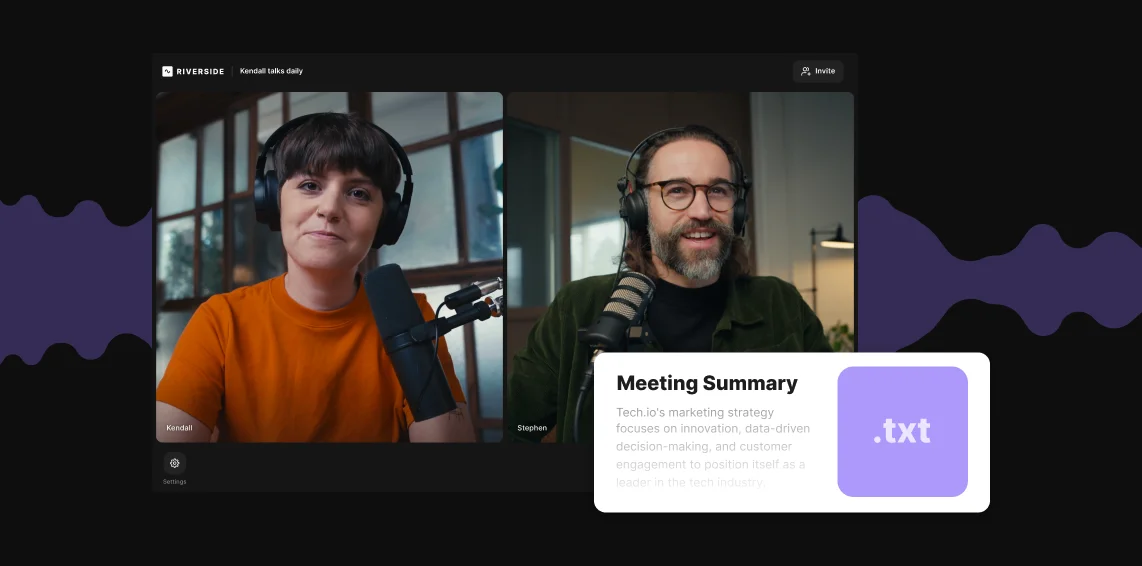
Get your note-taking done in minutes. Capture any meeting in high-quality and get a voice recording transcript, ready to turn into summaries and key takeaways.
Turn voice memo ideas into content
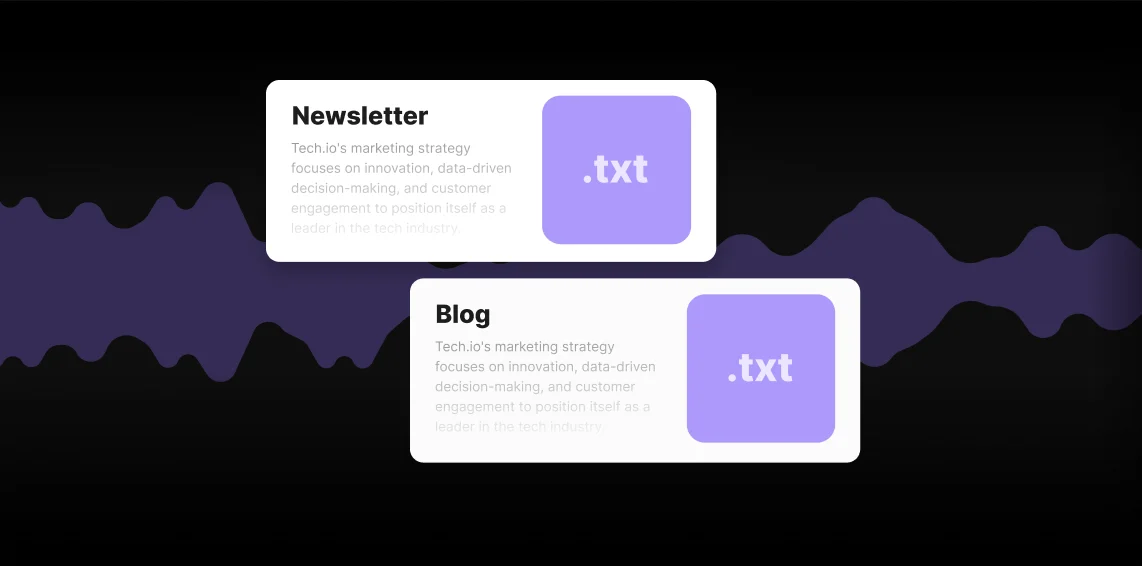
Record your ideas as voice memos and transcribe them to turn them into content scripts, blog posts, newsletters, and more.
Grab top quotes from recorded interviews
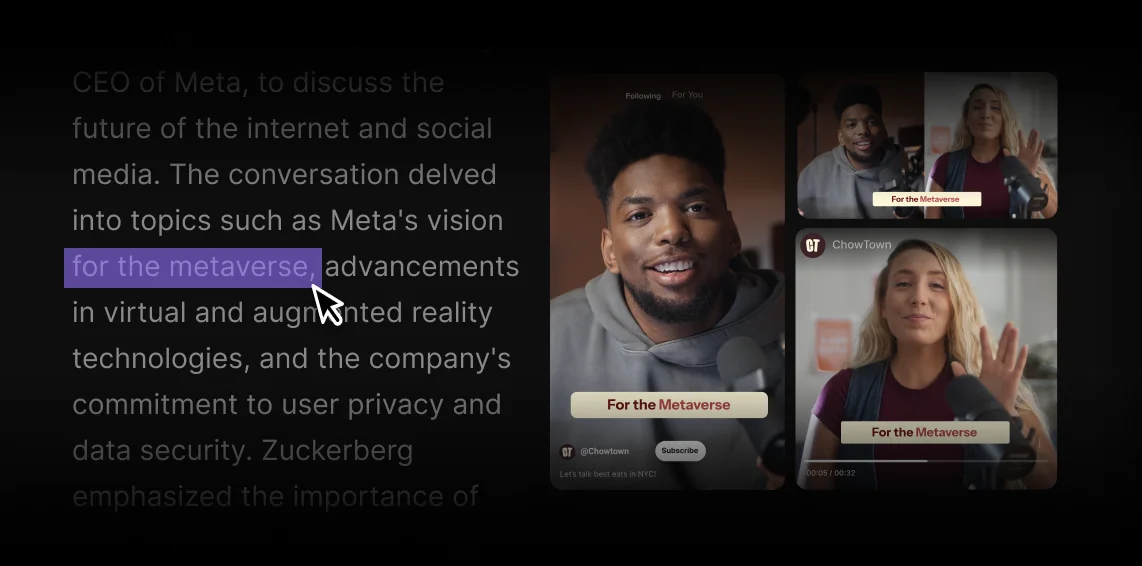
Capture interviews in high quality, then transcribe the voice recordings instantly afterward to quickly extract powerful moments for content.

Pricing
From recording to publishing, all on one platform. Studio-quality results with AI that does the heavy lifting.
Pro
Create polished, high-quality content
/mo (yearly plan)
High-quality video & audio recording in separate tracks
Unlimited text-based editing
Unlimited multi-track editing
AI tools (Magic Audio, Smart Scenes for automatic multi-cam edits, eye contact, unlimited transcriptions, show notes, remove silences & filler words)
AI content repurposing tools
Publish to YouTube, Spotify, Apple, Instagram, LinkedIn & more
Business
Produce at scale with control
Full remote control over recording and post-production
Custom branding
Webinar solution
Podcast hosting for as many shows as you want
Async recording
Team collaboration
24/7 priority support
Dedicated Customer Success Manager
Enterprise-grade security

Frequently Asked Questions
You can use Riverside’s free online voice recorder by just going to the page and clicking on the audio recording button.
Here's how:
- Go to Riverside’s online audio recorder.
- Click on the audio recording option.
- Click the record button to start your recording.
- You can pause the recording or click the stop button when you finish recording.
For a higher-quality recording, sign up for the full Riverside platform. Here’s how to record your voice or audio after signing in:
- Open a new studio and then “New” to create a project to record in.
- In the project page, click “Record” to enter your recording session.
- Test your equipment and click " Join the studio.
- Click the record button to start your recording, and the stop button to end it.
Note that Riverside records audio and video on separate tracks, so you can download each individually. If you still want to record only audio, you can set your studio to audio-only.
To transcribe a voice recording use an AI transcription that converts audio to text. If you’re using Riverside’s free transcription tool, here’s how it works:
- Upload your recording to the transcription tool.
- Choose a language and what content type you’re creating.
- Let the AI transcribe your voice recording into a text transcript.
- Preview your voice transcription.
- Download your voice transcript as a text file.
Note that if you’re recording on a paid Riverside plan, you’ll get automatic transcriptions after every recording.
Yes, it’s possible to transcribe a voice recording to text using transcription software. For example you can use transcription software like Riverside, Otter.ai, or HappyScribe.
Riverside takes only a few minutes to transcribe a recording. Your transcripts will be ready shortly after your session ends, depending on the file length.
You can begin editing your video immediately while the transcript processes. Manual transcription, by comparison, can take hours.
Learn more in our guide on how to transcribe audio to text.
More than a voice transcriber.
Record, transcribe, edit, and repurpose in one platform.

More from Riverside
.webp)


Features