Translate Spanish to English Audio
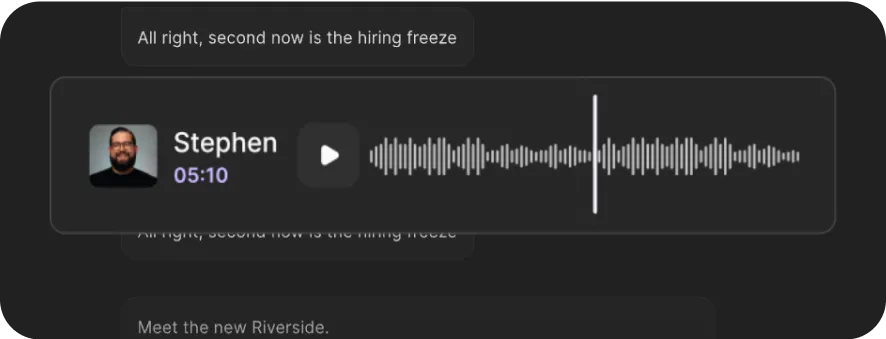
Translate Spanish audio to English in one click. Get English text, subtitles, and a voiceover that still sounds exactly like you.




How to convert Spanish audio to English with Riverside
Step 1
Record or upload your content
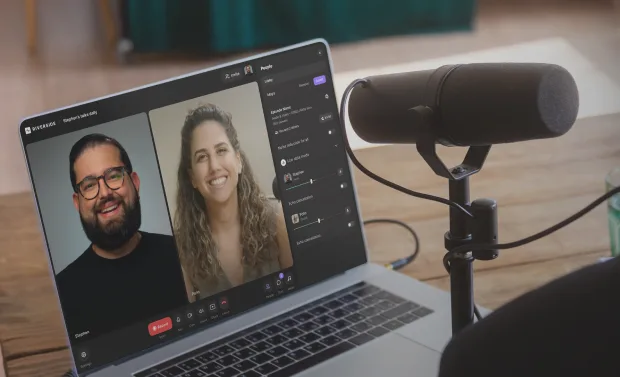
Record directly on Riverside for clean, high-quality audio input. Or, upload your audio or video file to Riverside.
Step 2
Translate from Spanish to English
From your project page, pick the English accent of your choice and ask the AI to translate your Spanish content. Riverside keeps your original tone and voice intact.
Step 3
Edit your English files
Enhance audio, trim, and polish your translated recording in the text-based editor. Or, repurpose it into clips, blogs, newsletters, and more with the chat-based editor.
Step 4
Export and your translated assets
Export your translated English text transcripts, audio, and video files, then share everywhere with a click.
.webp)

Why Riverside:
Why use Riverside: Translate, transcribe, and re-dub, all in one tool

Highly accurate Spanish translations
Convert Spanish audio to clear English with up to 98% accuracy. Pair this with Riverside’s uncompressed audio recording, so your translation starts with the cleanest input.

Spanish to English audio that sounds like you
You’ll be you, even in another language. Riverside translates your Spanish audio into English audio, matching your original voice, tone, and style for natural-sounding dubbing.

Text or subtitle English transcripts
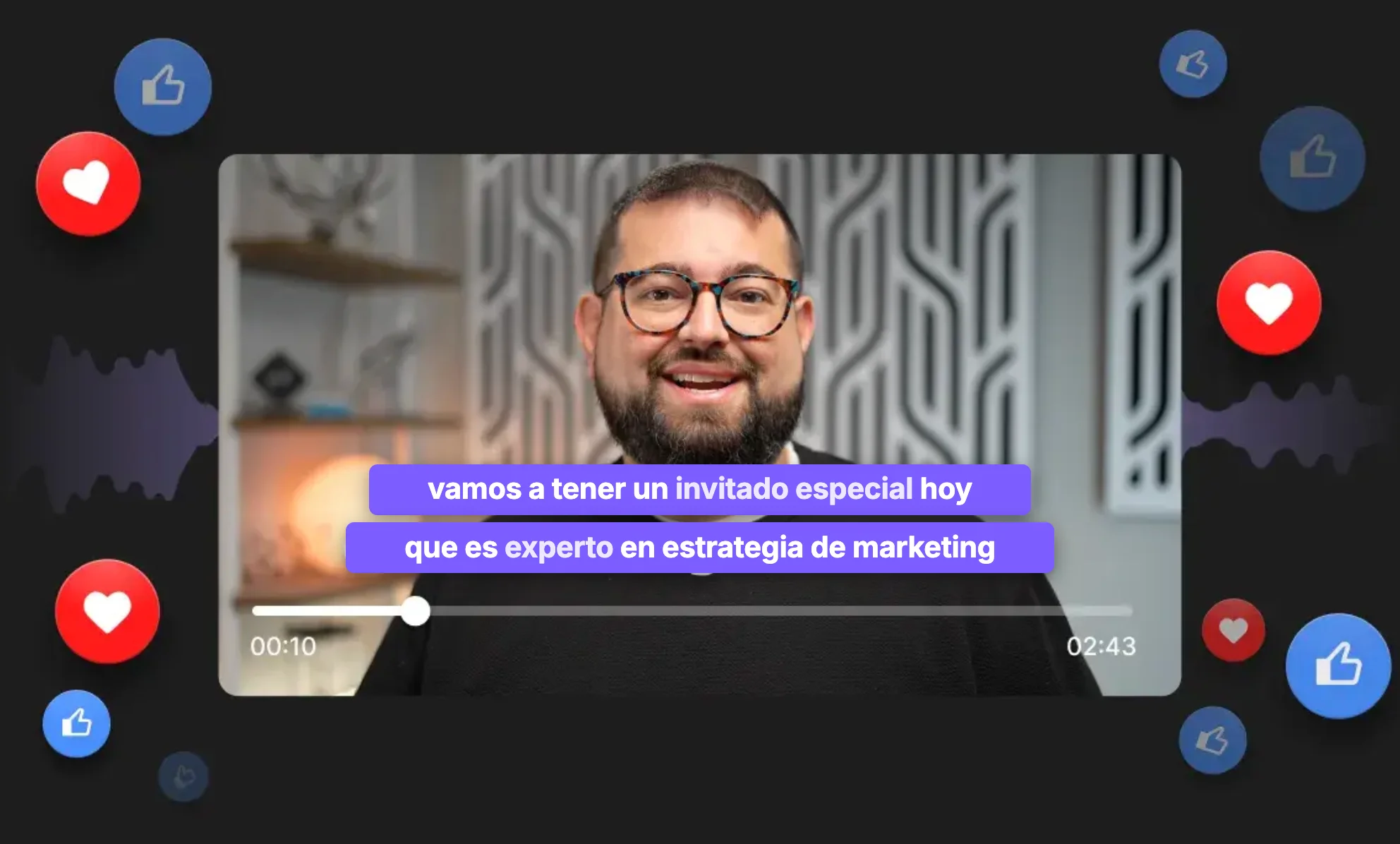
Turn Spanish audio into English text for quick meeting notes and summaries. Or, download translated subtitles with speaker labels, ideal for online captions or podcast show notes.

Pick your English dialect
Translate Spanish audio into American, UK, Australian, or Canadian English. Because native always sounds better.

Go global with translation in 30+ languages
Go beyond your English and Spanish audience. Translate audio (or video) to Dutch, Chinese, and 30+ languages.

Turn Spanish audio into English assets
Don’t stop at translating your Spanish audio into English. Ask Co-Creator to repurpose your content into summaries, blog articles, emails, and social posts just by chatting with it.
Your Spanish content deserves an English audience.
No need to record twice. Translate your Spanish audio to English in one click.
5 Tips for natural-sounding Spanish to English translations
Preserve your voice
Skip unnatural-sounding AI voice-overs. Look for a tool that dubs your audio into English while preserving your original voice and vocal style.
Record audio in high-quality
Low-quality or compressed audio leads to inaccurate translations. Keep your translations clear by recording at high resolution.
Lip sync for video audio
If you’re translating Spanish audio in a video, make sure your software includes natural-looking lip-sync. Unmatched audio and lips are a giveaway that your video was translated.
Separate speaker tracks
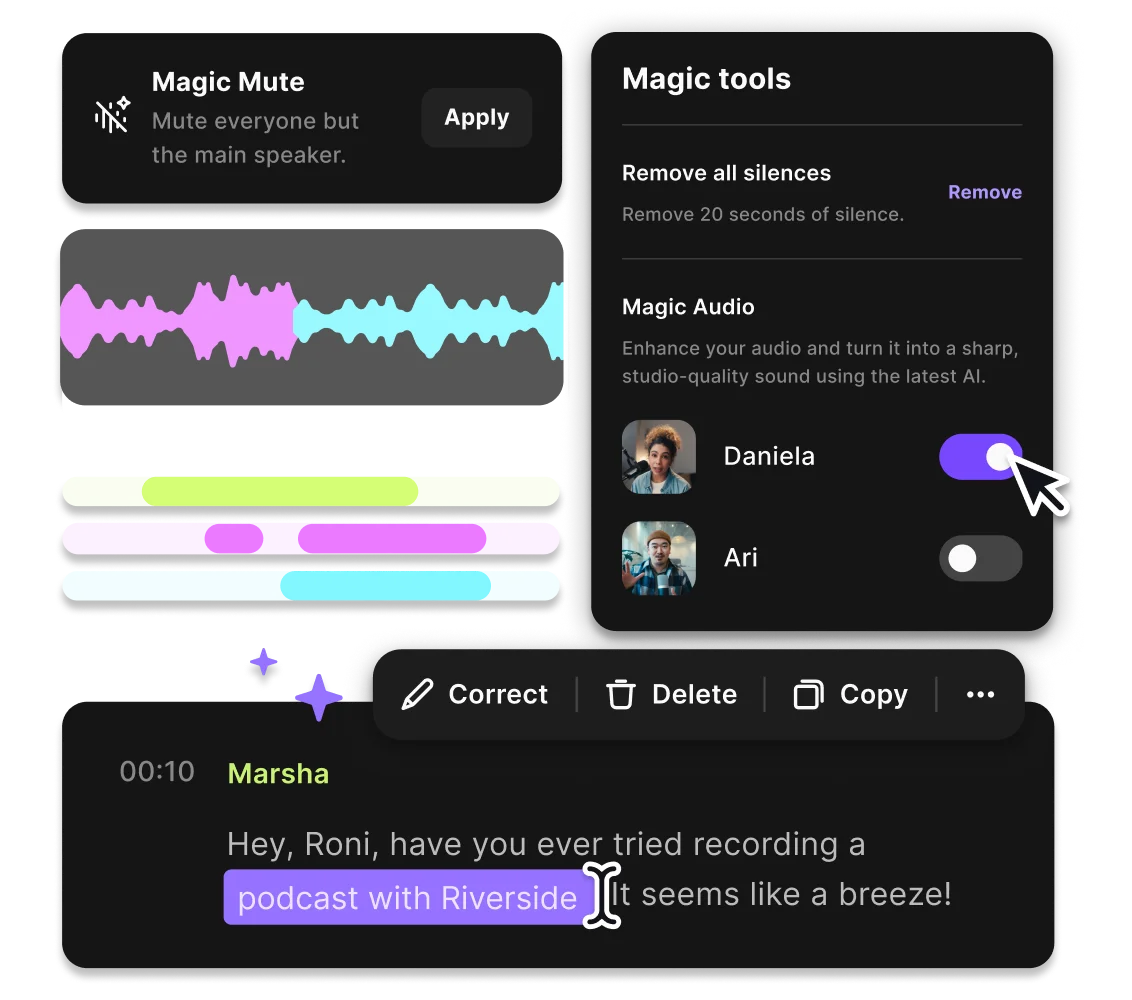
Recording with multiple people? Record in separate tracks for more editing flexibility. Then, adjust volumes and cut crosstalk to make your final audio sound smooth.
Avoid heavy accents or fast speech
Strong regional accents and fast speech can make AI translation more difficult. Speaking clearly and at a steady pace gives the AI the best chance of capturing every word accurately.
Translate Spanish to English to:
Localize Spanish episodes for English audiences
Turn your Spanish podcast episodes into high-quality English content in minutes. Use AI dubbing to keep your unique voice while reaching a global, English-speaking market.

Convert Spanish interviews into English transcripts
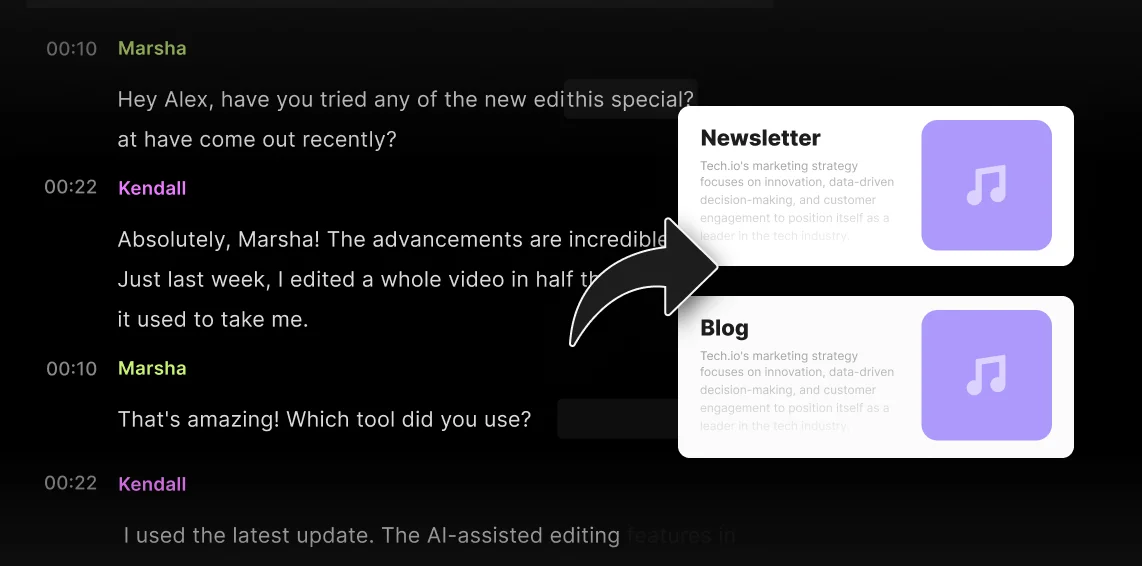
Turn Spanish conversations into readable English text for articles, show notes, quotes, and summaries. Move from raw audio to endless assets by chatting with AI.
Dub Spanish social content to increase reach
Save hours in the studio dubbing your Spanish video content into English. Generate an accurate AI translation with no new session, no voice actors, no extra takes.
Make webinars accessible in English
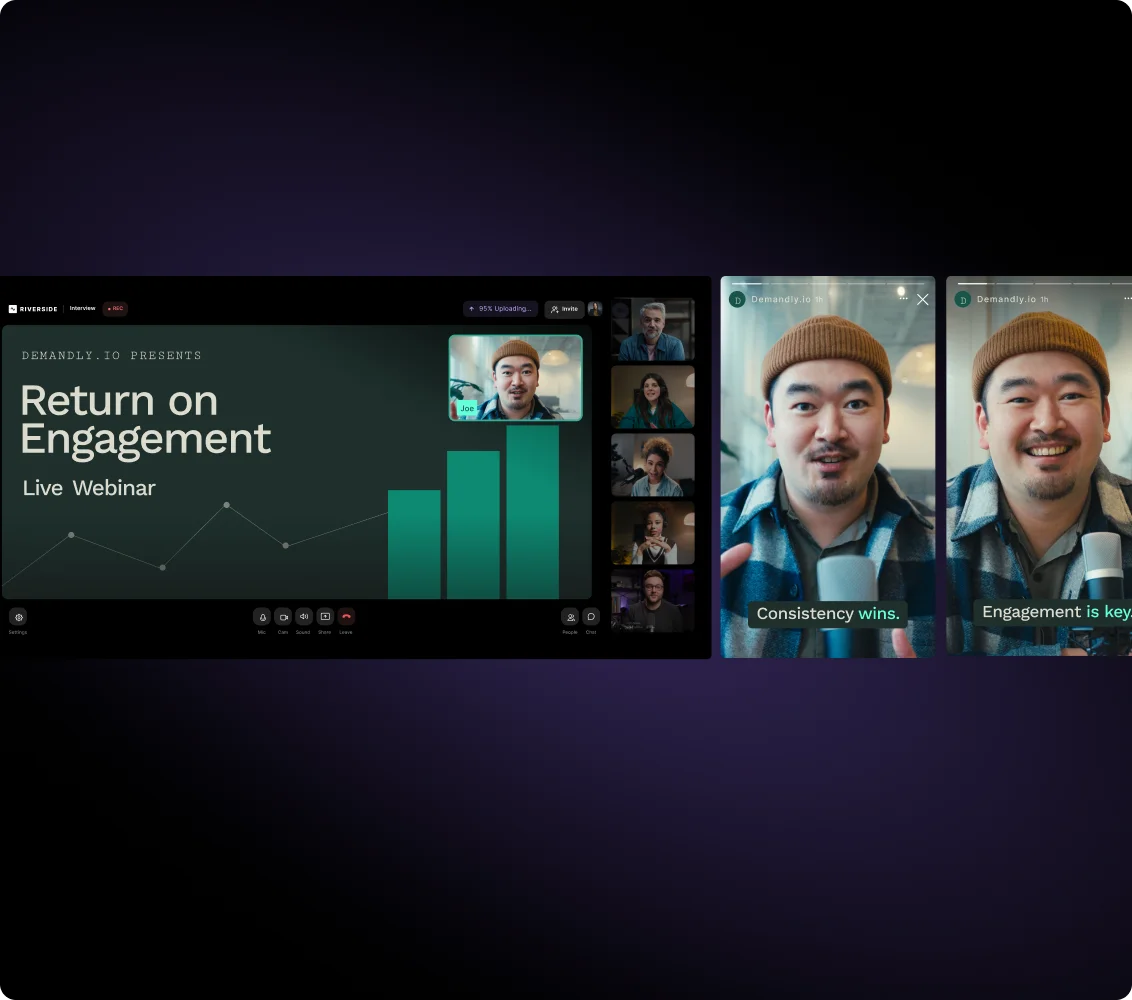
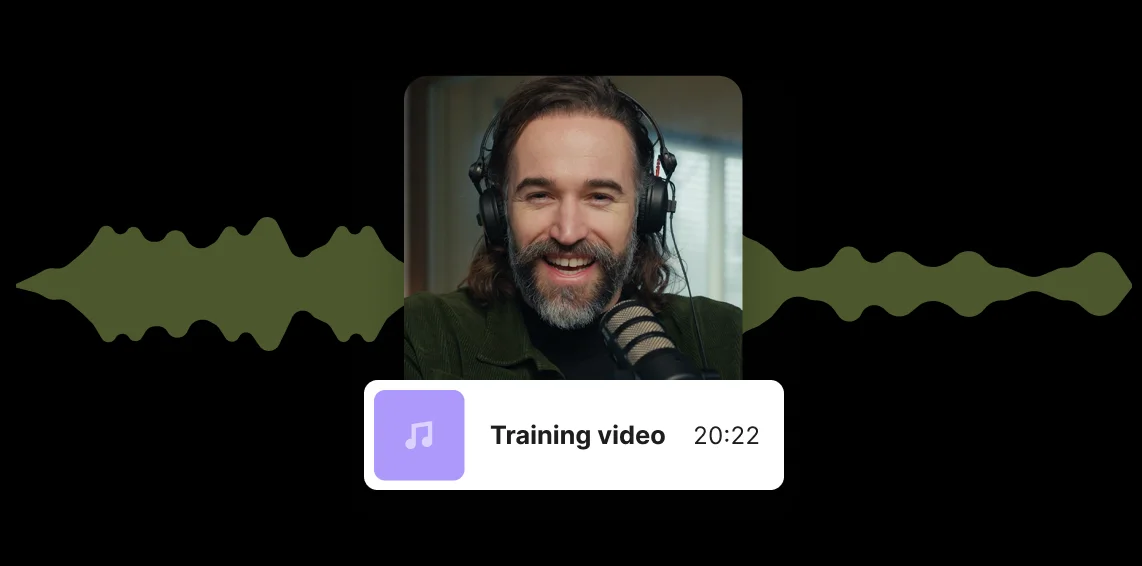
Translate webinars or workshops into English to reach a wider audience. With multi-speaker translation, translate all your guest speakers accurately.
Pricing
From recording to publishing, all on one platform. Studio-quality results with AI that does the heavy lifting.
Pro
Create polished, high-quality content
/mo (yearly plan)
High-quality video & audio recording in separate tracks
Unlimited text-based editing
Unlimited multi-track editing
AI tools (Magic Audio, Smart Scenes for automatic multi-cam edits, eye contact, unlimited transcriptions, show notes, remove silences & filler words)
AI content repurposing tools
Publish to YouTube, Spotify, Apple, Instagram, LinkedIn & more
Business
Produce at scale with control
Full remote control over recording and post-production
Custom branding
Webinar solution
Podcast hosting for as many shows as you want
Async recording
Team collaboration
24/7 priority support
Dedicated Customer Success Manager
Enterprise-grade security

Frequently Asked Questions
You can easily translate a Spanish audio or video to English with Riverside. Here’s how:
- Upload the video to your Riverside studio.
- From the “Projects” page, hover over the recording, click “Ask AI”, then select “Translate”.
- Choose the English accent you want to translate the video into (United States, Canada, United Kingdom, Australia).
- Select whether you want to include lip sync.
Riverside’s AI translation will generate a new copy of your content, re-dubbed in English, within a few minutes.
You can translate English audio to Spanish on Riverside, following these steps:
- Upload the video to your Riverside studio.
- From the “Projects” page, hover over the recording, click “Ask AI”, then select “Translate”.
- Choose the Spanish accent you want to translate the video into (Spain, Colombia, Argentina, or Mexico) .
- Select whether you want to include lip sync.
Riverside will generate a re-dubbed copy of your content in just a few minutes.
You can transcribe a recording with multiple languages into one translated language.
Riverside’s transcription works with the Studio’s default language you select. In recordings with multiple languages, words or phrases spoken in secondary languages are automatically translated into the studio's default transcription language in the final text.
To get the best accuracy, make sure you set the language before you record.
With Riverside, the AI translation process requires roughly 20 minutes per minute of video, but in many cases it takes much less. Videos with lower audio quality or multiple speakers might take longer.
Don’t worry, though, Riverside works in the background so you can keep editing and recording in your studio while the translation is completed. You will receive an email notification once the translation is ready.
Riverside can transcribe audio in over 100 languages, including major ones like English, Spanish, French, Italian, Arabic, German, Chinese, Portuguese, and Dutch. The mobile app can also transcribe right-to-left languages like Hebrew and Arabic.
Check here for a full list of all the languages supported by Riverside for AI transcriptions.
From Spanish recording to English content in one workflow.
Record in studio quality, translate instantly, edit with AI, and repurpose, all in one platform.



More from Riverside
.webp)


Features