Video Resizer
Resize your video for TikTok, Instagram, YouTube, and more in seconds. Upload your clip (in MP4 or MOV format), and see Riverside’s free video converter change aspect ratio and resolution online, no quality lost.


How to resize a video with Riverside
Step 1
Upload your video
Choose your file and upload it to the video resizer. Upload an MP4 or WAV file, and the tool will process it instantly.
Step 2
Resize your video
Select a preset for Reels, Instagram, landscape, portrait, and square, or enter a custom size.
Step 3
Polish your clip
Zoom, crop, trim, rotate, speed up or slow down, or mute parts of your video to refine before exporting.
Step 4
Save your resized video
Download in MP4 or WAV format. Your video is ready for any platform, no sign-up required.

Why Riverside:
Resize video online instantly

An aspect ratio changer for any social platform
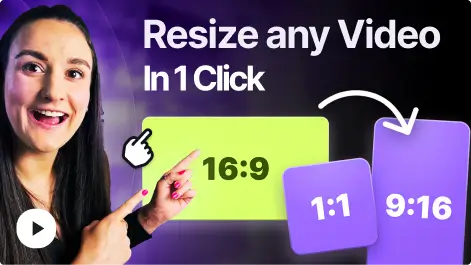
Change video aspect ratio in one click with presets for TikTok, Instagram, Facebook, X, LinkedIn, or YouTube. Convert your videos to 16:9, 9:16, 1:1, 4:3, 4:5, or a custom aspect ratio.

Crop, re-frame, re-focus. No sweat.
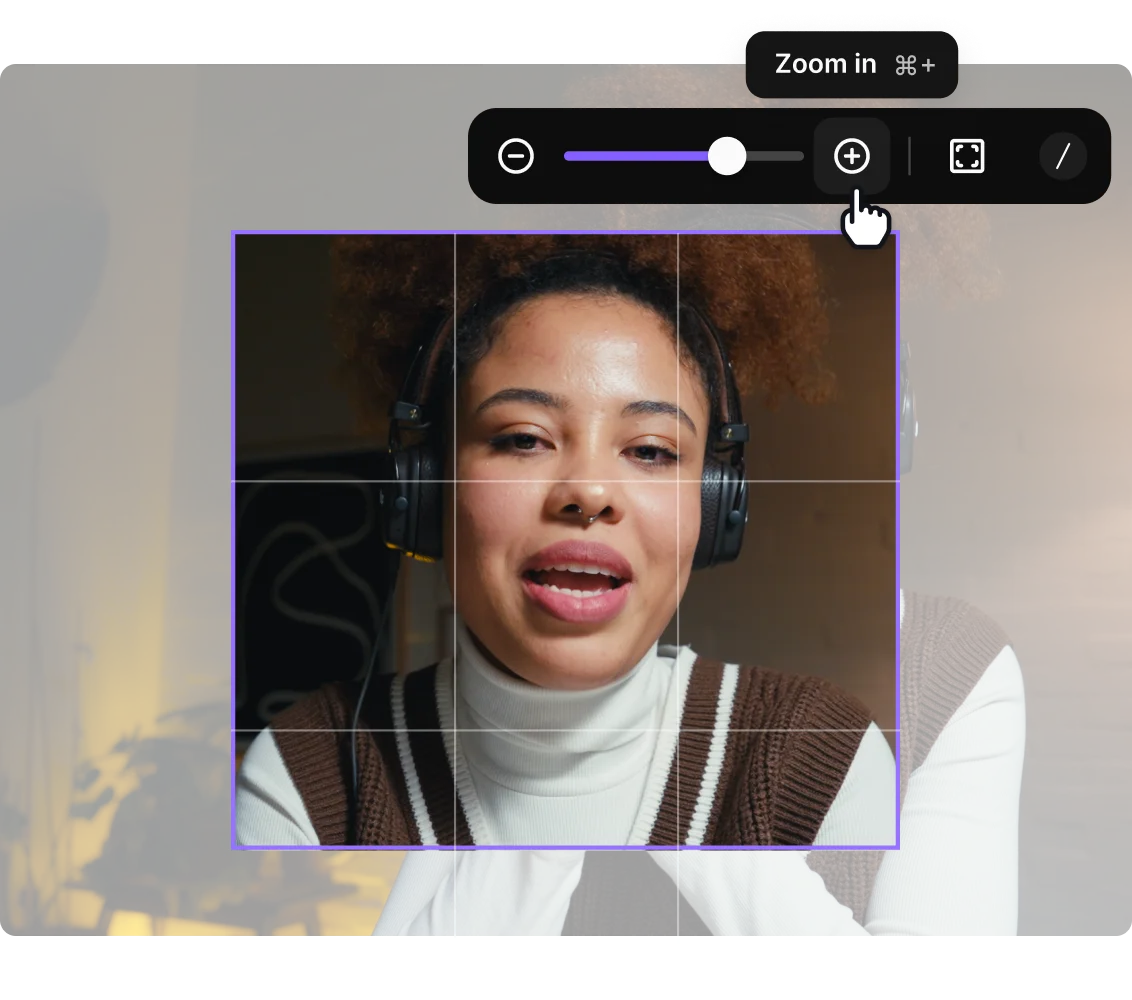
Zoom in, crop, and even turn horizontal videos into TikTok-ready vertical clips. Reframe your speaker to keep all key details in focus.

Easy trimming to boost engagement
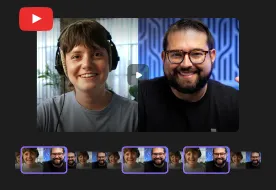
Use the video timeline to shorten the beginning or end of a clip. Or, for even faster edits, jump into Riverside’s video editor and make edits just by editing the transcript or by chatting with Co-Creator, your AI editing assistant.

Adjust speed, rotate video, and more
Fine-tune the final look with simple controls to adjust playback speed, flip orientation, or mute audio. Complete creative control at your fingertips.

Generate viral clips
Let Riverside’s Magic Clips pick key moments of your video and turn them into viral clips for social media.

Edit and repurpose by chatting
Make quick cuts simply by talking to Co-Creator, your AI editing agent. Polish your recordings, add overlays, create promo materials, and more, all through natural chat commands.

Up the wow factor in a few clicks
Add music, images, B-roll, or text to your videos easily. Riverside has a library with thousands of royalty-free assets you can choose from. Or simply upload your branded assets, save, and use them every time.

It’s like having a full production team
Unlock a full suite of AI production tools within Riverside's editor. Penetrate new markets with video dubbing, correct eye contact, enhance audio with studio-quality clarity, and refine every detail automatically.

All-in-one creation platform
Riverside is so much more than a video resizer. Record videos in up to 4K, edit in minutes with AI (or be as hands-on as you like), stream in HD, host webinars, and repurpose everywhere. All within one platform and one streamlined workflow.
More than a video resizer.
Size up your content with 4K recording, AI editing, and effortless repurposing.
How to choose the best video resizer
Quality
Choose a resizer that keeps your footage crisp at any size. Stretched faces, fuzzy text, and softened edges are a no-go.
Accurate social presets, every time
The tool should reliably resize video for TikTok, Instagram, YouTube, Twitter/X, and Facebook without manual adjustments on your end.
Flexible cropping and framing options
Make sure you can crop, zoom, and choose what stays in frame when changing the video aspect ratio.
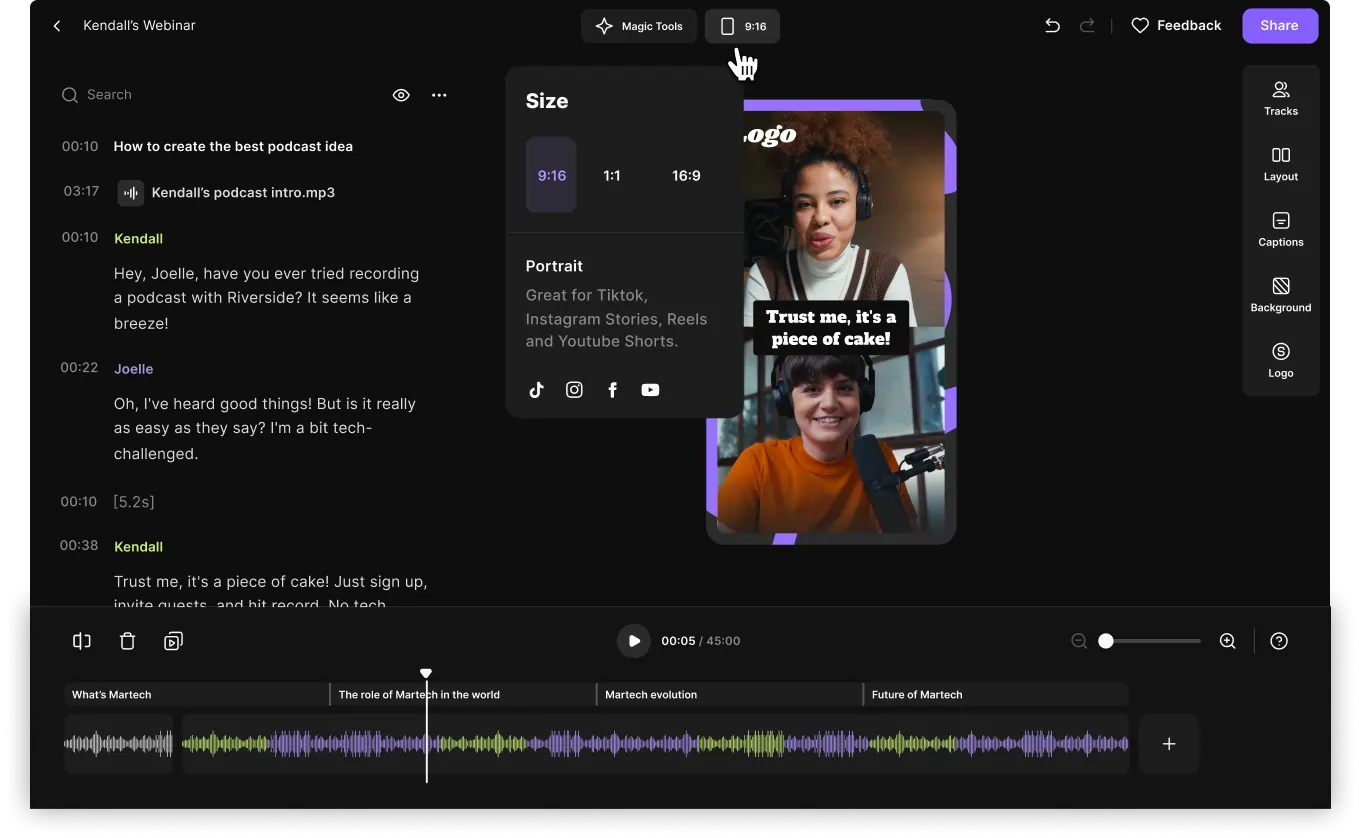
Smooth file handling
A strong video converter should handle long videos and high-resolution formats without crashing or degrading quality.
Video formats (MP4 and WAV)
You should be able to upload and export in various formats, including the most common ones such as MP4 and WAV.
Free vs paid
While free tools can resize a video, they often compromise on quality or reliability. Paid platforms like Riverside include branding, clipping and advanced editing.
Resize videos to:
Grow your audience
With easy video resizing, you can quickly adapt a single recording into multiple platform-ready formats. Resize and share your content everywhere, in minutes. Grow your reach across social media faster than ever before.

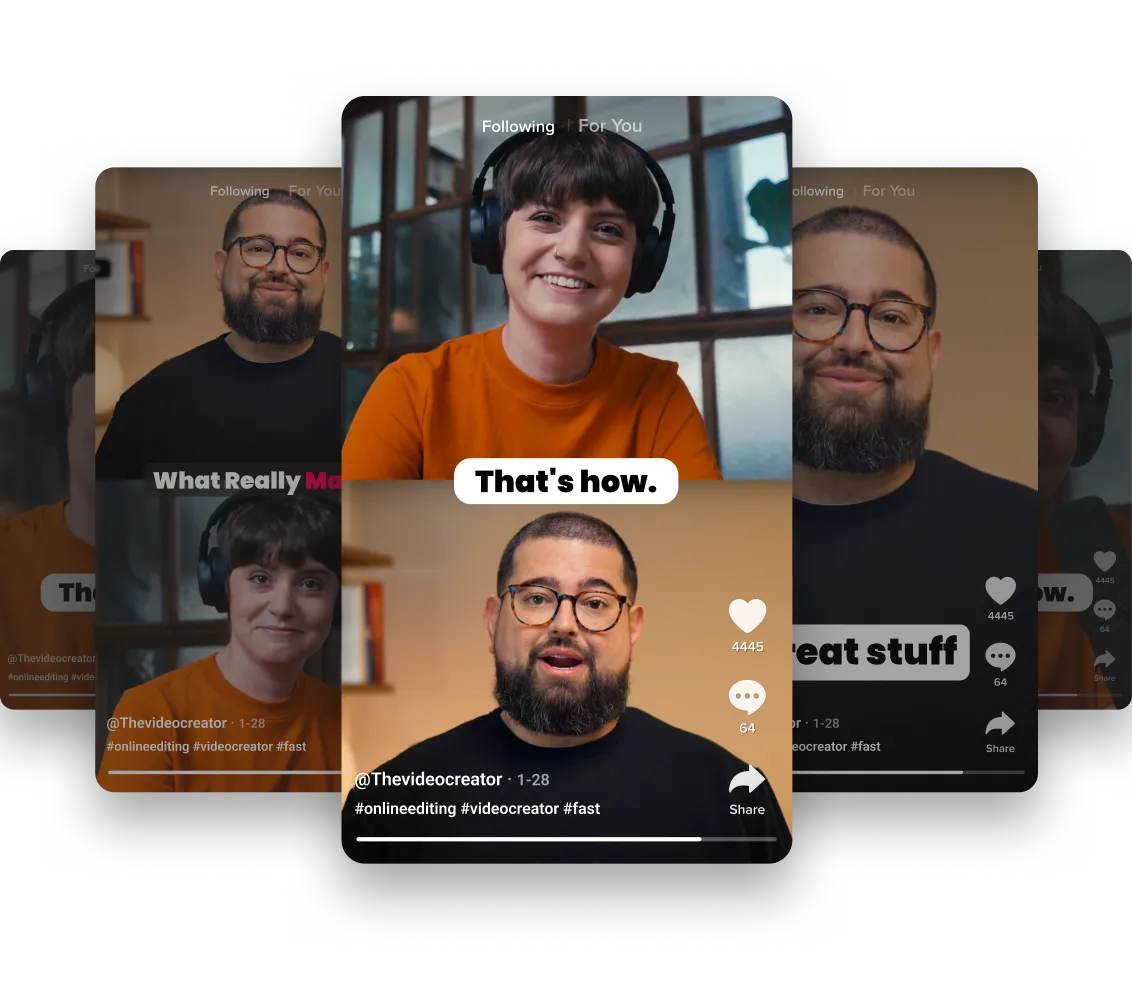
Repurpose for TikTok and YouTube Shorts
Turn horizontal footage into crisp 9:16 clips. Get vertically resized content ready for TikTok, Instagram, or YouTube Shorts.
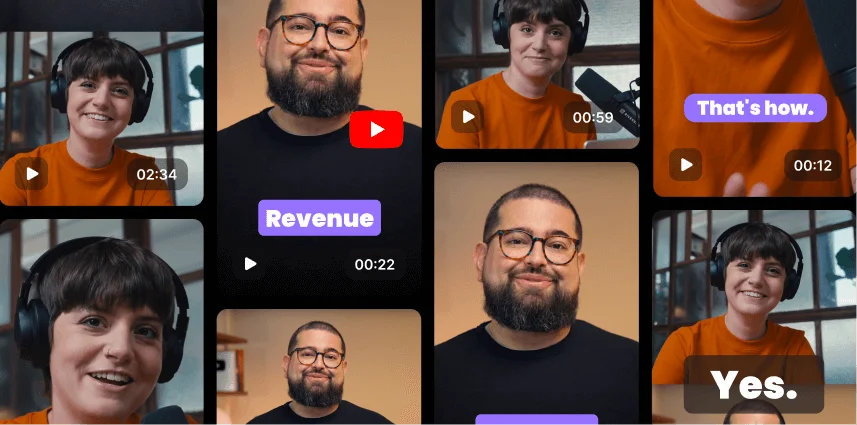
Keep video quality crisp at any size
Shrink it, stretch it, square it. Whatever shape your platform demands, your video stays sharp. Our resizer doesn’t chop pixels; it recalculates them so your content stays clean, clear, and binge-worthy.
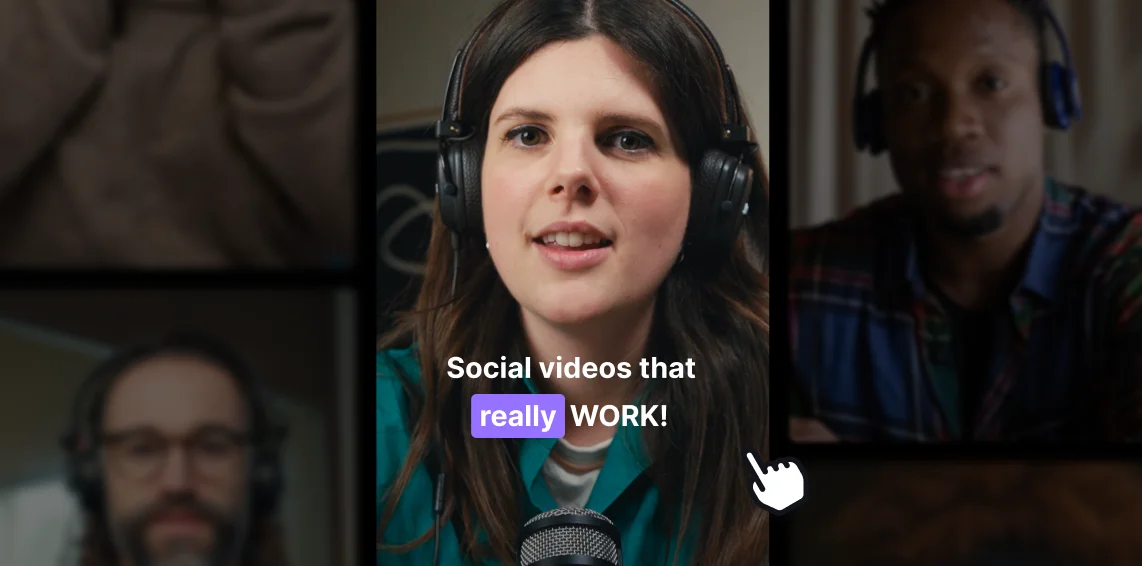
Create viral videos
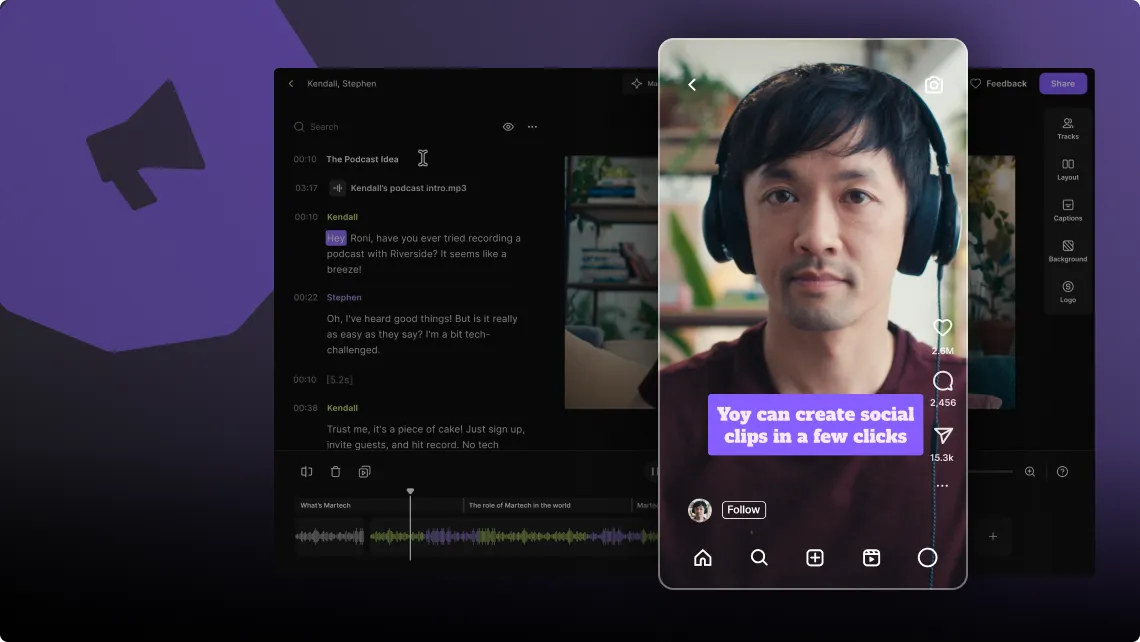
Resizing isn’t just about changing dimensions, it’s about engaging audiences. Shift the focal point, crop strategically, position elements so nothing important is obscured by social media icons, or ensure your subject stays center stage across every platform.
Pricing
From recording to publishing, all on one platform. Studio-quality results with AI that does the heavy lifting.
Pro
Create polished, high-quality content
/mo (yearly plan)
High-quality video & audio recording in separate tracks
Unlimited text-based editing
Unlimited multi-track editing
AI tools (Magic Audio, Smart Scenes for automatic multi-cam edits, eye contact, unlimited transcriptions, show notes, remove silences & filler words)
AI content repurposing tools
Publish to YouTube, Spotify, Apple, Instagram, LinkedIn & more
Business
Produce at scale with control
Full remote control over recording and post-production
Custom branding
Webinar solution
Podcast hosting for as many shows as you want
Async recording
Team collaboration
24/7 priority support
Dedicated Customer Success Manager
Enterprise-grade security

Frequently Asked Questions
Here are the steps to resize and export without losing quality:
- Upload your video or choose your recording in Riverside.
- Choose a preset aspect ratio (vertical, horizontal, or square) to resize your footage instantly without warping.
- Crop manually by dragging the video to center the speaker, if needed.
- Zoom in or out using the bar or buttons.
- Apply the crop to the current scene, similar scenes, or all scenes.
- Click outside the tile to apply changes.
- Make additional edits in the online video editor—trim, adjust layout, or enhance as needed.
- Export your video in your preferred format while maintaining the highest possible resolution.
When you resize a video online with Riverside, the tool keeps the original resolution. You can change the video aspect ratio (like 16:9 to 9:16) without stretching or softening the image.
Want more control? You can refine the framing using the built-in video cropper or continue edits in the online video editor. If you're new to resizing or repurposing, Riverside University has a quick walkthrough on resizing videos.
When resizing on your phone:
- Just upload the video
- Choose a platform preset
- Adjust the framing as needed
- Export
Perfect for resizing TikTok videos, Instagram Reels, or YouTube Shorts.
Yes, Riverside’s free video resizer supports MP4 files. Upload your MP4, pick a new resolution, and choose the aspect ratio you need (9:16, 1:1, 16:9).
You can also upload MOV, AVI, and WebM for both resizing and export.
If you want to polish the clip after resizing, you can use Riverside’s AI video editor or cut it into short pieces with our AI clip maker.
A video resizer changes your video’s dimensions or aspect ratio to fit the requirements of platforms like TikTok, Instagram, and YouTube. It lets you adjust width, height, and framing. You can use a free video resizer to:
- Turn long-form videos into short vertical clips.
- Repurpose podcast footage into social media content.
- Keep your subject in the centre of your frame
- Cut out distracting background space
Think of it like this:
- Resize: Change the shape when converting horizontal to vertical.
- Compress: Reduce the file size to make it easier to upload or share.
Riverside lets you do both, and if you're batch-editing, the online video editor lets you quickly trim, clean up, and export new versions.
Our vertical video resizer lets you select a new orientation (16:9 or 9:16), crop the video, keep your subject centered, and export the video. With Riverside, you’ll see a live preview as you go, so nothing gets cut off unexpectedly.
Here’s how to do it:
- Open your video in Riverside’s Vertical Video Resizer.
- Choose your new aspect ratio in the resize tab: 16:9 (landscape) or 9:16 (portrait).
- Adjust the crop or zoom to keep your subject framed correctly.
- Watch the live preview as you make adjustments.
- Export your video in the new orientation.
The best free video resizer depends on what you need. Some tools focus on fast social media formatting, while others offer more advanced editing or conversion features. Some free online resizers, including Riverside, let you change aspect ratios, crop the frame, and export to standard formats.
Here’s what to look for in a great free video resizer:
- Video quality (up to 4k)
- Works with multiple formats (MP4, MOV, WebM, etc.)
- Offers platform presets for TikTok, Instagram Reels, YouTube, and more
- Makes editing and cropping simple
- Runs in your browser
If you’re after a tool that checks all these boxes while staying fast and intuitive, Riverside stands out. You get platform presets, clever framing, easy cropping, quick trimming, and simple exports, right inside your browser without sacrificing quality.
Riverside’s video resizer includes preconfigured aspect-ratio presets for all major platforms. Just pick a format and your video snaps to the exact size you need.
Available presets include:
Instagram:
- Instagram Story — 9:16 (1080×1920)
- Instagram Post (Square) — 1:1 (1080×1080)
- Instagram Reel — 9:16 (1080×1920)
Instagram Landscape — 16:9 (1920×1080)
TikTok:
- TikTok Video — 9:16 (1080×1920)
YouTube:
- YouTube Video (Landscape) — 16:9 (1920×1080)
- YouTube Shorts — 9:16 (1080×1920)
Facebook:
- Facebook Post — 1:1 (1080×1080)
Twitter / X:
- Twitter/X Video — 16:9 (1280×720)
LinkedIn:
- LinkedIn Post — 1:1 (1080×1080)
These presets help you resize clips instantly without guessing dimensions or manually cropping your frame.
Resize in one place, publish everywhere.
Create and repurpose clips with Riverside.

-p-800.webp)
More from Riverside

Features