YouTube Short Maker
Skip the editing tutorials. With Riverside, you can generate Shorts in minutes. Use Riverside's AI YouTube Shorts generator to clip one video into shareable Shorts. Or clip and adjust manually - your masterpiece, your choice.




How to make a YouTube Short with Riverside
1. Record or upload your video
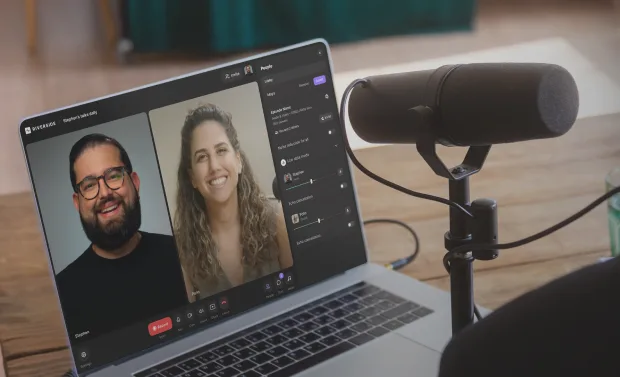
Record on Riverside for pro-quality 4K video and 48 kHz audio. Or upload your own footage and start clipping your video instantly.
2. Generate YouTube Shorts
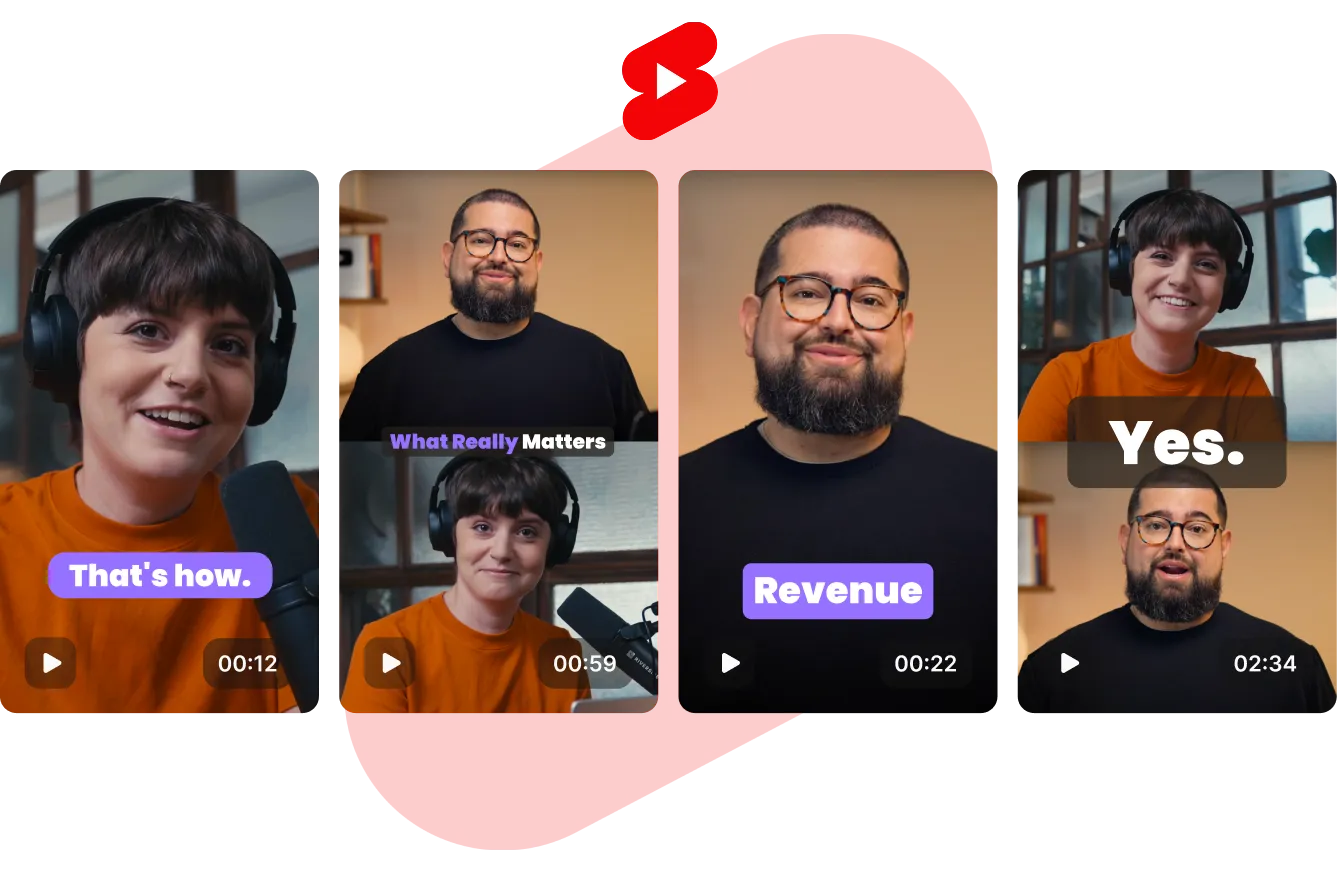
Use AI to generate short clips for YouTube automatically. Turn one recording into multiple Shorts or get a single draft to refine.
3. Customize your Shorts
Trim your Short by deleting text. Or remove filler words and background noise with AI. Make your Short shine with animated captions, B-roll, overlays, sound effects, and more.
4. Download your Shorts
Hit export, download your clips, and you can share your Short straight on to YouTube.

Why Riverside:
A YouTube Shorts creator made for Creators

Get AI headstart.
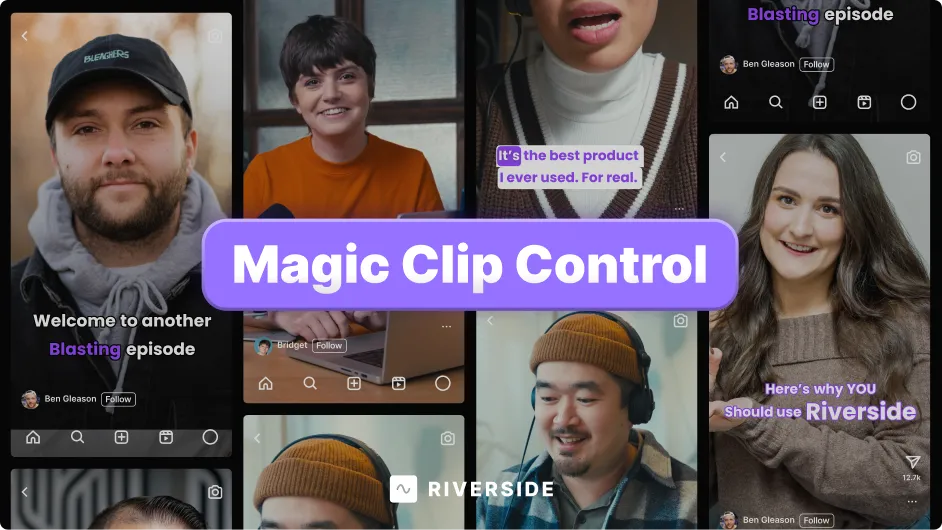
Let AI create a draft Short with filler words cut out, enhanced audio, and branded captions. Or turn one recording into multiple Shorts with our AI clip creator. Want to fine-tune? Head into the editor and make it your own.

Skip the learning curve.
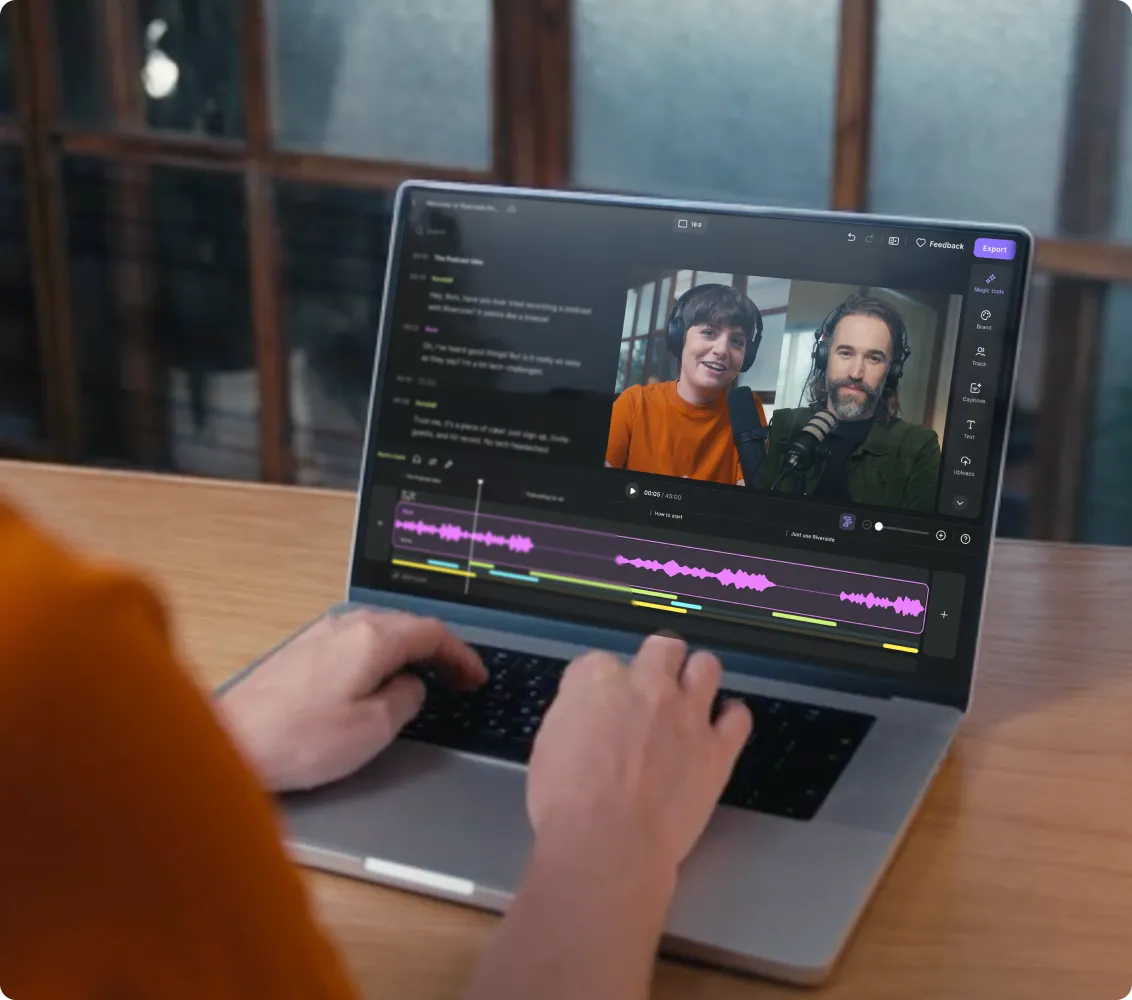
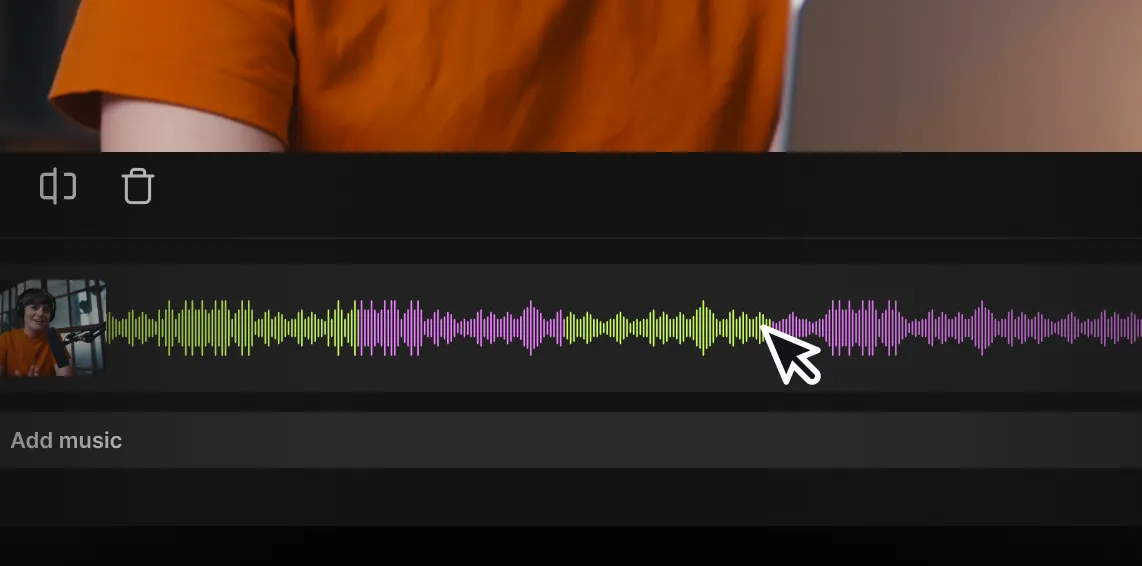
With text-based editing, trim your Shorts as easily as deleting words from the transcript. Or use the color-coded timeline in the video editor to easily split, splice, and merge. Touch everything up in the AI audio editor.

Add scroll-stopping captions.
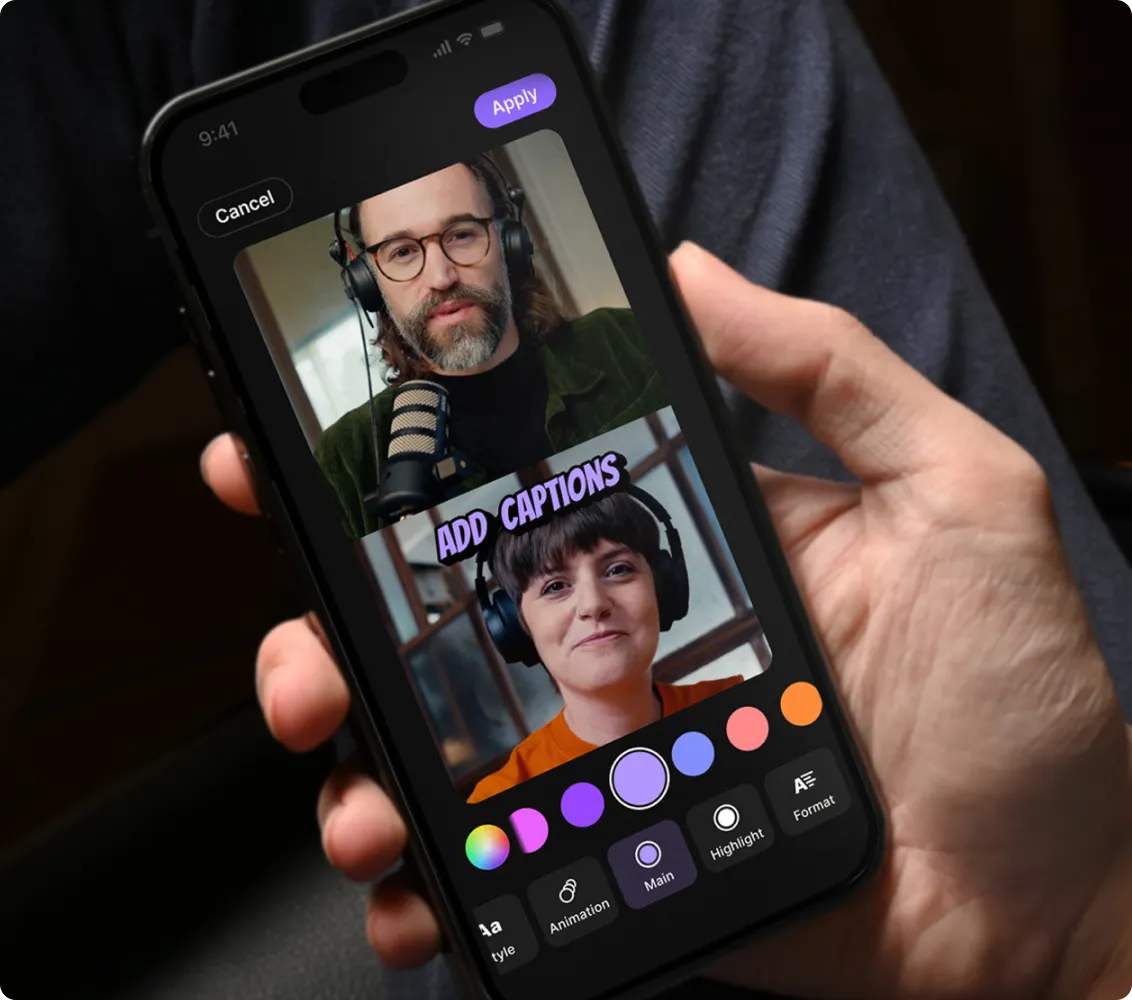
Captivate viewers with animated captions that match your brand. Choose the font, color, style, and placement—your captions, your way. With 99% accuracy in 100+ languages, there's little to fix and a lot to gain.

Make Shorts that magnetize.
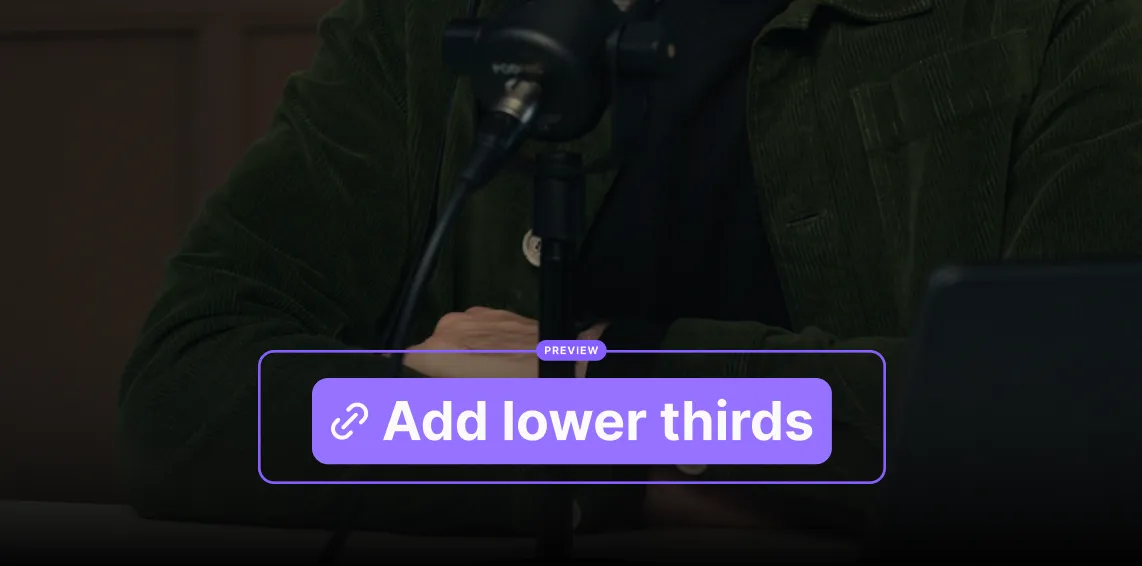
Add branded backgrounds, logos, and overlays. Drop in text, images, music, and b-roll to bring your Shorts to life. Create style presets to keep everything consistent.

AI descriptions in a click.
Instantly generate search-friendly titles and post captions for every Short. No manual writing, no wasted time.

An all-in-one studio.
Record long-form videos in 4K, invite guests, or go live. Then edit, clip, and repurpose your content into YouTube Shorts or full-length episodes—all within one platform.
Shorts shouldn't take long to make.
Create professional YouTube Shorts in minutes.
How to pick the right YouTube Shorts maker
All-in-one workflow:
Save time with a tool that lets you record, edit, and publish Shorts in one place without jumping between apps.
Intuitive editing:
Look for a Shorts maker with a straightforward interface that doesn't require a PhD in video editing.
Text-based editing:
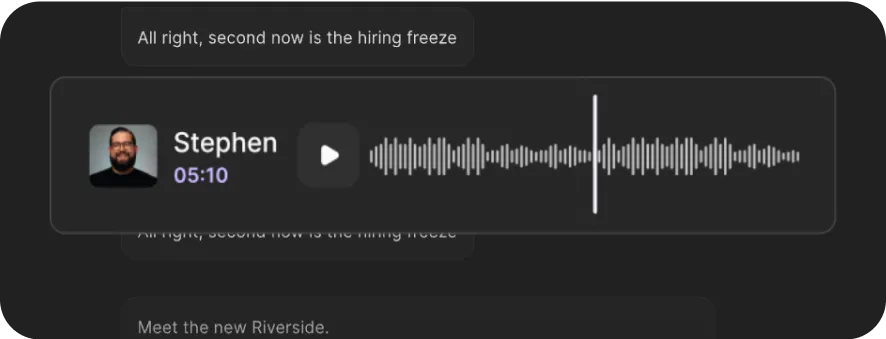
Edit your videos like you'd edit a document. Delete words in the transcript and the video trims itself—strangely satisfying and incredibly efficient.
Automatic captions:
Choose a tool that generates accurate captions automatically. Viewers watch videos with the sound off too often, and typing captions manually is nobody's idea of fun.
AI enhancements:
Let smart tools clean your audio, remove awkward pauses, and enhance video quality without you lifting a finger.
B-roll built-in:
Your Shorts need visual variety. Pick a video creator that makes adding stock footage as easy as drag and drop.
Mobile compatibility:
Find a Shorts maker that works across devices so you can start on your phone and finish on your computer (or vice versa).
Professional output:
Ensure your Shorts export in high quality. YouTube's algorithm favors clear videos—and so do viewers.
Use a YouTube Shorts maker to:
Create the perfect podcast teasers
Slice the best bits from your podcast and turn them into attention-grabbing Shorts. Add captions and branding, plus even get AI-generated titles and descriptions to help your clips get discovered.
Grow your channel with less effort
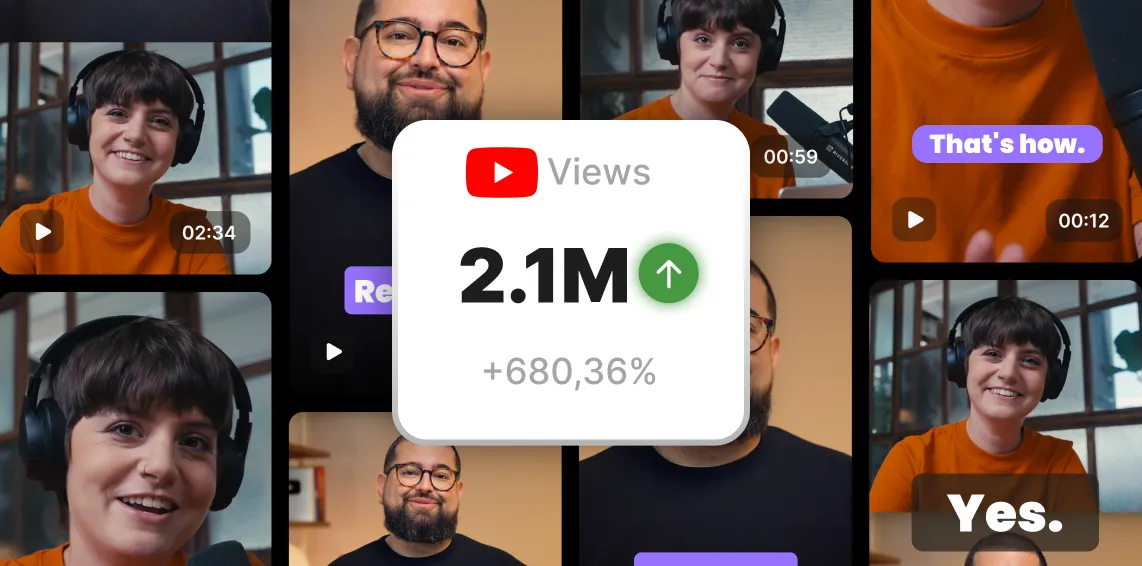
Create scroll-stopping videos from scratch in minutes—even if it's your first time. Record in 4K, then let AI do the hard work for you with captions, audio cleanup, and instant clip creation.
Repurpose interviews
Grab footage from long interviews or demos, extract the insights, and format it perfectly for YouTube Shorts.
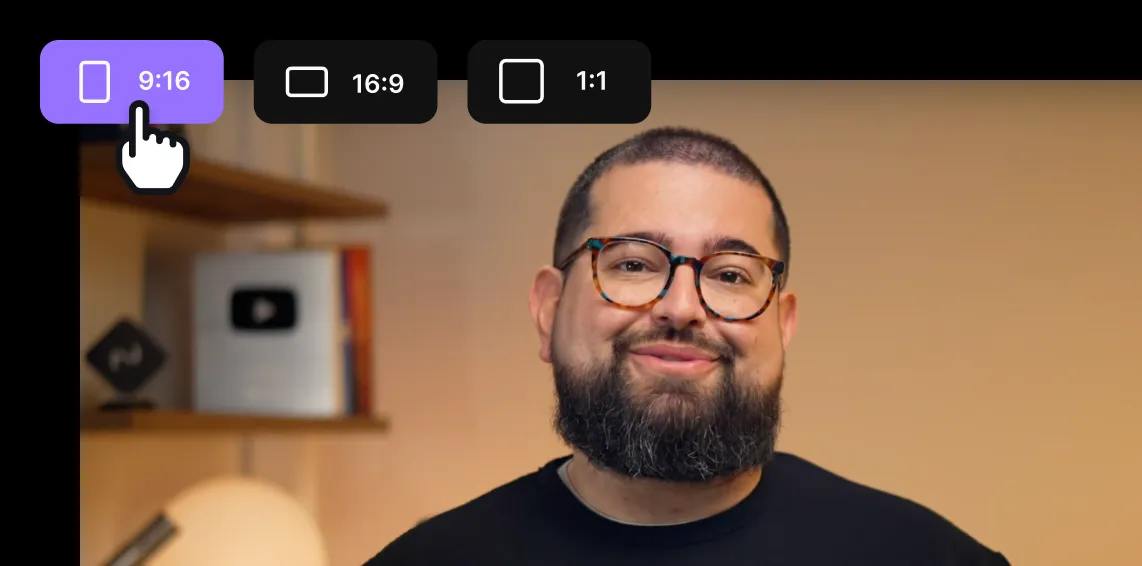
Short-form edutainment
Turn key takeaways into clear, engaging Shorts that build trust and keep your audience coming back to learn more.

Pricing
From recording to publishing, all on one platform. Studio-quality results with AI that does the heavy lifting.
Pro
Create polished, high-quality content
/mo (yearly plan)
High-quality video & audio recording in separate tracks
Unlimited text-based editing
Unlimited multi-track editing
AI tools (Magic Audio, Smart Scenes for automatic multi-cam edits, eye contact, unlimited transcriptions, show notes, remove silences & filler words)
AI content repurposing tools
Publish to YouTube, Spotify, Apple, Instagram, LinkedIn & more
Business
Produce at scale with control
Full remote control over recording and post-production
Custom branding
Webinar solution
Podcast hosting for as many shows as you want
Async recording
Team collaboration
24/7 priority support
Dedicated Customer Success Manager
Enterprise-grade security

Frequently Asked Questions
It depends on what you need. But, if you’re looking to create Shorts without headaches, Riverside is the best YouTube Shorts maker for you.
Let AI do the editing for you, or head to our text-based editor for more control. Trim recordings as easily as deleting transcript text, add animated captions, b-roll, and other branding elements. Then, with AI audio editing, you’ve got a YouTube Short in a real short time.
Want to see how Riverside stacks up against others? Here’s our full rundown of the best YouTube Shorts apps.
Good news—it’s actually simple. With Riverside’s free Shorts maker, just:
- Record or upload your video (no downloads or fancy gear needed).
- Edit effortlessly—AI cleans your audio, removes filler bits, and captions everything automatically.
- Add extra clips or visuals quickly (no tutorials required).
- Export and upload straight to YouTube Shorts.
Want to learn more? Check out our full guide on how to make YouTube Shorts.
Since attention spans are still short, it may be better to still keep your YouTube Shorts under 60 seconds. Shorts can be up to 3 minutes long now, but before October of 2024, they were limited to 15-60 seconds.
You can test longer clips vs. shorter clips to see which clips perform better. Read our guide to understand the ideal length of YouTube Shorts.
Yes, you can.
Just upload your YouTube video to Riverside. Use Magic Clips to automatically generate highlight moments, or trim manually in the editor. You can even cut by deleting words in the transcript—your video updates in real time. Add captions, enhance audio, and export your clip as a polished Short, ready to share.Check out our guide on how you can create Shorts easily.
Spend less time editing, more time creating.
From recording to editing, Riverside is your all-in-one YouTube studio.
Other Riverside tools


.webp)
-p-800.webp)
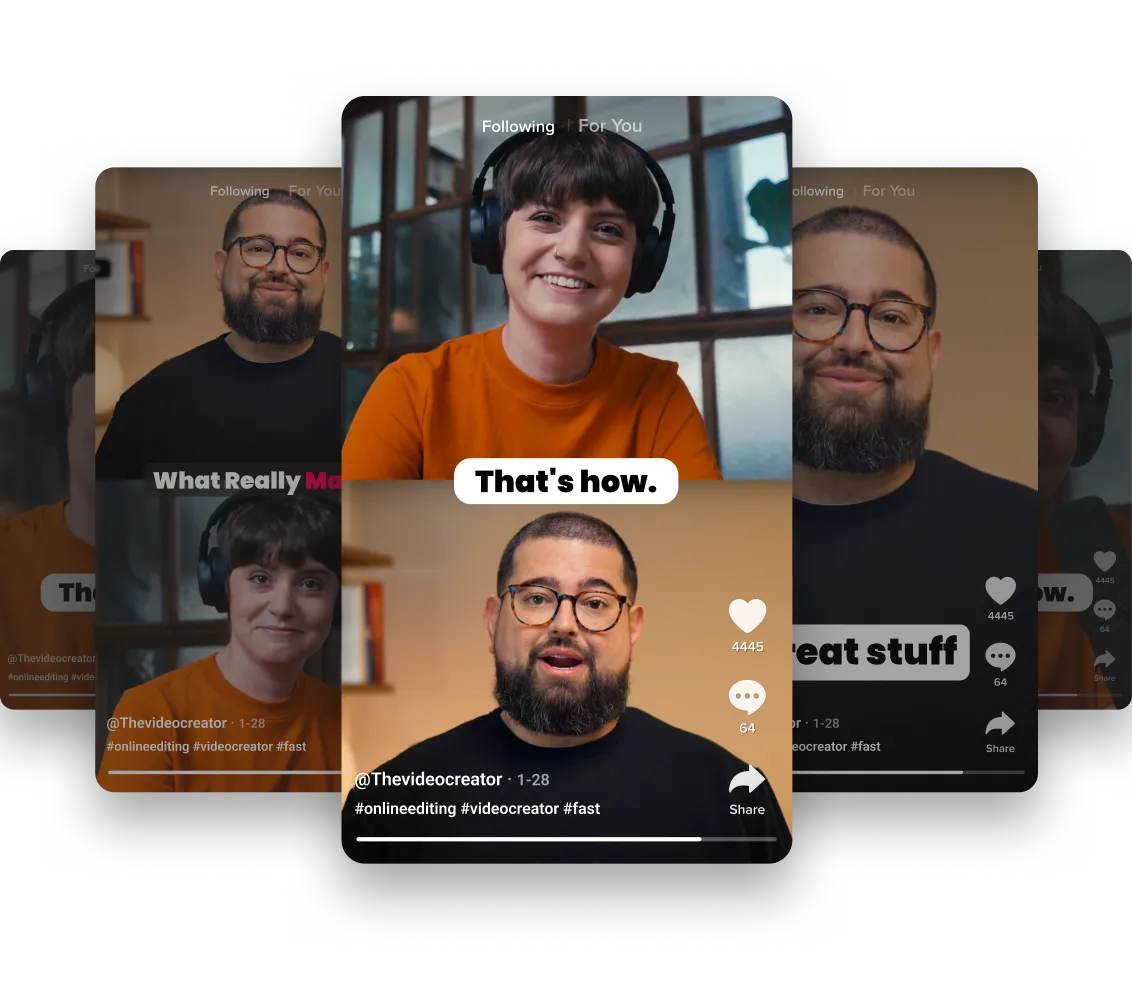

Discover free and paid tools on Riverside.
More from Riverside

.webp)

Features