YouTube Thumbnail Generator
Create attention-grabbing thumbnails for your YouTube videos in a few clicks. Our free AI thumbnail maker generates visuals to match your videos and your brand. No design skills needed.




How to use Riverside’s YouTube thumbnail maker
Step 1 Enter your video details
Insert your link or type in your YouTube video title to help the thumbnail generator understand what your video is about.
Step 2 Choose a thumbnail style
Pick a specific thumbnail style that matches the feel and look of your brand.
Step 3 Upload an image (optional)
Choose and upload an image you want the generator to include in your final YouTube thumbnail.
Step 4 Generate and export
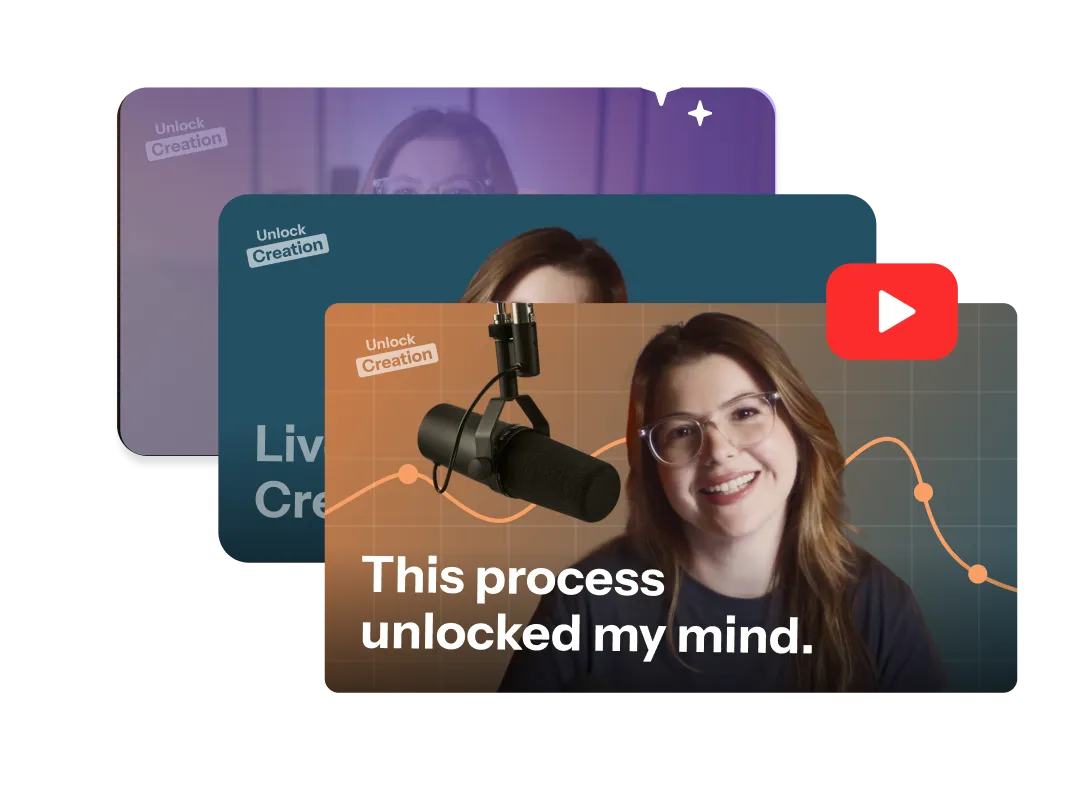
Get your AI-generated thumbnail in seconds. Download it in high resolution and upload directly to YouTube.

Why Riverside:
Generate eye-catching YouTube thumbnails with AI

YouTube Thumbnails in minutes
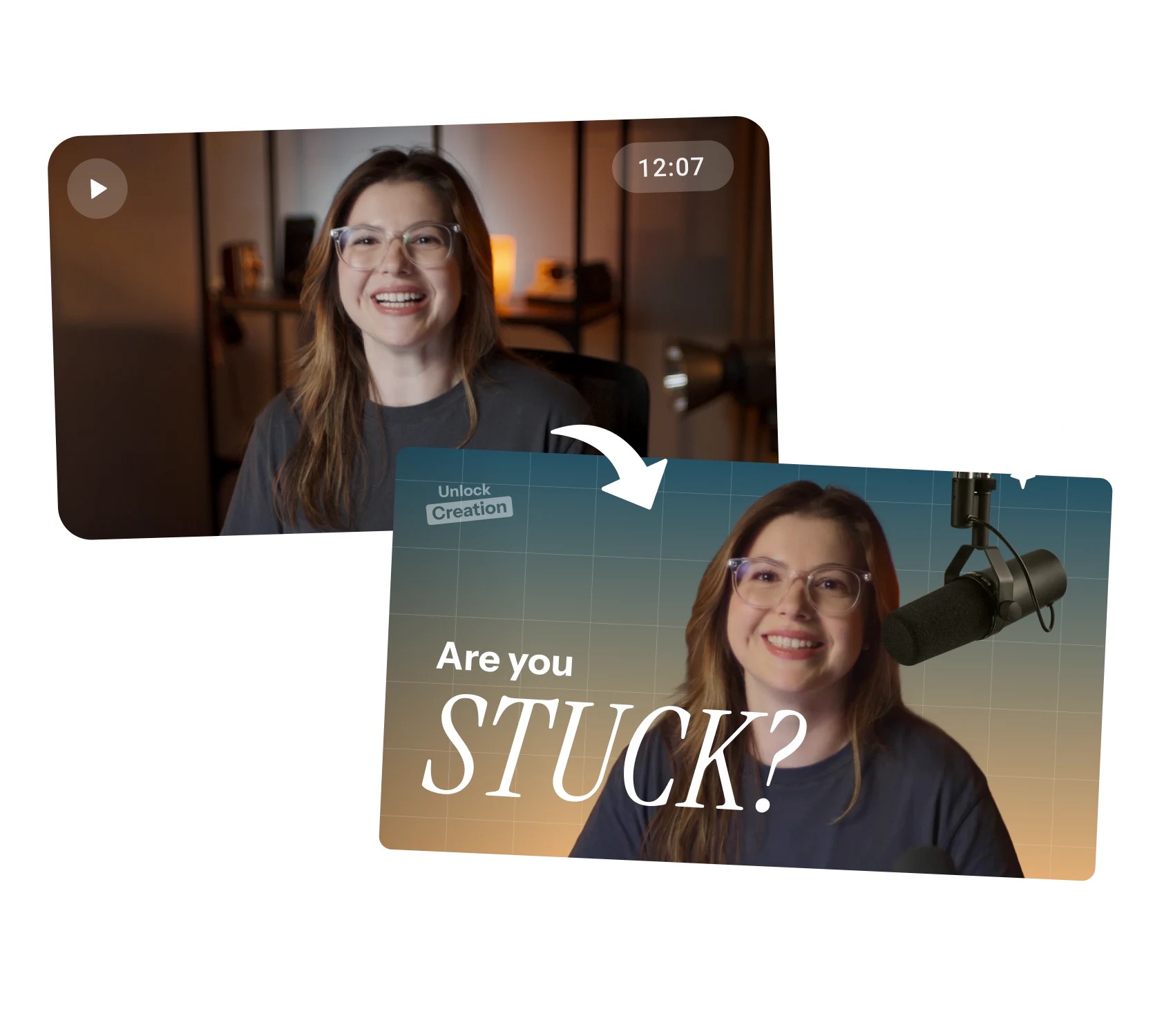
Forget finding templates and spending hours on manual edits. Generate a YouTube thumbnail that perfectly matches your video with a few quick clicks.

Thumbnails that are on-brand
Want a minimalist look? Or a thumbnail that leans into your hook? Choose a style and our thumbnail creator will make your visual fit.

Face-centric or scene-centric
Keep the ‘You’ in your YouTube thumbnails. Upload headshots if you want the thumbnail generator to include them in your visual.

An AI thumbnail generator that gets your content
Paste your video link, and the online thumbnail maker analyzes your video to create the best-matching visual. Recording on Riverside? Try the chat-based editor to generate thumbnails from your recordings.

Improve your YouTube performance
Drive more clicks and improve your YouTube rankings with catchy thumbnails. Generate bold, high-contrast thumbnails without the need for design skills.

Perfectly sized, YouTube-ready thumbnails
Every thumbnail is generated in the ideal aspect ratio and resolution, so you can upload it to YouTube straight away.

Stay in control of the final look
Want to tweak your thumbnail? Use Riverside’s built-in chat-based editor to generate thumbnails and refine them with simple prompts.

Free thumbnail creator
Create YouTube thumbnails for free. No signup required. Generate as many thumbnails as you want.
Your end-to-end video platform
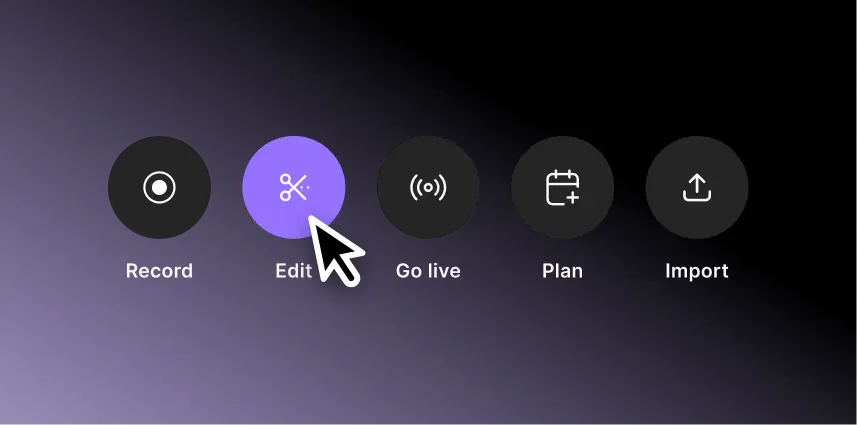
Riverside is not just a thumbnail creator. Record and live stream to YouTube in 4K, edit faster with AI, and repurpose your content with automatic transcripts, Shorts, and more.
Grow your YouTube audience with scroll-stopping thumbnails.
How to choose the best YouTube thumbnail maker
Ease of use
Choose a YouTube thumbnail maker that is intuitive and saves you time. Skip the complicated editing and create thumbnails even as a beginner.
Quality
Your thumbnails must look sharp and professional. Look for a tool that generates crisp, high-resolution images that look good on any device.
Speed
Making a thumbnail should take minutes, not hours. Look for AI thumbnail generators that let you create with prompts rather than complex edits.

Compatibility
Your thumbnail must be YouTube-ready right from the start. You shouldn’t waste time and effort trimming or resizing it.
Seamless workflow
Pick a tool that fits all your existing content workflows in one place. Recording, editing, and thumbnails should all happen without switching between different apps.
Personalization
Avoid generic templates. Choose a thumbnail generator that understands your video and lets you personalize the design with your face or key visuals.
A YouTube thumbnail generator for:
Creators who want to grow faster
All your YouTube needs in one platform. Record in high-quality, edit with advanced AI, and generate YouTube thumbnails that grab attention to increase clicks.
Repurposing your podcast into YouTube content
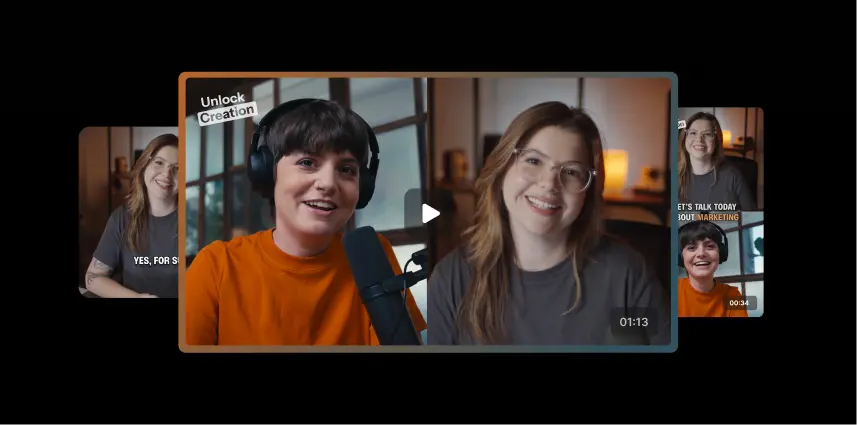
Turn your podcast into a YouTube powerhouse. Record and edit a high-quality video show, then make it YouTube-ready with AI-generated thumbnails, transcripts, chapters, and even Shorts.
Enhancing your business marketing efforts
Transform your webinars, tutorials, and product demos into high-performing YouTube content. Make it stand out with branded thumbnails that match your identity and drive views.
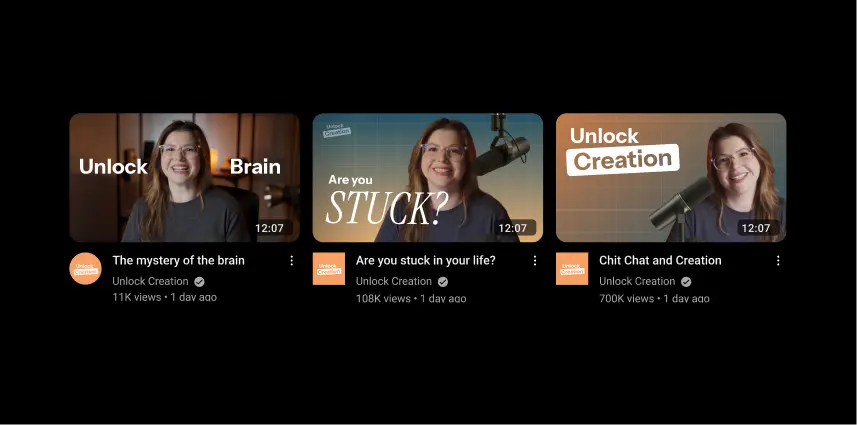
Beginners looking to skip the learning curve
Your channel can look polished and professional even with zero designer skills. Just enter your title, choose a style, and get pro results from your very first video.
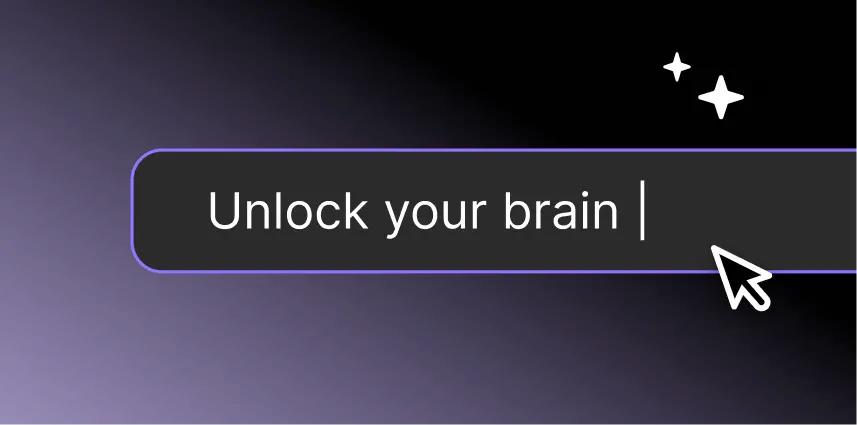
Pricing
From recording to publishing, all on one platform. Studio-quality results with AI that does the heavy lifting.
Pro
Create polished, high-quality content
/mo (yearly plan)
High-quality video & audio recording in separate tracks
Unlimited text-based editing
Unlimited multi-track editing
AI tools (Magic Audio, Smart Scenes for automatic multi-cam edits, eye contact, unlimited transcriptions, show notes, remove silences & filler words)
AI content repurposing tools
Publish to YouTube, Spotify, Apple, Instagram, LinkedIn & more
Business
Produce at scale with control
Full remote control over recording and post-production
Custom branding
Webinar solution
Podcast hosting for as many shows as you want
Async recording
Team collaboration
24/7 priority support
Dedicated Customer Success Manager
Enterprise-grade security

Frequently Asked Questions
The best free thumbnail maker depends on your needs.
For a thumbnail generator that creates high-quality visuals that match your video in a single click, choose a platform like Riverside. Our AI thumbnail creator lets you choose a style and upload headshots for a custom image.
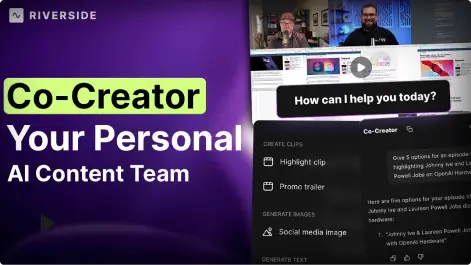
If you want a free thumbnail maker built into your content creation workflow, then try Riverside’s chat-based editor, Co-creator. It can generate thumbnails directly based on your recording. You can refine these thumbnails and make suggestions on how you want it to look. Plus, you can generate other assets whilst you’re at it.
If you’d rather create something from a template, then you try a platform like Canva.
Yes. YouTube allows AI-generated thumbnails as long as they follow the platform’s content policies. This means they must not be misleading, contain graphic or harmful content, or violate copyright.
Riverside uses AI responsibly to ensure your thumbnails are compliant with the YouTube’s policies, exported in the right format and size, and help your content perform better.
A great thumbnail grabs attention instantly and sparks curiosity. The goal is to stop someone from scrolling by hinting at a story or outcome that makes them want to click.
Use bright, high-contrast colors, keep text short and easy to read, and make sure the subject is clear at first glance. Always aim for crisp, high-quality images, and when possible, include a human face to make it more relatable.
Thumbnails can increase YouTube views by grabbing attention and prompting more people to click to watch your video.
But this won’t necessarily keep people watching. Growing on YouTube really comes down to creating engaging content that keeps people watching.
Creators can use various techniques to help attract viewers, including:
- Opening with strong intro hooks that pull viewers in right away.
- Recording high-quality video and audio so viewers don’t drop off. (With Riverside, you record in 4K.)
- Adding transcriptions helps search engines index your content for relevant queries.
- Sharing Shorts of key moments from your longer videos to drive viewers to your channel.
Yes. Thumbnails featuring human faces usually perform better because they feel more personal and relatable. This is especially true for those showing clear emotion, since our brains are wired to connect with facial expressions.
With Riverside’s AI thumbnail generator, you can upload your own headshots to include in your visuals.
YouTube doesn’t allow misleading (clickbait), violent, or sexually explicit images in thumbnails. Hate speech, fraudulent claims, vulgar language, and content using copyrighted material without permission are also prohibited.
You can check more in YouTube’s Community Guidelines.
YouTube thumbnails should be 1280 × 720 pixels with a 16:9 aspect ratio.
It’s best to keep the file size under 2 MB and use a supported format, such as JPG or PNG.
If you want a full breakdown of sizes and requirements, check out our complete guide to YouTube video sizes.
To create an attractive YouTube thumbnail, you should:
- Focus on one clear subject that’s easy to recognize at a glance.
- Use a high-quality, well-lit image that looks sharp on all devices.
- Add bold contrast to make the thumbnail stand out.
- Keep text short and readable (2–5 words max).
- Show emotion or personality when possible, especially with faces.
- Show the video’s main promise or value without misleading.
A good AI thumbnail maker, like Riverside, will do this for you, though.
You don’t need YouTube transcripts, but they can make your videos more accessible, and easier to find and follow.
Transcripts help viewers understand your content, especially if they’re hard of hearing or don’t speak English fluently.
On Riverside, AI-generated transcripts are used to easily edit and repurpose content into blogs, newsletters and more, generate captions, create chapters, descriptions, and more.
While YouTube offers automatic captions, a dedicated YouTube transcript generator like Riverside’s offers higher accuracy and greater flexibility. Riverside’s transcript generator is 100% free and produces clean transcripts you can use for captions or descriptions. And, if you’re recording with Riverside, you'll also get a description and chapters created automatically for you.
Grow your YouTube audience with scroll-stopping thumbnails.
Generate your next thumbnail with Riverside.


.webp)

-p-800.webp)
More from Riverside
%20(1).webp)
.webp)

Features