Dark gradient background transitioning from black to purple with two faint abstract shapes on the right.
<- Back to overview
From equipment to workflow, master your video production process with our comprehensive guides.

Video production

Blog
>
Video production

Video production is the process of planning, recording, editing, and delivering video content from the initial concept to the finished product. It covers everything from idea development to on-set filming and post-production editing.

You can use video production workflows whether you're shooting a corporate video with a full production team or recording remotely from your desk.

Below, you will find our comprehensive guides and resources to help you master the video production process and start creating content today.

Video production process and workflow

Video production usually has three main phases: pre-production, production, and post-production. The pre-production phase covers planning and scripting. The production stage is where you capture the raw footage. Finally, post-production turns the unedited material into a finished video. 

Understanding each phase helps you avoid common problems and produce more consistent results.

Our guides cover:

  • The video production process from concept to final cut.
  • How to build a video production workflow that keeps projects on track.
  • Remote filming techniques and the best remote video production setups.
  • Video marketing strategies and production tips for every stage of production.

Technical specs for high-quality video production

Technical settings like frame rate, bitrate, and video resolution affect how your video will look and how easy it will be to edit. Especially when you’re working with 4K video or large files, choosing the right file format determines how easily your video can be compressed and distributed.

Reading our blog, you’ll learn about:

  • Frame rate, video bitrate, 4K resolution, and video file formats.
  • How to record audio and video separately for cleaner post-production.
  • How to compress a video without losing too much quality.

Video production equipment and setup

If you’re producing a talking head video, you can do it with just a camera, a microphone, and good lighting. Larger productions may require a teleprompter, video switcher, lighting kit, audio interface, and multiple cameras.

  • Video lighting setups including 3-point lighting for any production environment.
  • The best teleprompter software and apps for scripted on-camera delivery.
  • Essential video and audio equipment for a professional final product.

To get started, read these articles first:

Video production is the process of planning, recording, editing, and delivering video content from the initial concept to the finished product. It covers everything from idea development to on-set filming and post-production editing.

You can use video production workflows whether you're shooting a corporate video with a full production team or recording remotely from your desk.

Below, you will find our comprehensive guides and resources to help you master the video production process and start creating content today.

Video production process and workflow

Video production usually has three main phases: pre-production, production, and post-production. The pre-production phase covers planning and scripting. The production stage is where you capture the raw footage. Finally, post-production turns the unedited material into a finished video. 

Understanding each phase helps you avoid common problems and produce more consistent results.

Our guides cover:

  • The video production process from concept to final cut.
  • How to build a video production workflow that keeps projects on track.
  • Remote filming techniques and the best remote video production setups.
  • Video marketing strategies and production tips for every stage of production.

Technical specs for high-quality video production

Technical settings like frame rate, bitrate, and video resolution affect how your video will look and how easy it will be to edit. Especially when you’re working with 4K video or large files, choosing the right file format determines how easily your video can be compressed and distributed.

Reading our blog, you’ll learn about:

  • Frame rate, video bitrate, 4K resolution, and video file formats.
  • How to record audio and video separately for cleaner post-production.
  • How to compress a video without losing too much quality.

Video production equipment and setup

If you’re producing a talking head video, you can do it with just a camera, a microphone, and good lighting. Larger productions may require a teleprompter, video switcher, lighting kit, audio interface, and multiple cameras.

  • Video lighting setups including 3-point lighting for any production environment.
  • The best teleprompter software and apps for scripted on-camera delivery.
  • Essential video and audio equipment for a professional final product.

To get started, read these articles first:

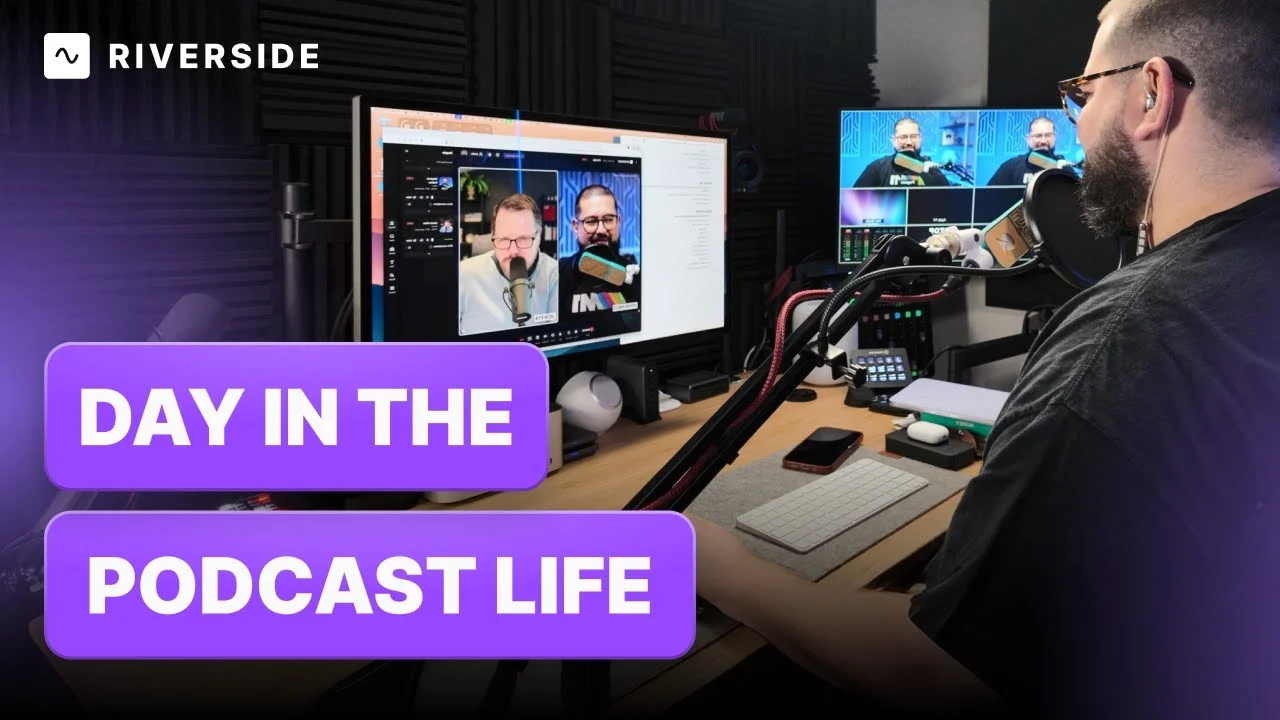
How I Produce My Top 100 Tech Podcast Every Week

Latest articles

Never miss another article
Highly curated content, case studies, Riverside updates, and more.
Oops! Something went wrong while submitting the form.

Remote Filming: 11 Steps to Shooting Quality Video Remotely

New to remote filming? This step-by-step guide shows you how to shoot high-quality video remotely, collaborate easily, and turn projects around faster.
Stephen Robles
Video & Podcast Creator

10 Best Teleprompter Apps for Mac in 2026 (Free & Paid)

Looking for a great teleprompter tool? Here are 10 of the best free and paid teleprompter apps for Mac devices in 2026!
Stephen Robles
Video & Podcast Creator

Video Lighting: How to Setup & The Best Lighting Kits

Create the best video lighting! We'll walk you through types of video lighting, setting up and the best lighting kits for podcasts or any video content.
Stephen Robles
Video & Podcast Creator

How to Record Audio and Video Separately For Smooth Syncing

Looking for a way to record audio from video separately? Learn 2 easy ways to do so and save hours of work.
Stephen Robles
Video & Podcast Creator

How to Compress a Video Without Losing Quality: 5 Easy Ways

Learn how to compress a video on an iPhone, Android, Mac, or Windows device. We cover 5 ways to compress any video without ruining quality.
Stephen Robles
Video & Podcast Creator

Video Production Equipment Essential List for Beginners and Pros

Check out our essentials guide to video production equipment. We share the best cameras, microphones, lighting and more for a full production kit.
Stephen Robles
Video & Podcast Creator

15 Video Production Tips for Making Engaging Professional Videos

Follow these 15 video production tips to create captivating and professional videos that viewers will love!
Kendall Breitman
Social Media & Community Expert

Most Common Video File Formats, Codecs & Containers Explained

We discuss different video file formats, codecs, and containers and explain the roles each one plays in storing and distributing video file formats online.
Stephen Robles
Video & Podcast Creator

Full Guide on Video Resolution & How to Choose the Right Size

Wondering what is video resolution? We'll cover all you need to know and share how to choose the best video resolution for your videos.
Kendall Breitman
Social Media & Community Expert

Video Bitrate: How to Choose the Ideal Bitrate for Your Video

Why is video bitrate important? Read our blog for an in-depth guide on what bitrate is and how to select the right bitrate for top-quality video resolution.
Stephen Robles
Video & Podcast Creator

The Ultimate Frame Rate Guide for Beginners - Riverside

How do you figure out the best frame rate for your video? From file size to the watching experience, here’s what you need to know about frame rates.
Stephen Robles
Video & Podcast Creator
10 Best Teleprompter Software for Mac & Windows (2026)
Compare the 10 best teleprompter software options for Mac and Windows, with real testing notes on overlay support, voice scrolling and pricing.
Stephen Robles
Video & Podcast Creator
How to Pre-Record Your (Virtual) Event
Learn how to pre-record your virtual event, which software to use, and how pre-recording compares to live-streaming.
Abel Grunfeld
VP of Marketing
Start creating with Riverside. Go from concept to content, all in one place.
Get started
Text Link
10 Best Teleprompter Software for Mac & Windows (2026)
Compare the 10 best teleprompter software options for Mac and Windows, with real testing notes on overlay support, voice scrolling and pricing.
Stephen Robles
Video & Podcast Creator
Text Link
How to Pre-Record Your (Virtual) Event
Learn how to pre-record your virtual event, which software to use, and how pre-recording compares to live-streaming.
Abel Grunfeld
VP of Marketing
Text Link
Remote Filming: 11 Steps to Shooting Quality Video Remotely
New to remote filming? This step-by-step guide shows you how to shoot high-quality video remotely, collaborate easily, and turn projects around faster.
Stephen Robles
Video & Podcast Creator
Text Link
10 Best Teleprompter Apps for Mac in 2026 (Free & Paid)
Looking for a great teleprompter tool? Here are 10 of the best free and paid teleprompter apps for Mac devices in 2026!
Stephen Robles
Video & Podcast Creator
Text Link
Video Lighting: How to Setup & The Best Lighting Kits
Create the best video lighting! We'll walk you through types of video lighting, setting up and the best lighting kits for podcasts or any video content.
Stephen Robles
Video & Podcast Creator
Text Link
How to Record Audio and Video Separately For Smooth Syncing
Looking for a way to record audio from video separately? Learn 2 easy ways to do so and save hours of work.
Stephen Robles
Video & Podcast Creator