Dark gradient background transitioning from black to purple with two faint abstract shapes on the right.
<- Back to overview
Learn how to add captions and subtitles to videos with our easy-to-follow guides.

Captions & subtitles

Blog
>
Captions & subtitles

Captions and subtitles are text versions of a video's spoken audio. They help viewers follow your content when the sound is off, making it more accessible and engaging. 

Below, you will find our comprehensive guides and resources to help you understand captions and subtitles, and discover how to add text to your videos with ease.

What are captions vs. subtitles?

Captions and subtitles both show text on screen, but they serve different purposes. Captions help viewers follow everything happening in a video's audio, including spoken text, sound effects, and music cues.  Subtitles focus on dialogue and help viewers understand speech when they do not speak the video's original language. 

Our blog guides cover:

  • The difference between subtitles, closed captions, and open captions.
  • When to use closed captions instead of open or burned-in captions.
  • Caption and subtitle formats, for example, SRT and VTT files.

Caption and subtitle software

Manually typing out your audio takes hours. AI caption and subtitle software automatically generates captions and subtitles with a click.

We review the best tools and services to speed up your video captioning workflow.

Our guides include:

  • The best free and paid subtitle software for creating subtitles and caption files.
  • The best apps to caption videos on mobile and PC.

How to add captions and subtitles to videos

To add captions to a video, you can burn them in permanently using a video editor, or keep them toggleable by uploading a caption file. Every platform and tool handles this differently, so the right workflow depends on where you're publishing.

Our blog covers:

  • How to add captions and subtitles on editors like Premiere Pro, CapCut, or iMovie.
  • How to add or turn on captions on TikTok, Instagram, and YouTube.
  • How to create subtitle files for open captions.

To get started, read these articles first:

Captions and subtitles are text versions of a video's spoken audio. They help viewers follow your content when the sound is off, making it more accessible and engaging. 

Below, you will find our comprehensive guides and resources to help you understand captions and subtitles, and discover how to add text to your videos with ease.

What are captions vs. subtitles?

Captions and subtitles both show text on screen, but they serve different purposes. Captions help viewers follow everything happening in a video's audio, including spoken text, sound effects, and music cues.  Subtitles focus on dialogue and help viewers understand speech when they do not speak the video's original language. 

Our blog guides cover:

  • The difference between subtitles, closed captions, and open captions.
  • When to use closed captions instead of open or burned-in captions.
  • Caption and subtitle formats, for example, SRT and VTT files.

Caption and subtitle software

Manually typing out your audio takes hours. AI caption and subtitle software automatically generates captions and subtitles with a click.

We review the best tools and services to speed up your video captioning workflow.

Our guides include:

  • The best free and paid subtitle software for creating subtitles and caption files.
  • The best apps to caption videos on mobile and PC.

How to add captions and subtitles to videos

To add captions to a video, you can burn them in permanently using a video editor, or keep them toggleable by uploading a caption file. Every platform and tool handles this differently, so the right workflow depends on where you're publishing.

Our blog covers:
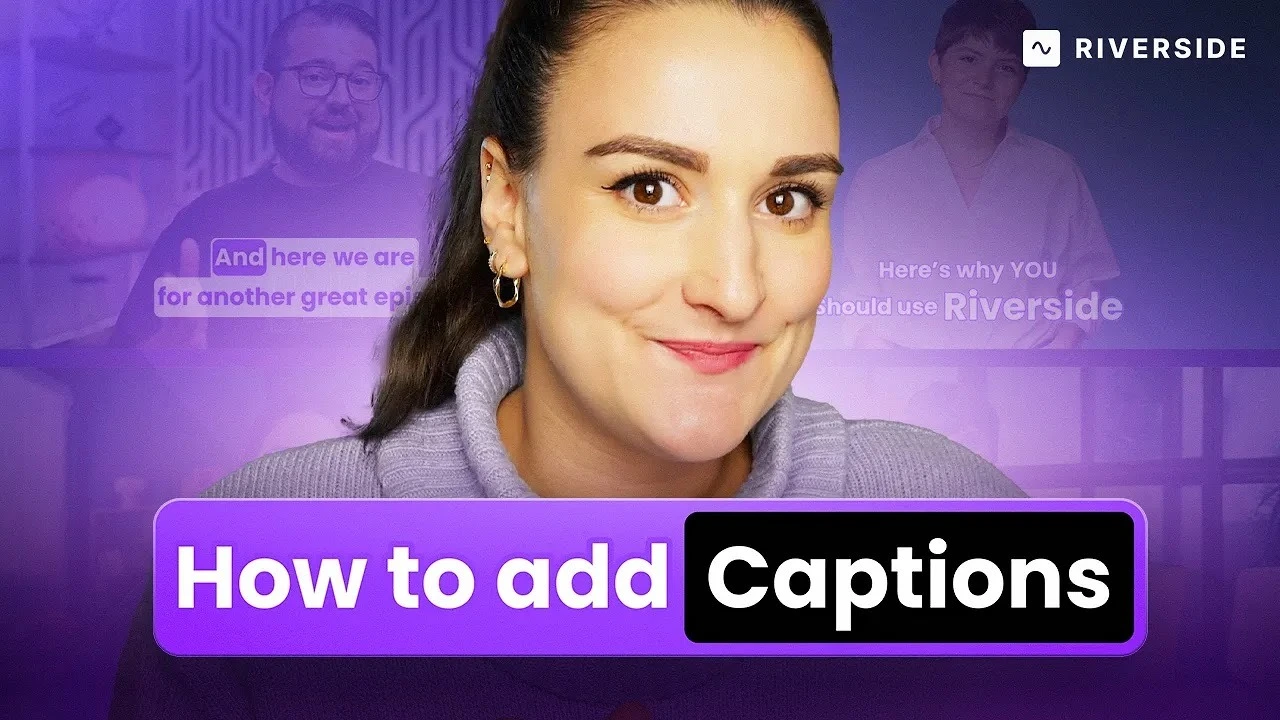
  • How to add captions and subtitles on editors like Premiere Pro, CapCut, or iMovie.
  • How to add or turn on captions on TikTok, Instagram, and YouTube.
  • How to create subtitle files for open captions.

To get started, read these articles first:

How to add captions on Riverside

Latest articles

Never miss another article
Highly curated content, case studies, Riverside updates, and more.
Oops! Something went wrong while submitting the form.

How to Add Captions and Subtitles in Premiere Pro | 101 Guide

Want to use Premiere Pro to add captions and subtitles to your videos? Check our step-by-step guide and tips to get the job done.
Bridget O’Rourke
Video Creator

How to Replace YouTube Automatic Captions with Subtitles: A Complete Guide

We'll explain how to replace YouTube automatic captions with subtitles of your own and how this can improve your video content drastically.
Ortal Hadad
Content Specialist & Blog Editor

How to Add Captions to YouTube Shorts

Discover the easiest way to caption YouTube Shorts. From tools to tips, we’ve got everything you need to make your videos stand out.
Bridget O’Rourke
Video Creator

9 Best Caption Apps for Videos and Audio (All Devices)

Discover the best caption apps for videos and audio. We cover iPhone, Android, PC, social media options and more.
Bridget O’Rourke
Video Creator

How to Add Subtitles & Captions in iMovie (Mac, iPhone, iPad)

Wondering how to add subtitles in iMovie for Mac, iPhone, and iPad? Check out this tutorial.
Bridget O’Rourke
Video Creator

How to Add Captions to Instagram Reels & Stories | Ultimate Guide

Learn how to easily add captions to your Instagram Reels and Stories with our ultimate guide. Improve your accessibility and engagement today!
Ortal Hadad
Content Specialist & Blog Editor

How to Turn On Closed Captions on YouTube | Easy Step-by-Step

Learn how to easily turn on closed captions on YouTube with our step-by-step guide. Enhance accessibility and grow your videos' reach!
Ortal Hadad
Content Specialist & Blog Editor
How to add subtitles and captions to a video (2026)
Add subtitles or captions to any video in a few minutes. Step-by-step methods for every platform, plus which file types each one accepts.
Ortal Hadad
Content Specialist & Blog Editor
How to Add Captions on TikTok: 3 Easy Methods + Tips
Learn how to add captions on TikTok using auto captions, manual text, or captioning software, plus tips to improve accuracy, accessibility, and reach.
Stephen Robles
Video & Podcast Creator
Start creating with Riverside. Go from concept to content, all in one place.
Get started
Text Link
How to add subtitles and captions to a video (2026)
Add subtitles or captions to any video in a few minutes. Step-by-step methods for every platform, plus which file types each one accepts.
Ortal Hadad
Content Specialist & Blog Editor
Text Link
How to Add Captions on TikTok: 3 Easy Methods + Tips
Learn how to add captions on TikTok using auto captions, manual text, or captioning software, plus tips to improve accuracy, accessibility, and reach.
Stephen Robles
Video & Podcast Creator
Text Link
How to Add Captions and Subtitles in Premiere Pro | 101 Guide
Want to use Premiere Pro to add captions and subtitles to your videos? Check our step-by-step guide and tips to get the job done.
Bridget O’Rourke
Video Creator
Text Link
How to Replace YouTube Automatic Captions with Subtitles: A Complete Guide
We'll explain how to replace YouTube automatic captions with subtitles of your own and how this can improve your video content drastically.
Ortal Hadad
Content Specialist & Blog Editor
Text Link
How to Add Captions to YouTube Shorts
Discover the easiest way to caption YouTube Shorts. From tools to tips, we’ve got everything you need to make your videos stand out.
Bridget O’Rourke
Video Creator
Text Link
9 Best Caption Apps for Videos and Audio (All Devices)
Discover the best caption apps for videos and audio. We cover iPhone, Android, PC, social media options and more.
Bridget O’Rourke
Video Creator