

Captions and subtitles are text versions of a video's spoken audio. They help viewers follow your content when the sound is off, making it more accessible and engaging.
Below, you will find our comprehensive guides and resources to help you understand captions and subtitles, and discover how to add text to your videos with ease.
Captions and subtitles both show text on screen, but they serve different purposes. Captions help viewers follow everything happening in a video's audio, including spoken text, sound effects, and music cues. Subtitles focus on dialogue and help viewers understand speech when they do not speak the video's original language.
Our blog guides cover:
Manually typing out your audio takes hours. AI caption and subtitle software automatically generates captions and subtitles with a click.
We review the best tools and services to speed up your video captioning workflow.
Our guides include:
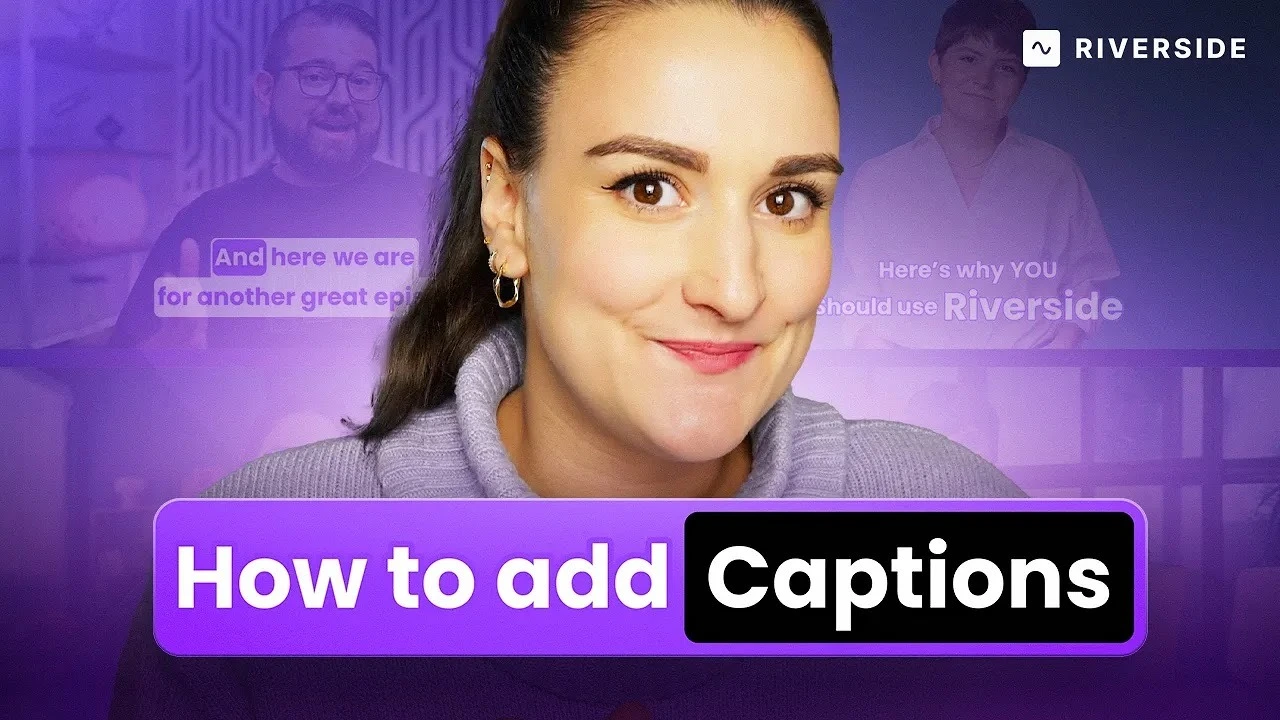
To add captions to a video, you can burn them in permanently using a video editor, or keep them toggleable by uploading a caption file. Every platform and tool handles this differently, so the right workflow depends on where you're publishing.
Our blog covers:
Captions and subtitles are text versions of a video's spoken audio. They help viewers follow your content when the sound is off, making it more accessible and engaging.
Below, you will find our comprehensive guides and resources to help you understand captions and subtitles, and discover how to add text to your videos with ease.
Captions and subtitles both show text on screen, but they serve different purposes. Captions help viewers follow everything happening in a video's audio, including spoken text, sound effects, and music cues. Subtitles focus on dialogue and help viewers understand speech when they do not speak the video's original language.
Our blog guides cover:
Manually typing out your audio takes hours. AI caption and subtitle software automatically generates captions and subtitles with a click.
We review the best tools and services to speed up your video captioning workflow.
Our guides include:
To add captions to a video, you can burn them in permanently using a video editor, or keep them toggleable by uploading a caption file. Every platform and tool handles this differently, so the right workflow depends on where you're publishing.
Our blog covers:

.webp)


.webp)


.webp)


.webp)


.webp)

%20(1).webp)
.webp)

.webp)

%20(copy).webp)
.webp)

.webp)
.webp)

-(1)-(1).webp)
.webp)


.webp)


