Podcast Transcript Generator
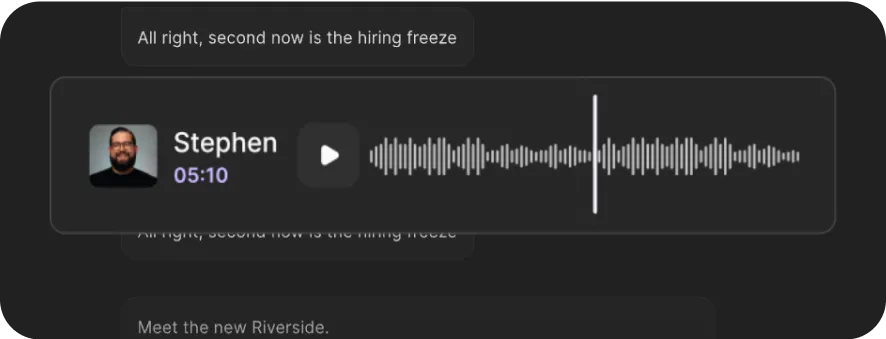
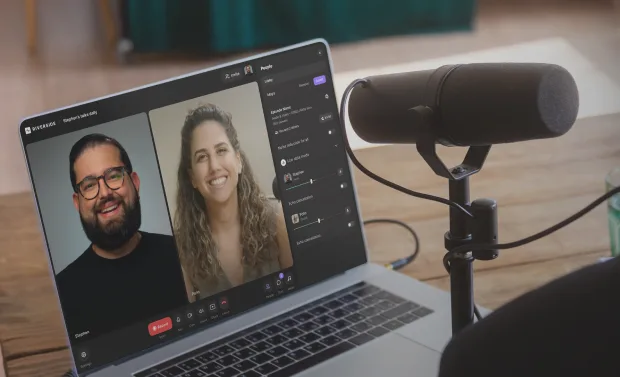
Generate podcast transcripts in 100+ languages with a single click. Riverside’s podcast transcript generator is free and 99% accurate.



or drag MP3, WAV, MP4 or MOV files


How to transcribe a podcast to text with Riverside
Step 1
Drop or upload your file
Drag and drop your file or upload it. Riverside’s free podcast transcriber supports MP3, WAV, audio files, and MP4 or MOV video files.
Step 2
Transcribe podcast to text
Wait a few seconds as Riverside generates an up to 99% accurate podcast transcription.
Step 3
Download your transcript
Download your transcript as a timestamped SRT file for subtitles, or a TXT file you can repurpose into show notes and blog posts.
Step 4
Share your transcript
Once-click publish your transcript alongside your podcast to improve discoverability on distribution platforms.

Why Riverside:
Why use Riverside: Highly accurate AI podcast transcripts, zero effort

99% transcript accuracy
Our AI generator transcribes your podcast with up to 99% accuracy. So instead of fixing every other word, you've got a clean transcript ready-to-go.

Transcribe podcasts in 100+ languages
Creating podcasts in Spanish, Chinese or German? Generate podcast transcripts in 100+ languages, including compatibility with regional dialects.

Export transcripts in multiple formats
Download SRT files for captions and subtitles to boost accessibility, helping your podcast rank better. Or, use TXT files to turn your episode into show notes, blogs, or other written content.

One-click free podcast transcription
Generate podcast transcripts in minutes. Upload your episode and let our AI handle the rest. No manual transcription, no long waits, and no cost.

Podcast show notes, ready to go
No need to turn transcripts into show notes manually. If you record on Riverside, show notes are generated automatically alongside your transcript ready to share.

Edit your podcast by editing text
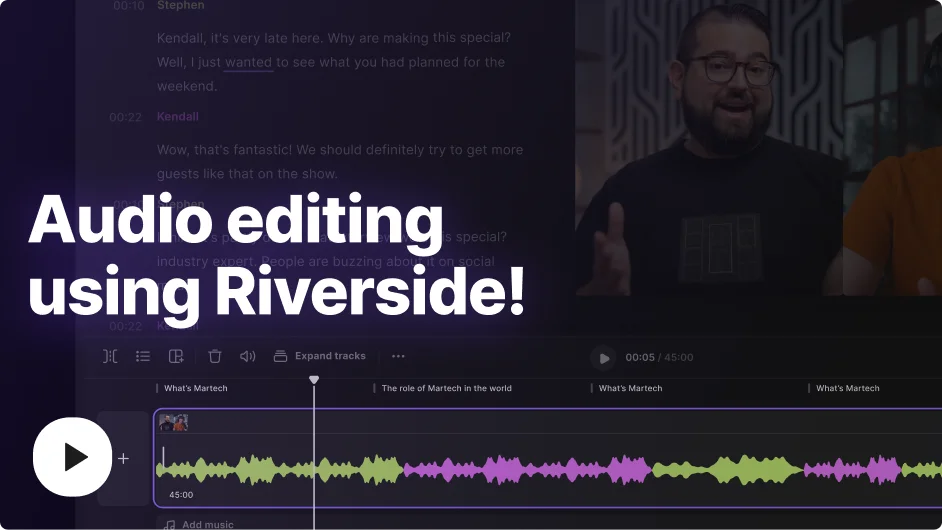
If you’re using Riverside, edit your episode recordings just by editing your transcript. Cut filler, trim sections, and polish your podcast as easily as editing a doc.

High-quality recording for cleaner podcast transcripts
Record on Riverside for uncompressed audio recording at up to 48kHz resolution. Cleaner audio means more accurate podcast transcripts.

Repurpose your podcast with AI
Turn your transcripts into blog posts, social captions, viral clips, and newsletters just by prompting the AI repurposing agent. One episode becomes unlimited content in minutes.

All-in-one podcasting tool
Stream a live episode, record in 4K, get an automatic podcast transcription, as you go. Edit your podcast in minutes with AI and host your show, all in one platform.
Get up to 99% accurate podcast transcripts in minutes for free.
How to transcribe your podcast: 6 Tips
Audio input quality matters
Your podcast transcription is only as good as your source audio. Record in a quiet space, use a decent microphone, and record uncompressed audio locally for the most accurate results.
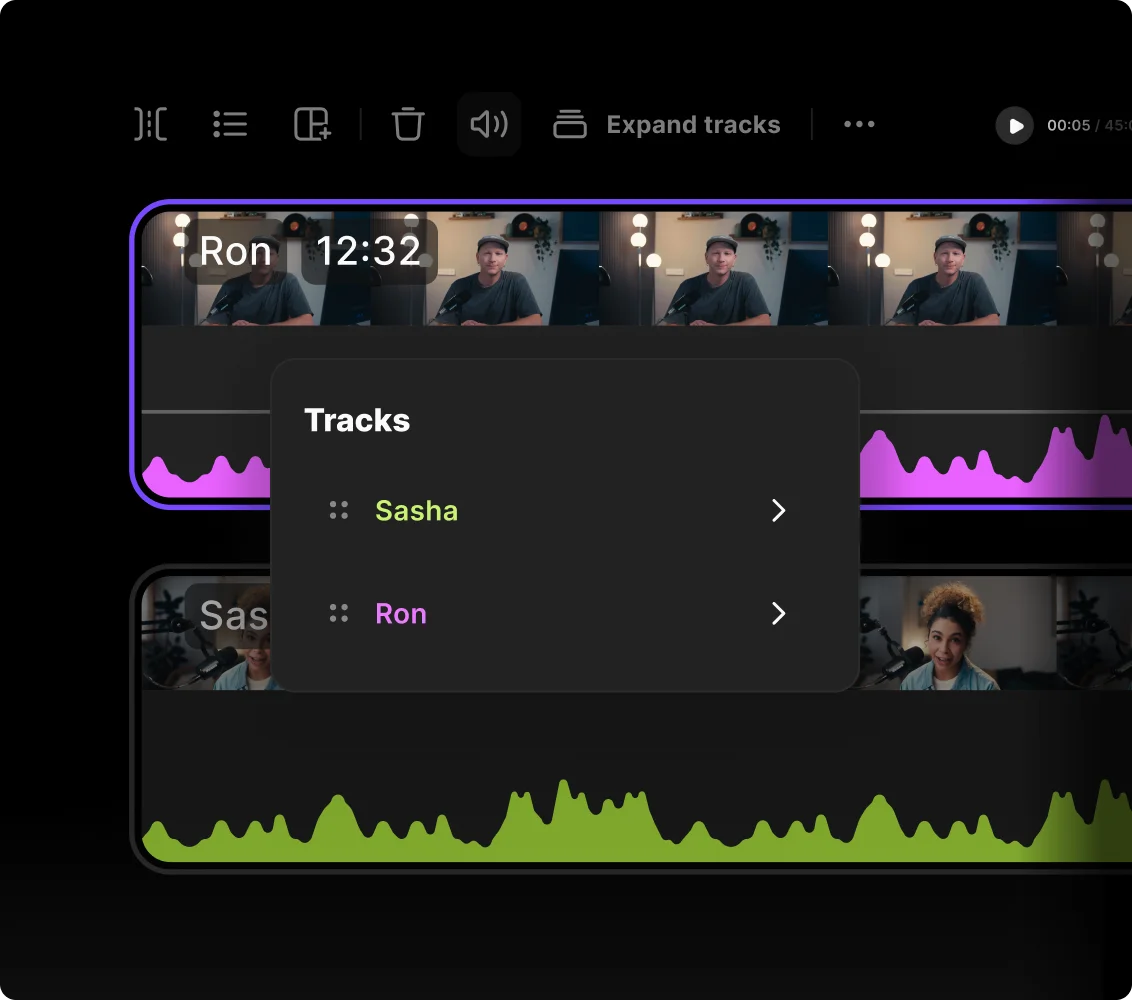
Record guests on separate tracks
Interviewing multiple guests or co-hosts? Record each speaker on an individual track to avoid crosstalk, and ensure every person is clearly identified in your transcript.
Expand into multiple languages
Translate your podcast transcript into other languages to reach new audiences and improve accessibility. The wider your language coverage, the bigger your potential listenership.
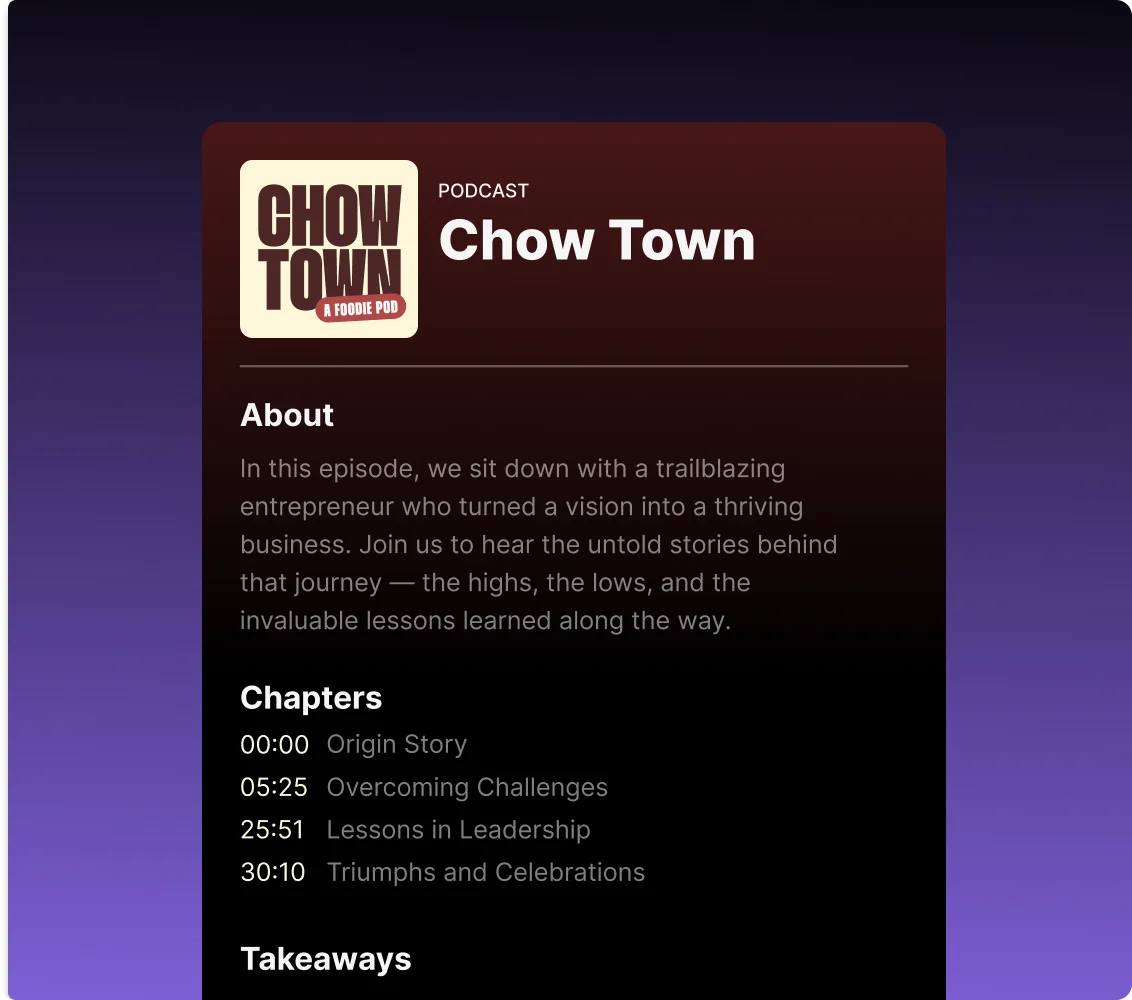
Choose versatile export formats
If you’re transcribing a podcast, you’re not just doing it to dump some text. Download standard SRT files for video subtitles and TXT formats to draft highly readable blogs.
Repurpose transcripts into assets
A podcast transcript can become show notes, articles, newsletters, social posts, quote cards, or video clips. The more you repurpose it, the more value you get from each episode.
Streamline your production workflow
Don’t switch apps to edit and publish. It’s a waste of time. Start with recording and transcribing, then edit, add captions, repurpose, and host your podcast, all in one place.
Use a podcast transcriber to:
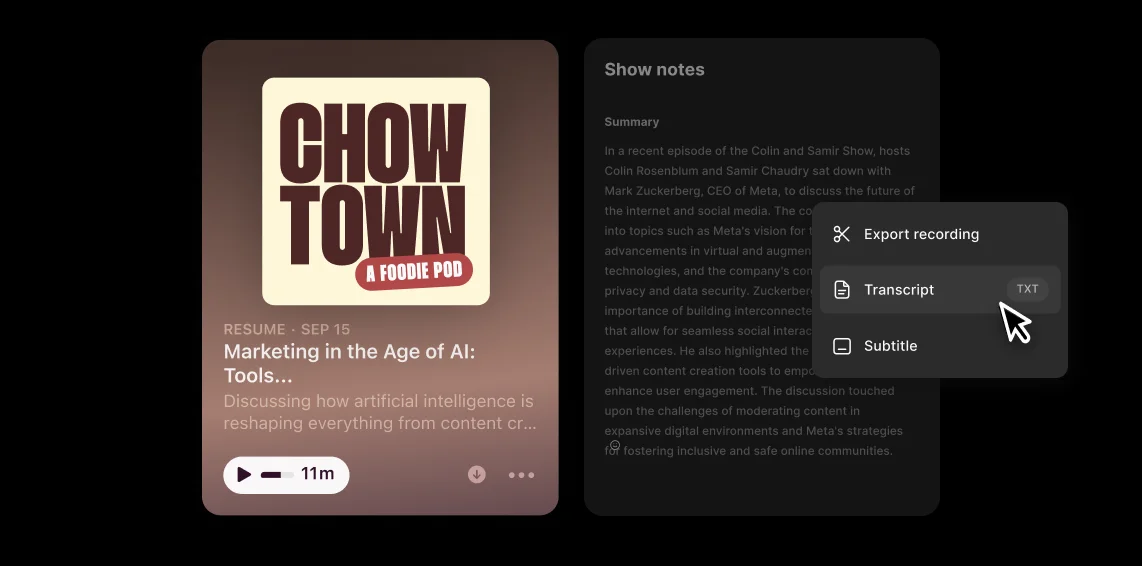
Make your podcast discoverable in search
Podcast transcripts help your show come up in search. Turn your podcast into text and share it alongside your audio and video episodes to make your show easier to discover.
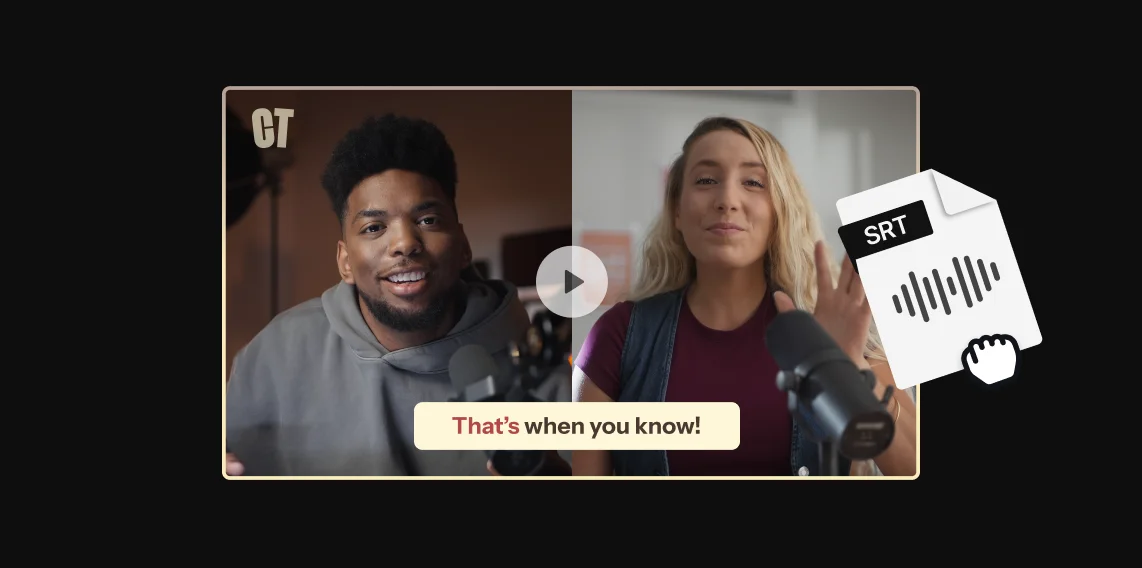
Add captions to video podcasts
Recording a video podcast? Make it easier for listeners to follow along with podcast captions. Upload an SRT transcript to your publishing platform, or directly burn in your own captions.
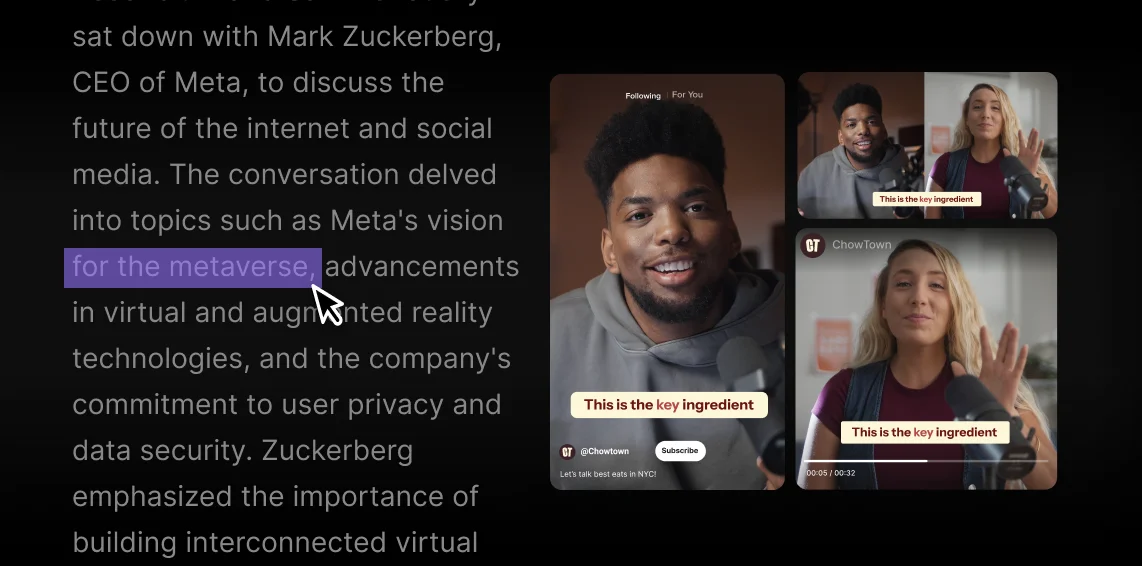
Find the perfect share-worthy clip
Search your podcast transcript to spot standout quotes instantly. Or, if you recorded on Riverside, use text-based editing to turn those moments into clips in seconds.
Turn episodes into SEO blog posts
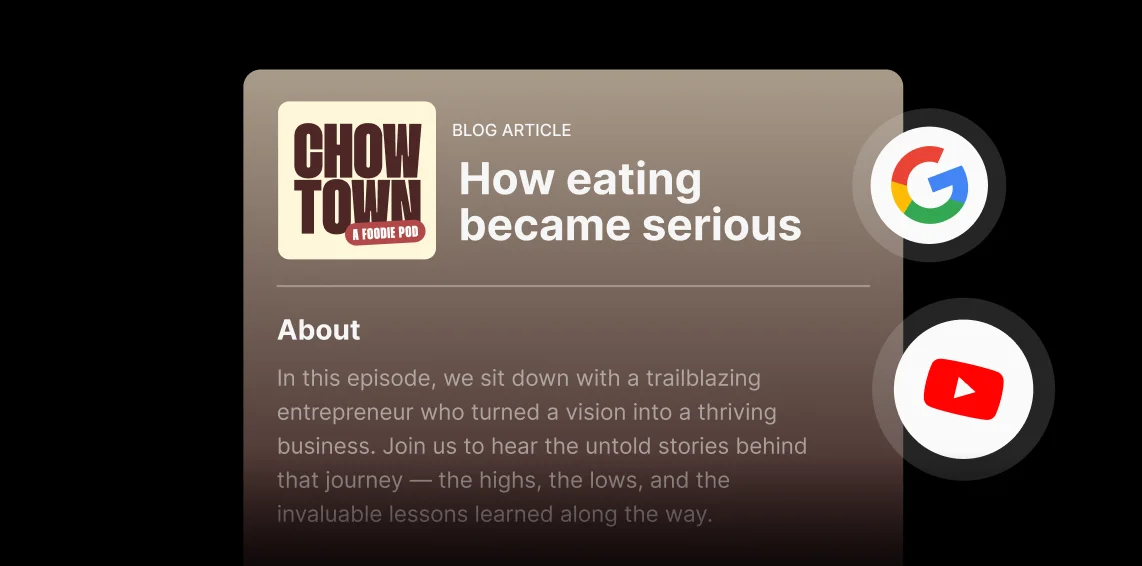
Convert your podcast transcript into search-friendly blog articles for your website, and help new listeners find you online Google and YouTube.


Pricing
From recording to publishing, all on one platform. Studio-quality results with AI that does the heavy lifting.
Pro
Create polished, high-quality content
/mo (yearly plan)
High-quality video & audio recording in separate tracks
Unlimited text-based editing
Unlimited multi-track editing
AI tools (Magic Audio, Smart Scenes for automatic multi-cam edits, eye contact, unlimited transcriptions, show notes, remove silences & filler words)
AI content repurposing tools
Publish to YouTube, Spotify, Apple, Instagram, LinkedIn & more
Business
Produce at scale with control
Full remote control over recording and post-production
Custom branding
Webinar solution
Podcast hosting for as many shows as you want
Async recording
Team collaboration
24/7 priority support
Dedicated Customer Success Manager
Enterprise-grade security

Frequently Asked Questions
Riverside’s transcription service is 99% accurate, which is even more accurate than other top transcription software platforms.
Our platform uses OpenAI’s Whisper model, an advanced speech-recognition technology. This is trained on 680,000 hours of multilingual data to decipher different accents with near-human precision.
If you’re recording on Riverside, you’re also getting higher-quality and uncompressed audio files. This leaves less room for mistakes.
Yes, ChatGPT can transcribe a podcast but it isn’t a dedicated podcast transcription software so it has some limitations. In particular:
- It often struggles with large files.
- It doesn’t record in studio quality, so low-quality audio files might affect transcription accuracy.
- It lacks an integrated audio and video editor.
- Doesn't always identify multiple speakers correctly.
This is why it’s better to use a podcast transcript generator, like Riverside. You’ll get cleaner, faster transcripts already integrated into your podcast workflow.
It’s legal to transcribe a podcast only if you are the creator, but even if you aren’t, the legality depends on how you use the transcription.
Creating a transcript from someone else's show for personal use is generally fine, but publishing or selling it can be considered copyright infringement. Always ensure you have the rights to the content before distributing it.
You should only transcribe content if:
- You own the podcast.
- You have the creator’s explicit permission.
- The content is licensed for reuse.
- You’re not publishing or selling the transcript, or re-using it for commercial purposes.
For more details, check out our guide on podcast transcription.
The fastest way to get a full transcript of a podcast is to use a built-in transcription software that generates it directly after recording.
If you’re using Riverside:
- Record your podcast or upload your audio/video file.
- From your “Projects” page, open the recording.
- From the “Recordings” tab, scroll down until you find the automatically generated transcript.
- Download the transcript in the format you need. Choose TXT for repurposing into blogs, notes, or summaries, or SRT if you need subtitles or captions.
Yes, there are many AI tools that can transcribe podcasts, including Riverside, Happyscribe, and Vowel. However, accuracy depends heavily on audio quality, and most AIs struggle with compressed files.
Riverside records lossless audio with separate tracks, giving AI crystal-clear input to generate more accurate transcripts.
The best way to transcribe a podcast is to use an AI-powered transcription tool that automatically generates text from your audio or video files. This way you won’t have to type everything manually, saving you hours of post-production work.
Ideally, you should use high-quality audio with separate speaker tracks to maximize accuracy. Riverside records locally in up to 48kHz audio, labels each speaker, and transcribes your audio with up to 99% accuracy automatically.
The best podcast transcription starts with the highest-quality recording.
Record uncompressed audio locally, then transcribe in seconds with Riverside.



More from Riverside
.webp)
-(1).webp)

Features