TikTok clip maker
Make TikTok clips from podcasts, streams, or videos in minutes. Riverside’s TikTok Clip Maker finds highlights with AI, then gives you full control to edit, brand, and publish instantly.




How to make TikTok clips with Riverside
Step 1
Record or upload your video
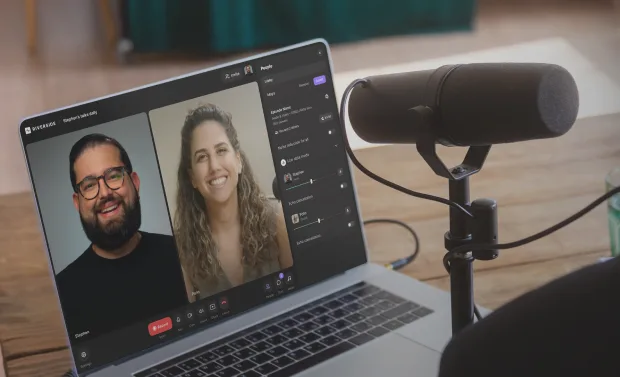
Capture interviews in up to 4K resolution. Or, upload your own existing video files. You can even select a long live stream recording to turn into clips.
Step 2
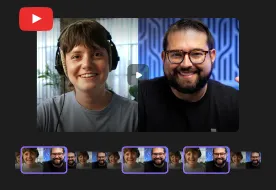
Generate TikTok clips
Use the AI clip creator to pull key moments from your recording instantly. Set your length, topic, captions, style, and what speakers you want to focus on.
Step 3
Edit your TikTok Clips
Keep control. Trim or lengthen your clip with the text-based editor. Adjust the style, or add b-roll and overlays to make every TikTok pop.
Step 4
Export your TikTok clips
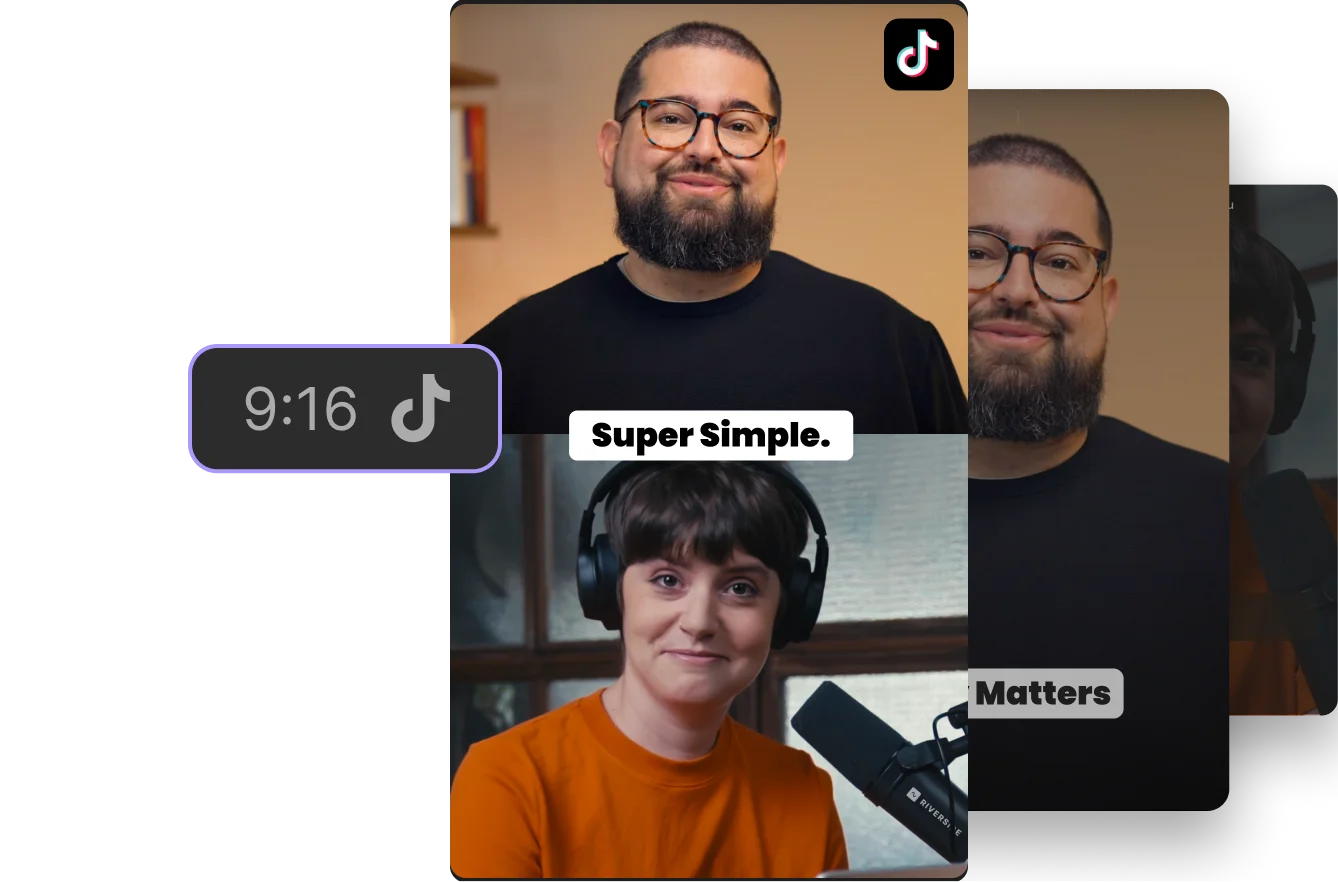
Export your TikTok clips in vertical format and prompt the AI co-creator to generate a caption so they’re ready to share instantly.

Why Riverside:
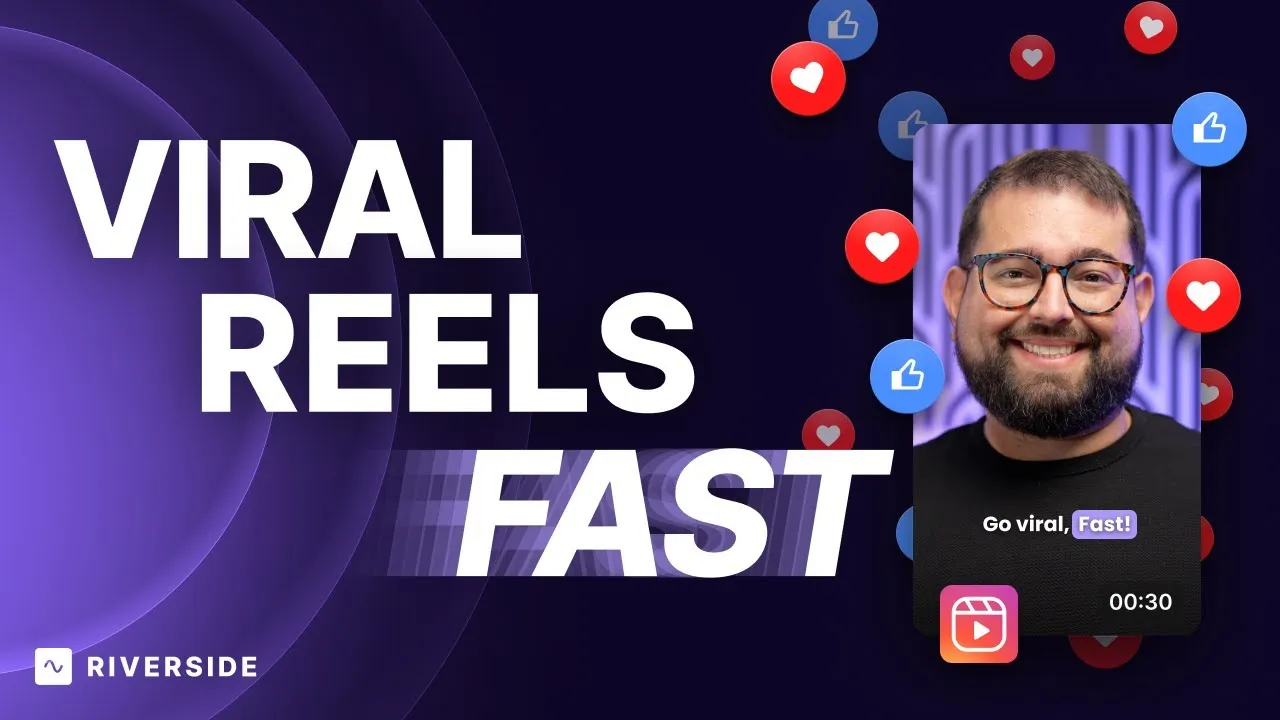
Create Viral Reels with Riverside: Step-by-Step Guide for Beginners

AI that spots your scroll-stopping TikTok moments
Our TikTok clip maker instantly finds your most engaging moments. But, you get full control over the final cut. Choose your length, keywords, or speakers, and generate studio-quality clips in minutes.

Create your own clips for TikTok from scratch
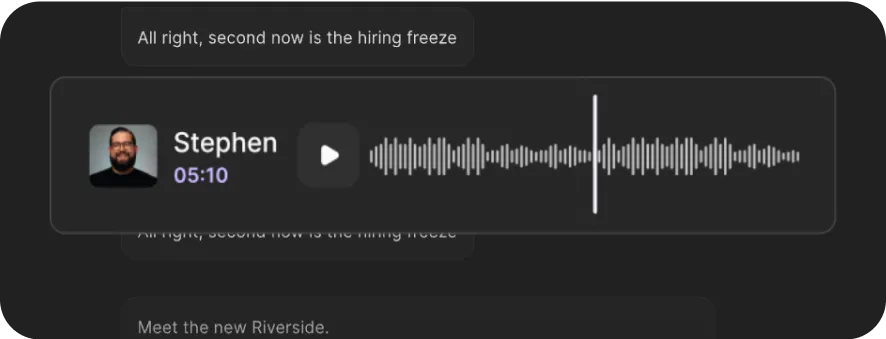
Know the exact moment you want to share? Use the text-based editor to clip TikTok videos by selecting transcript text and cutting the rest. Or, drop markers while recording to jump back.
Give your TikTok clips a signature style
Add animated captions, your logo, colors, and video or music overlays. Create presets so you can stay on brand and keep your TikToks are instantly recognizable.
TikTok clips with studio sound, no extra effort
Say bye to the hiss, pop, and crackle in your audio. In a few clicks, our AI audio enhancement removes background noise, evens out volume, and makes your clips sound studio-quality.

Play with the animated TikTok clip generator
Swap reality for fun. Be a baby, anime character, panda, and more. One click turns your clips into content that’s impossible to scroll past.

Your all-in-one AI TikTok clip generator
Record, edit, clip, and export TikTok clips in one place. No downloading, uploading, or switching platforms. Just one smooth TikTok clipping workflow.
Your all-in-one TikTok clip maker for going viral.
Record, edit and create TikTok clips in one platform.
How to choose the best AI TikTok video maker
Smart AI
Save time with an AI TikTok clip maker that finds those hit-worthy moments automatically.
Fast clip generation
The right TikTok video generator creates ready-to-post clips in minutes, not hours.
Customizability
Stay in control by setting clip length, topics, and branding. AI helps, but you call the final cut.

Compatibility
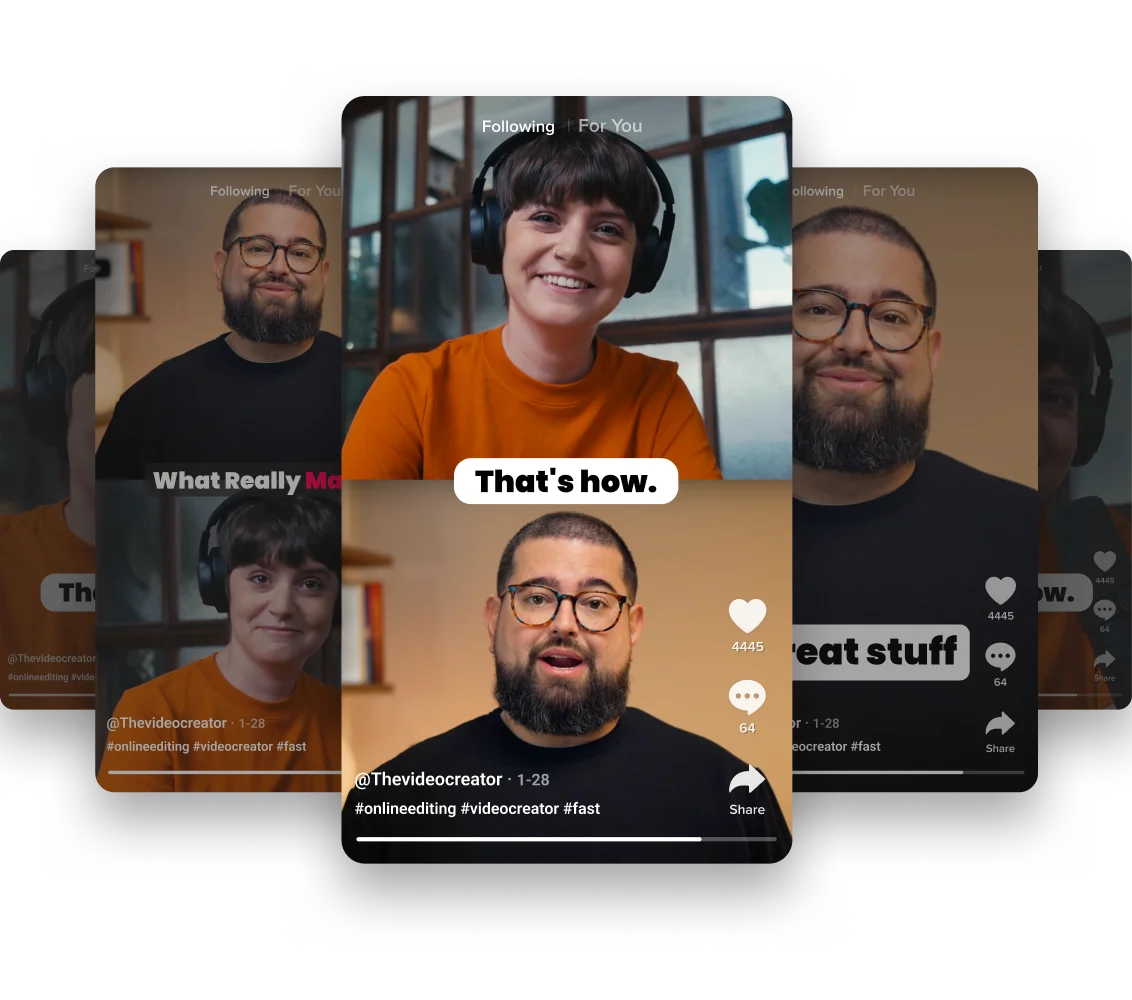
Export TikTok clips in the correct format every time, with options to repurpose for Reels and Shorts.
All in one
Record, edit, and export TikTok clips in one platform—no juggling apps or endless file uploads.
Branding
Your AI TikTok maker should include templates, captions, and overlays that make every clip look consistent and professional.
Use a TikTok video maker to:
Create top-quality podcast clips
Record interviews with remote guests in up to 4K resolution and turn the best moments into clips. Perfect for when you want to drive people to your three-hour deep dive.

Keep your livestreams alive
Repurpose your stream’s key moments into share-worthy content. From 4K streaming to quality AI clip creation, you’ve got all you need to turn streams into TikTok clips.
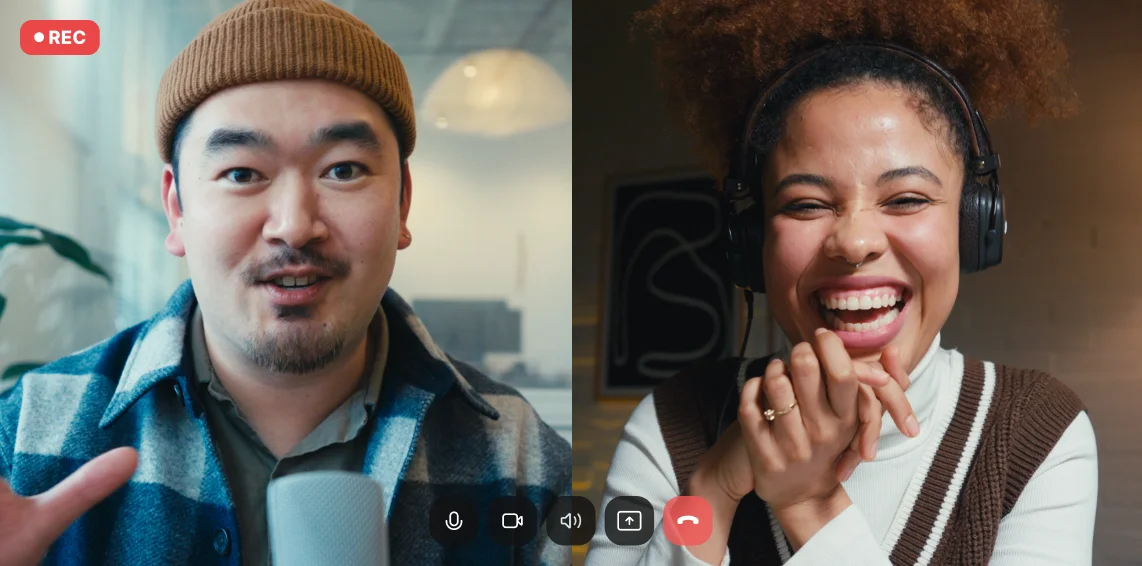
Make bite-size educational clips
Turn longer content into short TikTok clips that simplify complex topics, highlight key takeaways, and keep your audience engaged.
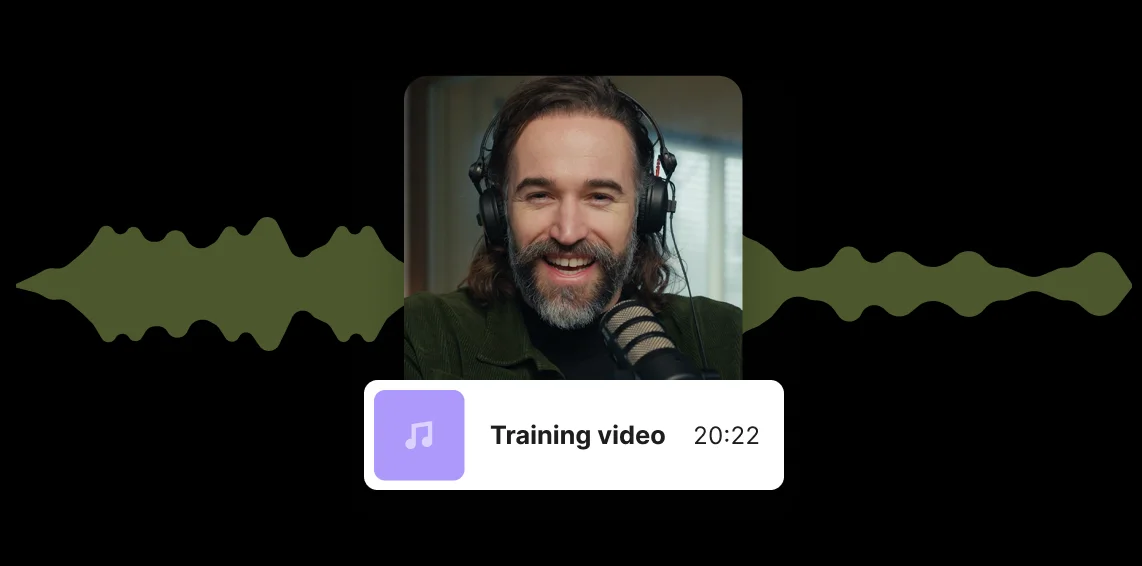
Create more clips, in less time
For TikTok creators, speed matters. Repurpose your content into multiple TikTok clips in minutes so you can stay consistent and grow your audience without burning out.
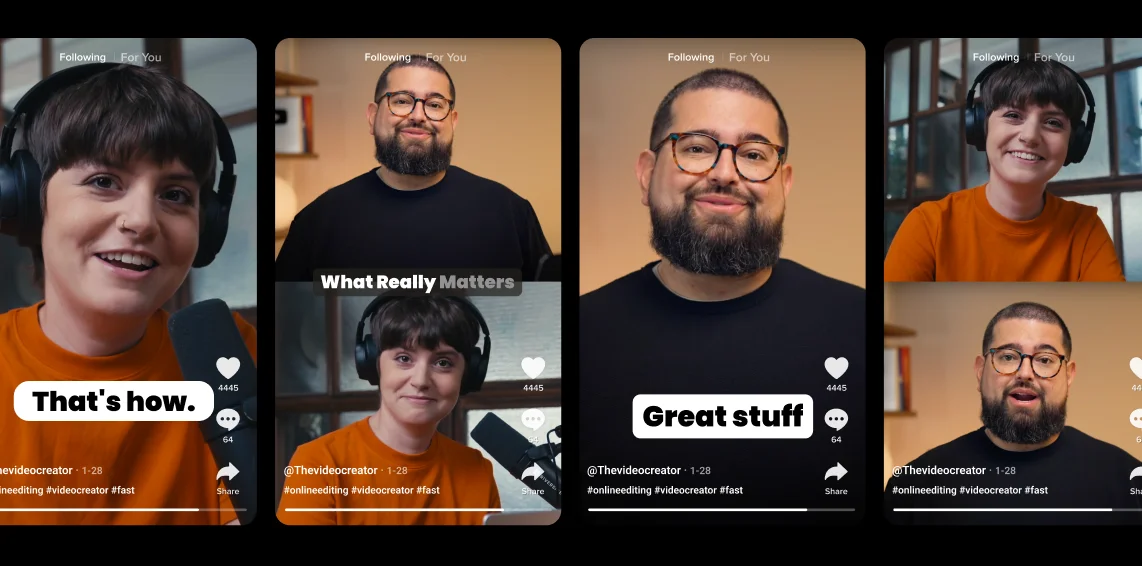
Pricing
From recording to publishing, all on one platform. Studio-quality results with AI that does the heavy lifting.
Pro
Create polished, high-quality content
/mo (yearly plan)
High-quality video & audio recording in separate tracks
Unlimited text-based editing
Unlimited multi-track editing
AI tools (Magic Audio, Smart Scenes for automatic multi-cam edits, eye contact, unlimited transcriptions, show notes, remove silences & filler words)
AI content repurposing tools
Publish to YouTube, Spotify, Apple, Instagram, LinkedIn & more
Business
Produce at scale with control
Full remote control over recording and post-production
Custom branding
Webinar solution
Podcast hosting for as many shows as you want
Async recording
Team collaboration
24/7 priority support
Dedicated Customer Success Manager
Enterprise-grade security

Frequently Asked Questions
CapCut is a popular choice for quick mobile edits (and it’s owned by the same parent company as TikTok). It’s fine if you’re cutting short casual clips on your phone. But if you’re working with long-form content like podcasts, interviews, or webinars, uploading all that into CapCut becomes a hassle.
That’s where an all-in-one TikTok editor like Riverside offers makes sense. Record in high quality, auto-generate highlights, edit in one place, and export directly to TikTok or Reels.
It depends on what kind of creator you are. Mobile apps like InShot or CapCut work for quick, on-the-go edits, but they lack the power and flexibility for consistent publishing.
If you’re serious about building an audience, you’ll want software like Riverside that lets you:
- Record in professional quality
- Auto-detect highlights
- Style with captions and branding, and
- Export across multiple platforms.
For creators and brands, Riverside combines recording, editing, and clipping in one platform.
We’ve got a full guide on the best TikTok editing apps, so you can go ahead and compare for yourself.
On Riverside, you can create clips for TikTok in two ways:
You can turn a longer recording into multiple clips using our AI tools:
- Record, select, or upload a video you want to clip.
- At the top right, click “Create” then select “Magic Clips”.
- Adjust your settings for ratio, topic, speaker and styles, then click “Generate clips”
Just like that, you’ll get multiple clips from your recording.
Your clips come with captions, branding, and everything edited. But, you can always click on a clip to edit it and make it the way you want it.
You can create your own clips from scratch:
- Log in and from your dashboard, click “Edit” to go to the editor.
- Here you can either upload a new pre-recorded video, or click “Record” to make one from scratch.
- Once you’ve got a recording, get a head start on editing and click “AI tools” to automatically cut filler words and fluff.
- Trim your video into a clip, or multiple clips, using the traditional timeline or text-based editor. Any text you delete in your TikTok transcript automatically syncs in the video.
- To clean up audio, click on “AI tools” again, where you’ll see various tools to enhance audio, cut background noise, and more.
- In the AI tools menu, you also have the option to adjust your layout and fix eye contact.
- Finally, style your video. Go to the toolbar where you can add “Captions”, “Text”, “Videos”, and more.
Learn more in our full guide on how to trim TikTok clips.
Other Riverside tools
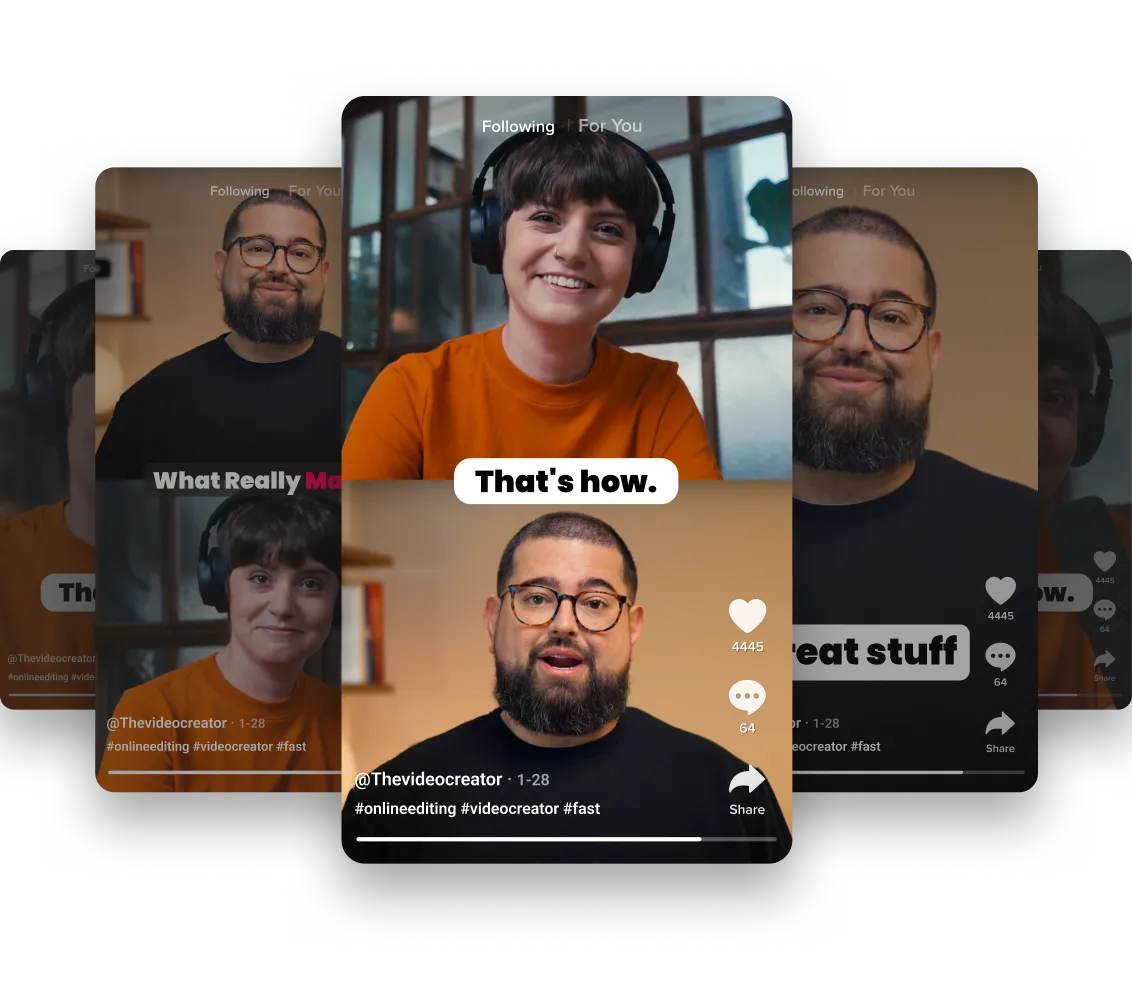
.webp)


-p-800.webp)
Discover free and paid tools on Riverside.
More from Riverside


Features