Create and schedule a week of social clips with the Riverside MCP
Use Claude and the Riverside MCP to caption and schedule a week of Magic Clips to every platform.

Use Claude and the Riverside MCP to caption and schedule a week of Magic Clips to every platform.
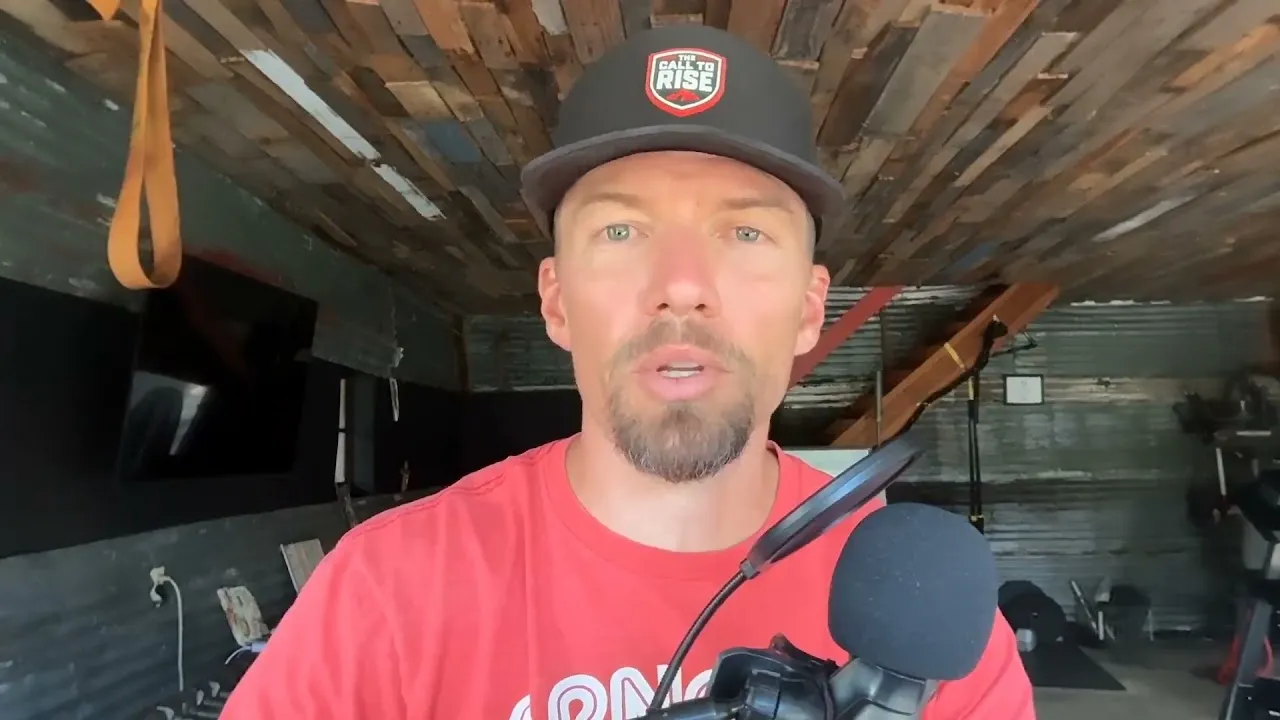
Magic Clips are only useful if they actually get posted, and writing captions and scheduling posts for every platform takes time a solo creator rarely has. In this video, Coach Brian Parana shows how he connects Claude to Riverside through the MCP to caption and schedule a week of clips.
He runs a production prompt backed by custom skills and a copywriting standard built from 164 episodes. The AI pulls Magic Clips and their transcripts through the MCP, checks open dates in the Riverside Planner and verifies each caption against platform character limits. Brian reviews and approves every caption before anything is scheduled, and the AI then posts each clip to six platforms at staggered times and logs where the next batch should pick up. It shows how a solo creator can use AI as a back-end assistant while keeping full control over what gets published.
Add the Riverside MCP to Claude (or another AI assistant that supports MCP) and authenticate with your Riverside account. Connect your social accounts in the Riverside dashboard first, because platforms can't be connected through your AI.
Set up instructions or skills your AI follows every time: a copywriting standard with your tone and the words you never use, character limits for each platform, a posting rotation so clips don't repeat back to back, and a set of calls to action that point people to your podcast without a link (links in social posts can hurt reach). Brian built his from 164 episodes and countless past posts.
Start the prompt that kicks off your workflow and tell it which clips to use. Brian points it at a specific series of episodes. The AI pulls the Magic Clips and their transcripts through the MCP, so captions are written from what you actually said.
The AI confirms which dates are open in your Riverside Planner and checks every caption against each platform's character limit and your copywriting standards, flagging anything that doesn't fit.
Nothing posts without you. Read each caption, edit anything that doesn't sound like you, and approve. The AI then schedules each clip to all your platforms at staggered times, and Riverside emails you when posts go live.
The AI logs the last episode and clip it used, so your next batch starts from there. While it works, you're free to do other things and check back in.
00:00 Hello, I'm Coach Brian Piranha. I am a health coach for over 23 years. I've been a personal trainer of own gyms and I've been doing online health coaching. Now I've been using Riverside to actually create the Driven for Health podcast since September 23rd of 2025. So almost a year ago as today's the 7th of September 26th, I have released 164 podcasts through Riverside.
00:25 I am blessed and thankful that Ken and everyone else on the team is just super supportive and the software is great. And I am running this for that NCP community in the process for people to understand how to better use it. And this is just one angle that I have figured out. So let me share my screen and walk through what's going on here.
00:47 All right. So I have a prompt right here that this has a lot of different skills and MD files built already into this. I have attached my Cod folder on my MacBook to be able to run this. I don't believe that this Opus 5 Hi is necessarily the specific thing that we need, but I'm gonna use it because I'm paying for it and I wanna make sure that this gets sent right.
01:16 So with this, I'm gonna press the send button. Now, as this is starting to load up, I'm gonna show what happens. since I started using the MCP, Friday the 31st. And you can see I was able to get the MCP to publish all of these to all of my socials that I have.
01:37 And you can see multiple times a day for weeks now. And it's going through the magic clips that I have. Now in the past, I had problems releasing my magic clips because it just takes more time. Everyone in here knows that. And this was a solution that I found to be able to leverage Claude or any AI to do this.
02:03 So I have set this up and gone through and here's where we're at today on the seventh. And the goal is that this is going to fill in the eighth, the 10th, the 12th, rotating between the different things and all of next week. So that's the goal and objective that we're trying to do. So. Coming back to here, it started my operating system.
02:27 I've found an operating system for my cloud to be able to work effectively and efficiently. And it knows to look in a specific folder for files that run this skill here for my Driven for Health podcast production. And it's working through. And I have a copywriting standard skill through 164 podcasts that I've done alongside with countless posts that I've created.
02:57 Claude knows how I talk and speak and I have been able to edit it so that it allows me to be able to create better clips and captions for those. So right now it's going through the process of selecting this. At some point, I believe it's gonna open up into another window and we'll check on that to continue this.
03:19 As you can see, has a number of different sequences. Right now it's pulling the clips. I've been running a What to Order at Different Restaurants series inside my podcast from episode 145 to 164. And the hope is that it's gonna pull from those and put those into the planner.
03:41 At least I think. It's going to pull the transcription because Riverside MCP has direct access to all of the transcriptions that are inside my podcast. And it will filter through the right transcriptions for the captions to each of the magic clips so that they are accurate.
04:02 And then it'll go through writing and then it's going to confirm the open dates on the live Riverside planner, which I just shared. Verify the captions to make sure that they fit the right social media specific platform. For example, X is 260 characters, 240 characters, I believe, and threads is under 500, and the other ones have a lot more access.
04:32 All right, so just pulled the transcriptions for the... the clips that it's doing. can see it here. Let me open this up here. See if it's opening. It's not doing it in this tab. There it is right here in the browser. It's looking and working through the planning stages of it.
04:52 Now this isn't gonna post automatically. It's going to be able to write the caption in my voice, because I've trained it multiple times over to do so. Then I will have to go through and approve all of the... captions by looking at them and making sure that they are in my voice and making edits as I need to.
05:13 I also get notified via email when they get published at different variations of times throughout the day. My goal is that I'm going to be posting as much as necessary for me to be able to maximize each platform with talking head reels of my podcast so I can get it out.
05:35 into the world and get people to listen to it and get to listen to my podcast. Remember, I'm just a health coach. I'm trying to figure out how do you leverage AI as a back end employee to be able to help unload operations and management and not necessarily to engage directly with clients.
05:59 But it does not do any client facing interactions with. my personal clients that join my health and fitness nutrition programs. But it does help with managing podcast production with being able to publish some of the social media content that I've already created. It helps me create YouTube thumbnails and titles and descriptions that would cause a lot of effort, time, energy and money to be able to produce.
06:31 Next up, it's going to present a batch for me to be able to review. The last time I did this, I believe there should be about 18 different captions for the. So let's see what happens. So the batch is staged and logged, nothing is scheduled.
06:54 Stop first, the planner doesn't match the log. So it's going to work through this. So here are the actual captions of these. Right now I'm picking back up the process to batch and schedule to publish more. clips from my podcast.
07:16 I would like all three spots to be filled for this. And remember we have a rotating schedule of when we're posting these things so that they don't overlap and become redundant from one clip to the next. Let me look through this. Now these are specifically words that I said from the actual podcast itself.
07:42 And then I have it. referencing because inside social media posts, you can't post a link, a URL, because it doesn't go anywhere. And it actually drops reach for your thing. So I have it specifically citing to find my podcast episode.
08:02 I have, I believe, 40 different ways to present this as we go. So you can see here another one. All right, so these all look good. So right here is where it's actually actively working in here, and this is the old version.
08:24 So ideally it fills the 8, 10, 12, and we'll hopefully see that happen inside this browser there. This is just me recording. So I don't need this. Just need these two. It's loaded right into the MCP.
08:45 Very cool. So it's starting to work on adding those clips in. Of the first clip, six different social media platforms. Here's clip number two. So it's actively working right now. We have something on the 13th now, September 13th.
09:11 to have all that. These are six different platforms at six different times. Let's double check, eight, 10, 12. Now suddenly there could be more things that need to tweak or adjust here, but right now this is amazing for me being a solopreneur, not having a team behind me.
09:31 And this leverages my time and my expertise to be able to do more client facing work, engaging with people. communicating with them, making sure that they are getting their needs met and are successful. All right, so it's gonna go through, pull the inventory.
09:54 Here's Cloud working inside. My browser right here, look at this. This is getting caught. My copywriting standards are getting. Focus there, specific words I don't want used. And then there were over the caption character limits.
10:17 Read. And these are pulled directly from my transcript to the MCP for Riverside. Because I'm filming this, I'm actually just waiting. But I normally would be doing something else in addition to this. So this task would be doing this. I'd be doing something else to move that process forward.
10:38 And then I'd keep circling back to this. So I wouldn't just be staring at my computer the whole time that it was actually going through this whole process. All right, so I filled in September 6th through the 13th, and then my next batch will start on the 14th.
11:00 Where I left off is episode 136, excuse me, 163 has five clips ready available. So let's look at this. So confirm, there we go, look at all that filled up.
11:21 And then that's filled up there. So I just did four, we did the eighth, 10th, 12th, and the 13th full of posts that will be going out. Hope this was helpful. Thank you.
USE CASES
Whether you're recording a podcast, hosting a live stream, or creating content for social, we've got you covered.

Got a process that works for you? Get featured by submitting your step-by-step flow. Help other creators save time, learn new tricks and improve their productions.