Update
Recording
Live streaming
X comments in Omnichat
See and reply to your X live stream comments right from the studio.
October 13, 2026
Grow +

See and reply to your X live stream comments right from the studio.
Try Riverside
for Free
What's new
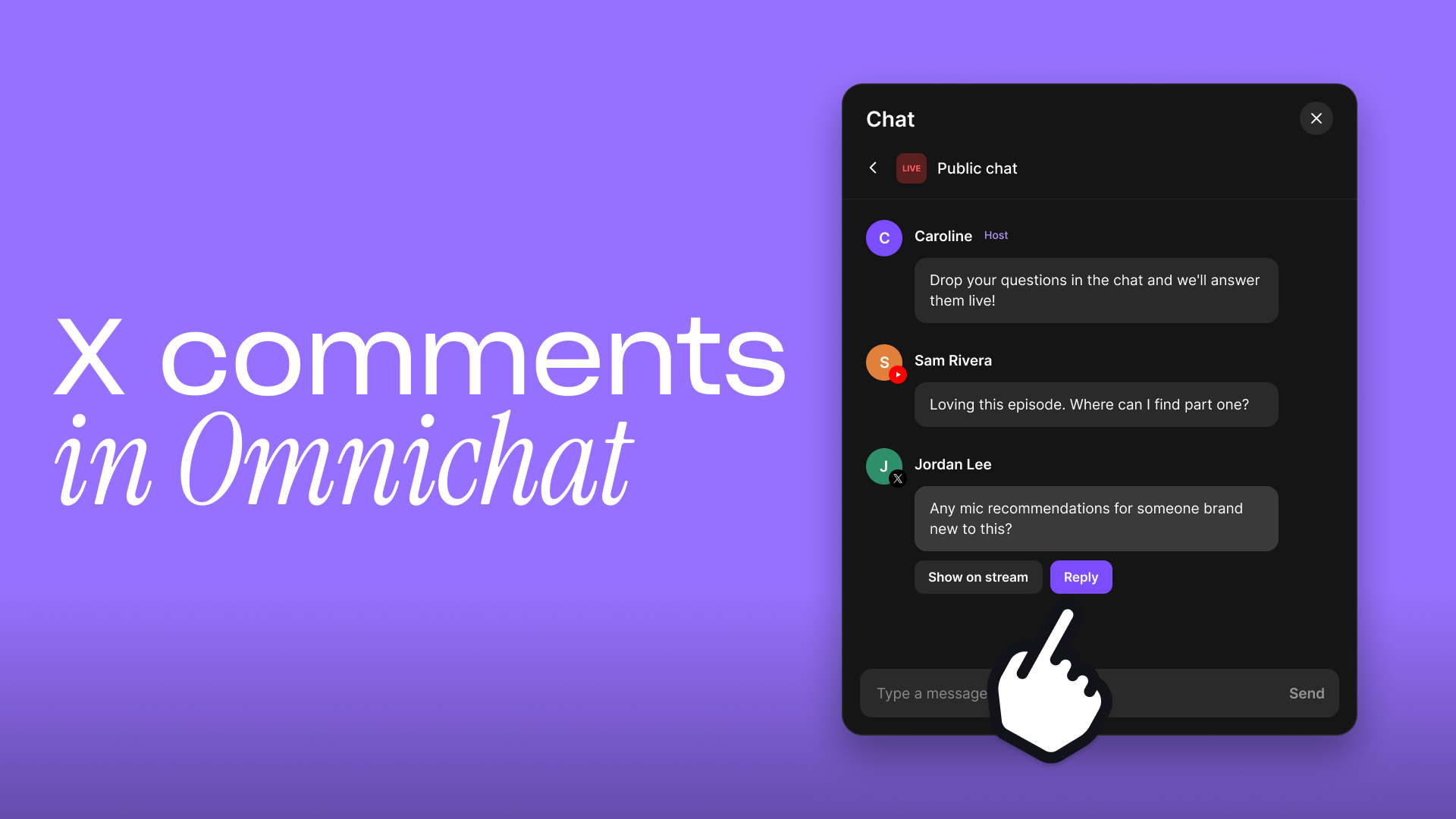
When you stream to X, comments from your X viewers now show up in Omnichat next to YouTube, Twitch, and Facebook. Reply to them, send messages to your X chat, and show X comments on screen like any other comment. You can also stream straight into an X event you scheduled in the Riverside content planner.
How to use it
Go live with X as one of your destinations. Comments from your X viewers appear in the Public chat in the studio, and when you reply there, your reply is posted back to the X chat.
To stream into a scheduled X event, pick the event in the studio before you go live (only events created in the content planner show up).
Learn more about this topic
Live stream: Omnichat
Omnichat brings messages from supported live stream platforms into the Riverside public chat so hosts, producers, and guests can see and reply to messages from viewers in one place.
Which live streaming channels support omnichat?
Chat with your viewers who are watching the live stream from the following platforms.
Livestream: Manage comments from viewers
Highlight engaging or exciting comments and reply to viewers in the Public chat during a live stream.

Got a process that works for you? Get featured by submitting your step-by-step flow. Help other creators save time, learn new tricks and improve their productions.


