Pre-recorded Live Stream
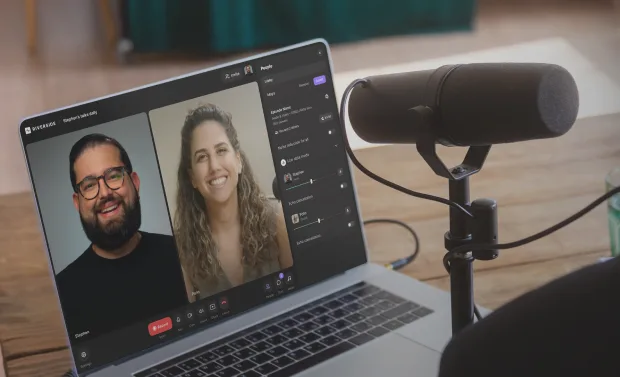
Create and host pre-recorded live streams in one workflow. Record in 4K, stream to any platform, and go live without the pressure.




How to host a pre-recorded live stream with Riverside
Step 1
Pre-record your stream
Record your session in up to 4K video and 48kHz audio with up to 10 participants. Style your stream with layouts, lower thirds, and branding presets.
Step 2
Edit and brand it
Trim mistakes, tighten pacing, clean up audio, and add captions in minutes with the text-based editor. You’ll have a polished final version before anything goes live.
Step 3
Schedule your live session
Set up your event in advance from your dashboard. Riverside will send automated reminders to your audience in their own time zone.
Step 4
Go live and engage
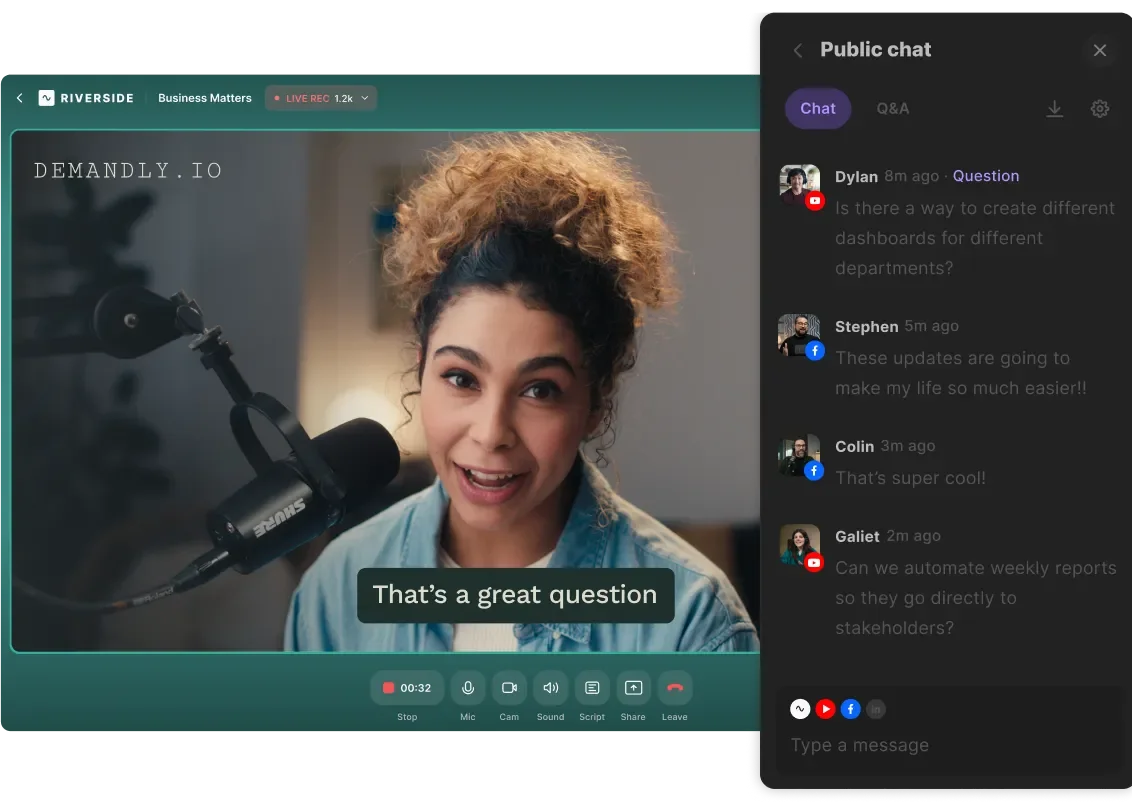
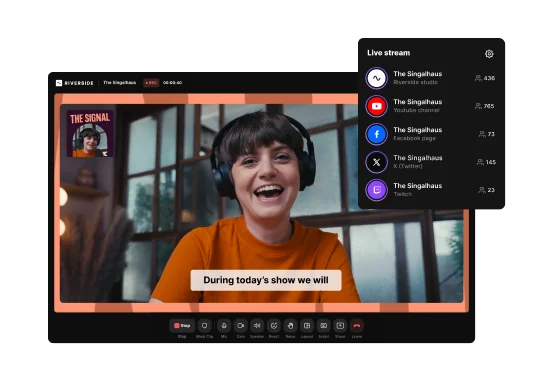
Multistream your pre-recorded live stream to all your social channels at once. Engage your audience with Omnichat, polls, and live call-ins.

Why Riverside:
Record, edit, and host pre-recorded live streams in one platform

Studio-quality stream recordings
Pre-record your livestream content in up to 4K resolution. Local recording means you get studio-quality audio and video even if your internet drops.

Pre-recorded video with live engagement
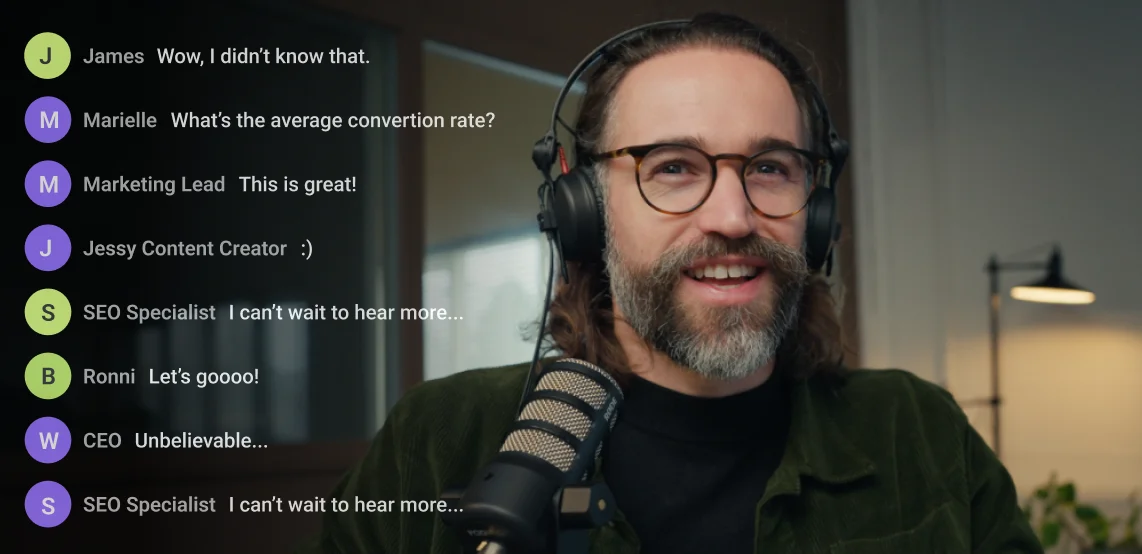
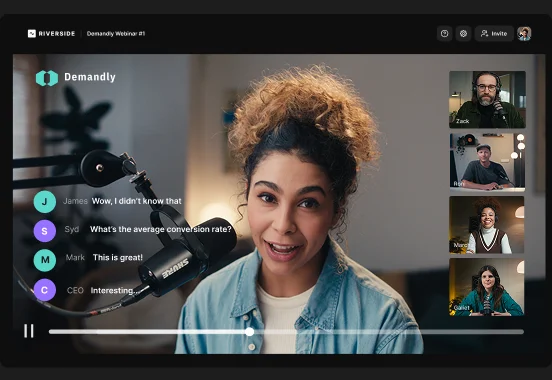
Focus on your audience while your pre-recorded stream runs. Manage chat across every platform with Ominchat and invite your audience on screen with call-ins.

Go live on every channel at once
Multistream to YouTube, LinkedIn, Twitch, and more simultaneously. Use custom RTMP to stream your pre-recorded video anywhere your audience is.

Easy streaming setup
Set up your live stream online without additional software or encoders. It’s as easy as selecting or uploading your pre-recorded videos, scheduling your stream, and going live.

Customize your pre-recorded stream
Style pre-recorded videos in the editor to match your aesthetic. Then, brand your stream with your own logo, background, overlays, and lower-thirds.

Repurpose streams into endless content
Turn your pre-recorded stream into clips, newsletters, and more by prompting the AI agent. Or polish recordings in the editor with captions, text-based editing, and audio enhancement.
Real-time engagement without the pressure.
Create and host pre-recorded live streams with Riverside.
Pre-recorded vs live streaming: 5 Differences
Polish vs raw delivery
Pre-recorded streams let you fix mistakes and polish video before airing. Live streams feel more raw because everything happens in the moment.
Less pressure vs live performance
Pre-recording removes the stress of presenting everything perfectly in real time. Going live is unpredictable and puts more pressure on you to deliver without slips.
Stable playback vs live risks
A pre-recorded live stream helps you avoid many common live production issues during delivery. A live stream is more exposed to technical problems and internet drops.

Chat focus vs production focus
When your content is already prepared, you can focus on engaging with viewers in real time. In a live stream, your attention is split between speaking and reading chats.
Reusable content vs one-time delivery
Pre-recorded streams are already fully edited, meaning you can repurpose them immediately afterward without much cleanup.
Pre-recorded livestream software to:
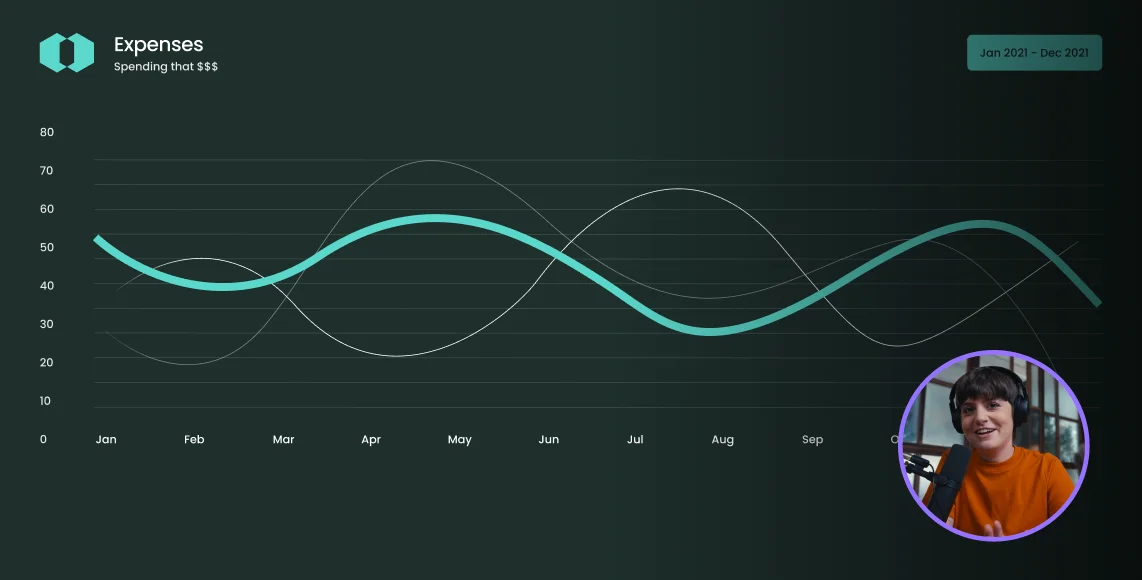
Showcase clean product demos
Launch new products with a pre-recorded live stream that looks sharp while your team answers customer questions in real time.
Publish pre-recorded educational streams
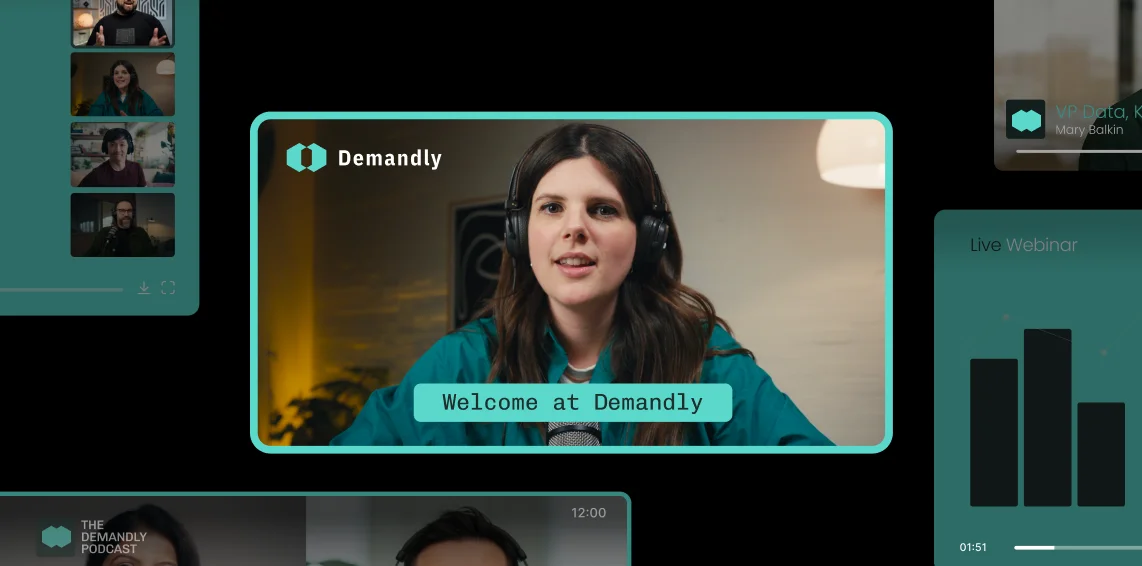
Build your authority without spending more time. Record tutorials, workshops, or course content once and stream it on repeat to new audiences.
Premiere your next podcast season
Stream your podcast premiere on YouTube or other online platforms. Engage with your audience in real time through live call-ins and a shared chat.

Share thought leadership on LinkedIn
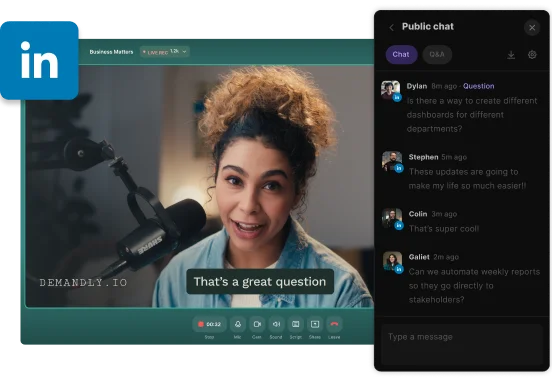
Build brand authority with the stress of going live every time. Stream pre-recorded interviews, opinions, or educational videos on LinkedIn to show up consistently.


Pricing
From recording to publishing, all on one platform. Studio-quality results with AI that does the heavy lifting.
Pro
Create polished, high-quality content
/mo (yearly plan)
High-quality video & audio recording in separate tracks
Unlimited text-based editing
Unlimited multi-track editing
AI tools (Magic Audio, Smart Scenes for automatic multi-cam edits, eye contact, unlimited transcriptions, show notes, remove silences & filler words)
AI content repurposing tools
Publish to YouTube, Spotify, Apple, Instagram, LinkedIn & more
Business
Produce at scale with control
Full remote control over recording and post-production
Custom branding
Webinar solution
Podcast hosting for as many shows as you want
Async recording
Team collaboration
24/7 priority support
Dedicated Customer Success Manager
Enterprise-grade security

Frequently Asked Questions
A pre-recorded live stream is a video recorded in advance that is later broadcast to an audience as a live stream. This format allows you to edit the video for quality before broadcasting. During the live stream, you can engage with your audience in the real-time chat without the stress of performing live.
A live broadcast happens in real time, while a pre-recorded show is captured and edited before it airs. Live broadcasts offer spontaneous interactions with your audience. Pre-recorded shows eliminate technical risks and allow you to polish your content before streaming.
Yes, pre-recorded streams are allowed on YouTube. You can easily schedule and broadcast your pre-recorded video using a tool like Riverside for YouTube live streaming. This helps you increase watch time and connect with your subscribers via live chat.
For more read our full guide on how to stream on YouTube.
Yes, live streams usually get recorded automatically on most platforms.
For example:
On YouTube, live streams under 12 hours can be automatically archived, though YouTube still recommends keeping a local backup of your recording.
When you stream with Riverside, your live sessions are recorded locally in up to 4K quality with separate audio and video tracks. This way, you can easily edit and repurpose your content later.
Your all-in-one platform for pre-recorded live streaming.
Record in 4K, edit in minutes, and host your stream on multiple platforms.

.webp)

More from Riverside
-(1)-(1).webp)
-Event.png)
.webp)

Features