Deliver polished guest intros with the teleprompter
Read guest intros from the teleprompter so you stay on camera, then polish them with eye contact.

Read guest intros from the teleprompter so you stay on camera, then polish them with eye contact.
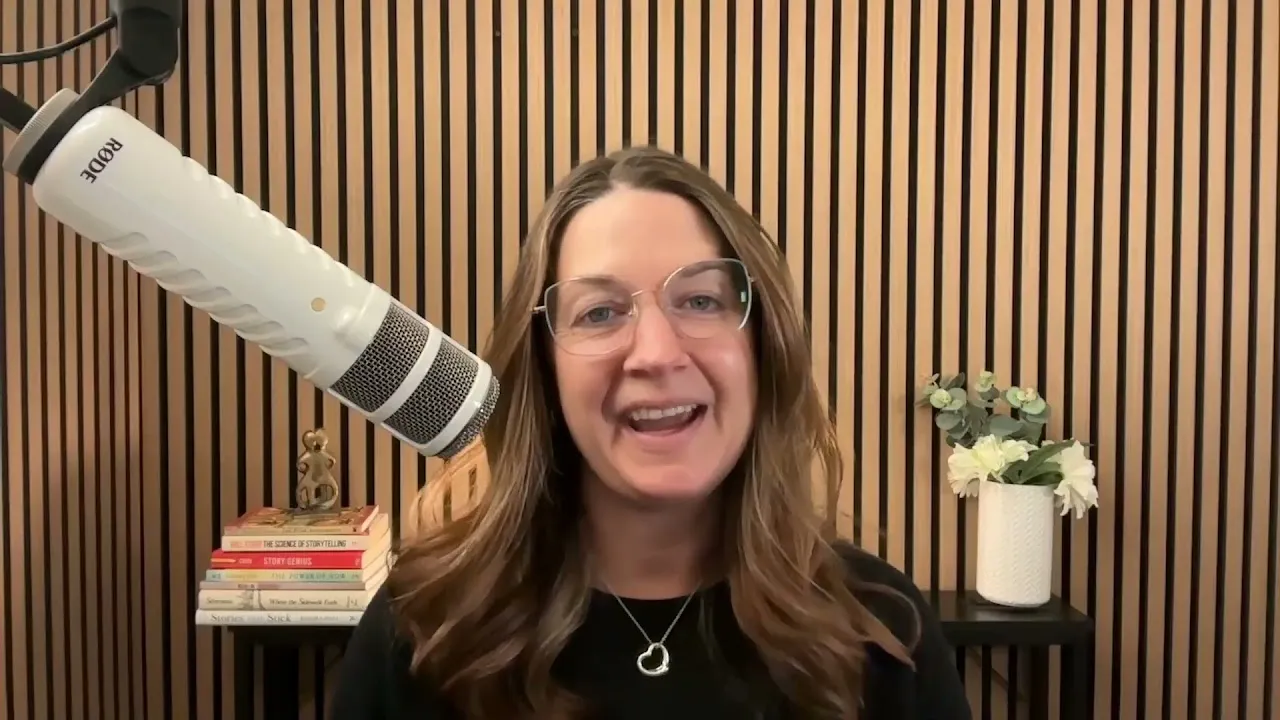
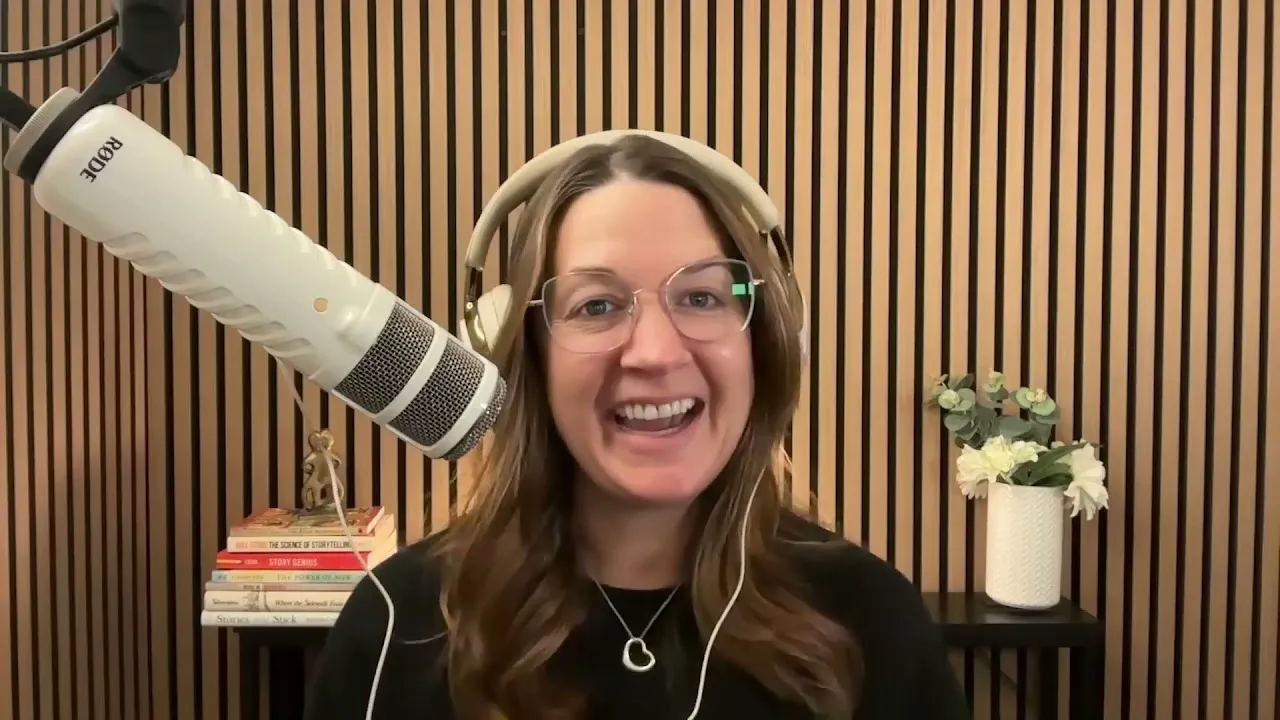
Glancing at notes, holding up paper or opening a bright document on screen can make a guest introduction look distracted or washed out. In this video, podcast producer Jamie Brooke shows how she uses Riverside's teleprompter so the host can read a polished introduction while staying on camera.
She writes a short intro meant to be spoken rather than pasting in a full bio, opens the teleprompter from Script, formats the text and sets a scroll speed that matches her natural pace. She explains why she prefers to record the intro with the guest present, how to restart only the sentence you stumbled on instead of the whole thing, and how to place the clean take into the interview and apply Eye contact in post. It's a small habit that makes every introduction sound prepared and keeps the host's eyes on the camera.
Before the interview, write a short guest introduction instead of pasting in their full bio. Keep it concise and conversational, focused on the credentials that matter for this conversation, so listeners know who the guest is and why they should care.
In the studio, click the arrow next to Script and choose Open teleprompter, then paste in your introduction. Adjust the text size, or add bold, italics, or underlines to any words you want to emphasize.
Press play to test the pace and adjust until it matches how you naturally speak. Jamie likes a speed of about 9 or 10. Once it feels right, go back to the top.
You can record the intro before your guest joins, which some hosts find more comfortable. Jamie prefers to record it with the guest present, so they can catch any mistakes together and you capture the guest's reaction to their own introduction.
Press play and read to camera. If you stumble, pause for a few seconds and restart from the beginning of that sentence, not the whole intro. When you're done, click Script to close the teleprompter and focus on the conversation.
In the editor, place your clean introduction into the interview, and apply Eye contact to keep your gaze on the camera throughout.
00:00 Hi, I'm Jamie Brooke. I'm a podcast producer and I help health, fitness, and wellness professionals launch and produce their podcasts. Today, I'm gonna show you one of my favorite simple riverside tools, the teleprompter. I use the teleprompter primarily for guest introductions. It gives the host everything they need right on screen so they can deliver a polished introduction while still looking directly toward the camera.
00:23 And in fact, in post-production, you can use something like eye contact to make sure that the eyes are still tracking directly to the camera. This is also important because if you've ever seen a host glance at a sheet of paper or hold up a sheet of paper, this can be very distracting and create unnecessary noise that may not be able to be removed in post-production.
00:45 Another thing I've seen hosts do is that they open up a second tab on their computer, which is a white Word document. This actually reflects back on the skin of the host and makes you look washed out when you have this beautiful lighting already ready to go. So we don't want to be opening up a white word document just so that we can read the guest introduction on a different screen.
01:09 So instead, I like to copy paste that introduction and put it right into Riverside as a teleprompter. So let me show you my workflow. Before the interview, I'll prepare a short introduction for the guest. Rather than simply copying and pasting their entire professional bio, I recommend writing this specifically to be spoken aloud. Keep it concise, conversational, and focused on the credentials or experience that actually matter to the conversation you're about to have.
01:34 The goal isn't to tell the audience everything about your guest before they've said a word. It's to give listeners enough context to understand who they are and why they should care about this conversation. I will then copy and paste the part of the conversation that the host is going to start with. Copy paste. Now here we are inside of the studio. You're going to click on script, this little arrow next to the script, and you're gonna go to open teleprompter.
01:59 All you're going to do is copy paste. And here you can see you can make it smaller, bigger, you can make it bold, unbold, italicized, underlined, anything that you would like if there's emphasis or anything you'd like to do. Then I'm gonna press play and I'm gonna see how fast it goes. Personally, I like it to be about at a nine or 10, just to see how fast that usually is about right.
02:21 If you want it to be a little bit faster, you can go as fast as you like as well. Once we've selected that time that works for us, we're gonna go back to the top and we're gonna hit play. Dr. Maya Bennett is a neuroscientist and biomedical engineer whose research explores how attention, memory, and our environments influence the way the brain processes information. Her work focuses on translating neuroscience into practical tools that can improve learning, focus, and everyday cognitive performance.
02:48 Dr. Maya Bennett, welcome to the podcast. From here, once you're done reading that, if you wanna be able to focus on the conversation, not have you guys be blurred out, all you have to do is go and click script and it will disappear. Now keep in mind there's a couple ways that you can record this. One, you can record it before the guest even joins. This allows you to do it without an audience. It might make you feel more comfortable.
03:09 Personally, I actually really like to have the guest present when I give this bio. The reason why is one, if I made any mistakes, we can go back and we can correct it. But second of all, I think the bigger thing is that it allows you to see the guest's reaction as you speak about them. And I think that really creates that more personal, relatable feeling as they're smiling at their own introduction.
03:32 One big thing, if you make a mistake and you happen to stumble over your words, I highly recommend that you start over at the beginning of that particular sentence. You don't have to start all over again. All you need to do is just go back to the sentence that you stumbled on and just make sure that that sounds clear all the way through. So I'll pause for a few seconds, go back to the beginning of the sentence and start again.
03:55 Don't worry about getting everything perfect on the first attempt. That's one of the advantages of recording an introduction separately. So then in post-production, that clean introduction can be placed directly into the interview, perhaps with the guest, without the guest, and ultimately we can create that eye contact through Riverside editing. It's a very simple tool, but it keeps the host focused on the camera, keeps the introduction polished, and eliminates the need to have notes or another document open while you're recording.
04:21 And that's how I use Riverside's teleprompter for podcast guest introductions. Prepare your introduction ahead of time. Write it to be spoken rather than read. Adjust the teleprompter to your natural pace and don't be afraid to record a second take. I'm Jamie Brook and I hope this helps make your next guest introduction a little easier.
Let guests book their own interview slot and receive your Riverside studio link automatically.
USE CASES
Whether you're recording a podcast, hosting a live stream, or creating content for social, we've got you covered.

Got a process that works for you? Get featured by submitting your step-by-step flow. Help other creators save time, learn new tricks and improve their productions.