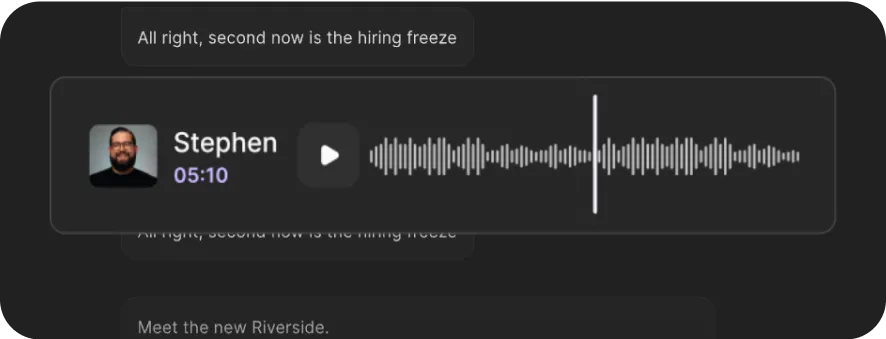
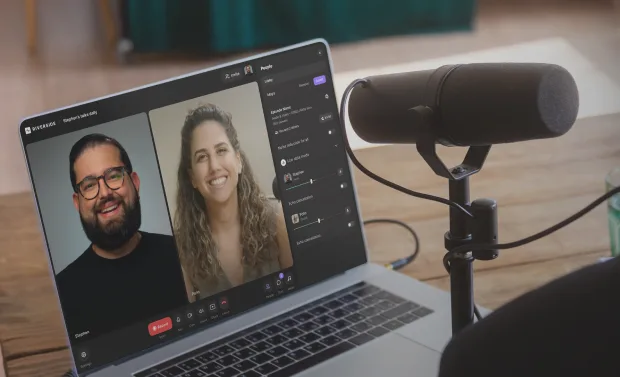
Interview Transcript
Get 99% accurate interview transcripts in minutes with Riverside’s free tool. Turn them into summaries, captions, and social content with our built-in AI.


or drag MP3, WAV, MP4 or MOV files


How to get an interview transcript with Riverside’s free tool
Step 1
Upload your interview recording
Upload your audio or video file. Our tool supports MP4, MOV, WAV, M4a, and MP3 files.
Step 2
Transcribe your interview
Let our AI interview transcript generator turn your recording into text in minutes.
Step 3
Export your transcript
Download the transcript in the text format for quick summaries and notes, or srt format for captions and subtitles.
Step 4
Review your transcript
Preview your transcript for names, key quotes, and make sure everything is correct. Share it or repurpose it into blogs, and other written content.

Why Riverside:
Turn interviews into polished content faster

99% accurate interview transcription
Our AI interview transcription software uses advanced speech recognition to create clear, word-for-word interview transcripts for verbatim records, captions, or meeting notes.

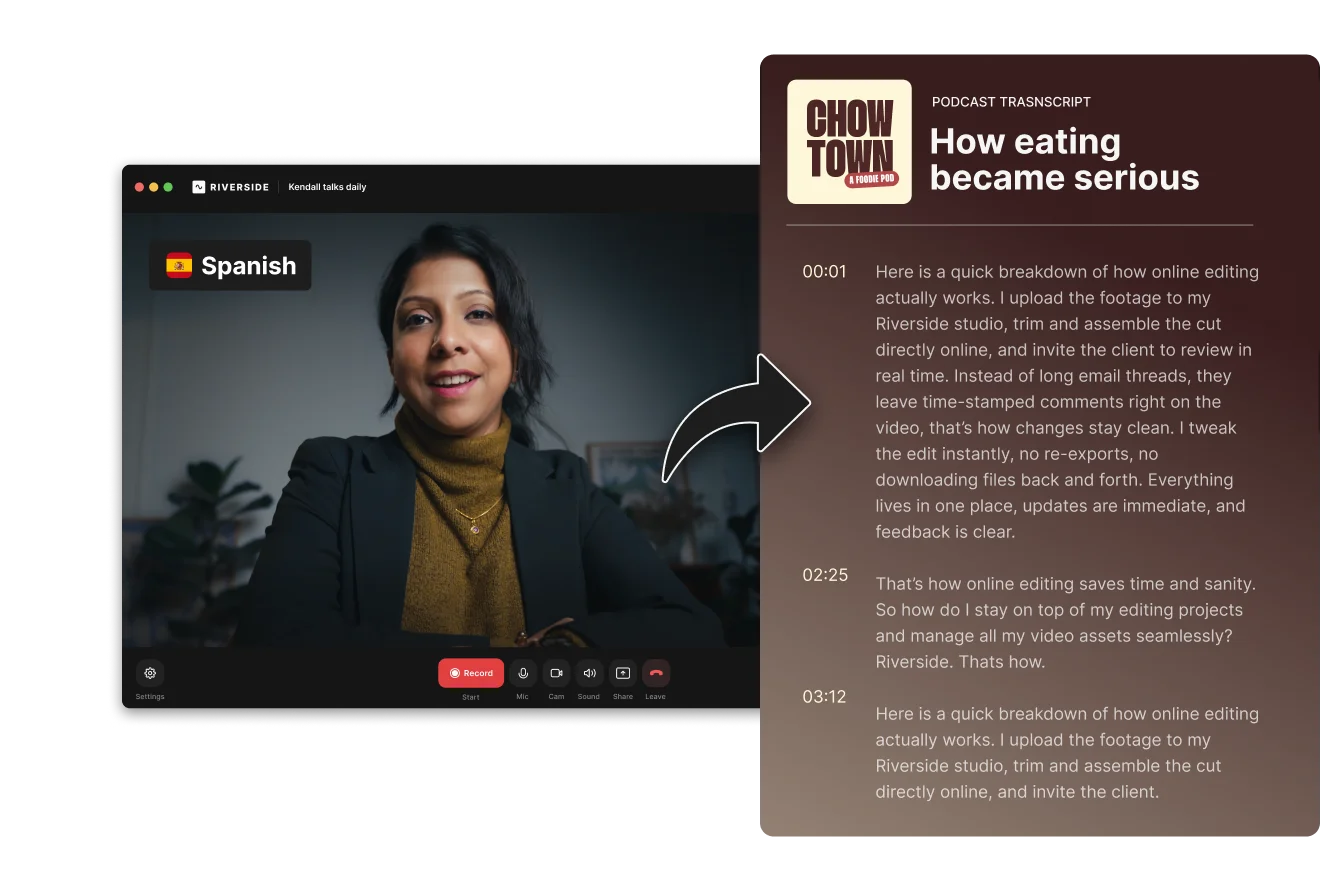
Transcribe interviews in 100+ languages
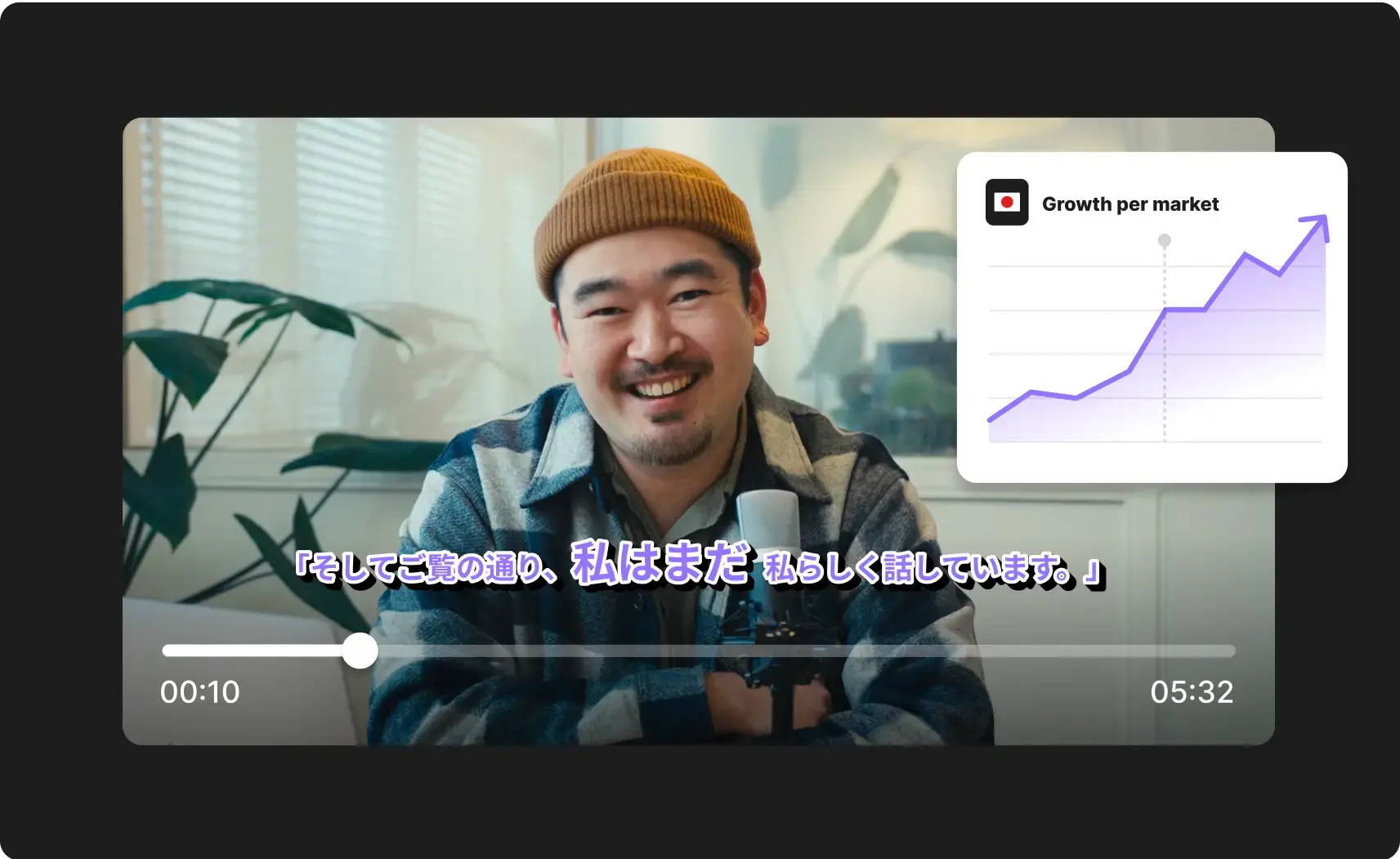
English, Spanish, or Chinese? Riverside transcribes interviews in 100+ languages with support for a wide range of accents and dialects, so global conversations stay clear and accurate.

Multiple transcript formats
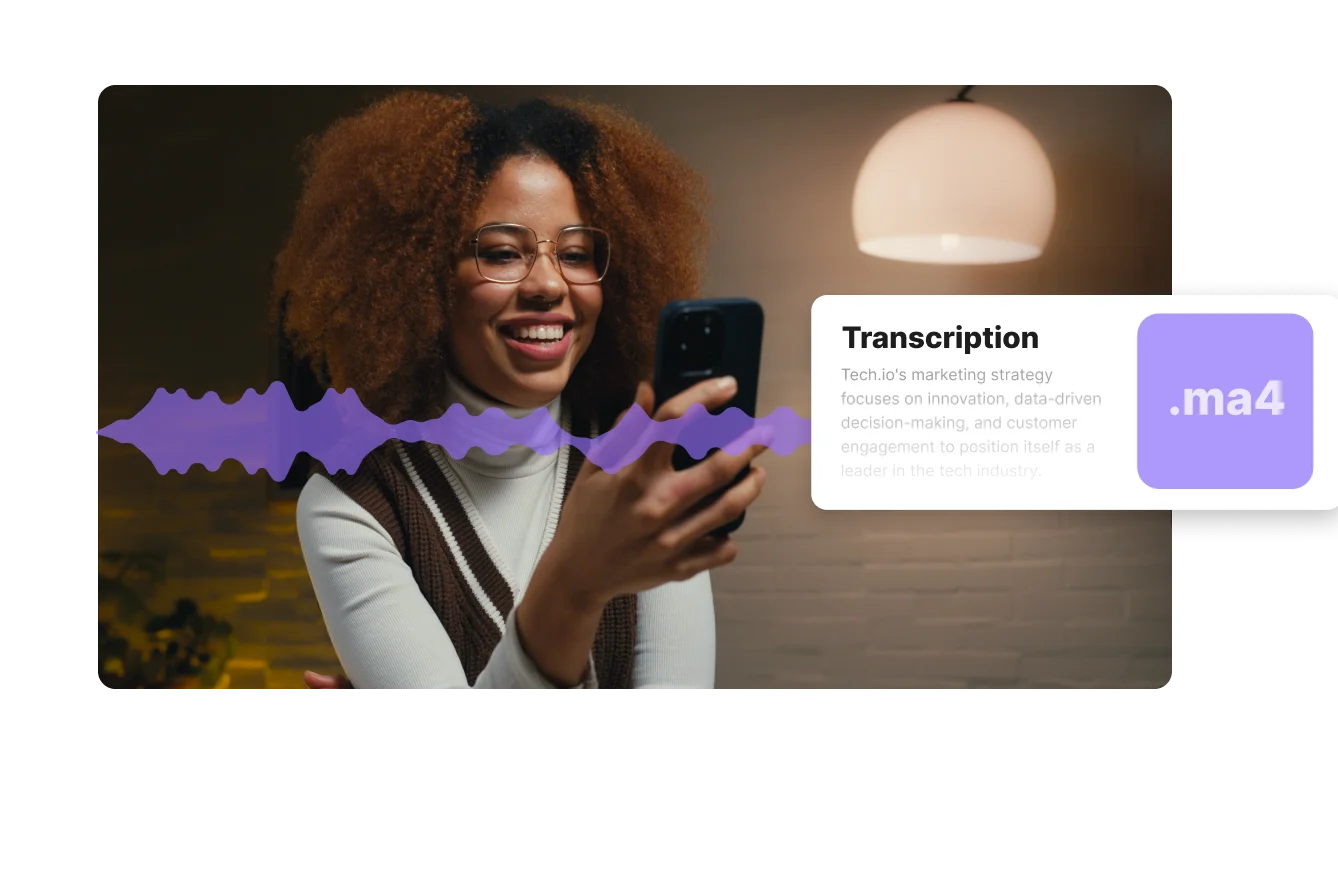
Download your interview transcript as a .txt file for summaries, note-taking, and repurposing. Or export an .srt transcript to create synced subtitles and captions for video interviews.
High-quality interview recordings
Use the full Riverside studio to record interviews in up to 4K video and 48kHz audio, then transcribe them in the same workflow. Better recordings create cleaner, more accurate transcripts.

Automatic speaker labels
If you’re recording directly on Riverside, you’ll get interview transcripts with automatic speaker labels. Keep track of who says what for easy transcript navigation.

Turn interview transcripts into content
When recording on Riverside, get automatic AI summaries straight after any interview. Or use the AI agent to turn transcripts into blogs, newsletters, and other content.
Transcribe interviews in minutes. Zero effort. 99% accuracy.
How to transcribe interviews more accurately
Start with cleaner audio
Cleaner audio leads to a cleaner transcript. Record in a quiet space, reduce background noise, and capture audio in at least 48kHz resolution.
Keep questions short and clear
Long, layered questions often lead to messy answers. Clear prompts make conversations easier to follow, quote, and transcribe.
Leave space between questions and answers
Fast follow-ups and overlapping speech can blur together in the transcript. A short pause between speakers makes the final text easier to read.
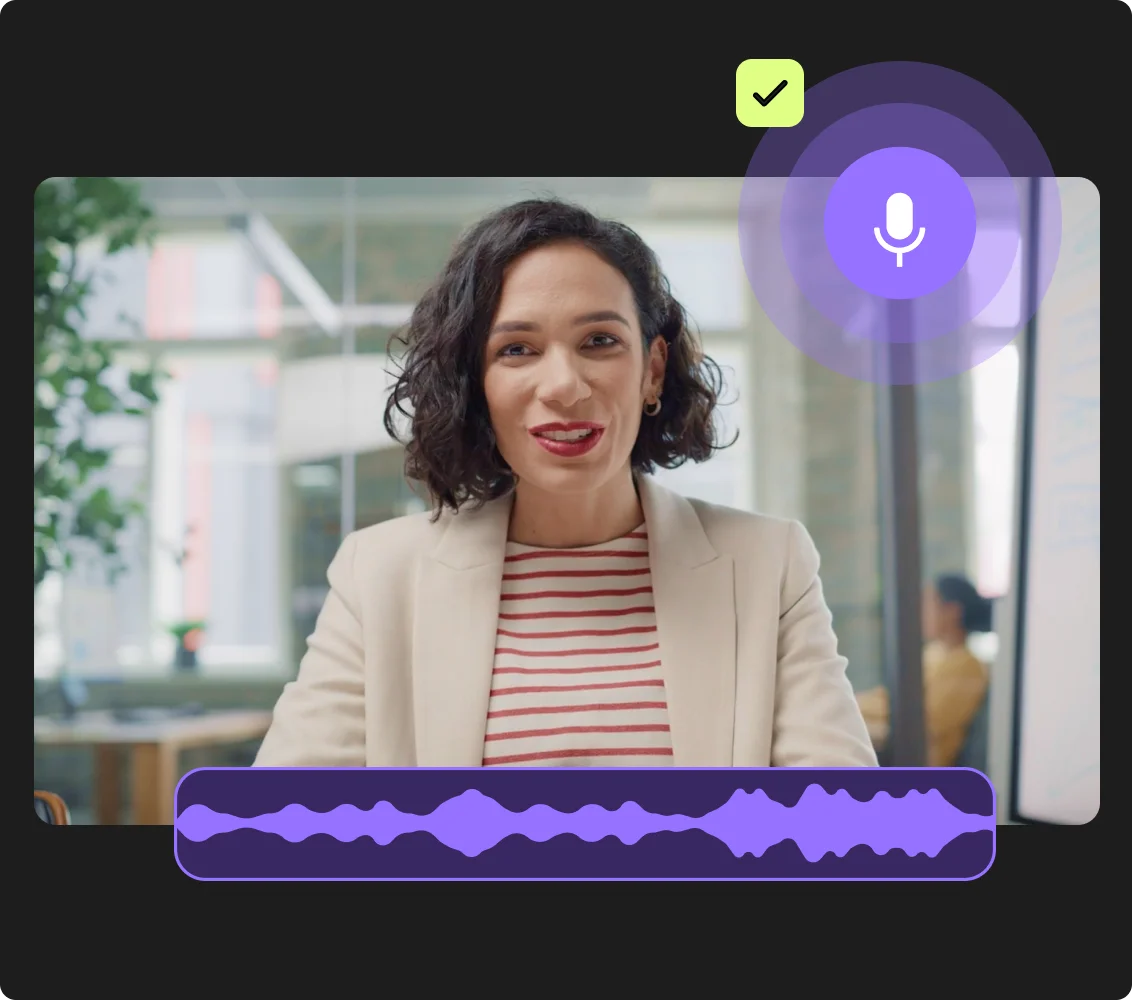
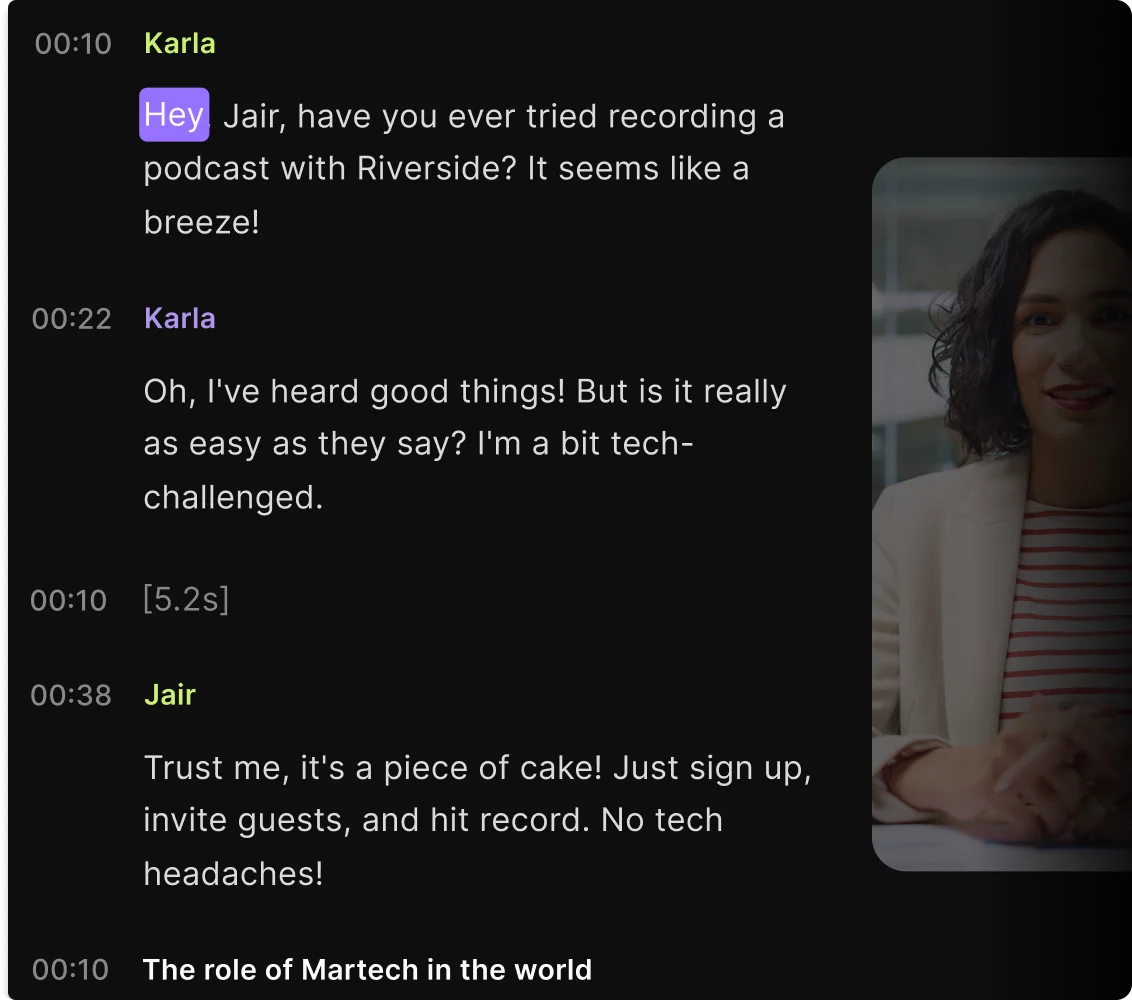
Use a transcript tool with speaker detection
Choose a transcription tool that labels each speaker automatically. That makes the transcript easier to review, quote, and edit, especially in interviews with multiple people.
Check names and technical terms
AI can miss proper nouns, brand names, technical language, and industry jargon. A quick review helps you catch errors before you publish, quote, or analyze the interview.
Use interview transcript software to:
Repurpose one interview across channels
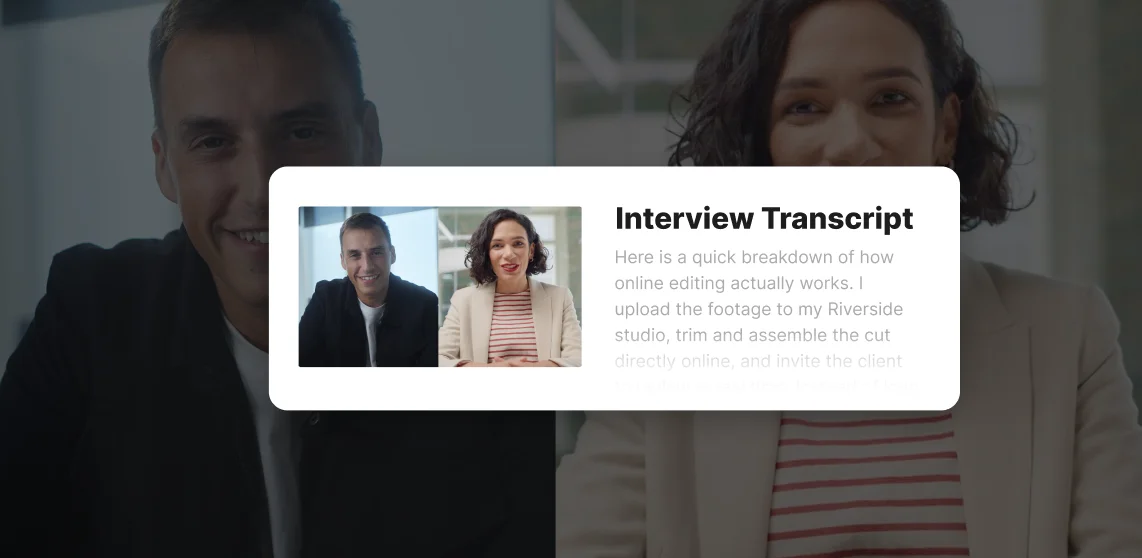
A good interview can go much further with a transcript. Turn it into clips, a blog post, social copy, or pull quotes without starting from scratch each time.
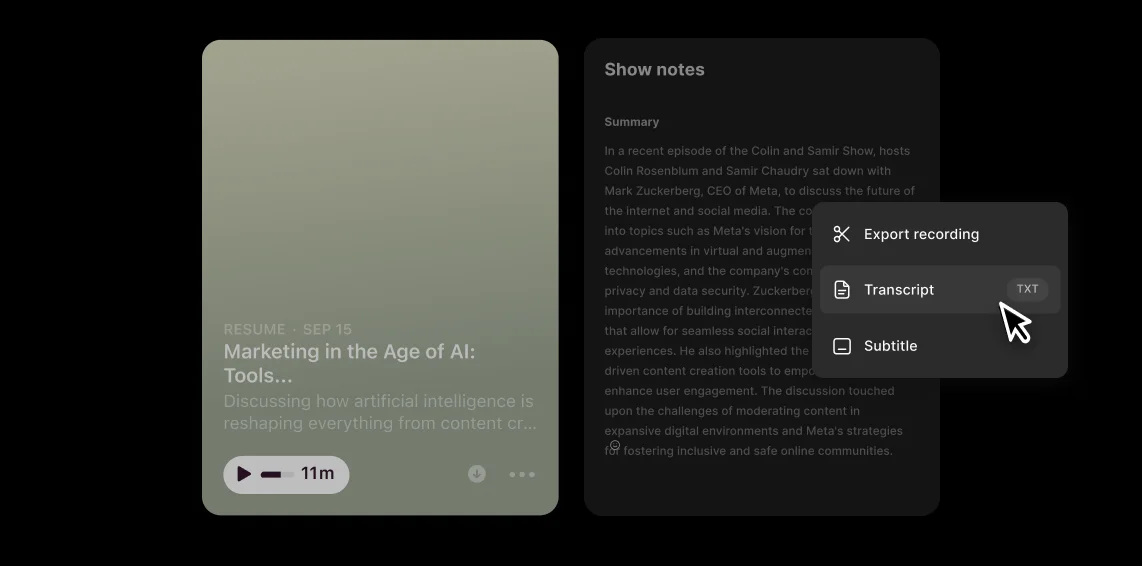
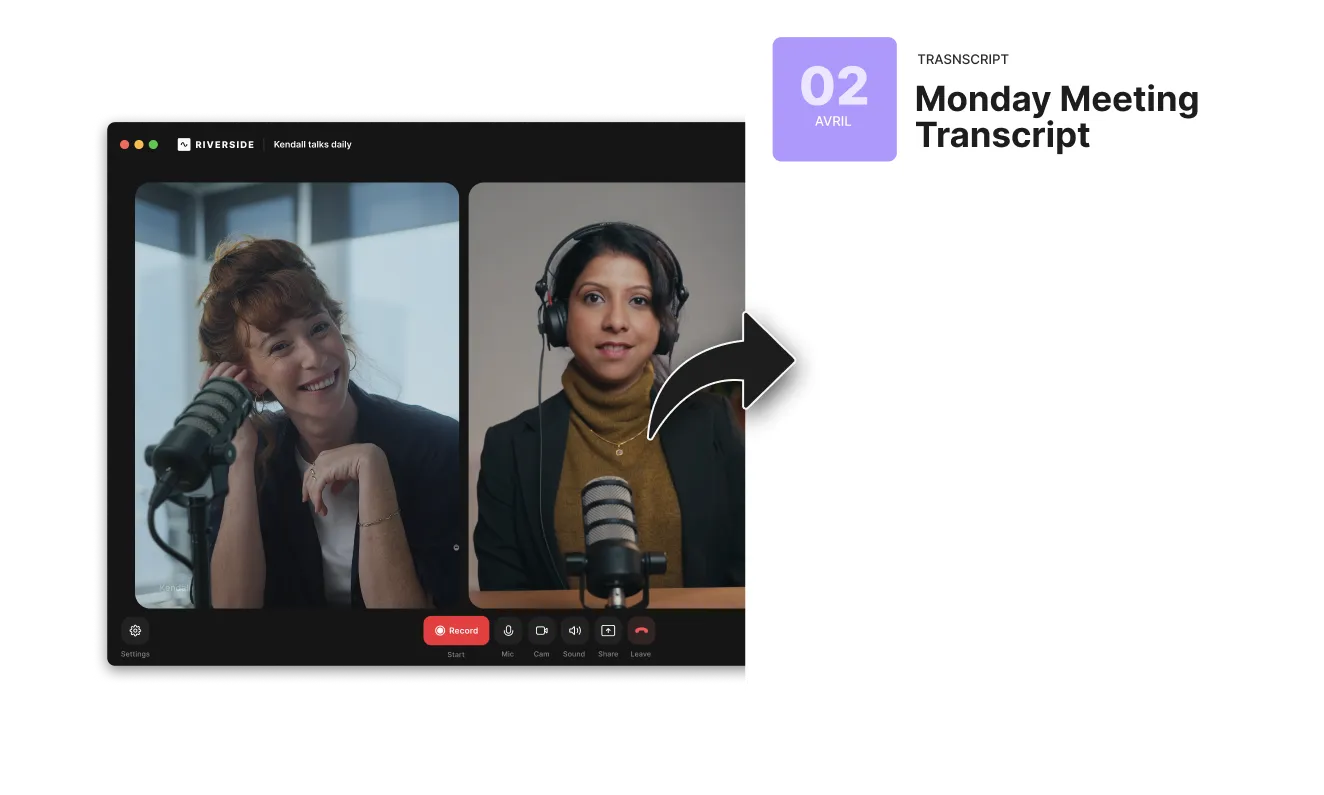
Transcribe podcast episodes for discoverability
Podcast transcripts help search engines understand and index your episodes. Help more people find your podcast by adding a transcript and show notes to every episode.
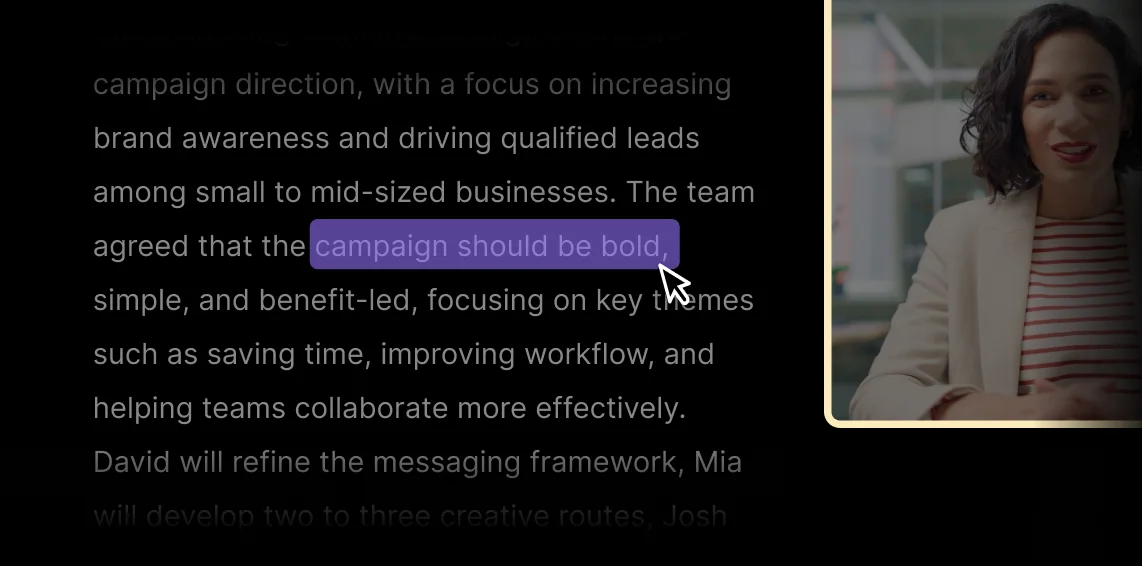
Transcribe customer interviews to uncover insights faster
Turn customer conversations into searchable transcripts so it’s easier to analyze recurring feedback and pain points without replaying every interview.
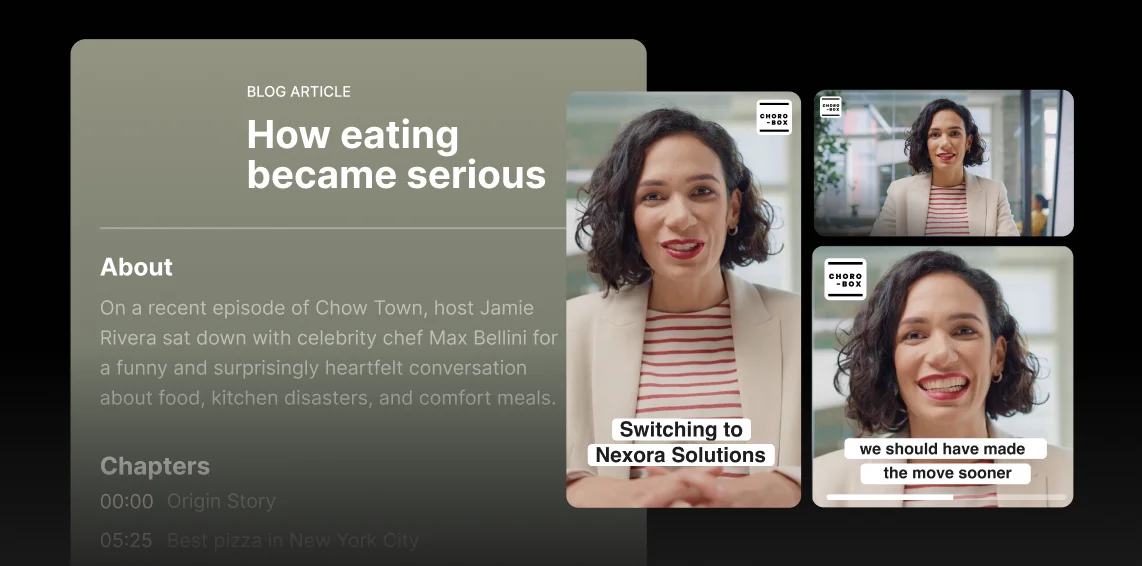
Edit interviews faster with text-based editing
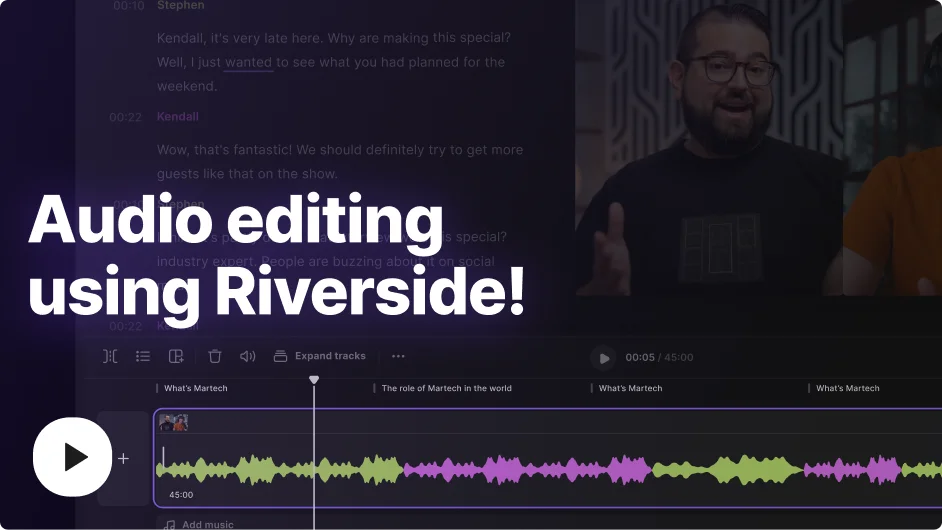
Use your transcript to find key quotes and what to trim while editing. With Riverside’s text-based editing, any text you adjust in your transcript syncs with your actual recording.

Pricing
From recording to publishing, all on one platform. Studio-quality results with AI that does the heavy lifting.
Pro
Create polished, high-quality content
/mo (yearly plan)
High-quality video & audio recording in separate tracks
Unlimited text-based editing
Unlimited multi-track editing
AI tools (Magic Audio, Smart Scenes for automatic multi-cam edits, eye contact, unlimited transcriptions, show notes, remove silences & filler words)
AI content repurposing tools
Publish to YouTube, Spotify, Apple, Instagram, LinkedIn & more
Business
Produce at scale with control
Full remote control over recording and post-production
Custom branding
Webinar solution
Podcast hosting for as many shows as you want
Async recording
Team collaboration
24/7 priority support
Dedicated Customer Success Manager
Enterprise-grade security

Frequently Asked Questions
An interview transcript is a written version of a recorded interview. It turns spoken audio or video into text, often with speaker labels, so it's easier to review, quote, publish, or repurpose.
If you want help formatting or editing one, read our guide on how to write interview transcripts.
Interview transcription can take anywhere from a few minutes to several hours, depending on the recording length, audio quality, and how you transcribe it.
With an AI transcription software, you can get a transcript within minutes. But these tools rely on clear audio and you’ll want to review your transcript for accuracy.
On the other hand, manual transcription can take hours. But for interviews with heavy accents, or unclear audio, this may yield better results.
No, ChatGPT cannot directly transcribe an interview because it cannot process audio recordings.
The only way you can transcribe an interview with ChatGPT is if you already have a raw transcript to work with.
The quickest way to automatically transcribe an interview is to use interview transcription software like Riverside.
If you already have an interview recording, just follow these steps to use our free transcription tool:
- Upload your interview recording as a WAV, MP3, MP4 or MOV file.
- Select what language you want to transcribe in and for what use case.
- Click “Start transcribing” and let AI automatically turn your interview into text.
- Preview your interview transcript and download it to share it.
If you’re recording on Riverside, you’ll find an automatic transcript for every recording. Just:
- Go to the project where your interview recording is.
- Go to the “Recordings” tab in your project.
- Under Tracks, you’ll see a “Transcript” option.
- Click on the “Download” next to it and decide between a subtitle or text interview transcript.
Interview transcription can cost between $ 0 to around $180 per recording.
- You can find free online transcription software, like Riverside’s free tool.
- Paid transcription software usually starts at around $0.10 to $0.30 per minute of your recording.
- Manual transcription costs the most, starting at $1 per minute.
Another option is to use interview recording software with built-in transcriptions. For example, Riverside has transcription as part of its paid plans, which start at $24/month. Instead of paying for recording software and transcription, you get an all-in-one package with unlimited monthly transcriptions.
Your all-in-one interview platform:
Record, edit, and transcribe interviews in one place.


More from Riverside
.webp)
.webp)

Features